 GameWiki
GET YOUR BEARINGS
About Chicken Invaders 2
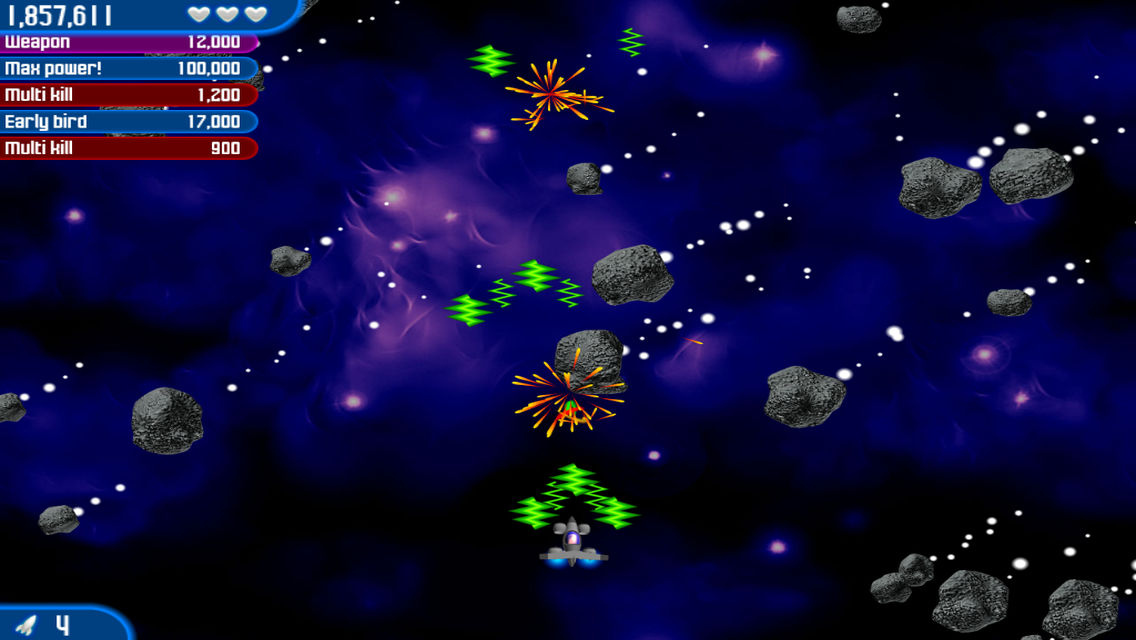
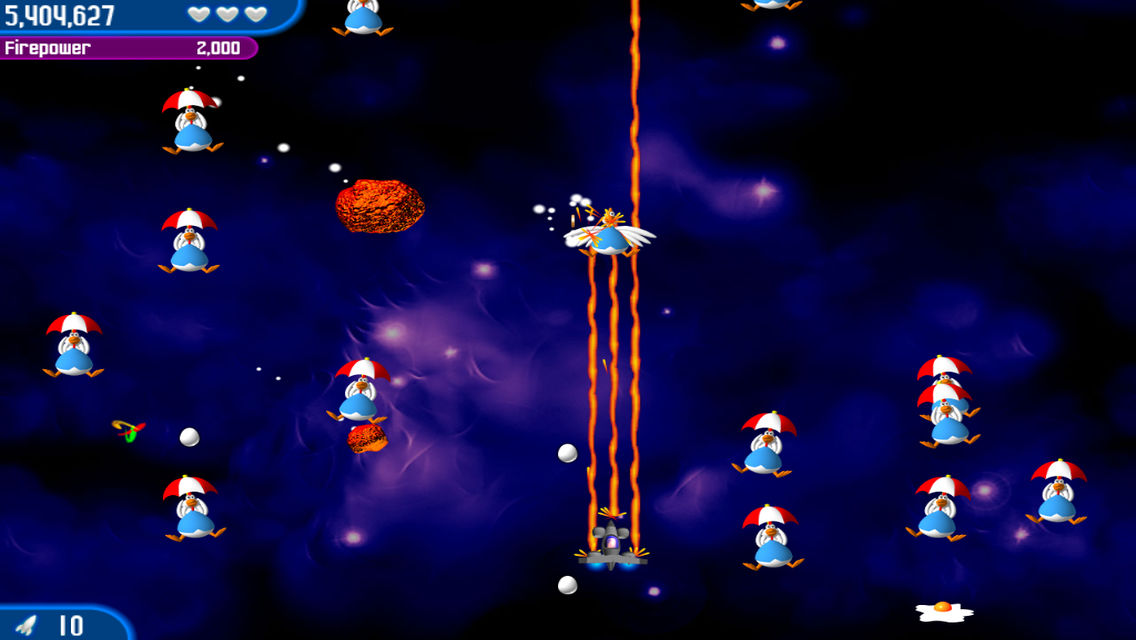
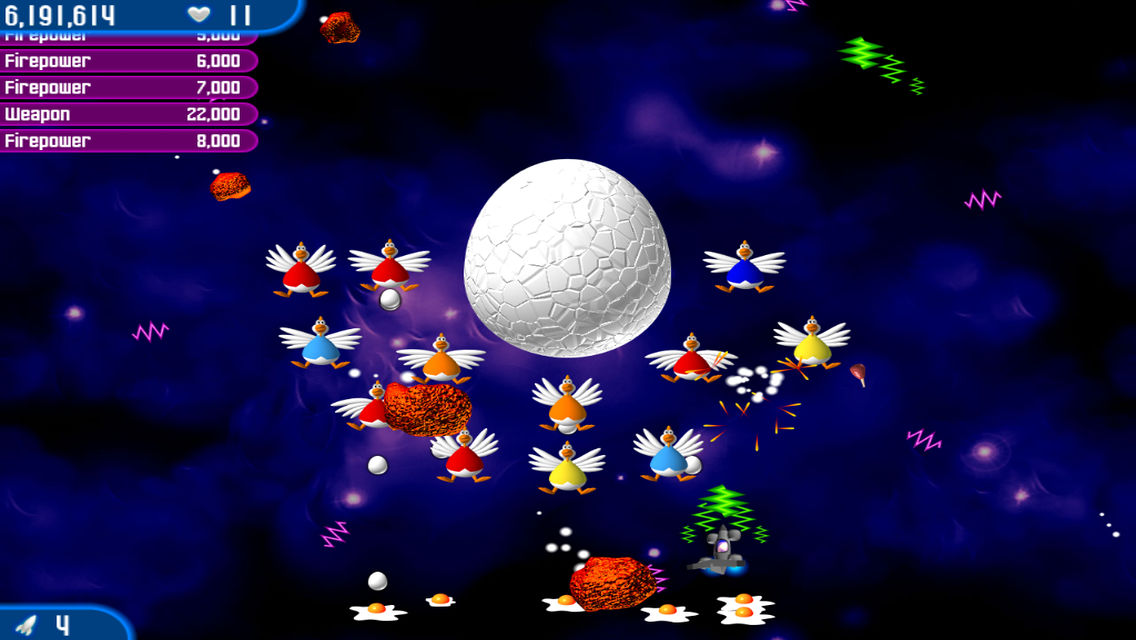
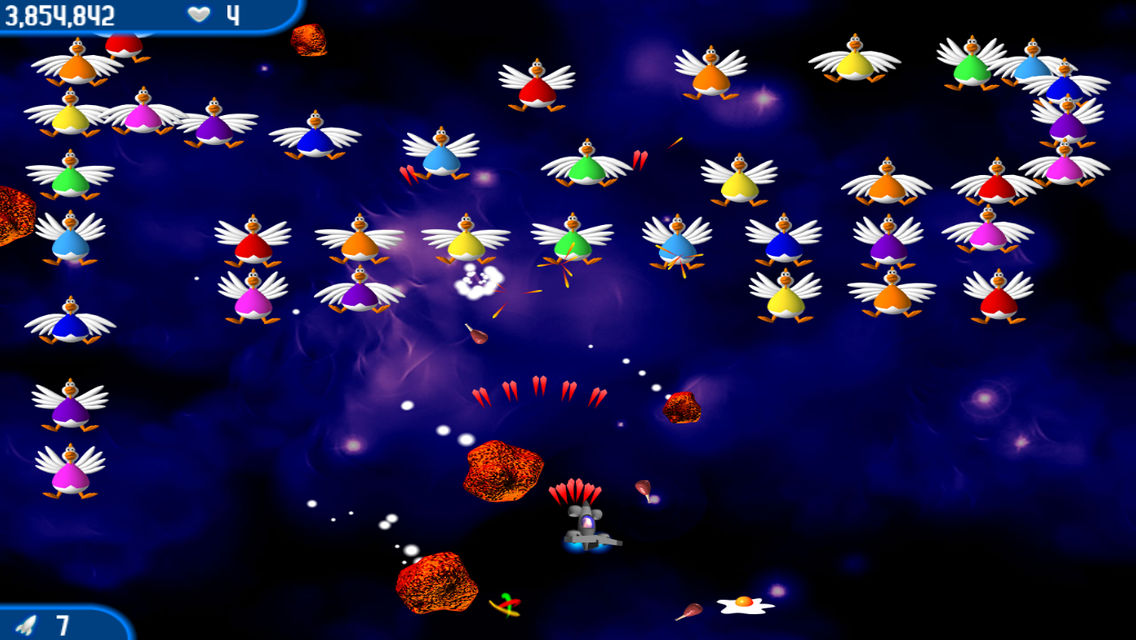
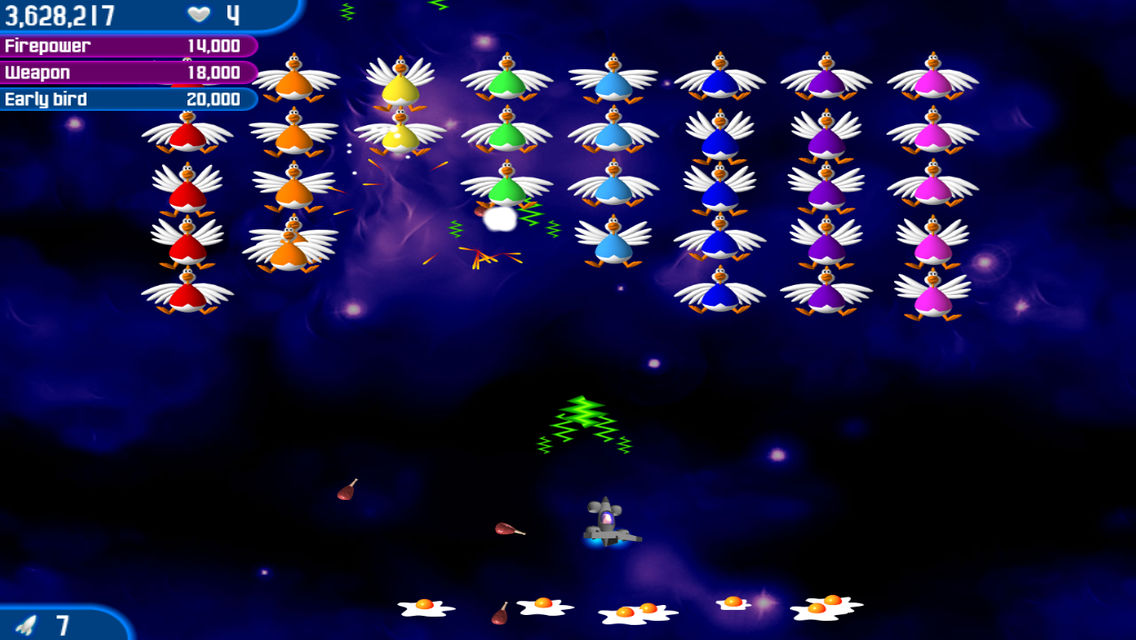
Chicken Invaders 2 continues the comedic space‑shoot saga where intergalactic chickens aim to dominate every planet. Players travel across the solar system, battling feathered foes to protect humanity and keep chicken burgers on the menu.
The title offers a choice between original chiptune and remastered orchestral soundtracks, full controller compatibility, and several multiplayer options, all wrapped in Steam’s achievement, cloud, and leader‑board services.
01 / THE GUIDE
Story Premise
After the first invasion, the chickens reveal a larger scheme: to colonise each planet in the solar system. The player dons an egg‑repelling helmet and journeys from world to world, confronting feathered enemies to stop the avian takeover.
The narrative frames the conflict as a humorous battle for the future of chicken burgers, positioning the player as the sole hope against a galactic poultry menace.
- Notice how each planetary setting expands the scope of the invasion.
- Keep the satirical tone in mind when interpreting mission objectives.
02 / THE GUIDE
Music Options
Steam exclusive settings let players choose between the original chiptune soundtrack and a remastered orchestral version. This choice changes only the background music during gameplay.
Players can choose between the two soundtracks as a Steam exclusive option.
- Try each soundtrack to see which matches your preferred mood.
- Switch tracks during intense sections to notice any impact on focus.
03 / THE GUIDE
Controller Support
The game includes full controller support, featuring unified analogue and D‑pad joystick functionality. Players can use a gamepad for all standard actions across modes.
Controller input is available for standard actions, with unified analogue and D‑pad joystick support.
- Test analogue versus D‑pad aiming to find the most comfortable method.
- If sensitivity options exist, adjust them to reduce hand fatigue.
04 / THE GUIDE
Multiplayer Modes
Chicken Invaders 2 provides local co‑op via shared or split‑screen, letting players team up on the same device. The same co‑op experience can be accessed online through Remote Play Together.
Remote Play Together lets friends join the co-op action even when they are not in the same room.
- Use split‑screen for a competitive feel when sharing a monitor.
- Invite friends via Remote Play Together when they are not in the same room.
05 / THE GUIDE
Steam Features
The title integrates several Steam services: achievements, leaderboards, cloud saves, trading cards, and family sharing. These operate independently of core gameplay and do not alter in‑game mechanics.
Steam Cloud retains progress across devices, while leaderboards let players compare scores with the broader community.
- Review the achievement list to set personal goals beyond the main campaign.
- Check leaderboards after a session to gauge how your performance stacks up.
COMMUNITY
Player discussion