 GameWiki
GET YOUR BEARINGS
About Chernobyl: Simulator
Chernobyl: Simulator puts you in the control room of Reactor 4, where every switch, gauge, and decision influences the RBMK‑1000 system. The game models core temperature, water flow, turbine load, and safety mechanisms with high fidelity, requiring careful monitoring and precise adjustments.
Scenarios begin with routine output and can evolve into minor fluctuations or catastrophic failures, leading to multiple endings that reflect whether the player maintains stability, experiences a near miss, or allows the plant to exceed safe limits.
01 / THE GUIDE
Reactor Operation Interface
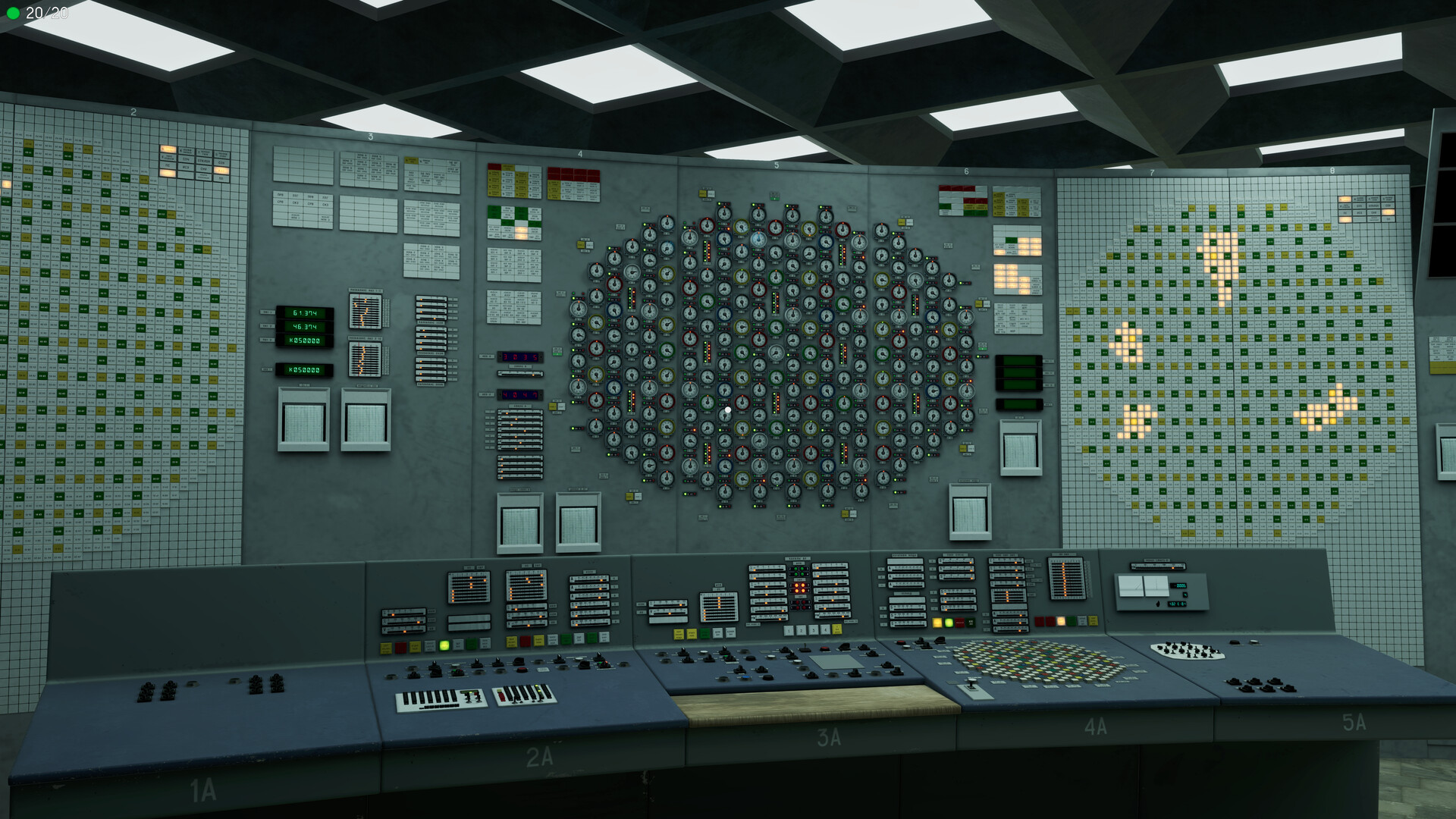
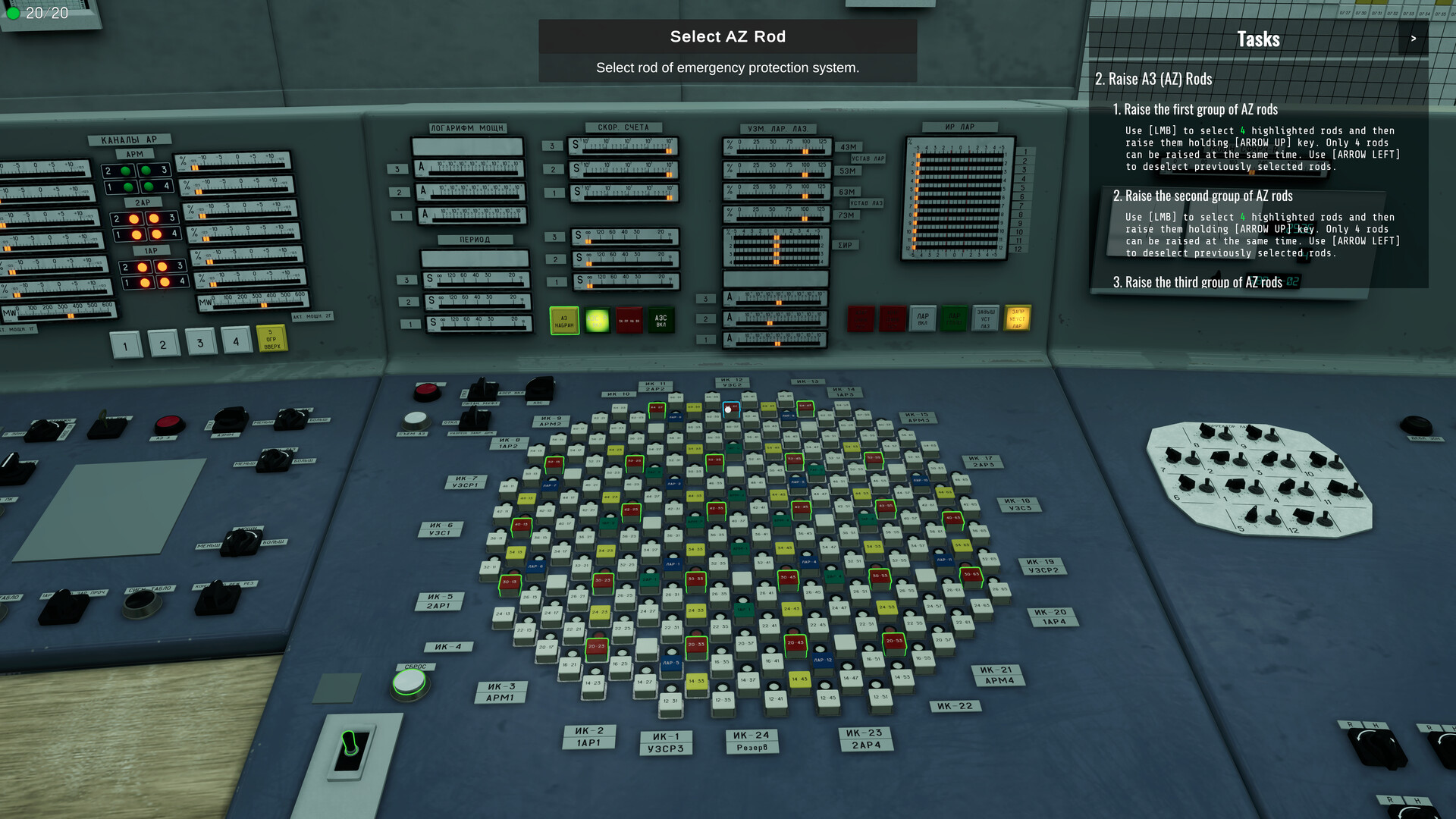
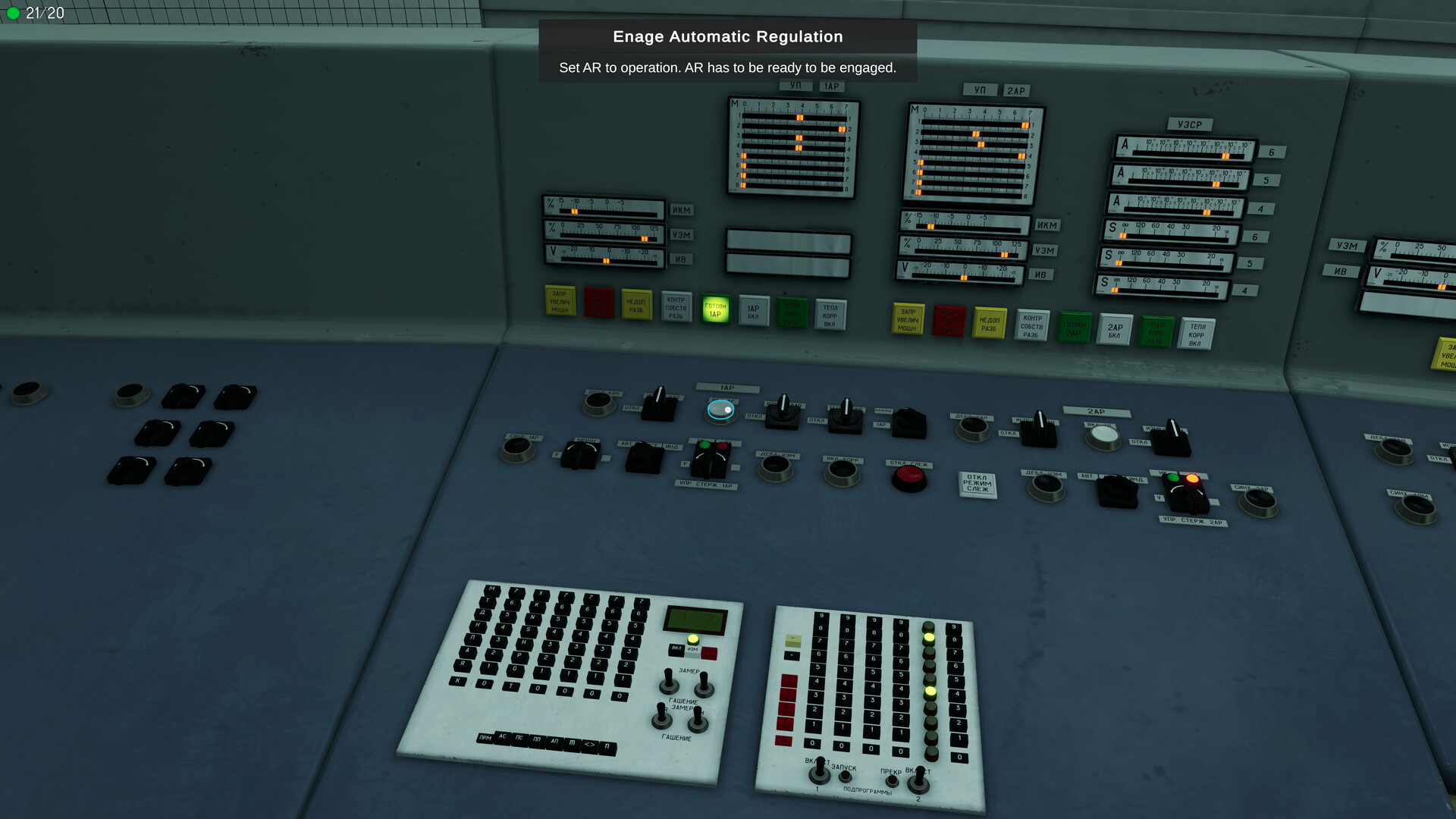
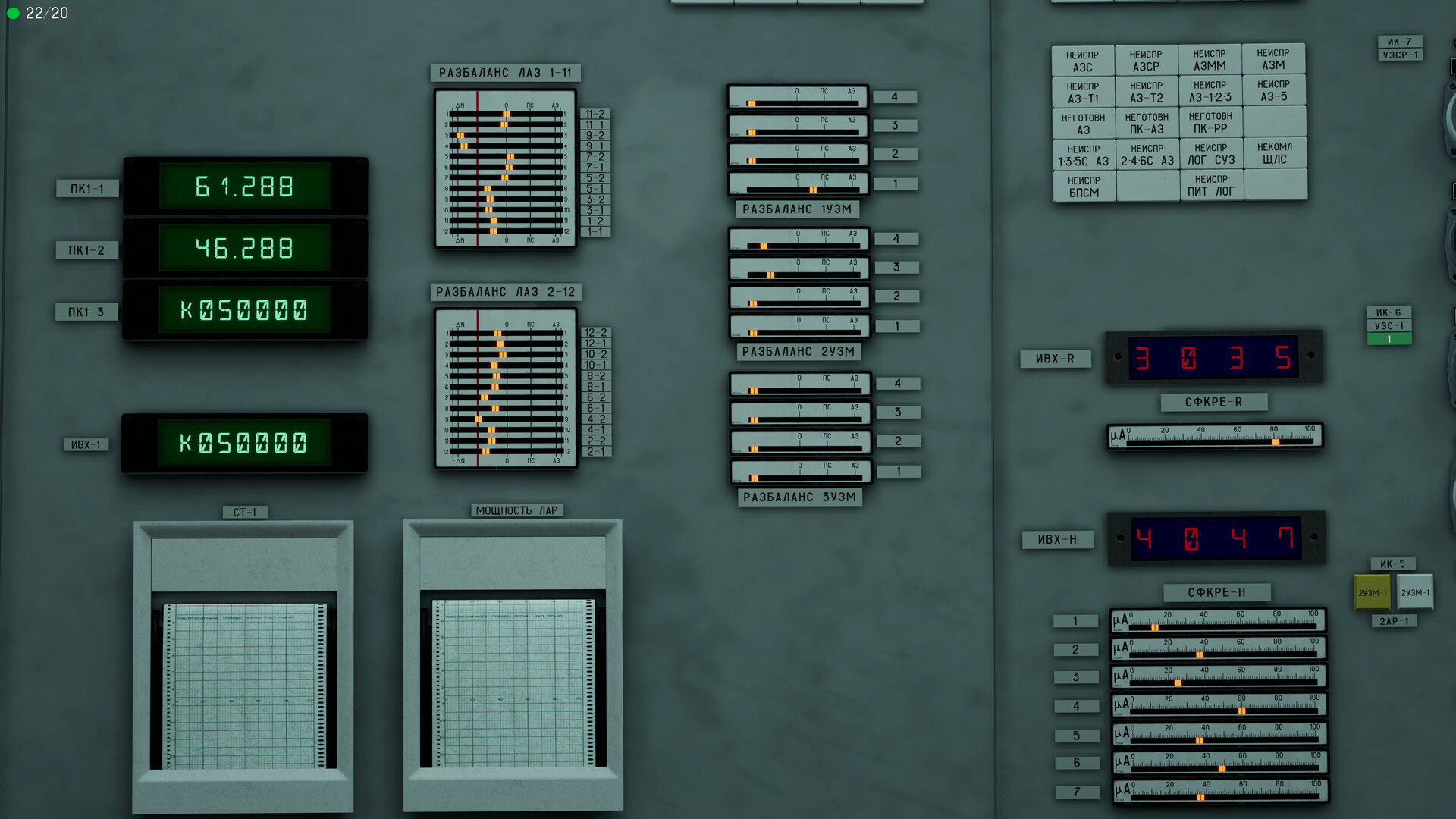
The control panel displays core status, thermal output, water flow, turbine load, and safety mechanisms. Each value changes in response to player interaction, showing how subsystems of the RBMK‑1000 design depend on one another.
Interactive tutorials guide players through the layout, demonstrating how adjusting one subsystem can affect the others, reinforcing the educational aim of mastering basic nuclear engineering concepts.
- Check gauge readings before moving a valve to see the direct impact on related systems.
- Use the tutorials to experiment with non‑critical settings before handling emergencies.
02 / THE GUIDE
Dynamic Scenarios & Emergencies
Gameplay starts with routine operations and can shift to minor fluctuations or catastrophic failures, reflecting how the simulation reacts to player decisions and creates chains of consequence.
Multiple endings depend on whether the player maintains stable output, experiences a near miss, or allows the plant to exceed the point of no return.
- Watch trend lines for early signs of instability.
- Prioritize safety mechanisms when a sudden spike occurs.
03 / THE GUIDE
Historical Atmosphere
The environment reproduces 1980s Soviet industrial interiors, equipment, and documentation, immersing players in the authentic setting of the Chernobyl plant.
Visual and audio details convey the era’s aesthetic, supporting the educational narrative about the real disaster.
- Observe recreated signage for clues about standard procedures.
- Listen to ambient sounds to gauge the plant’s operational state.
04 / THE GUIDE
Multiplayer and Co‑op Modes
The title supports single‑player, online co‑op, LAN co‑op, and cross‑platform multiplayer, allowing multiple participants to manage reactor systems together.
These modes are listed alongside Steam Achievements and Steam Cloud, indicating they are available features of the game.
- Coordinate roles with teammates to divide subsystem responsibilities.
- Use LAN co‑op for low‑latency collaboration during high‑stress scenarios.
05 / THE GUIDE
Accessibility and Comfort Settings
Players can adjust text size and volume levels, ensuring the interface remains readable and audible during intense moments.
The game is playable without timed input and allows saving at any point, supporting a paced approach to learning complex systems.
- Increase text size if gauge details become hard to read.
- Save frequently when experimenting with new procedures.

COMMUNITY
Player discussion