 GameWiki
GET YOUR BEARINGS
About Chef Life: A Restaurant Simulator
Chef Life: A Restaurant Simulator puts you in charge of building and running your own eatery. You can select and customise dozens of kitchen components—cooking surfaces, ovens, food processors, and more—to create a workspace that matches your culinary vision.
Beyond the kitchen you organise staff, negotiate with suppliers for premium ingredients, and track finances to avoid being overwhelmed by the dinner rush. Your menu can reflect personal tastes, seasonal trends, and the goal of moving from a local café to a Michelin‑starred restaurant.
01 / THE GUIDE
Kitchen Customisation
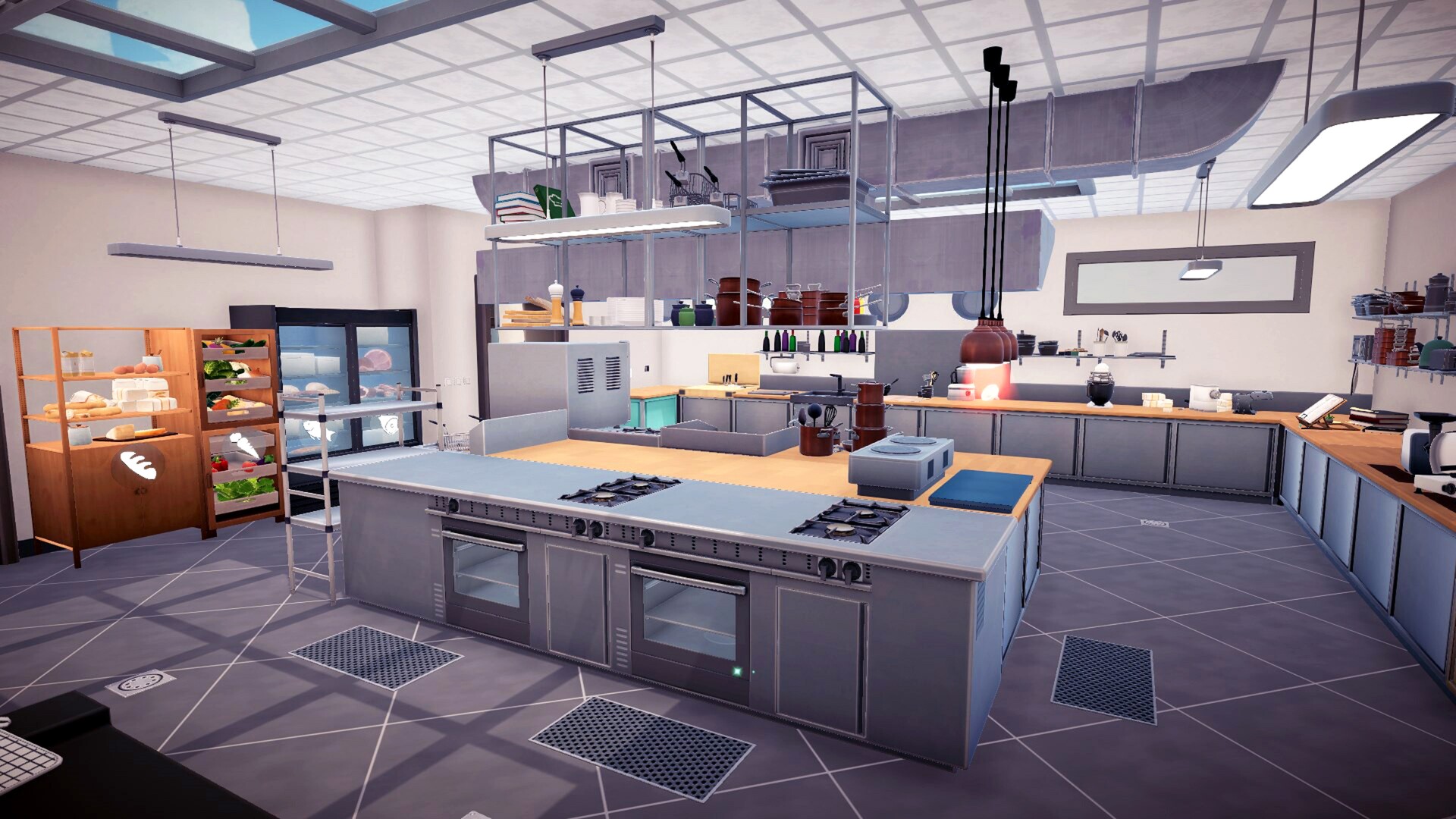
The game lets you choose and customise dozens of kitchen components such as cooking surfaces, food processors, and ovens. Each piece can be placed where you prefer, shaping the workflow for each service.
Layout decisions affect how you move between chopping, grilling, baking, and mixing stations, influencing the speed and visual feel of your restaurant during busy periods.
- Group related equipment to reduce movement between stations.
- Try different arrangements to see which layout feels most efficient.
02 / THE GUIDE
Team and Supplier Management
Before firing up your burners you must organise your team and manage suppliers to obtain premium ingredients that impress demanding gourmets. Staff provide help throughout each service.
Managing your suppliers well helps you obtain quality ingredients, while your team handles cutting, cooking, and plating so you can focus on overall performance.
- Organise your team around the complexity of your menu.
- Manage your suppliers carefully to keep quality ingredients coming.
04 / THE GUIDE
Cooking and Service Process
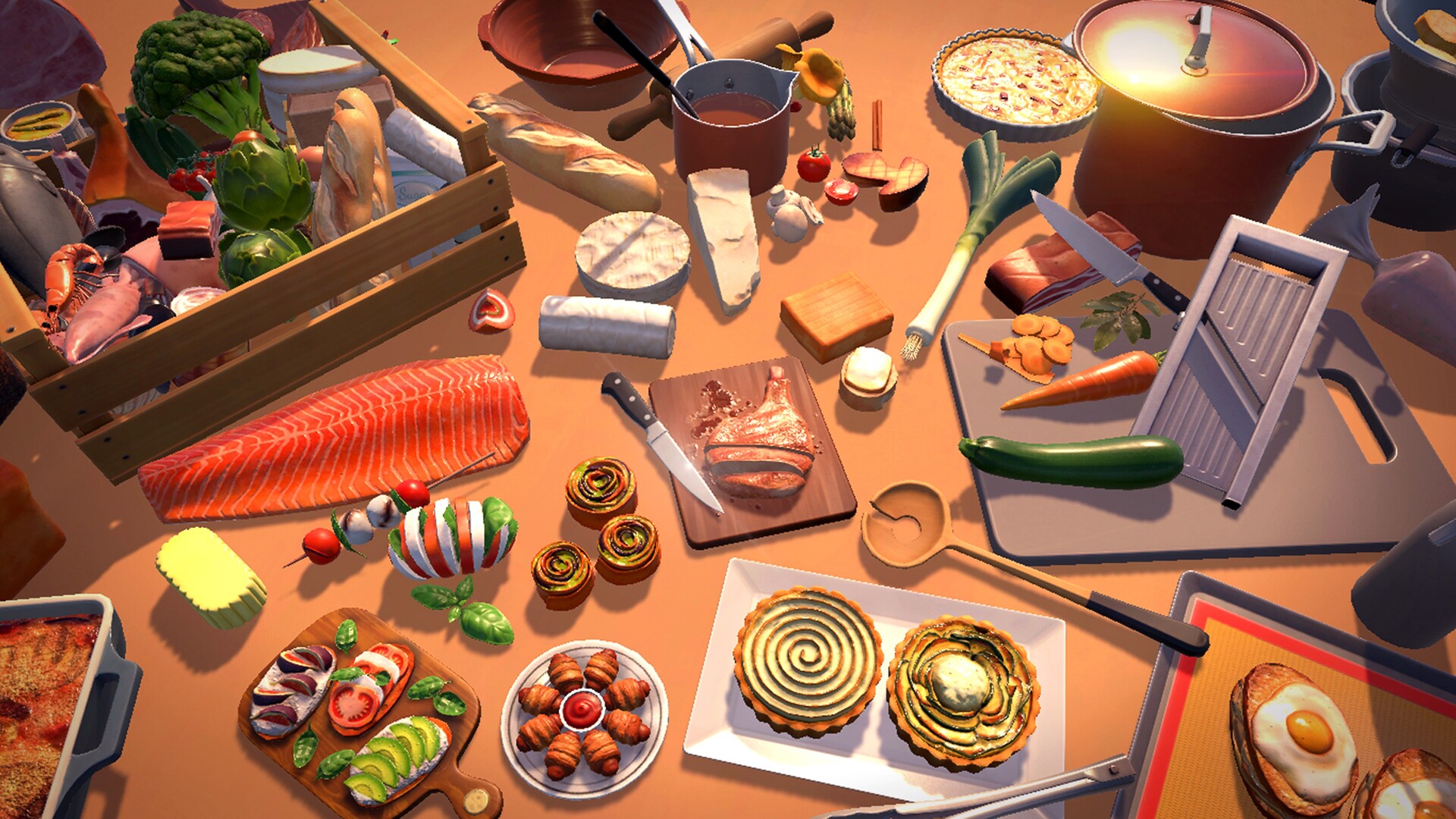
During each service you manage cutting, cooking, and all preparation steps, ending with plating where you can add a creative touch. Actions include chopping, grilling, baking, and mixing.
Your team assists throughout, helping you meet the demands of a busy dinner rush while maintaining quality and presentation standards.
- Start time‑intensive cooking steps early in service.
- Add visual flair on plating to boost satisfaction.
05 / THE GUIDE
Progression and Michelin Star Goal
The game tracks growth from a local café to a fine‑dining establishment, encouraging you to keep customers loyal and expand your reputation. Financial tracking and busy‑level predictions help plan expansions.
As recipes improve and service steadies, you can aim for the prestigious Michelin star, marking the ultimate achievement in the simulation.
- Monitor financial indicators before expanding.
- Set incremental loyalty goals before targeting a star.

COMMUNITY
Player discussion