 GameWiki
GET YOUR BEARINGS
About Checkout: Cashier Simulator
You start your first shift at Coopers Supermarket, scanning items, bagging them, and taking payments. The core loop repeats: Scan, Bag, Take Payment, and repeat within a time limit. The game adds variety with over 20 departments and 300+ products, coworker chatter between shifts, and a points race that feeds leaderboards and an optional overtime mode for double points.
01 / THE GUIDE
Core Gameplay Loop
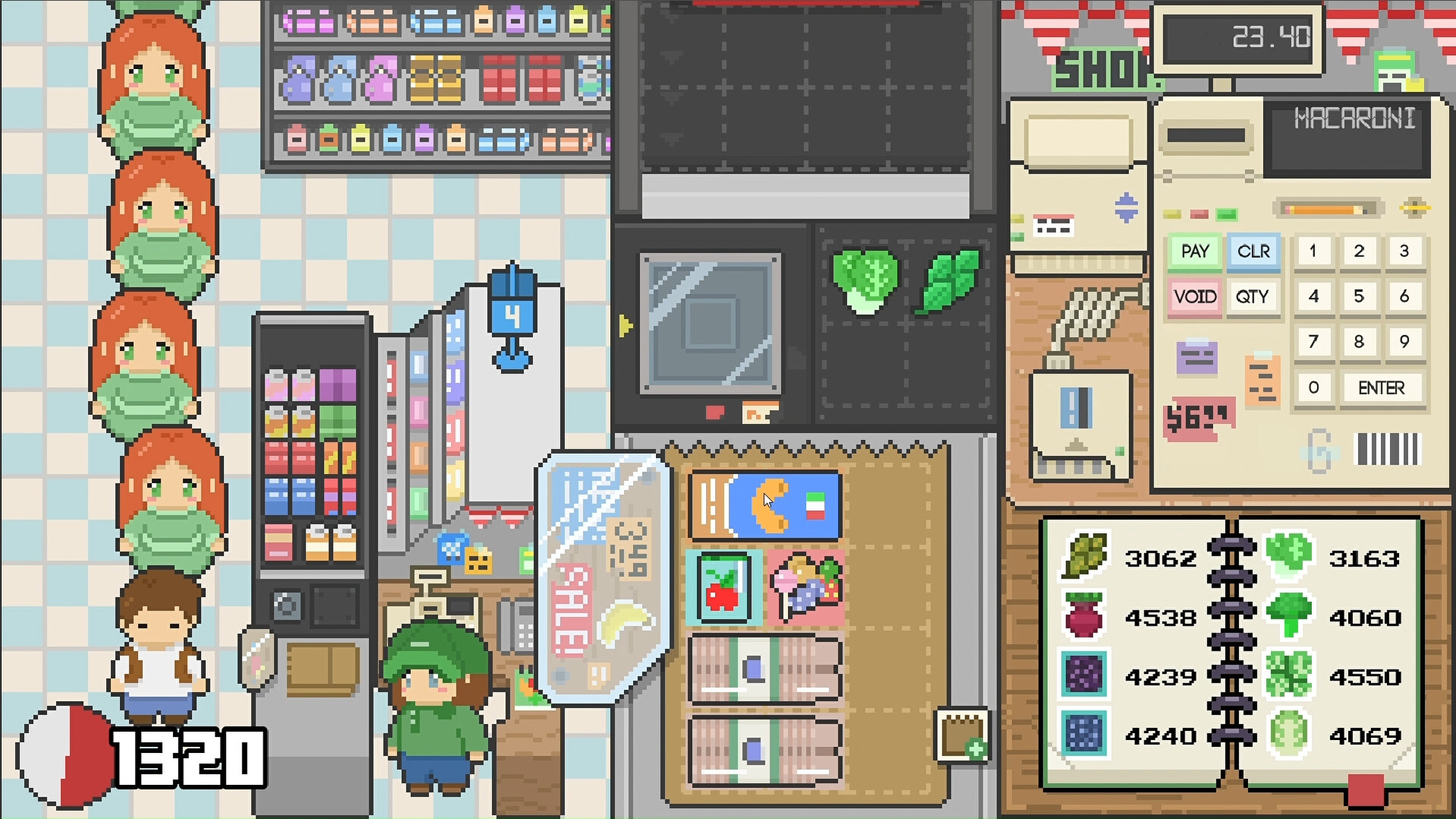
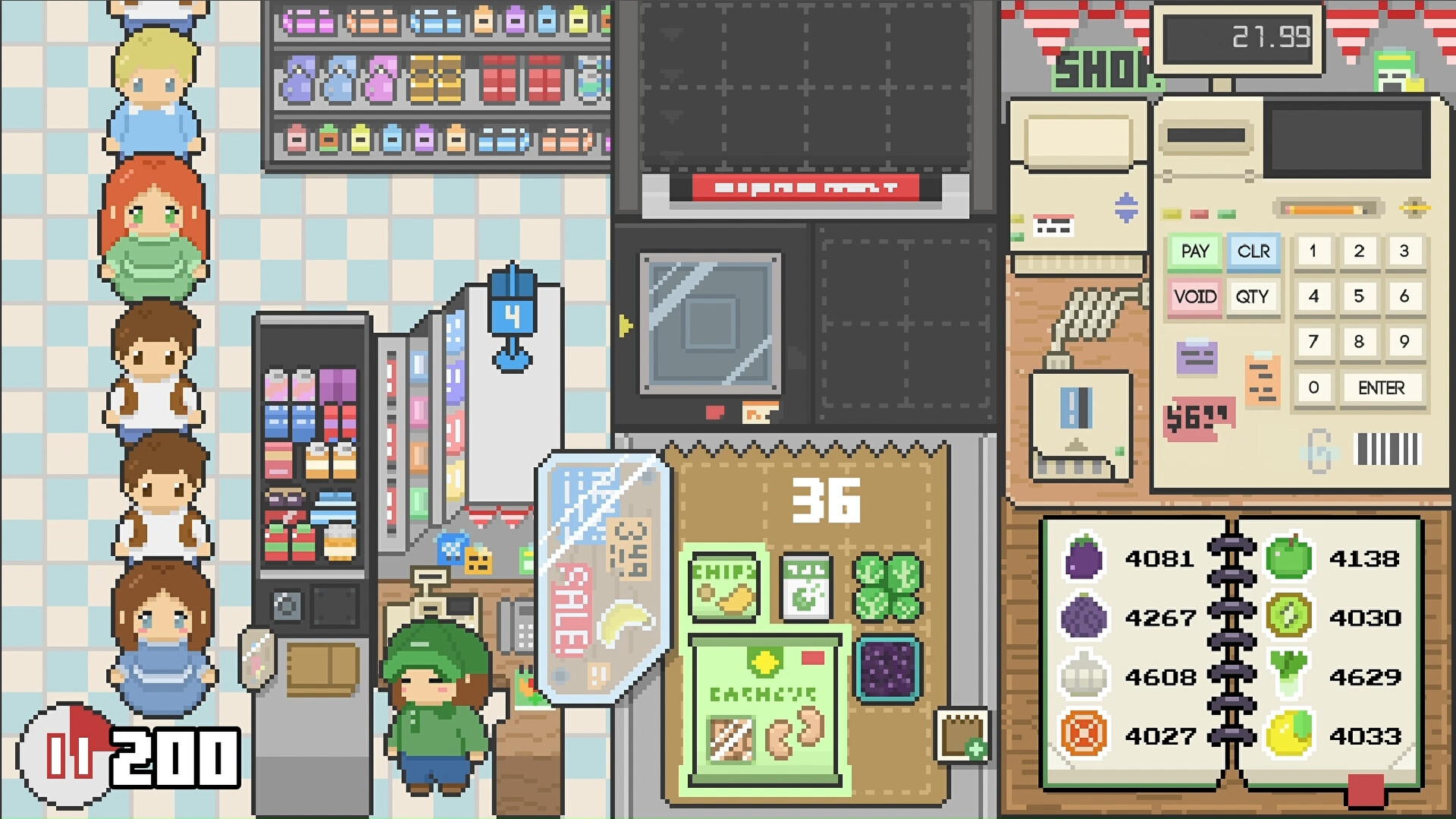
Each customer transaction follows a simple sequence: scan a wide variety of products, place them in a bag, and finish with cash, check, or card payment. Completing as many customers as possible before time runs out drives the primary challenge. Speed, accuracy, and organization directly affect how many points you earn per transaction, encouraging quick but careful play.
- Prioritize scanning items in a steady rhythm to avoid missed scans.
- Group similar items quickly to keep the bagging step smooth.
02 / THE GUIDE
Points and Scoring
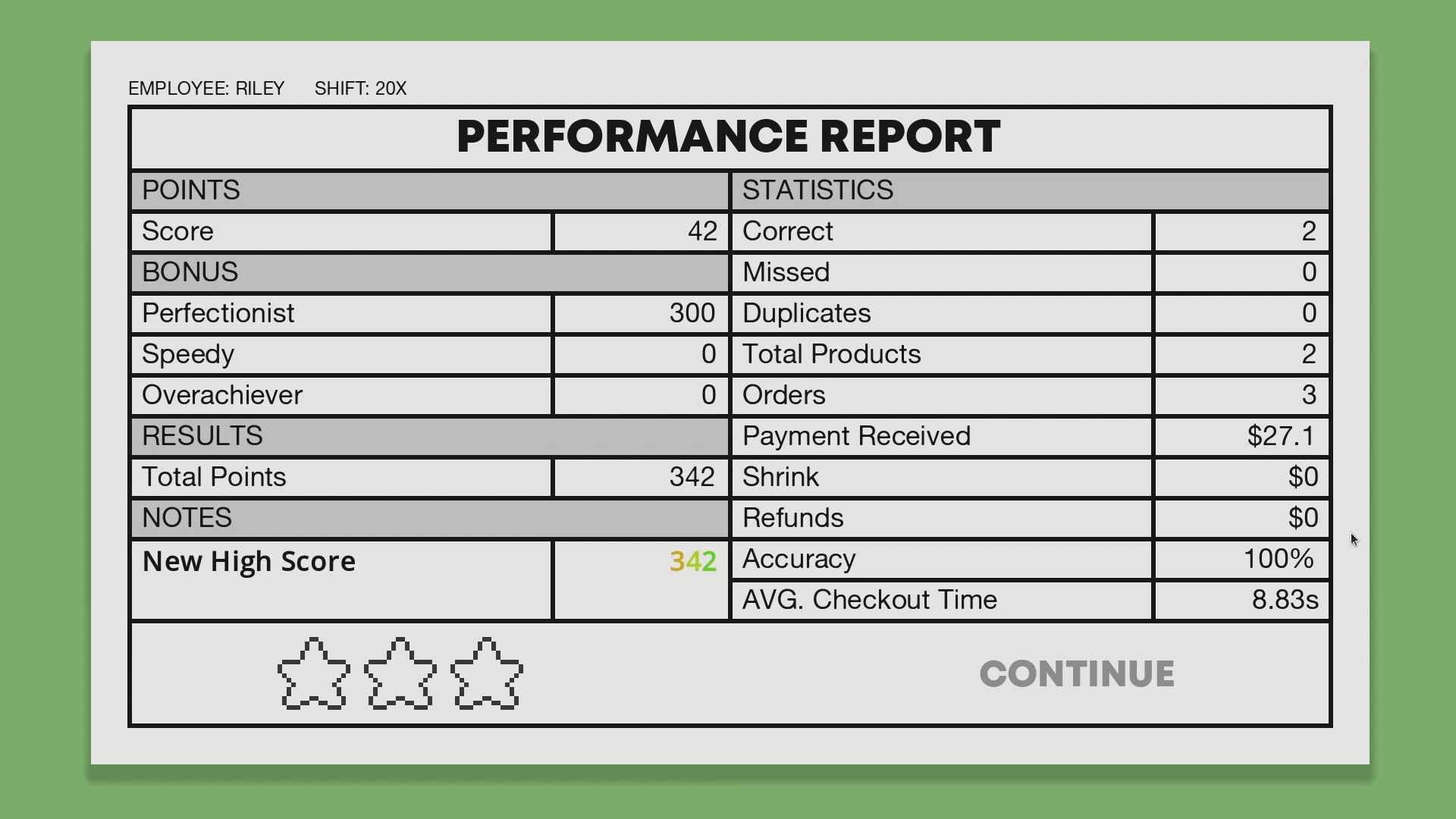
Points are awarded based on speed, accuracy, and organization. Faster, more precise service yields higher scores, and grouping items from the same department grants bonus points. The total points determine your rank on leaderboards. Overtime mode doubles the points you receive, offering a chance to climb the Top Employee Leaderboard faster.
- Watch the timer and aim for consistent speed rather than frantic bursts.
- Use department grouping whenever possible for extra bonuses.
03 / THE GUIDE
Departments and Products
Coopers features over 20 departments and more than 300 distinct products, ensuring each shift feels fresh. Different items appear in each customer’s basket, requiring you to recognize and handle a broad inventory. This variety supports the game’s replayability, as you’ll encounter new combinations regularly.
- Familiarize yourself with common department icons to speed up grouping.
- Notice recurring product types to anticipate upcoming scans.
04 / THE GUIDE
Coworker Interactions
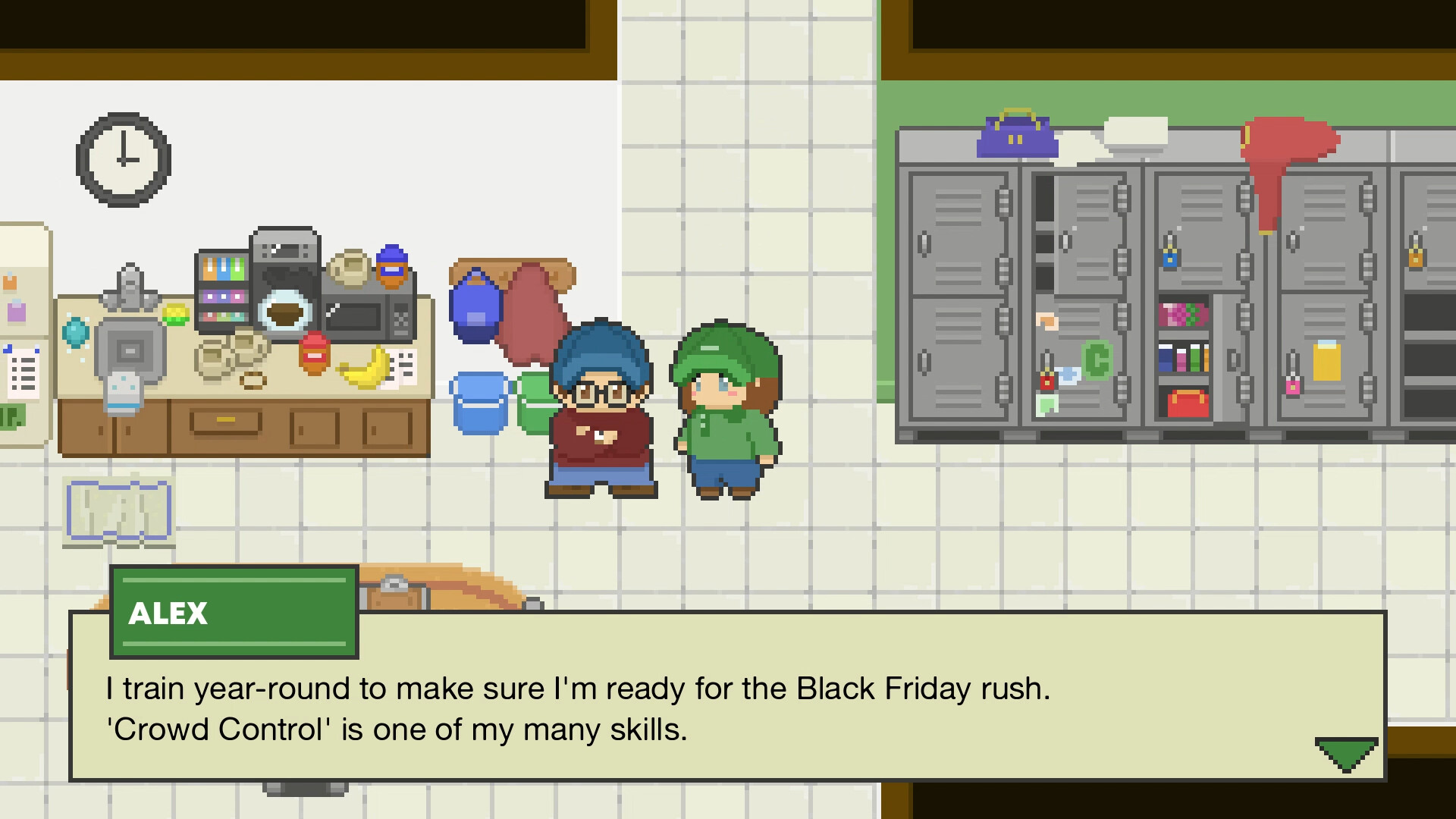
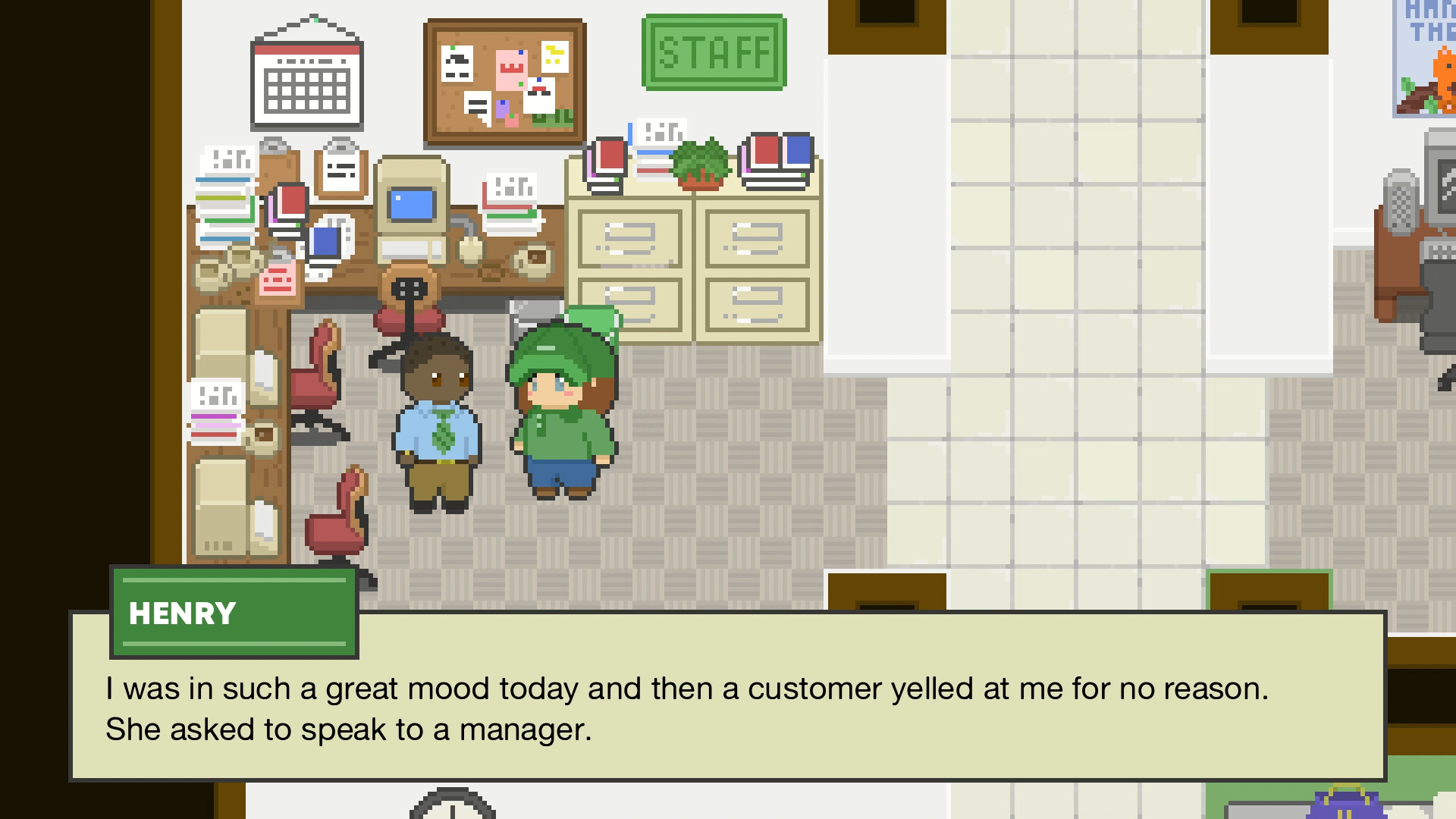
Between shifts you meet a colorful cast of coworkers who have been at Coopers longer than they'd like to admit. Each shift brings new dialogue, letting you learn more about their stories and personalities. These conversations add a narrative layer without affecting the core checkout mechanics.
- Listen for recurring jokes that hint at coworker personalities.
- Compare dialogue across shifts to spot subtle story developments.
05 / THE GUIDE
Leaderboards and Overtime Mode
Your point total places you on Steam leaderboards, where you can compare scores with friends and other players. Overtime mode, whether chosen or manager‑prompted, offers double points and a chance to appear on the Top Employee Leaderboard. The manager notes that overtime does not change wage, only point rewards.
- Try overtime after a solid warm‑up to maximize double‑point gains.
- Check leaderboard standings regularly to gauge needed point thresholds.
COMMUNITY
Player discussion