 GameWiki
GET YOUR BEARINGS
About Chaotic Airport Construction Manager
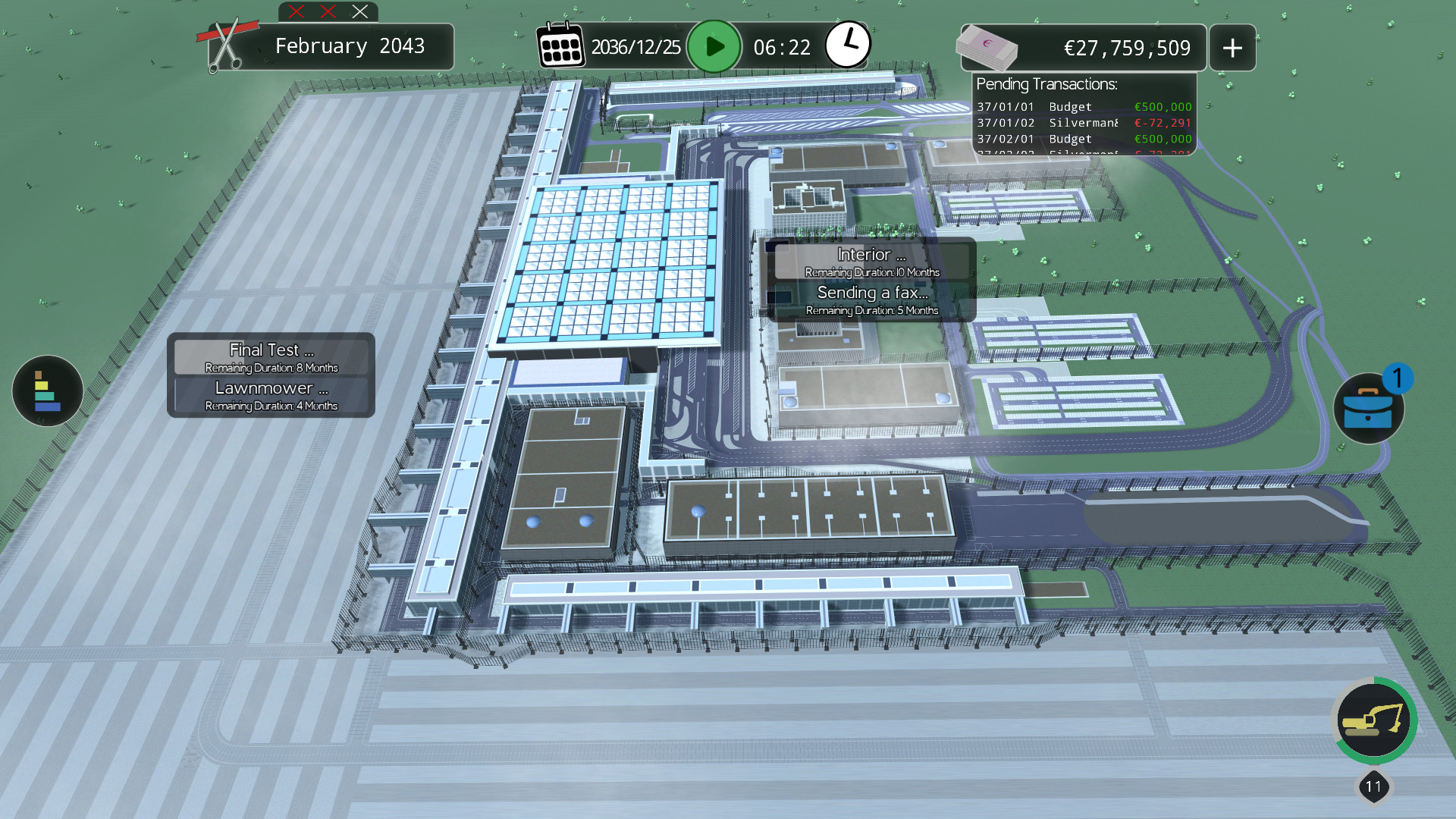
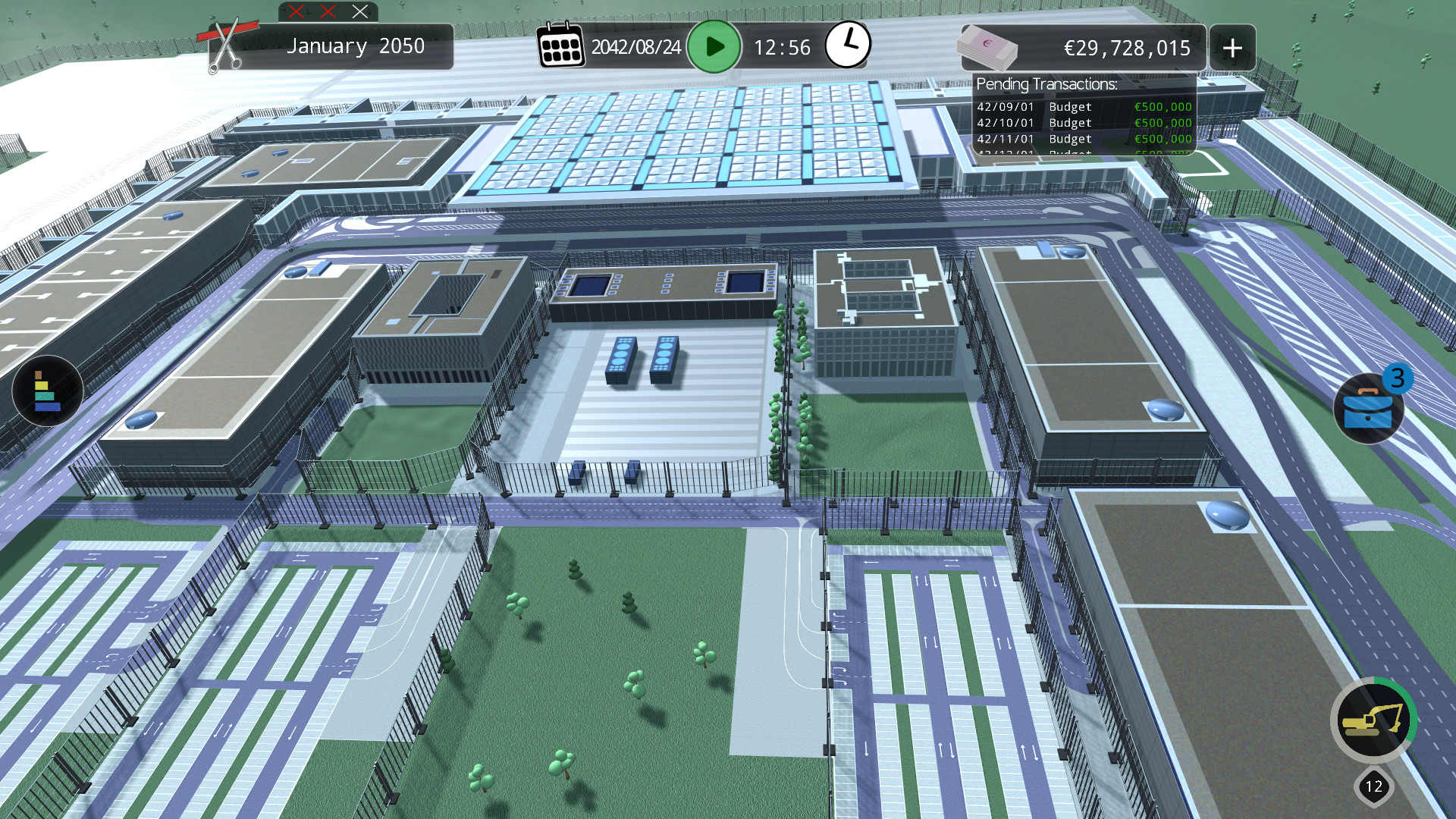
Chaotic Airport Construction Manager is a satirical simulation that puts you in charge of building Berlin's BER airport from scratch. Developed by Illusive Reflection, the game mirrors the real‑world delays and over 100 documented problems, promising a high frustration factor. It runs on Windows, macOS, and Linux and supports single‑player play with Steam features such as Achievements, Cloud saves, Remote Play Together, and Family Sharing.
01 / THE GUIDE
Simulation premise
The game simulates the construction of the BER airport, a project that actually took 14 years and opened in October 2020 instead of the planned 2012 date. Players act as the construction manager, confronting the same flaws that plagued the real project.
Over 100 problems are presented as in‑game features, not bugs, to create a deliberately frustrating experience that mirrors the historic delays.
- Compare the in‑game problems with real‑world reports for added context.
- Take notes on which flaws appear most frequently to plan your approach.
02 / THE GUIDE
Single‑player mode
Chaotic Airport Construction Manager is designed for solo play, allowing you to manage the airport construction without other players. The single‑player label confirms the experience is intended for one person at a time.
All gameplay elements, including problem solving and article reading, are accessible within this solo framework.
- Focus on personal pacing; the game does not require coordination with others.
- Use the single‑player setting to experiment with different problem‑resolution strategies.
03 / THE GUIDE
Steam Achievements
The title includes Steam Achievements, offering in‑game milestones that are tracked by the Steam platform. Achievements provide a way to gauge progress through the construction challenges.
Earning achievements does not affect core gameplay but serves as a record of completed tasks.
- Review the achievement list on Steam to set personal goals.
- Consider which achievements align with the most frustrating problems for extra challenge.
04 / THE GUIDE
Steam Cloud support
Steam Cloud integration saves your game data online, allowing you to continue your construction project across different installations of the game on supported platforms.
Steam Cloud is listed as a feature, so your saved data can be stored online through Steam.
- Verify cloud sync after major milestones to avoid data loss.
- Use the cloud feature to test different strategies on separate machines.
05 / THE GUIDE
Remote Play Together & Family Sharing
The game supports Remote Play Together, letting a friend watch your construction session remotely, and Family Sharing, which permits other family members to access the game under their own Steam accounts.
These features do not change the single‑player nature of the core experience but broaden how others can observe or share the title.
- Invite a friend via Remote Play to discuss problem‑solving tactics.
- Enable Family Sharing so multiple accounts can access the game without purchasing extra copies.



COMMUNITY
Player discussion