 GameWiki
GET YOUR BEARINGS
About Chair F*cking Simulator
Chair F*cking Simulator is presented as an immersive, engaging experience that aims to connect players with themselves and the world. It blends a dark‑time love story with a simulation of chair “dating,” offering a uniquely absurd narrative. The game runs in single‑player mode on Windows via Steam, supporting achievements, cloud saves, and family sharing. Its humor‑laden presentation encourages players to explore endless chair interactions while reading quirky dating profiles.
01 / THE GUIDE
Story and Theme
The game frames its premise as a tale of love and loneliness during dark times, positioning the player’s soul as seeking connection. It describes chair intercourse as a “hardcore chair…twitch gaming” activity that drives the narrative forward. The description emphasizes a “dark truth” behind each chair and a spiritual link between human and sedentary device. This thematic focus is reinforced by quoted praise highlighting its “soul‑searching narrative.”
- Observe how the story’s tone shifts between humor and melancholy for a richer experience.
- Compare the narrative’s focus on connection with other indie simulations that explore loneliness.
02 / THE GUIDE
Core Interaction Mechanics
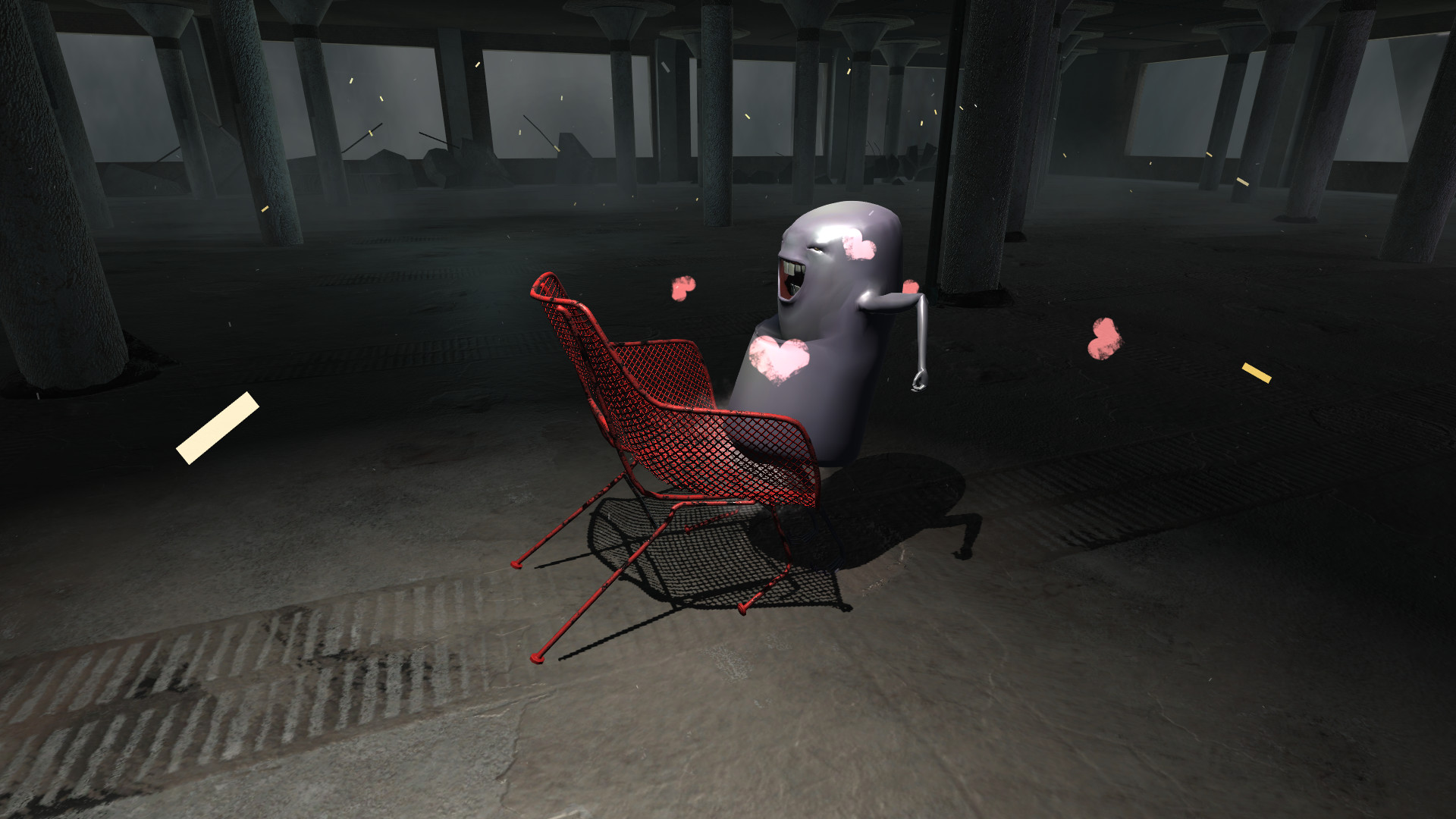
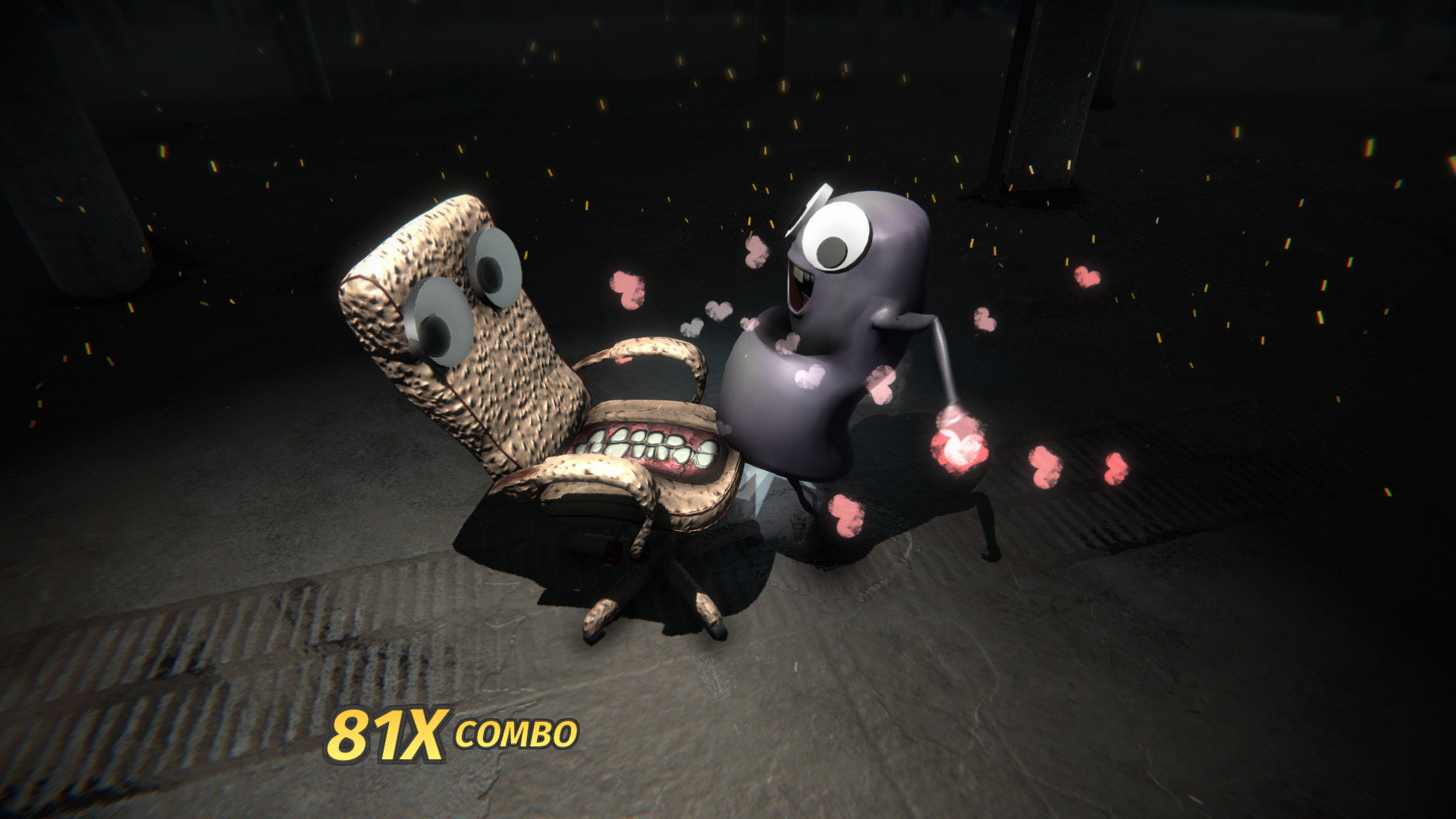
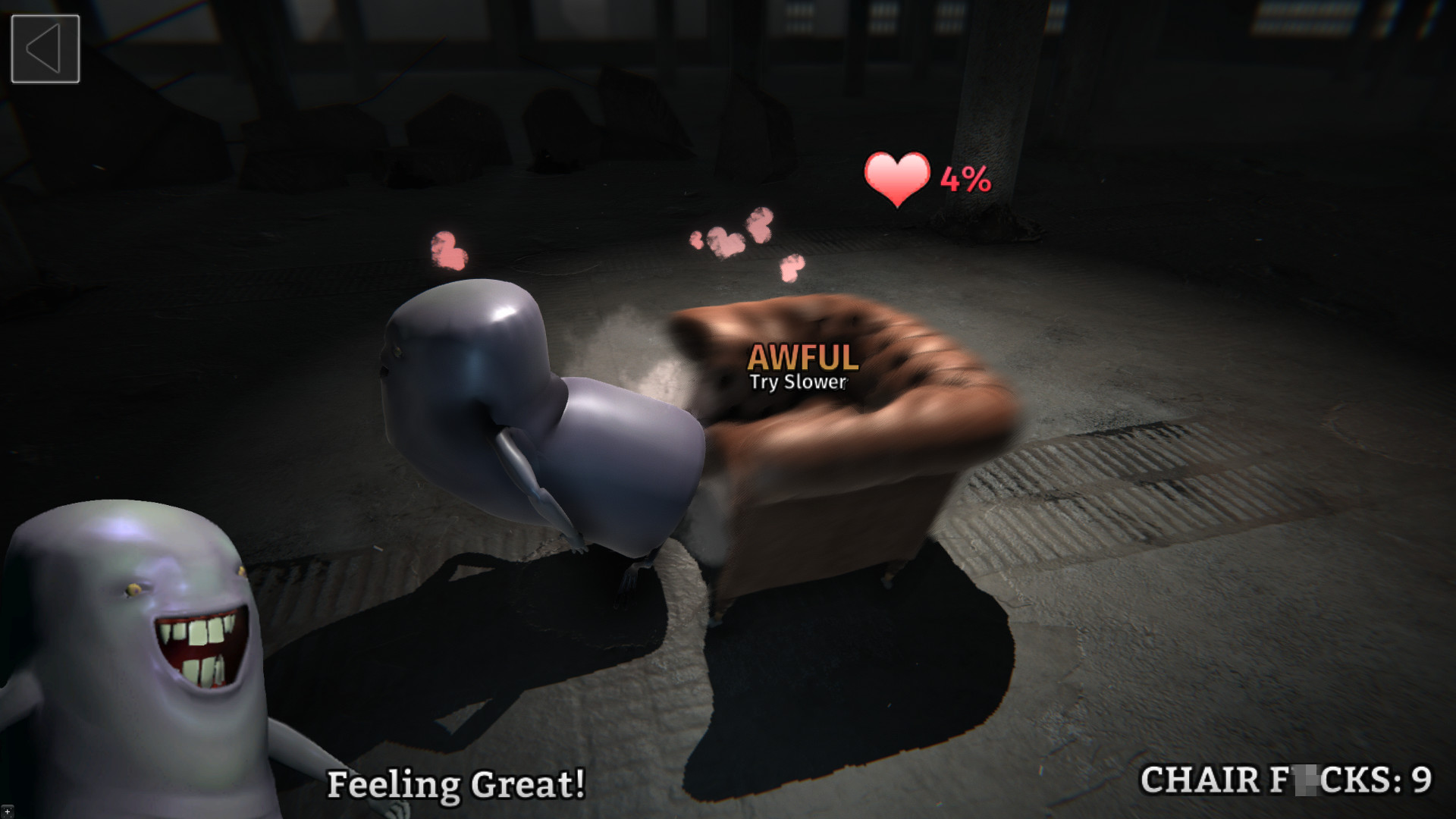
Players are invited to “lock on and fire away” with a massive number of “infinitely unique chair dating experiences.” The description mentions “pelvic thrusts” and “bump your way to the top of the chair pile,” suggesting a focus on physical interaction with chairs. The game also includes actions like calling chairs on the phone and opening portals, adding variety to the core mechanic. These elements combine to create an intense, fast‑paced simulation.
- Experiment with different chairs to notice any variation in interaction descriptions.
- Notice how the game blends absurd actions (e.g., opening portals) with its core thrust mechanic.
03 / THE GUIDE
Chair Dating Profiles
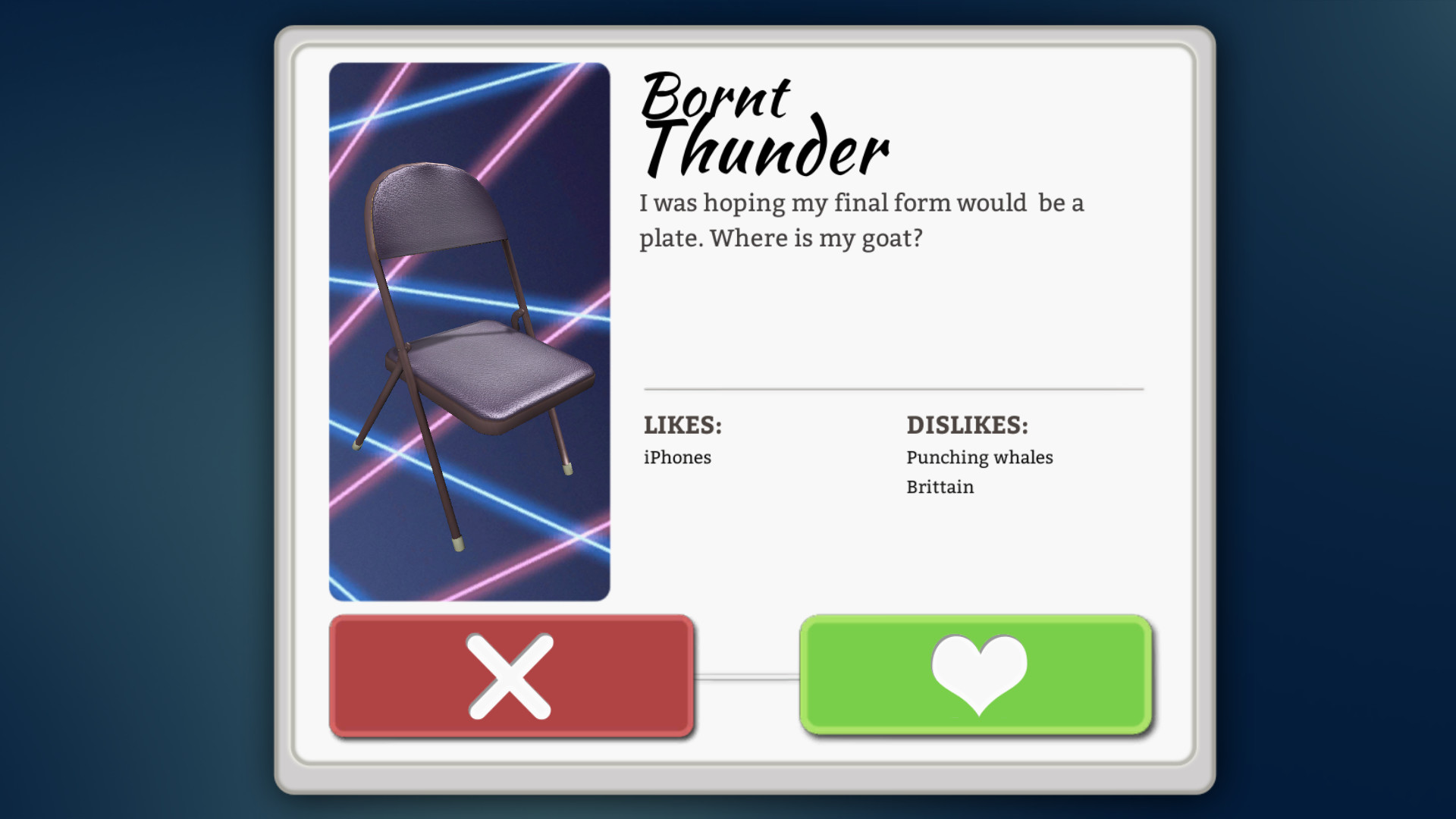
The experience includes reading “chairs' dating profiles,” offering narrative depth beyond the physical simulation. These profiles are presented as a way to learn the “dark truth” behind each chair and the secrets that unite them. By engaging with the profiles, players can explore the story’s background and gain context for their interactions. The profiles serve as a narrative bridge between gameplay and lore.
- Take time to read each chair’s profile; they may hint at hidden story elements.
- Compare the tone of profiles with the overall game narrative for thematic consistency.
05 / THE GUIDE
Steam Integration
Chair F*cking Simulator is a Windows‑only title on Steam, offering single‑player gameplay alongside Steam Achievements, Steam Cloud, and Family Sharing. These features provide standard Steam ecosystem benefits such as tracking accomplishments and syncing saves across devices. Family Sharing allows other Steam accounts to play the game without purchasing a separate copy, extending accessibility within households.
- Check the achievement list to gauge how the game measures progress.
- Enable Steam Cloud to keep your save data available on any authorized device.
COMMUNITY
Player discussion