 GameWiki
GET YOUR BEARINGS
About Celtic Kings: Rage of War
Celtic Kings: Rage of War is a real‑time strategy title from Haemimont Games, first released in 2002. The game pits Julius Caesar’s expanding Roman empire against the Celtic tribes of Gaul. Players can experience the conflict through two distinct modes – a strategic battlefield and a personal adventure. The title blends classic RTS tactics with a narrative‑driven story, featuring stylized 2D graphics and a setting rooted in the historic Gallic Wars.
01 / THE GUIDE
Strategic Mode
In Strategic Mode you choose either the Romans or the Gauls. Victory depends on tactical and strategic maneuvers across the map.
The mode emphasizes tactical and strategic maneuvering to outwit the opponent, reflecting the larger scope of the Roman conquests.
- Observe enemy unit placement before committing large forces.
- Balance offensive pushes with defensive holds to maintain flexibility.
02 / THE GUIDE
Adventure Mode
Adventure Mode follows the character Larax, whose village has been raided and whose wife was killed. Players guide Larax through a personal quest for revenge.
This mode centers on Larax’s personal quest for revenge within the same historical backdrop.
- Pay attention to story cues that hint at upcoming challenges.
- Use the environment to your advantage during encounters.
03 / THE GUIDE
Multiplayer Options
The game supports both single‑player and multiplayer experiences, including PvP matches. Players can compete locally via split‑screen or connect remotely through Steam’s Remote Play Together.
Family Sharing is also listed, allowing shared access among household accounts.
- Test both split‑screen and remote play to see which feels smoother on your setup.
- Coordinate with friends to decide whether to play as Romans or Gauls for balanced matches.
04 / THE GUIDE
Visual Style
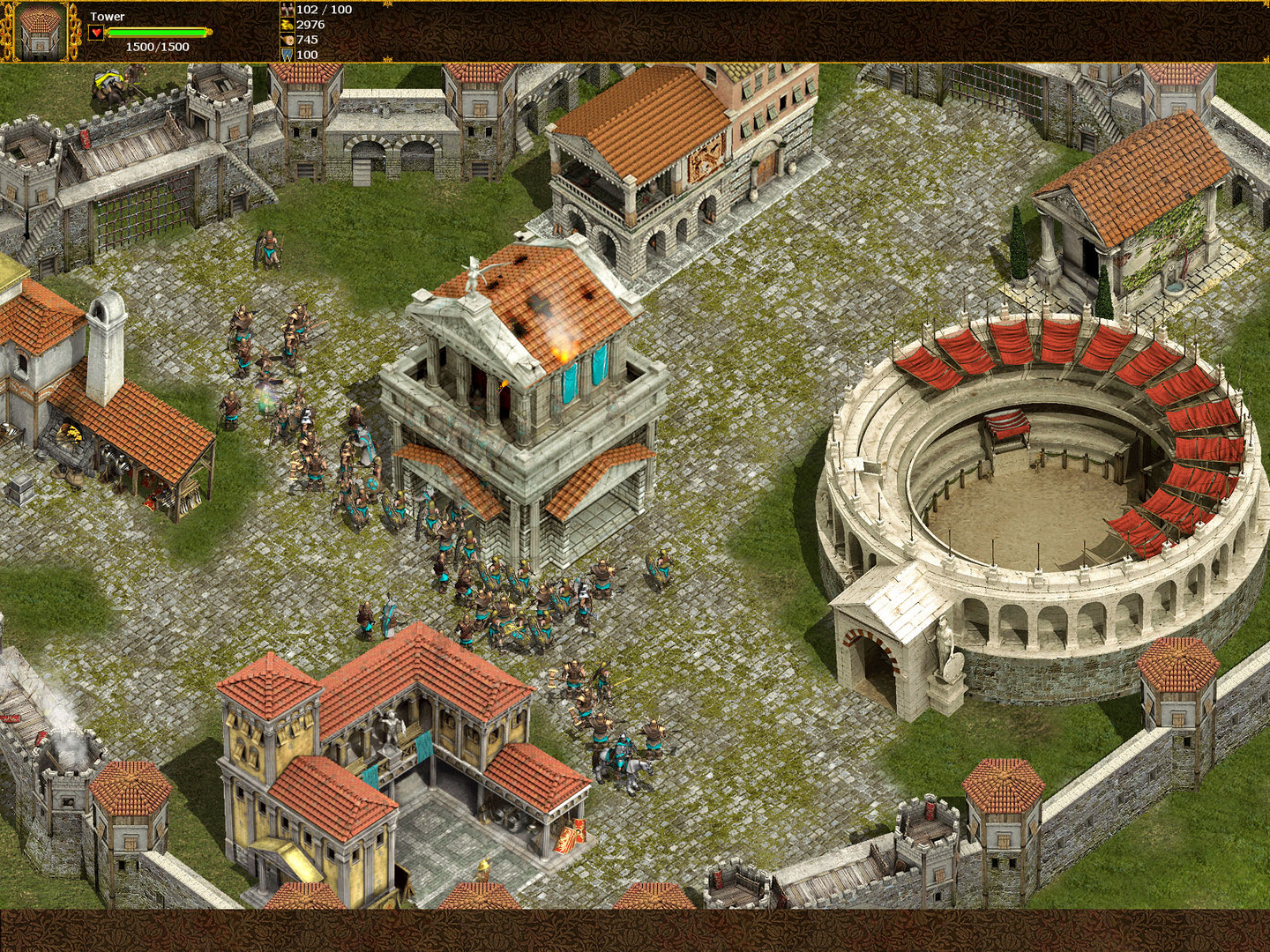
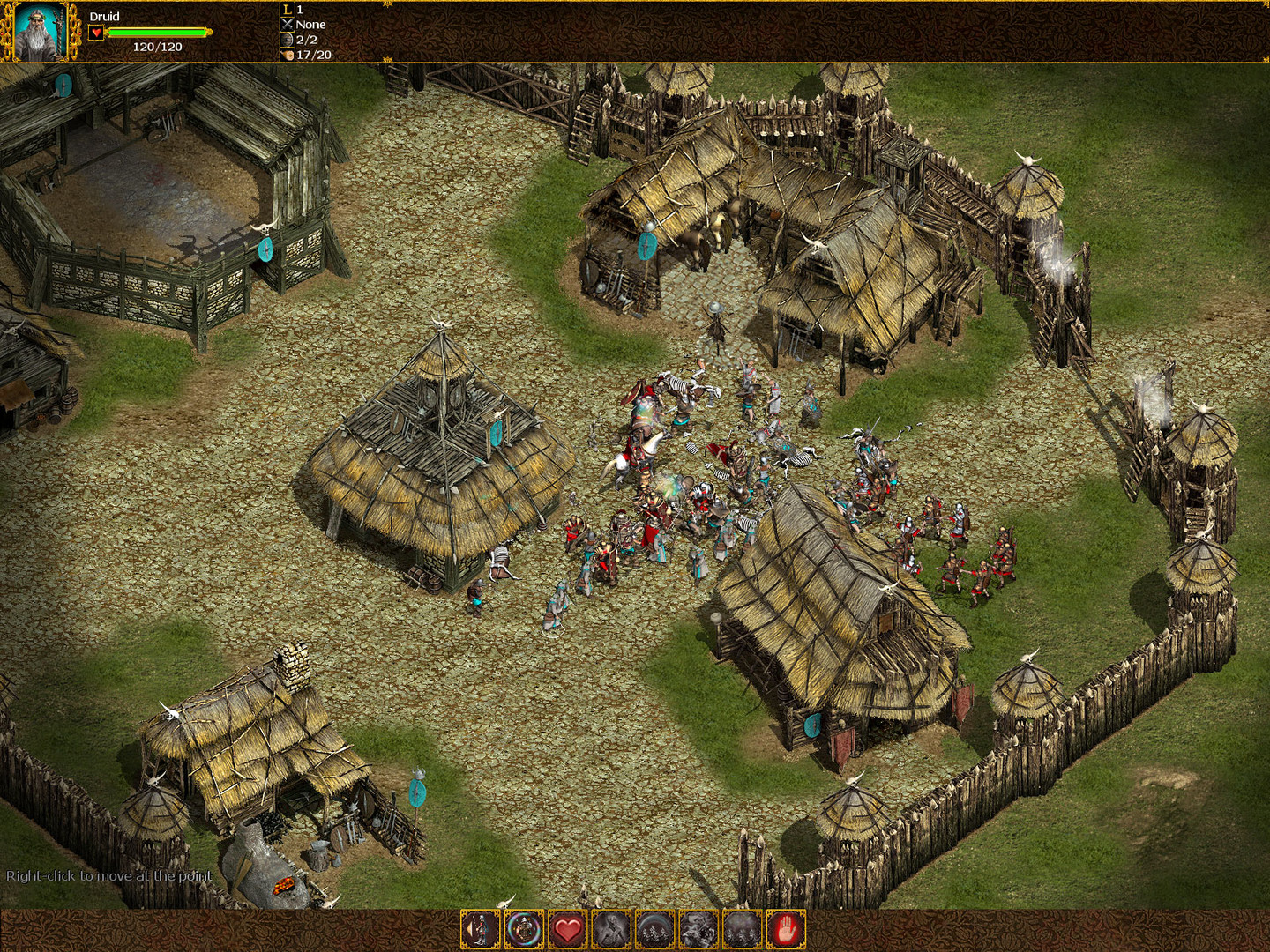
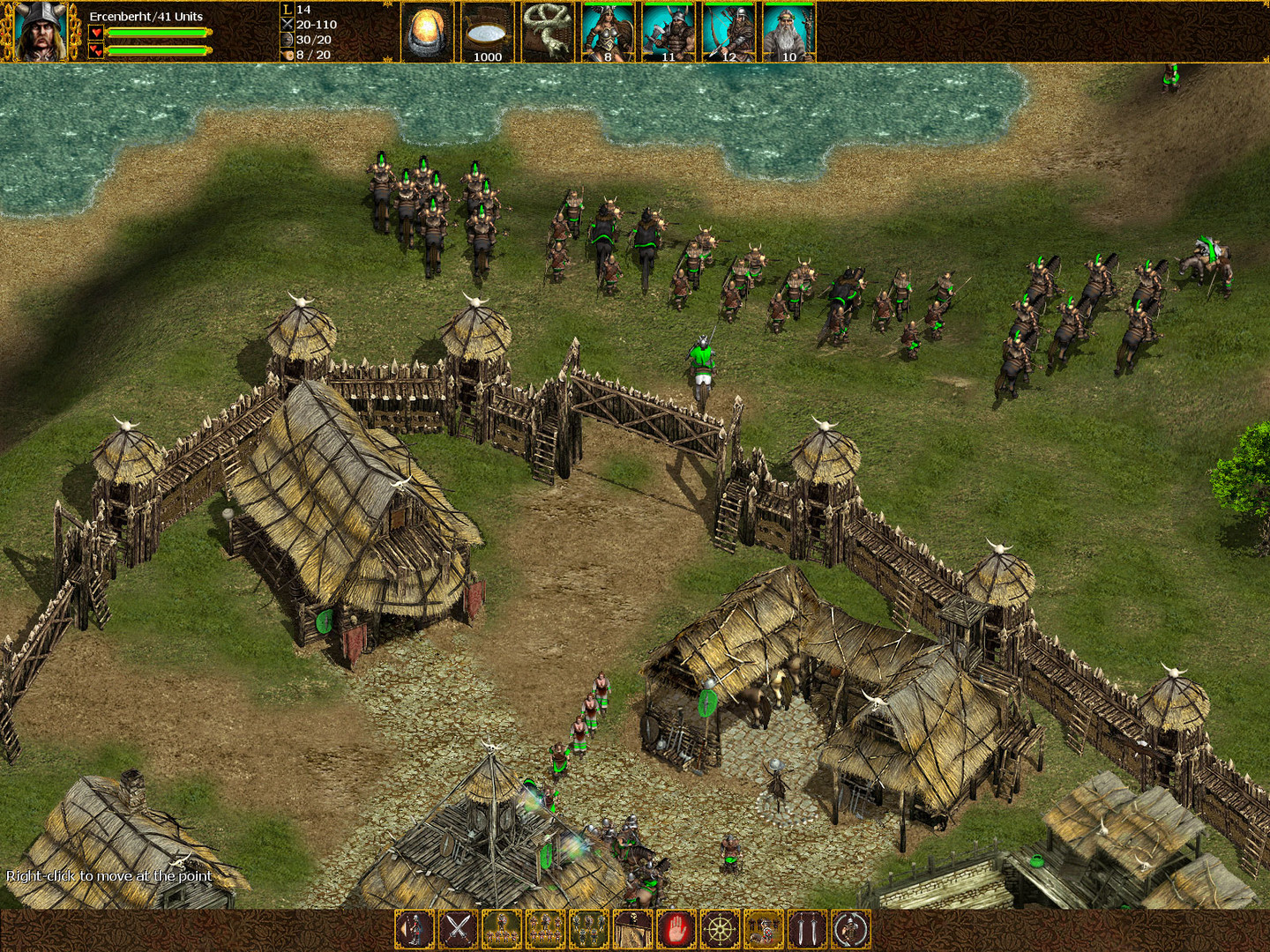
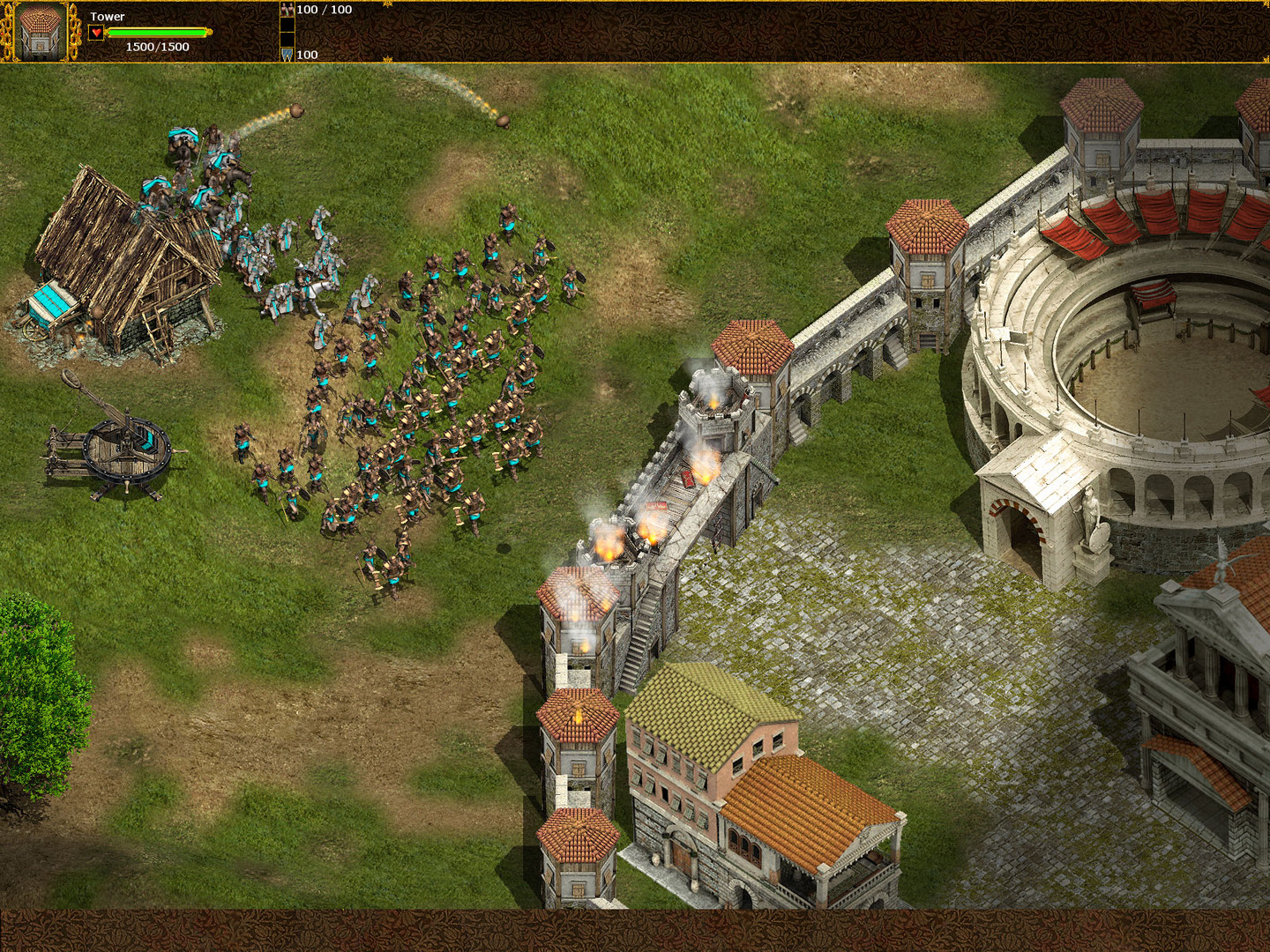
Celtic Kings: Rage of War uses beautifully stylized 2D graphics that give the game a distinctive look while portraying the ancient conflict.
The visual design supports both the strategic overview and the close‑up adventure scenes, keeping the aesthetic consistent across modes.
- Adjust your display settings to ensure the 2D art remains crisp on modern monitors.
- Notice how the art style differentiates Roman and Celtic units for quick identification.
05 / THE GUIDE
Platform Availability
The title is officially released for Windows platforms. No macOS or Linux support is listed, so Windows users have the primary access point.
Steam’s store page confirms Windows as the supported operating system.
- Verify your Windows version meets the game’s minimum requirements before installing.
- Consider running the game in compatibility mode if you encounter issues on newer Windows builds.

COMMUNITY
Player discussion