 GameWiki

GET YOUR BEARINGS
About Cellar Keeper
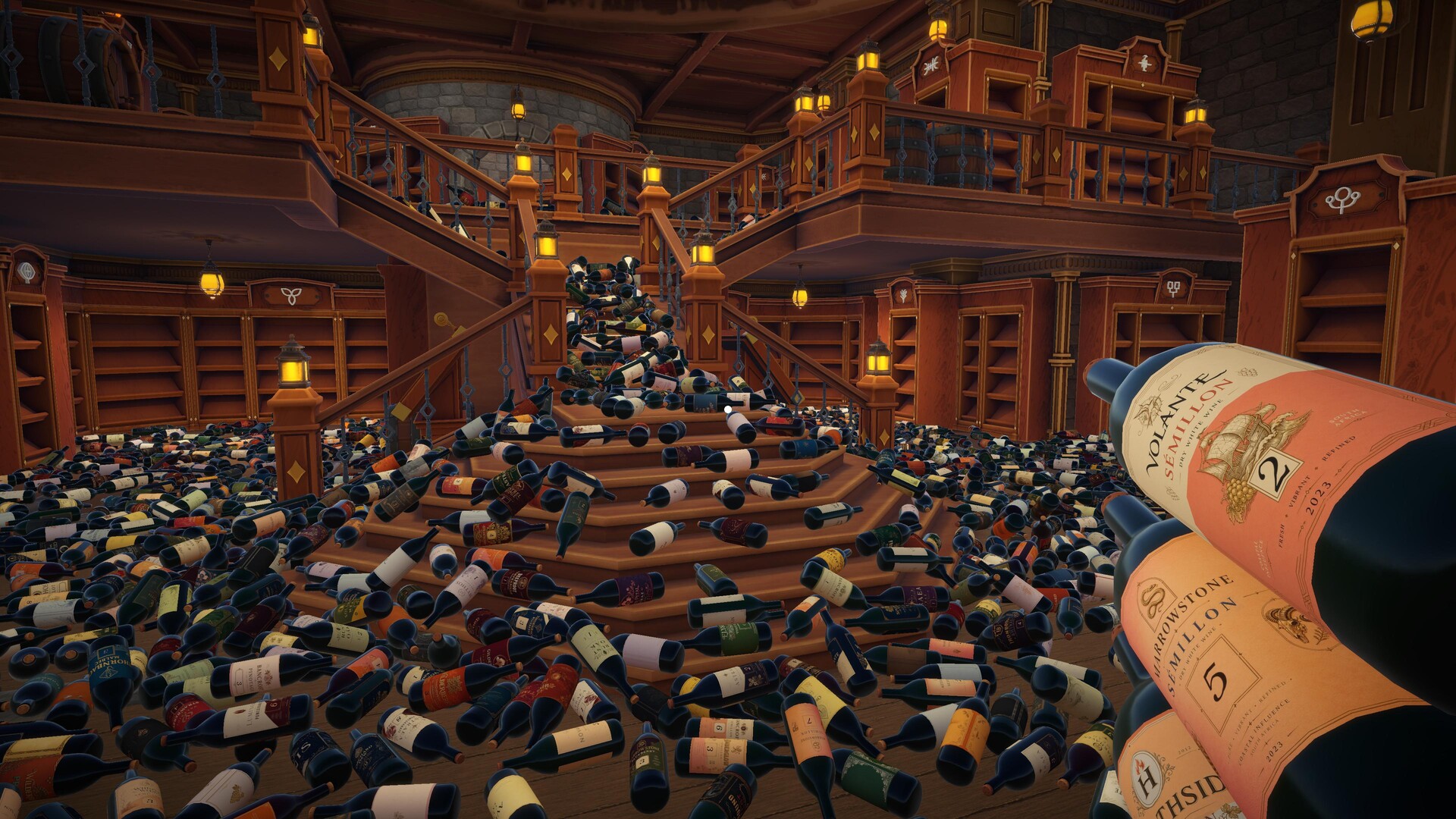
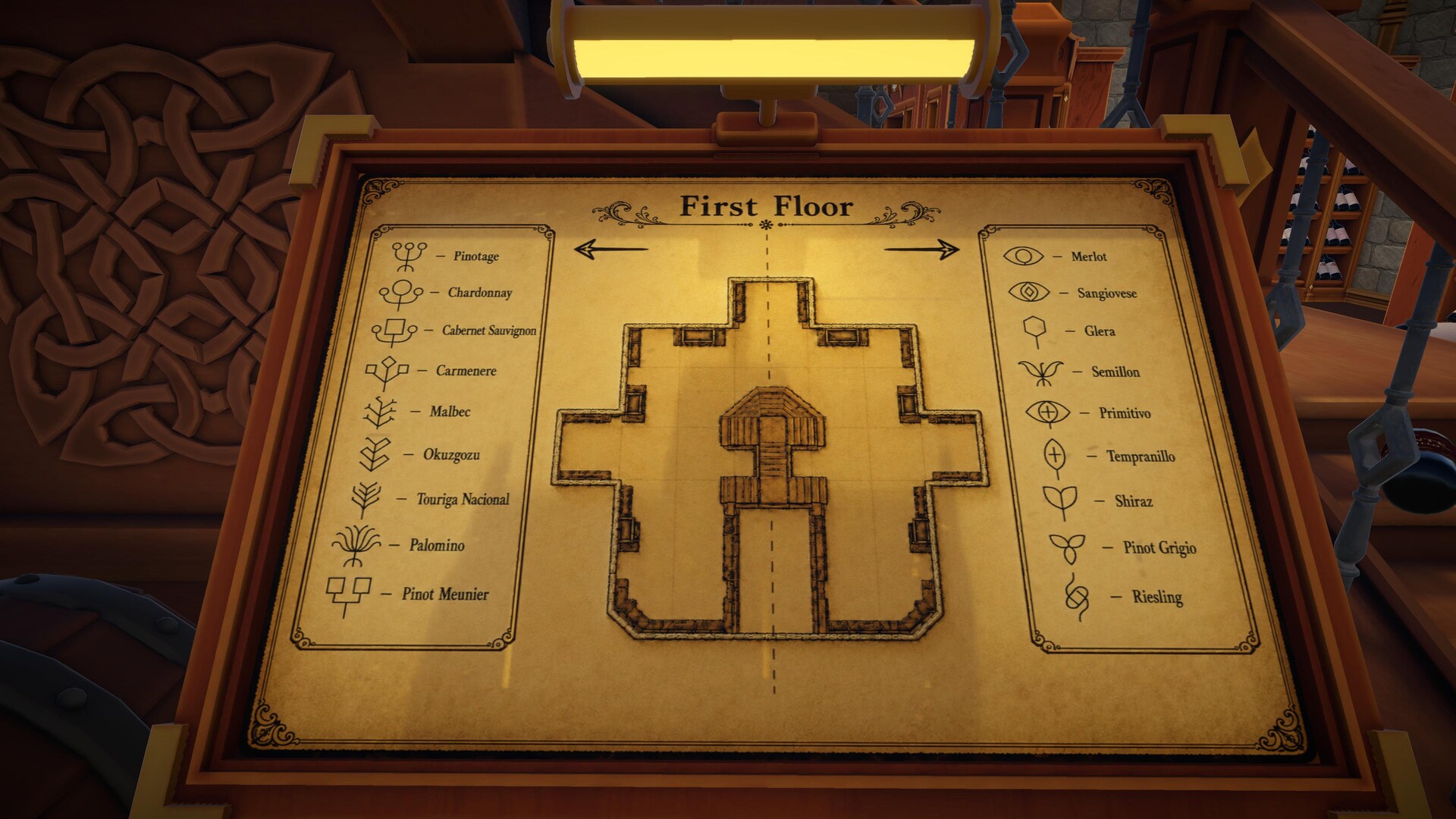
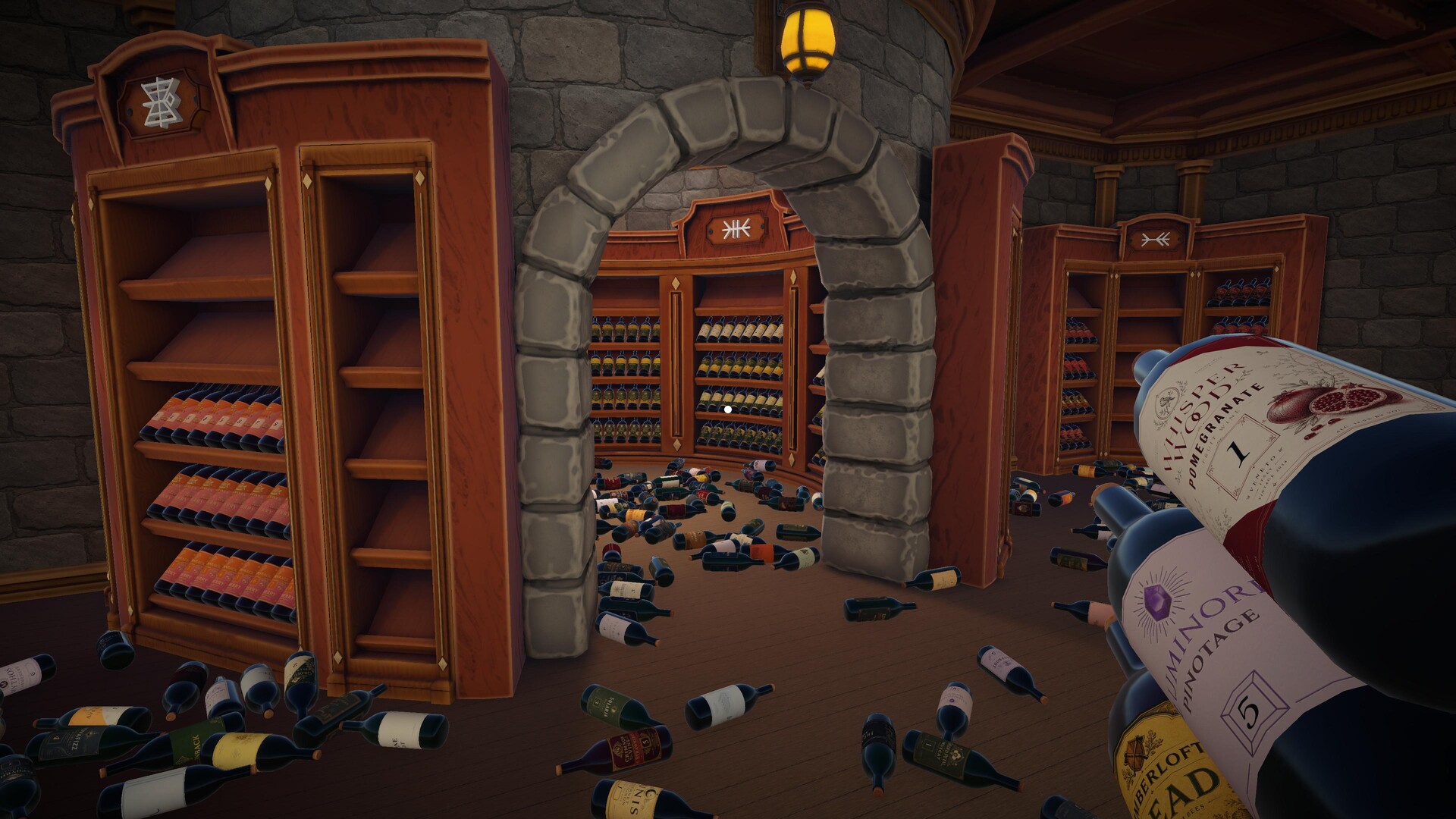
Cellar Keeper is a cozy simulation where you restore a chaotic underground cellar to its former glory. The cellar once belonged to an eccentric collector whose failed spell turned him into a chicken, leaving 2,448 bottles scattered across broken racks. As you sort each bottle by variety and place it on the proper rack, the environment gradually shifts from disorder to a tidy, atmospheric collection.
The game offers two distinct ways to play: a relaxed Cozy Mode with skill upgrades and no time limits, and a competitive Speedrun Mode that forgoes upgrades in favor of pure efficiency and online leaderboard rankings. Full controller support and Steam features such as achievements and cloud saves round out the experience.
01 / THE GUIDE
Story and Setting
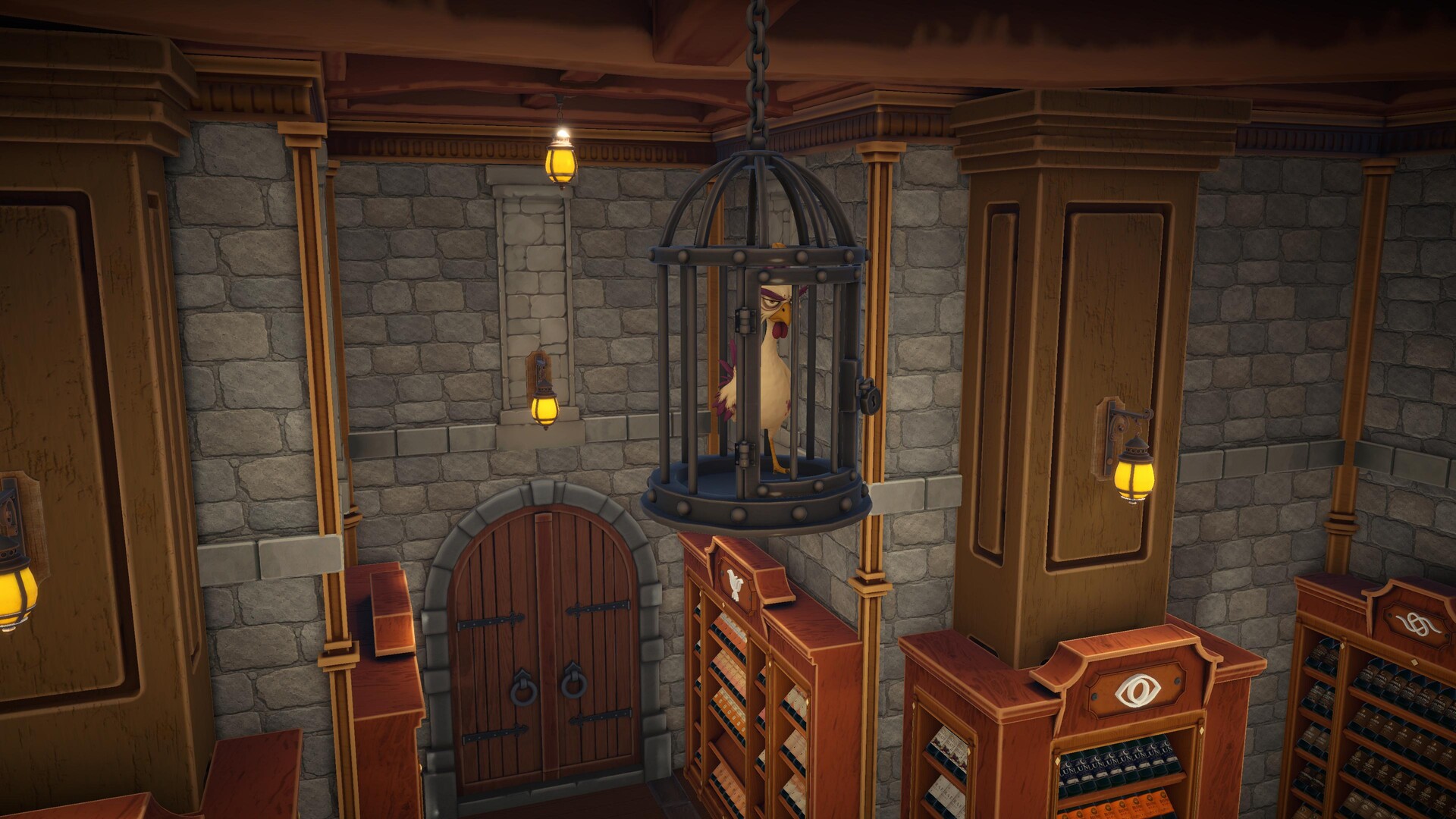
The cellar’s backstory centers on a forgotten keeper who loved his bottle collection above all else. An ancient spell intended to preserve the collection instead transformed him into a chicken and trapped him in a cage, causing the cellar to fall into ruin.
Your task is to organize the 2,448 bottles, restore each rack, and ultimately break the curse so the keeper can see sunlight again. The underground environment becomes cleaner and more beautiful as you progress.
- Take a moment to observe the layout before moving bottles; the visual change can guide your next steps.
- Focus on completing one rack at a time to see immediate improvement in the cellar’s appearance.
02 / THE GUIDE
Gameplay Modes
Cellar Keeper provides two ways to play. Cozy Mode offers relaxing gameplay with no time limits, allowing you to unlock skills and organize at your own pace. Speedrun Mode removes skill upgrades, emphasizing pure efficiency and competition on an online leaderboard.
Both modes share the core task of sorting bottles by variety, but the presence or absence of upgrades and time pressure creates distinct experiences for casual and competitive players.
- Try Cozy Mode first to learn bottle varieties before attempting Speedrun.
- In Speedrun, plan your route to minimize back‑tracking for better times.
03 / THE GUIDE
Skill Upgrades
In Cozy Mode you can unlock powerful abilities that improve carrying capacity, searching speed, and movement. These upgrades help you organize the cellar more efficiently, letting you handle larger batches of bottles and locate varieties faster.
Choosing upgrades wisely is part of the strategy; different abilities may complement each other, allowing you to discover the most efficient organization method for your play style.
- Prioritize upgrades that boost carrying capacity early to reduce trips.
- Experiment with search‑speed upgrades if you find bottle identification slows you down.
04 / THE GUIDE
Controller and Accessibility
Cellar Keeper supports full controller input, including DualShock and DualSense devices, and offers camera comfort and custom volume controls. These features let players adjust the experience to their comfort level while navigating the cellar.
The game also includes options such as “playable at your own pace” and “playable without timed input,” ensuring that players can engage with the simulation without pressure from strict timing mechanics.
- Adjust camera comfort settings if the view feels too tight while moving bottles.
- Use custom volume controls to balance ambient sounds with music for a relaxing atmosphere.
05 / THE GUIDE
Leaderboards and Progress
Speedrun Mode tracks your completion time on Steam Leaderboards, allowing you to compare performance with other players worldwide. The game also features Steam Achievements, cloud saves, and family sharing, so progress is preserved across devices.
These systems provide motivation to improve efficiency while ensuring that your organized cellar state is saved and accessible whenever you return to the game.
- Check the leaderboard after each run to identify time gaps.
- Enable Steam Cloud to keep your progress synced across multiple PCs.

COMMUNITY
Player discussion