 GameWiki

GET YOUR BEARINGS
About Cell to Singularity - Evolution Never Ends
Cell to Singularity – Evolution Never Ends is a casual, free‑to‑play simulation that lets you click through 4.5 billion years of life on Earth. Each tap generates Entropy, the currency used to unlock organisms, technologies and future speculative stages. The game presents a visual timeline from single‑cell life to a speculative technological singularity, with 3D habitats and a classical soundtrack.
The experience is single‑player, supports partial controller input, and offers Steam features such as achievements, cloud saves and family sharing. In‑app purchases are available, but the core evolution chain is accessible through tapping and spending Entropy and Ideas.
01 / THE GUIDE
Click and Earn Entropy
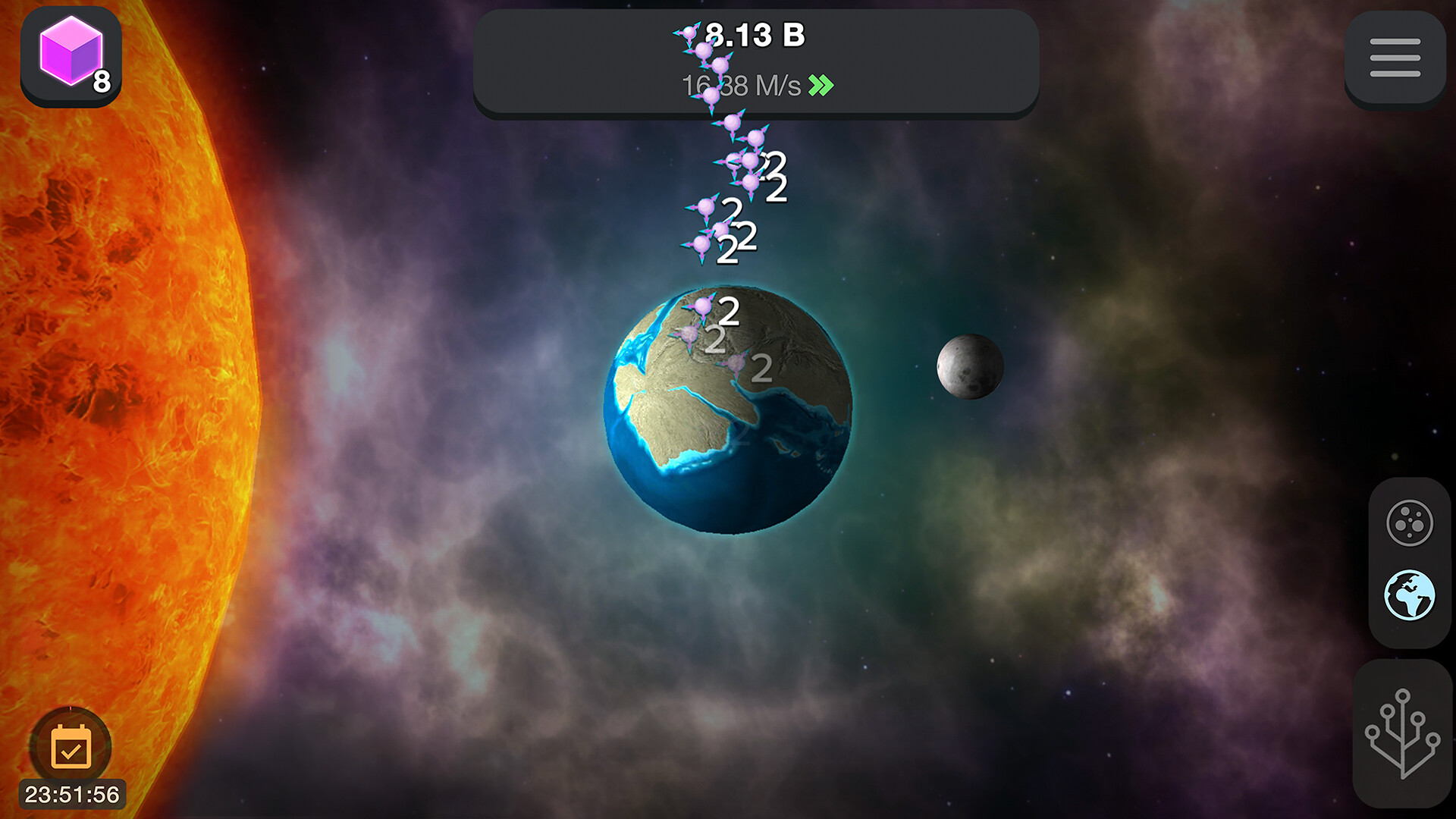
Tapping anywhere on the screen generates Entropy, the primary resource for progressing through evolutionary stages. This simple mechanic drives the core loop, letting you accumulate enough to unlock new life forms and technologies.
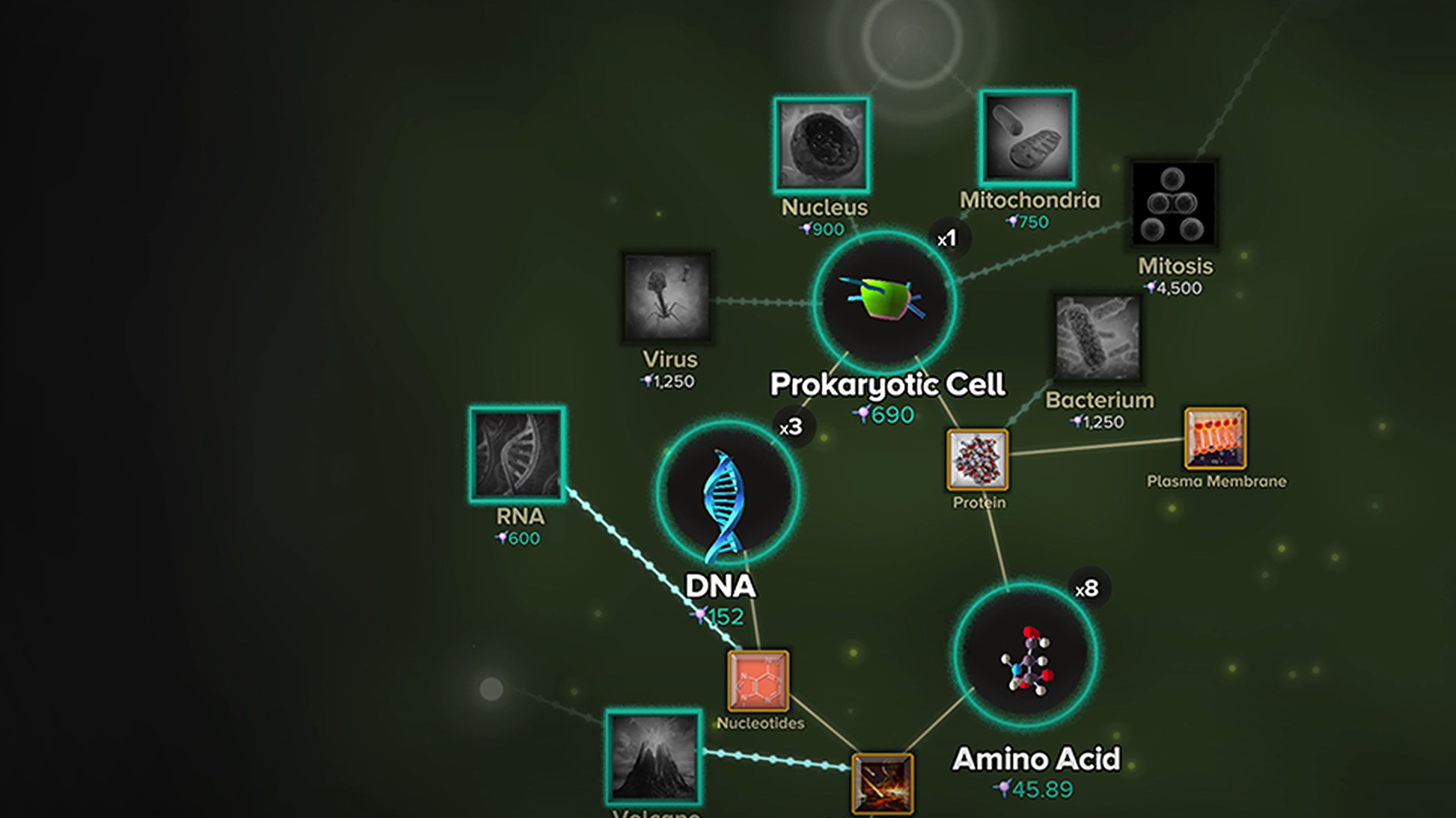
Entropy is spent to advance the timeline, moving from single‑cell organisms to complex creatures and eventually to speculative future tech. The amount required grows as you approach later chapters.
- Tap consistently to build a steady Entropy reserve before attempting large upgrades.
- Watch the Entropy counter to time your clicks around milestone costs.
02 / THE GUIDE
Tech Tree and Ideas
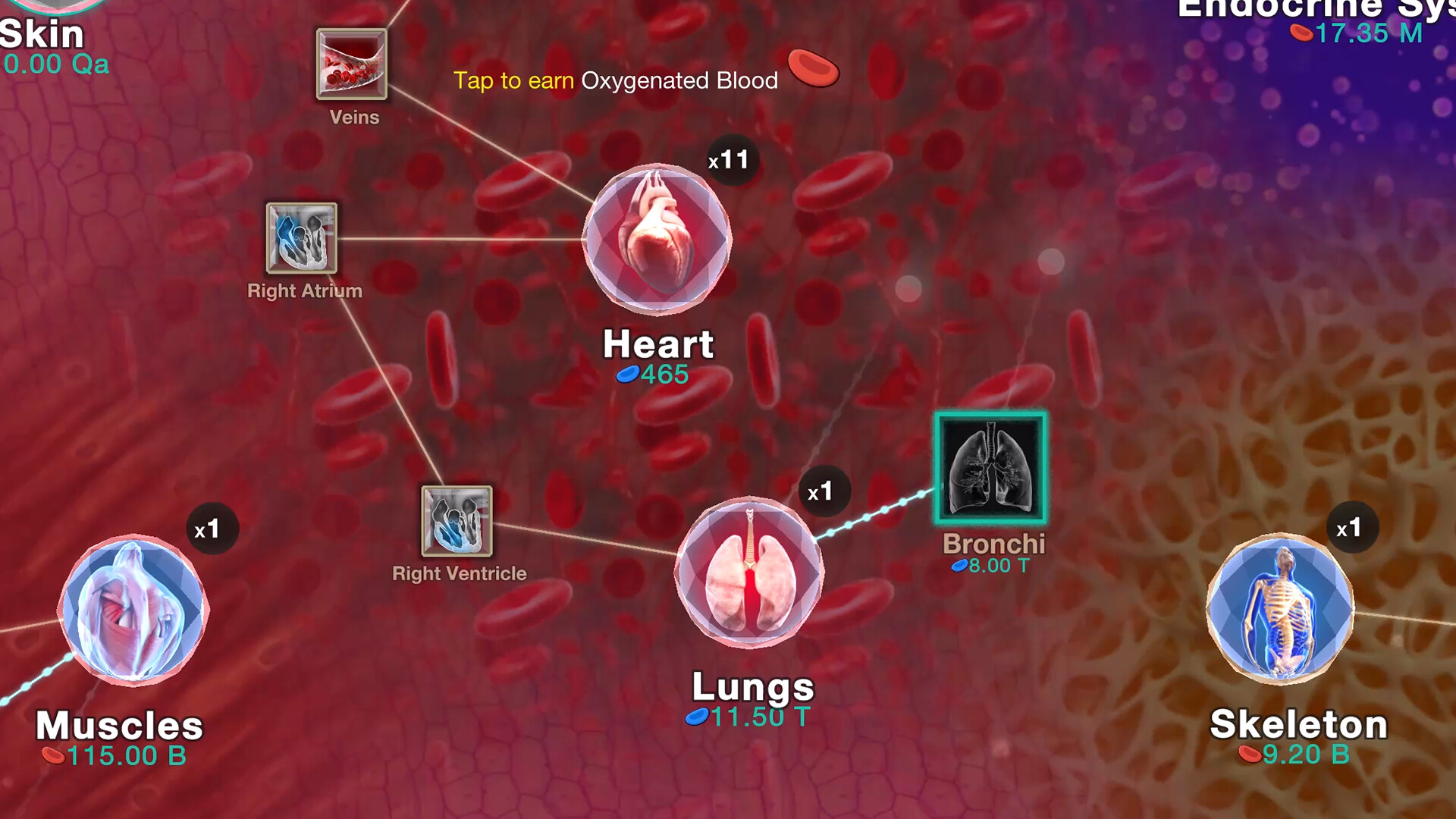
Beyond biological evolution, you can spend Ideas on scientific and technology upgrades that form a civilization tech tree. These upgrades unlock new capabilities and influence later stages of the game.
The tech tree includes milestones such as fire discovery, the Industrial Revolution, and speculative future technologies, each requiring a specific amount of Ideas.
- Prioritize upgrades that reduce the Entropy cost of later stages.
- Balance biological and technological upgrades to keep progress smooth.
03 / THE GUIDE
3D Habitats and Visuals
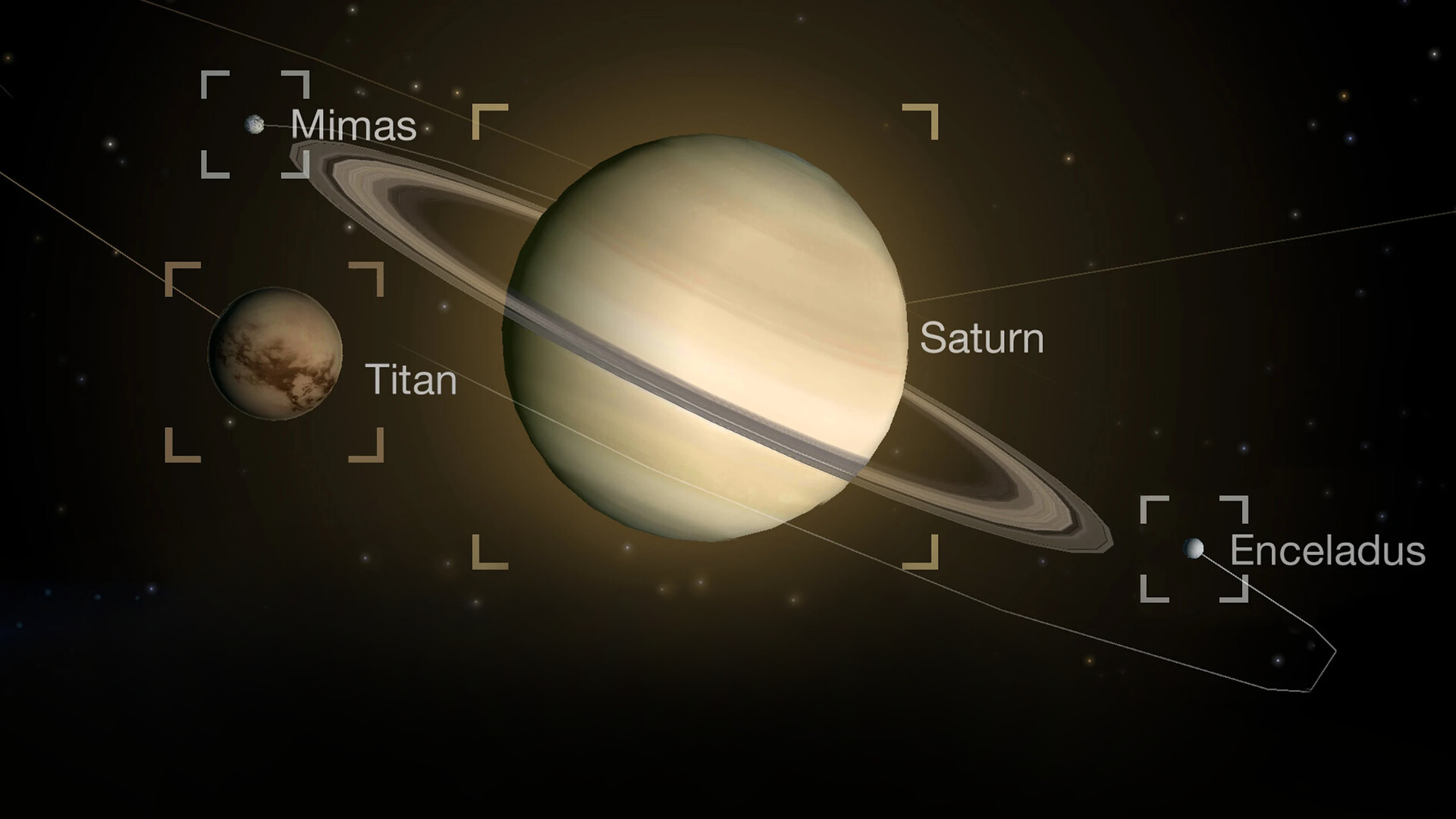
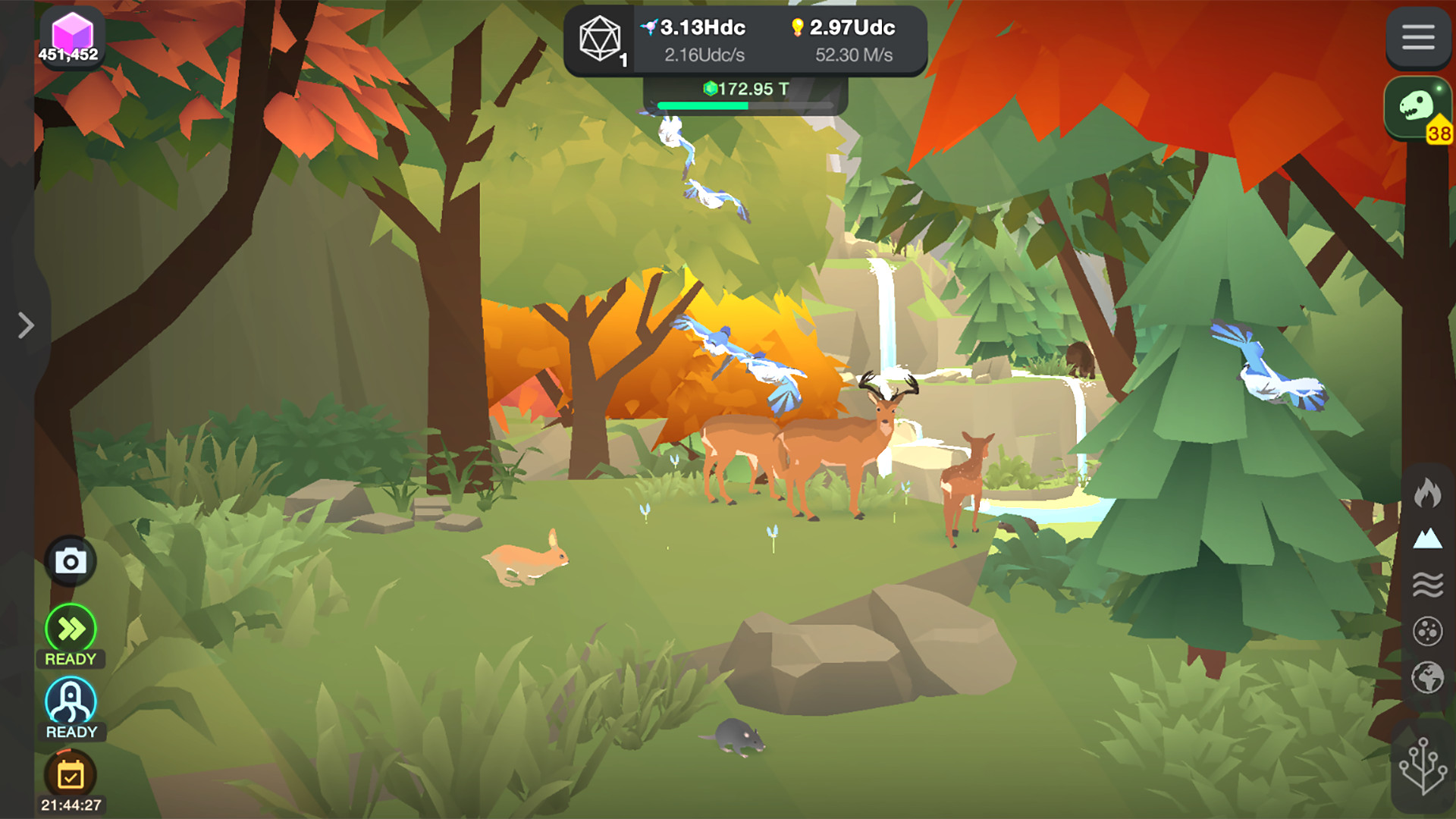
Each unlocked organism appears in a detailed 3D habitat, allowing you to view the fruits of evolution visually. The environments range from primordial oceans to futuristic cities.
The visual presentation is complemented by an epic classical soundtrack, enhancing the sense of a grand evolutionary journey.
- Take moments to explore each habitat for a better appreciation of the visual progression.
- Adjust graphics settings if performance drops on larger habitats.
04 / THE GUIDE
Future Speculative Evolution
After modern humanity, the game extends into speculative science fiction, letting you click toward a technological singularity and even terraforming Mars. These chapters explore possible futures beyond current history.
The future stages are unlocked using the same Entropy system, encouraging continued play beyond known historical milestones.
- Save Entropy for the speculative chapters to experience the full narrative arc.
- Experiment with different upgrade paths to see varied future outcomes.
05 / THE GUIDE
Steam Features and Platform Support
The game supports Steam achievements, cloud saves, and family sharing, allowing progress to be retained across devices. Partial controller support is available, though tapping remains the primary input method.
It is released for Windows and macOS, with no Linux version listed.
- Enable Steam Cloud to protect your Entropy progress.
- Use a controller for casual tapping if preferred, but note it is partial support.
COMMUNITY
Player discussion