 GameWiki
GET YOUR BEARINGS
About Cell Command
Cell Command is a turn‑based roguelite that places players inside a microscopic battlefield where units grow when they move and shrink when they attack. The game blends strategic positioning with a DNA‑based construction system, letting you mix nucleotides A, C, G, and T to create a wide variety of unicellular combatants.
At launch the title offers over a hundred hours of content across four modes, three ascension levels, and a research tree for permanent upgrades. It supports full controller, keyboard, mouse, and touch inputs, includes colour‑blind options, and lets you save and resume runs anytime.
01 / THE GUIDE
Growth and Shrink Mechanics
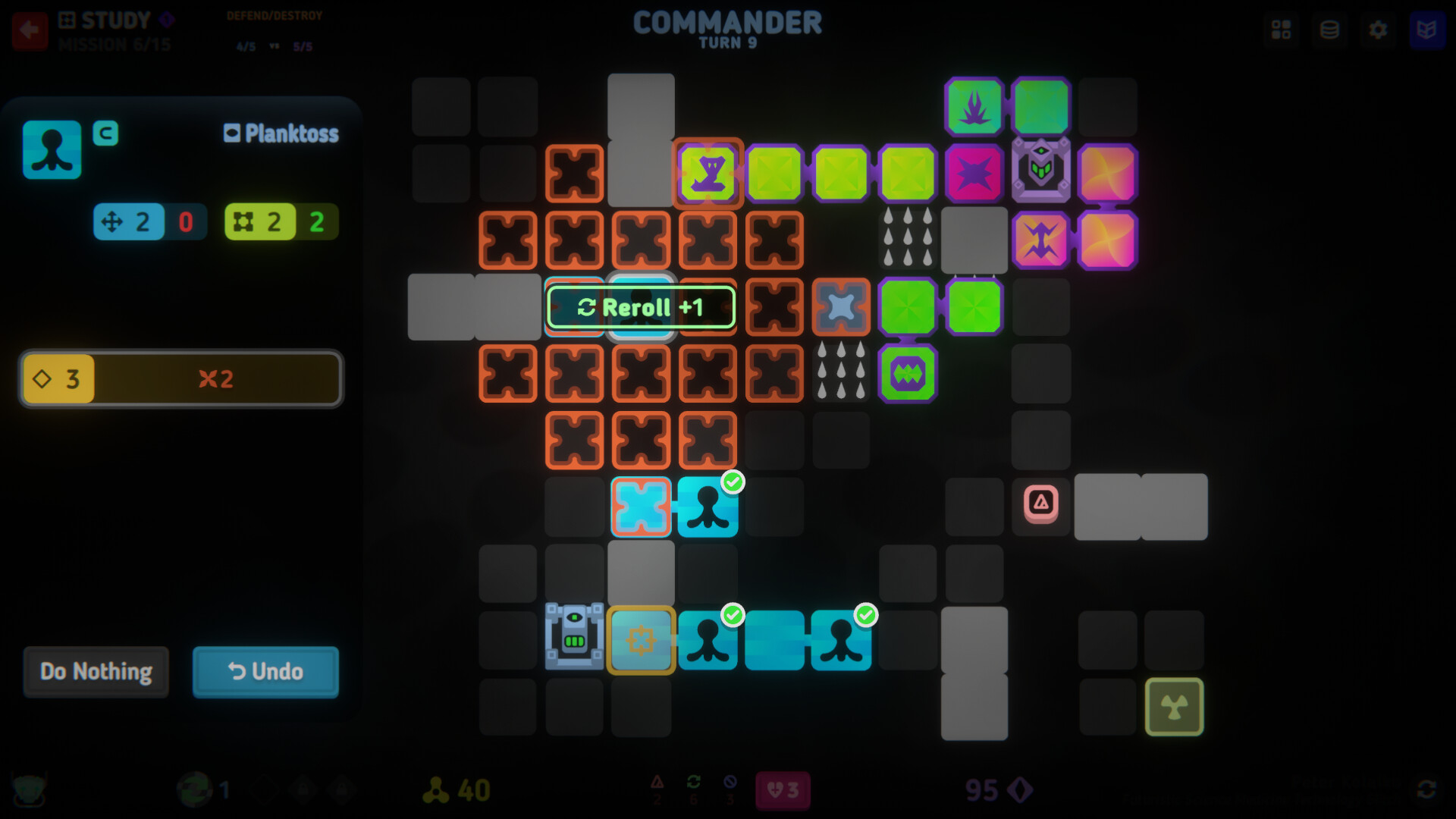
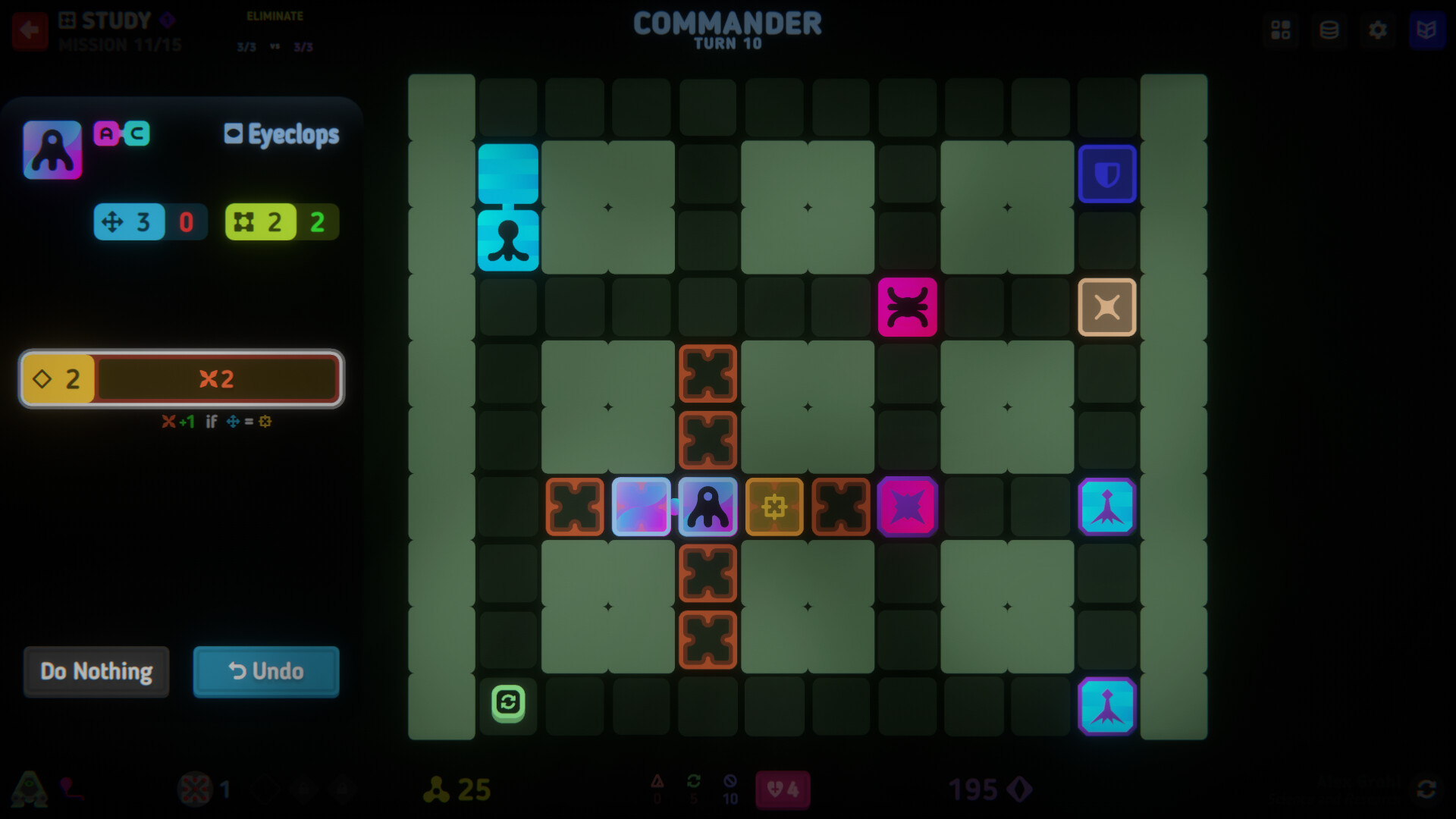
Units in Cell Command increase in size when they move across the board, encouraging careful navigation to build larger threats. Conversely, each attack reduces a unit’s size, creating a trade‑off between offense and maintaining presence.
Strategically, players can shape their cells into long forms that act like tanks, encircling enemies or forming bridges for ranged allies. Forming specific shapes can also grant attack bonuses, adding a spatial puzzle element to combat.
- Observe how movement expands your units before committing to attacks.
- Experiment with arranging cells into bridges to extend ranged fire.
02 / THE GUIDE
DNA Nucleotide Construction
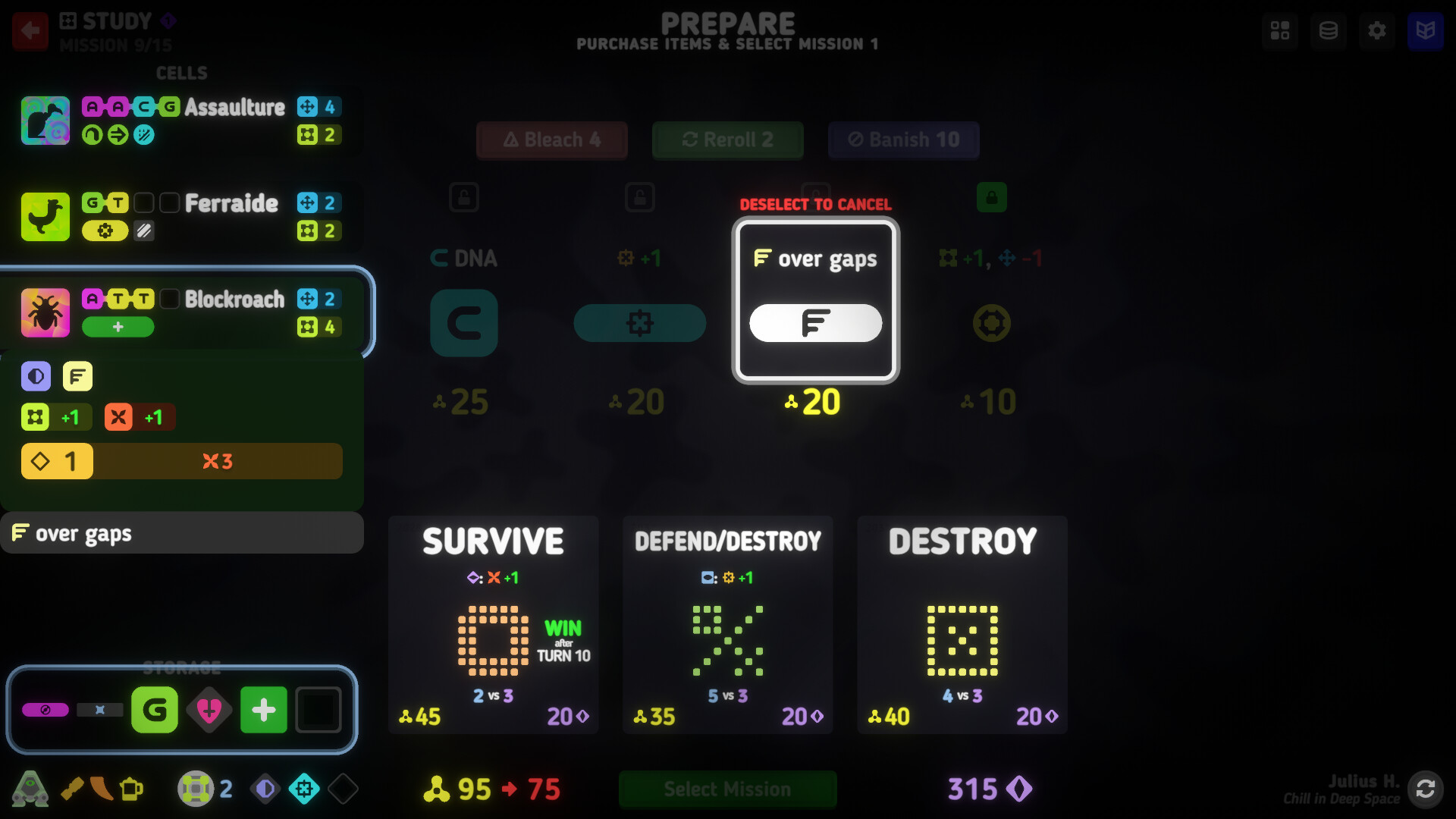
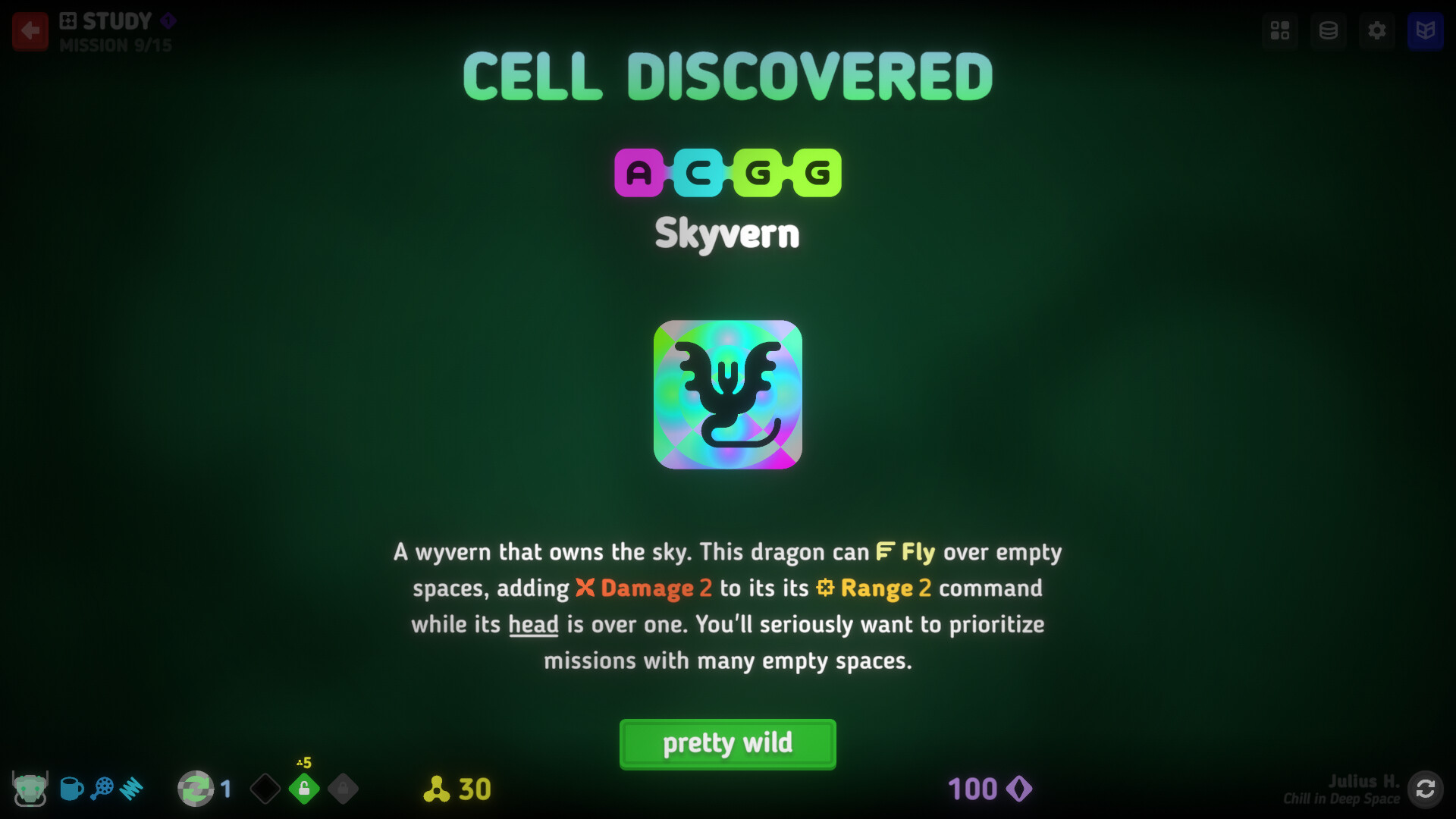
The game lets you mix the four DNA nucleotides—A, C, G, and T—to discover unique unicellular combatants. Each combination yields different abilities and forms, allowing deep customization.
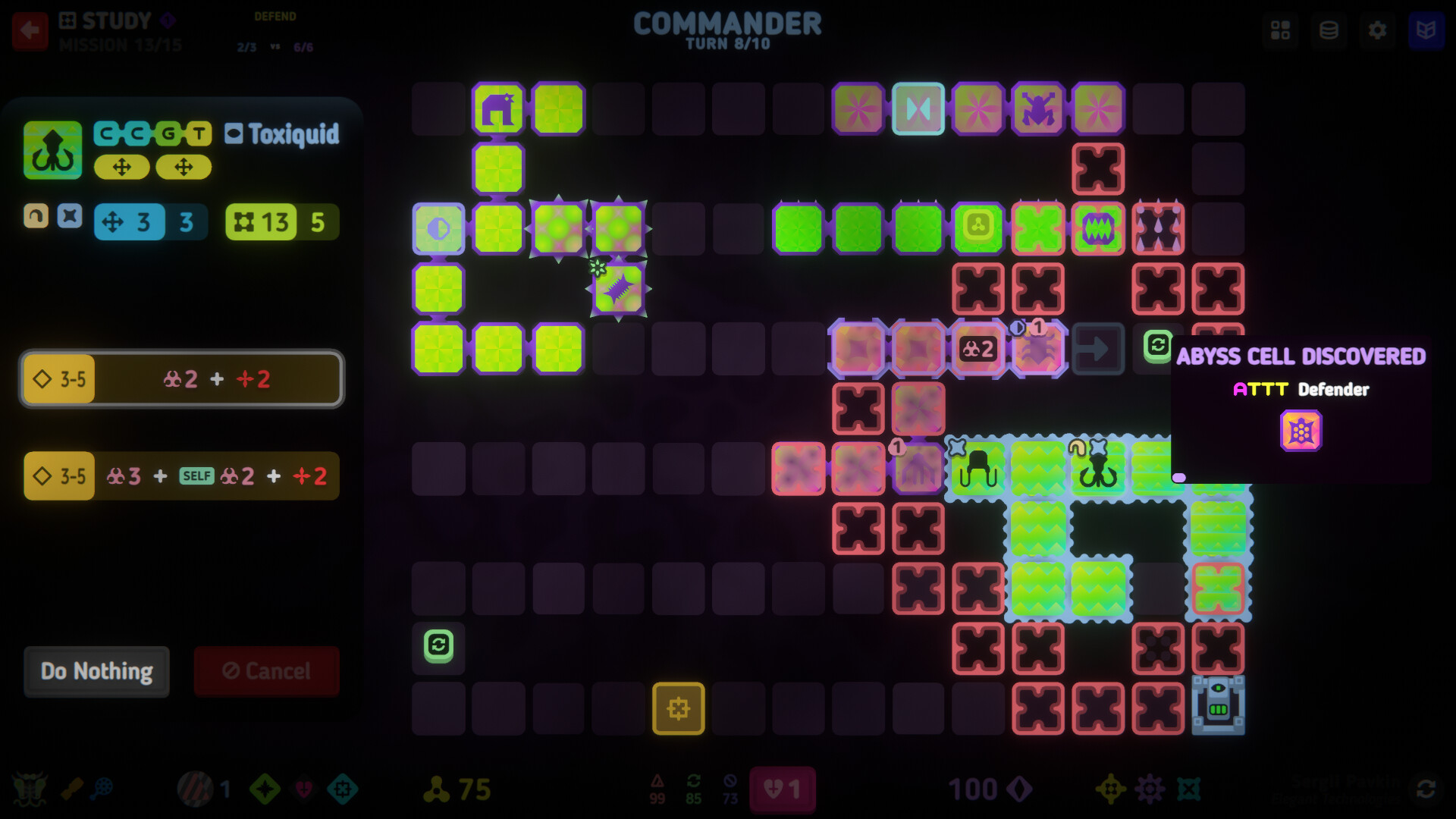
These custom cells can be tailored to fit specific strategies, making use of documented mechanics like poison, radiation, and thorns for varied mission challenges.
- Try simple nucleotide pairs first to understand basic unit traits.
- Combine traits like poison and thorns for synergistic defensive options.
03 / THE GUIDE
Game Modes and Ascensions
Cell Command launches with four distinct modes, each offering varied mission types. The game also features three ascensions, adding further challenge on top of the varied mission types.
These layers provide a structured progression, encouraging players to master core mechanics before tackling higher‑stakes challenges, and they contribute to the promised 100+ hour journey.
- Start with the base mode to learn core mechanics before ascending.
- Use ascension levels to test the limits of your cell designs.
04 / THE GUIDE
Research and Permanent Upgrades
A research system lets you unlock permanent upgrades that enhance cells with genetic modifications. These upgrades persist across runs, allowing gradual improvement of your arsenal.
Investing in research early can provide long‑term benefits, shaping how you approach later missions as your arsenal improves.
- Prioritize upgrades that complement your preferred cell types.
- Balance offensive and defensive research to stay versatile.
05 / THE GUIDE
Accessibility and Input Options
Cell Command includes colour‑blind alternatives, a Keyboard Only Option, Mouse Only Option, Touch Only Option, and Full Controller Support for DualShock and DualSense devices. These settings ensure the game can be played with a variety of input methods.
The game also offers a Camera Comfort feature and the ability to save anytime, supporting players who need flexible pacing or visual comfort adjustments.
- Enable colour‑blind mode if you find visual cues hard to distinguish.
- Choose the input method that feels most natural for precise cell placement.
COMMUNITY
Player discussion