 GameWiki

GET YOUR BEARINGS
About Celeste
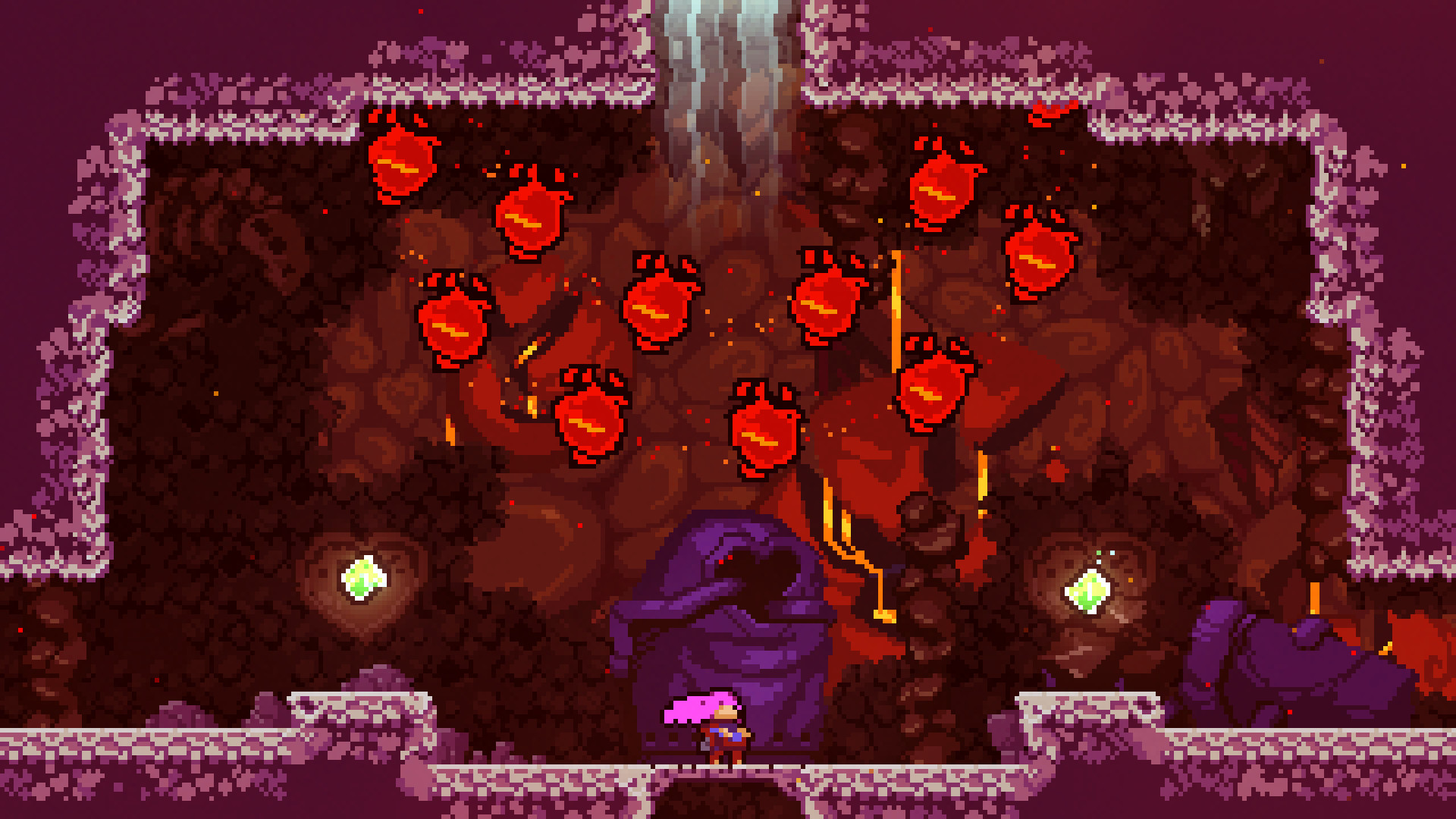
Celeste follows Madeline as she climbs Celeste Mountain, confronting inner demons in a tightly designed platformer. The game blends a touching self‑discovery narrative with over 700 screens of challenging jumps, dashes, and climbs. Simple controls hide expressive depth, while rapid respawns turn each failure into a learning moment. With original piano‑driven music and a range of controller options, the experience feels both personal and universally accessible.
01 / THE GUIDE
Story and Themes
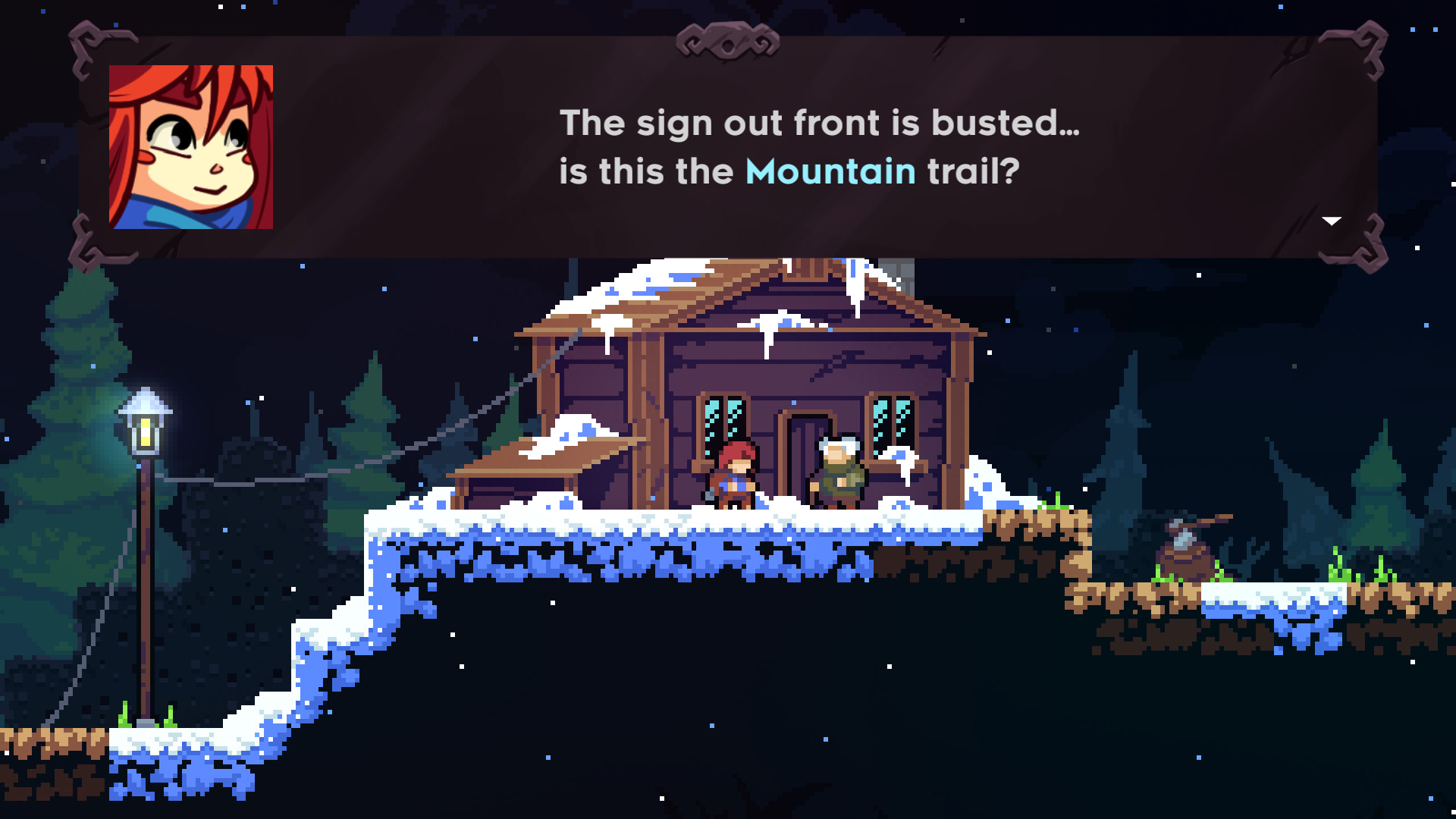
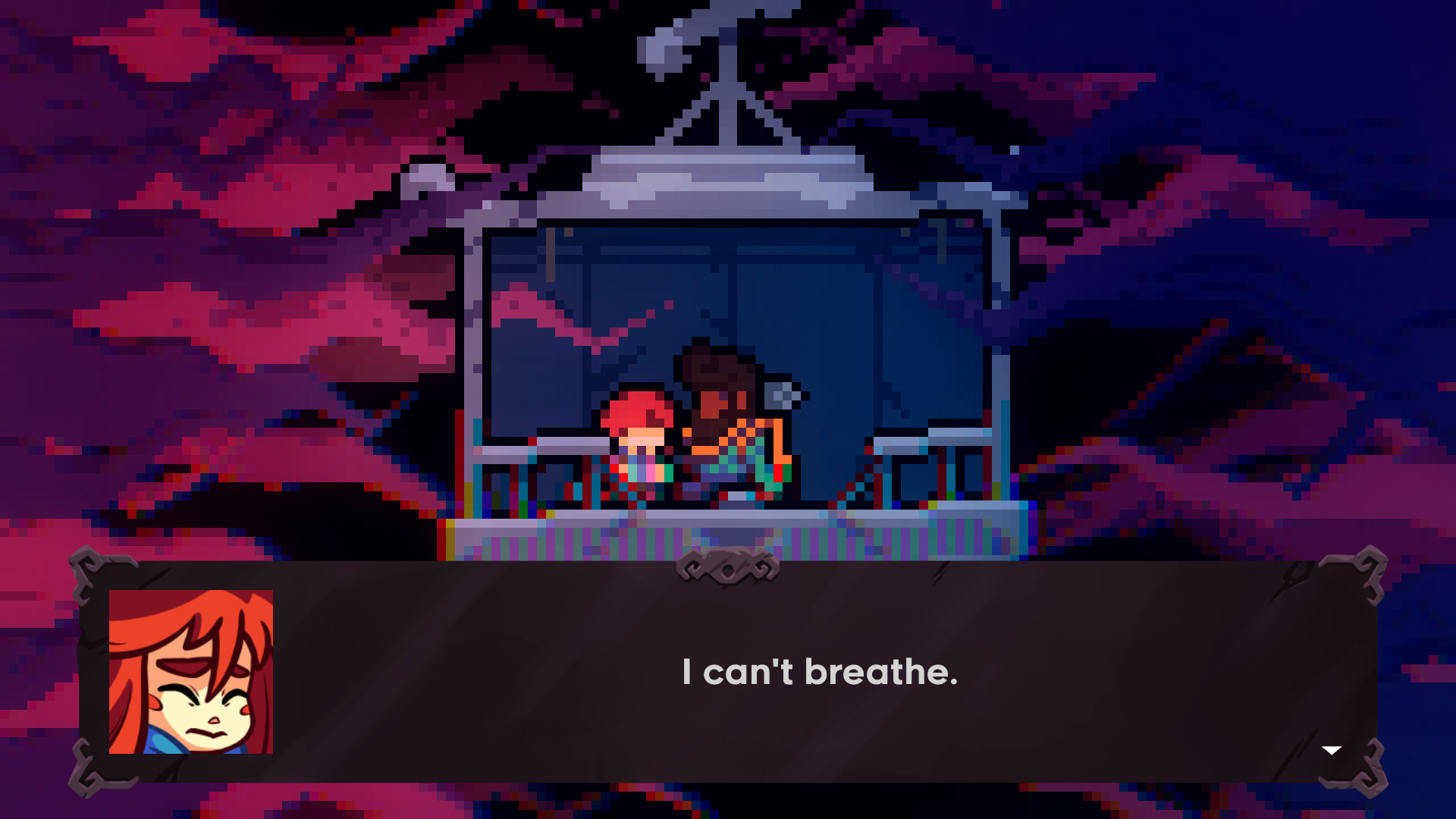
Madeline’s ascent is framed as a personal journey, confronting inner demons while scaling the mountain. The narrative is described as a touching story of self‑discovery with a charming cast of characters.
The game’s tone is described as a “mom‑made” adventure, emphasizing emotional resonance alongside the platforming challenge.
- Focus on the narrative cues between levels to deepen immersion.
- Reflect on the story’s themes during difficult sections for motivation.
02 / THE GUIDE
Gameplay Mechanics
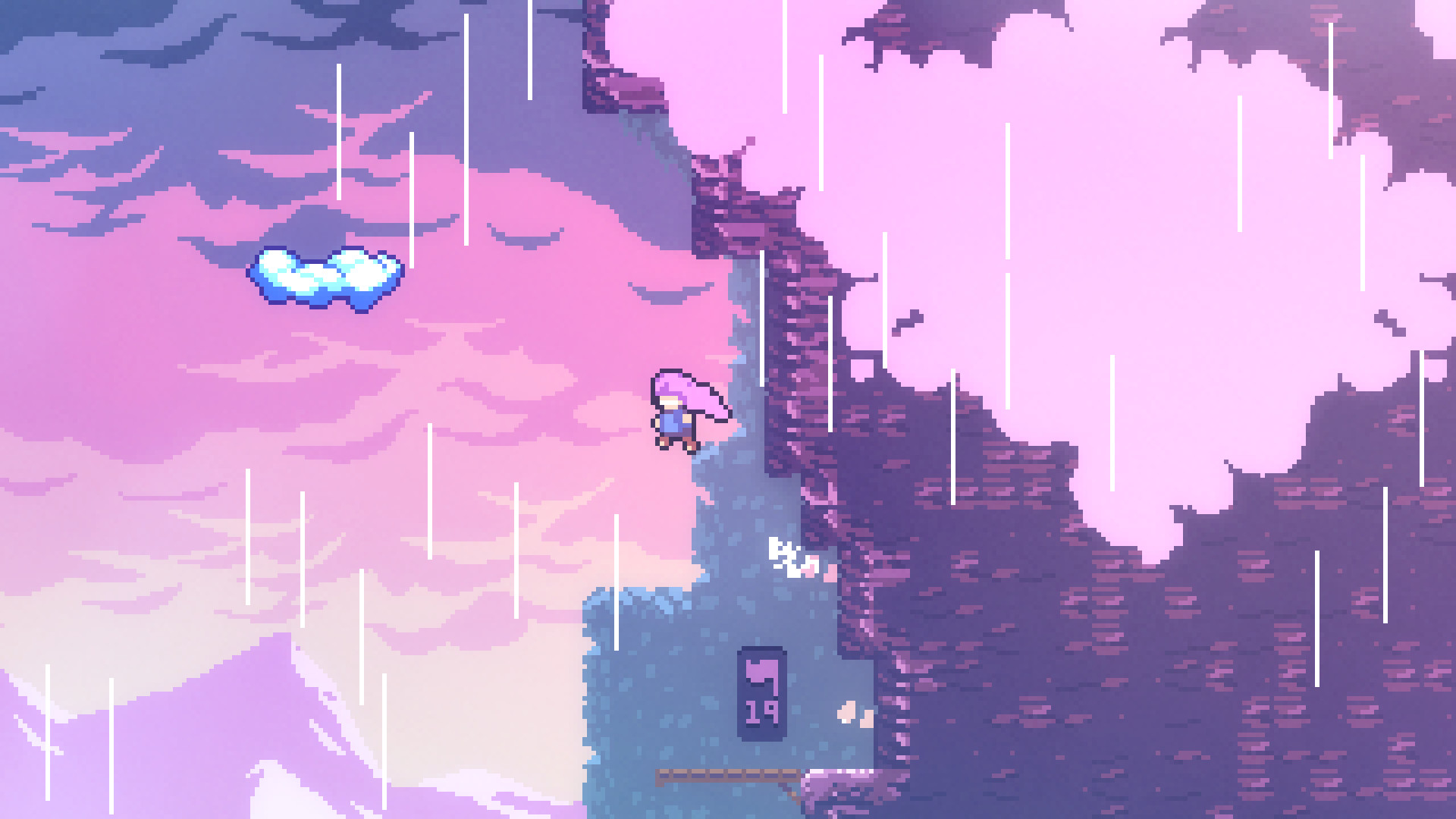
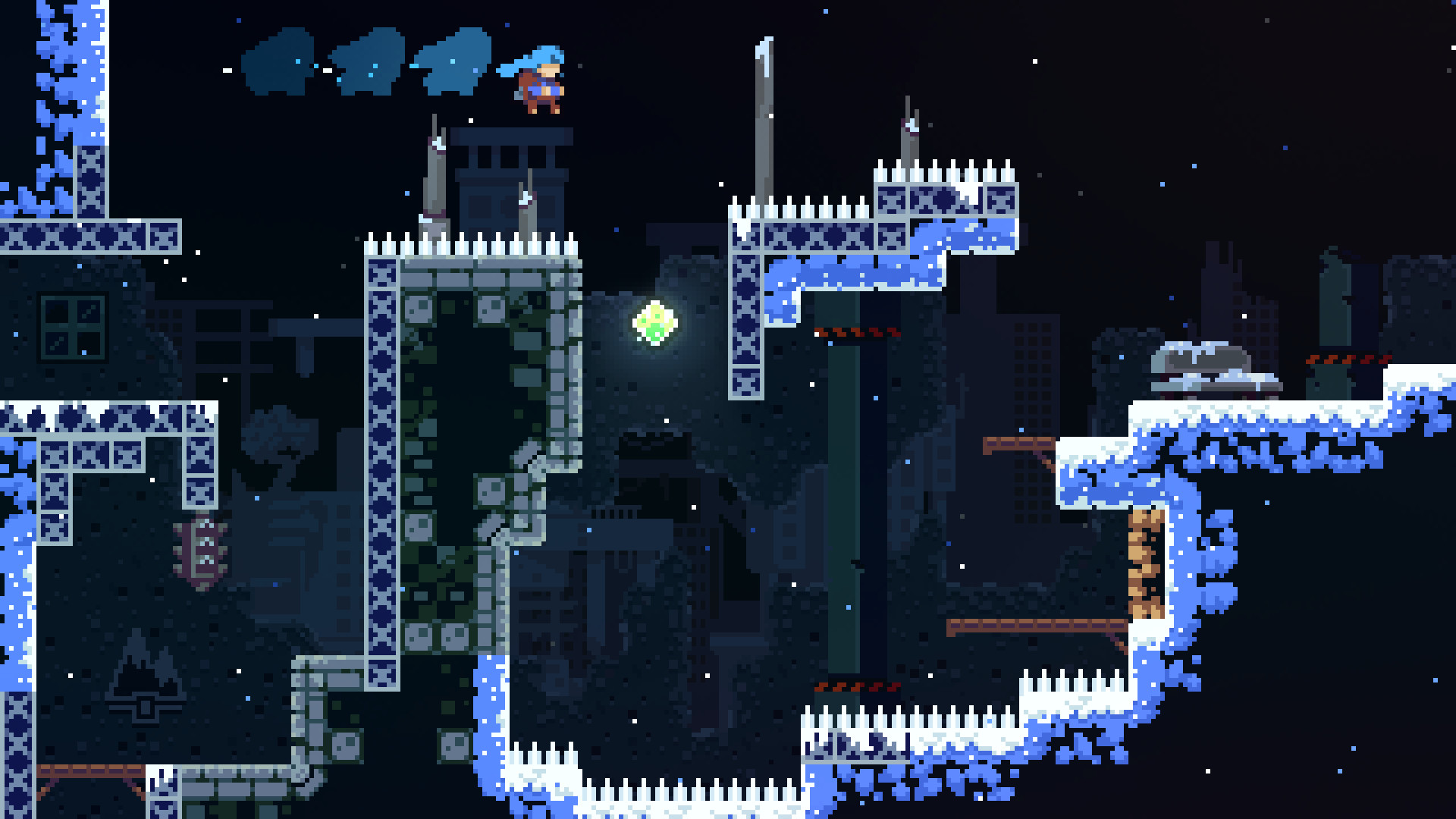
Players use three core actions: jump, air‑dash, and climb. These simple inputs are layered with expressive depth, encouraging mastery through repeated attempts.
Deaths are treated as lessons, with lightning‑fast respawns that keep momentum high as players explore the mountain’s perils.
- Practice timing of air‑dashes to navigate tight corridors.
- Use the climb ability to recover from missed jumps quickly.
03 / THE GUIDE
Level Design
Celeste features more than 700 screens of handcrafted platforming challenges, each designed to test precision and timing. Hidden secrets are scattered throughout, rewarding exploration.
A set of Brutal B‑side chapters provides additional difficulty for players seeking the toughest tests.
- Explore each screen thoroughly to locate secret paths.
- Attempt B‑side chapters only after mastering standard levels.
04 / THE GUIDE
Audio and Music
The soundtrack exceeds two hours, featuring live piano and synth beats. The audio received IGF “Excellence in Audio” finalist recognition, highlighting its quality.
Music dynamically accompanies gameplay, reinforcing the emotional stakes of each climb.
- Listen to the soundtrack on a good set of speakers for full effect.
- Notice how musical cues align with level transitions.
05 / THE GUIDE
Platform and Support
Celeste runs on Windows, macOS, and Linux, offering full controller support including DualShock and DualSense. Steam Cloud and Remote Play extend accessibility across devices.
Features such as Steam Achievements, Trading Cards, and Family Sharing enhance the broader Steam ecosystem experience.
- Enable Steam Cloud to keep progress synced across machines.
- Try DualSense adaptive triggers for added tactile feedback.
COMMUNITY
Player discussion