 GameWiki
GET YOUR BEARINGS
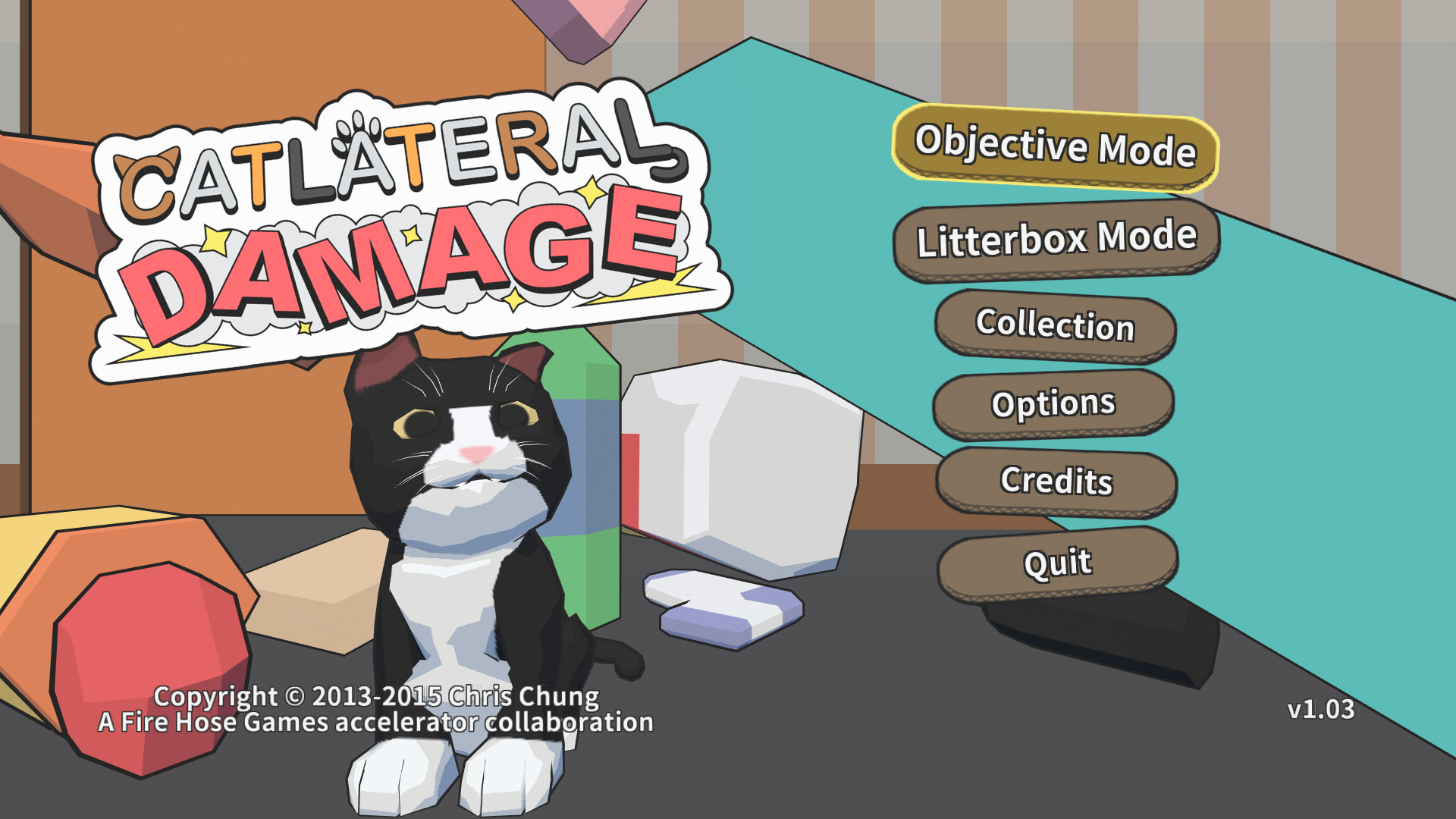
About Catlateral Damage
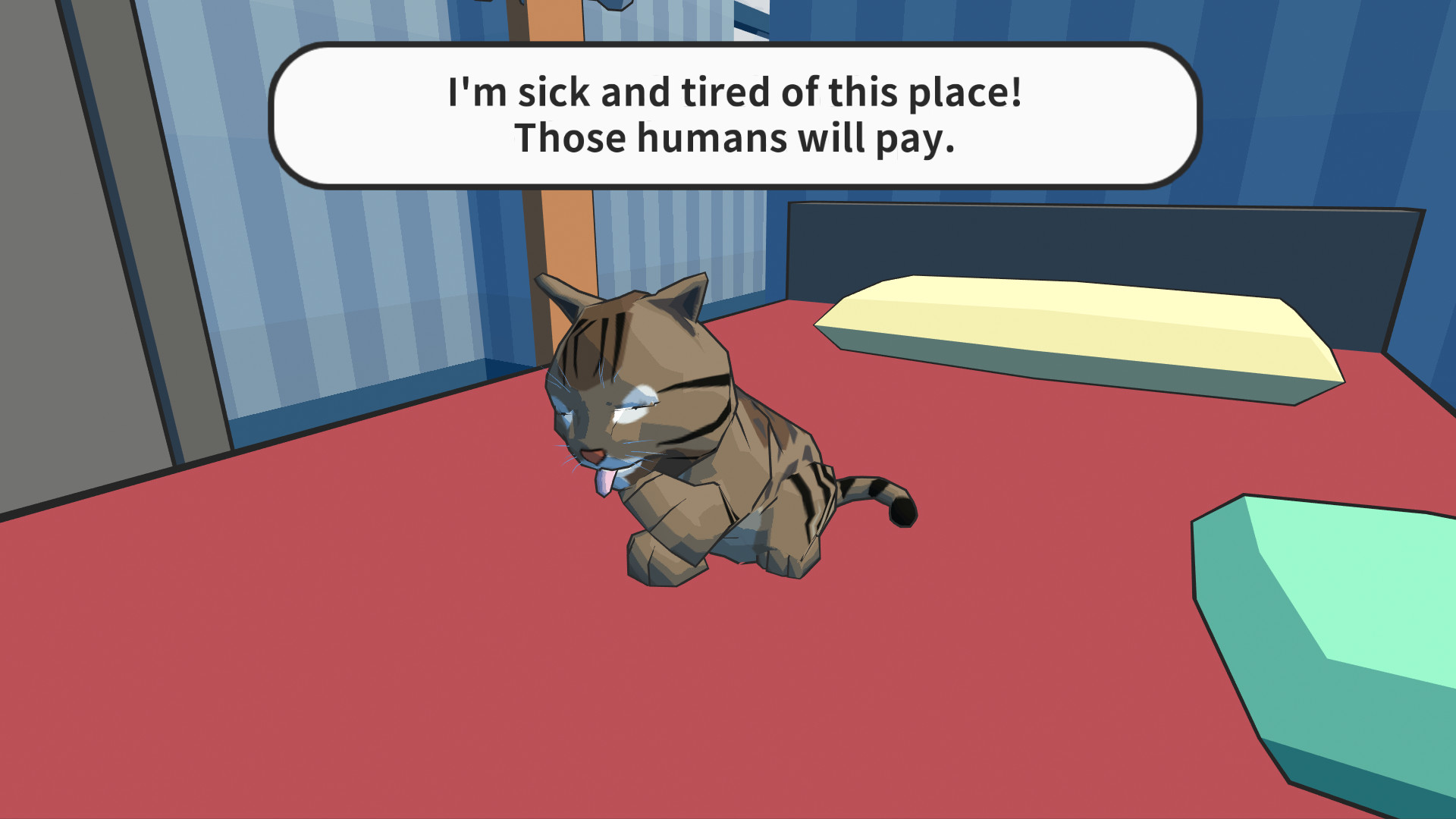
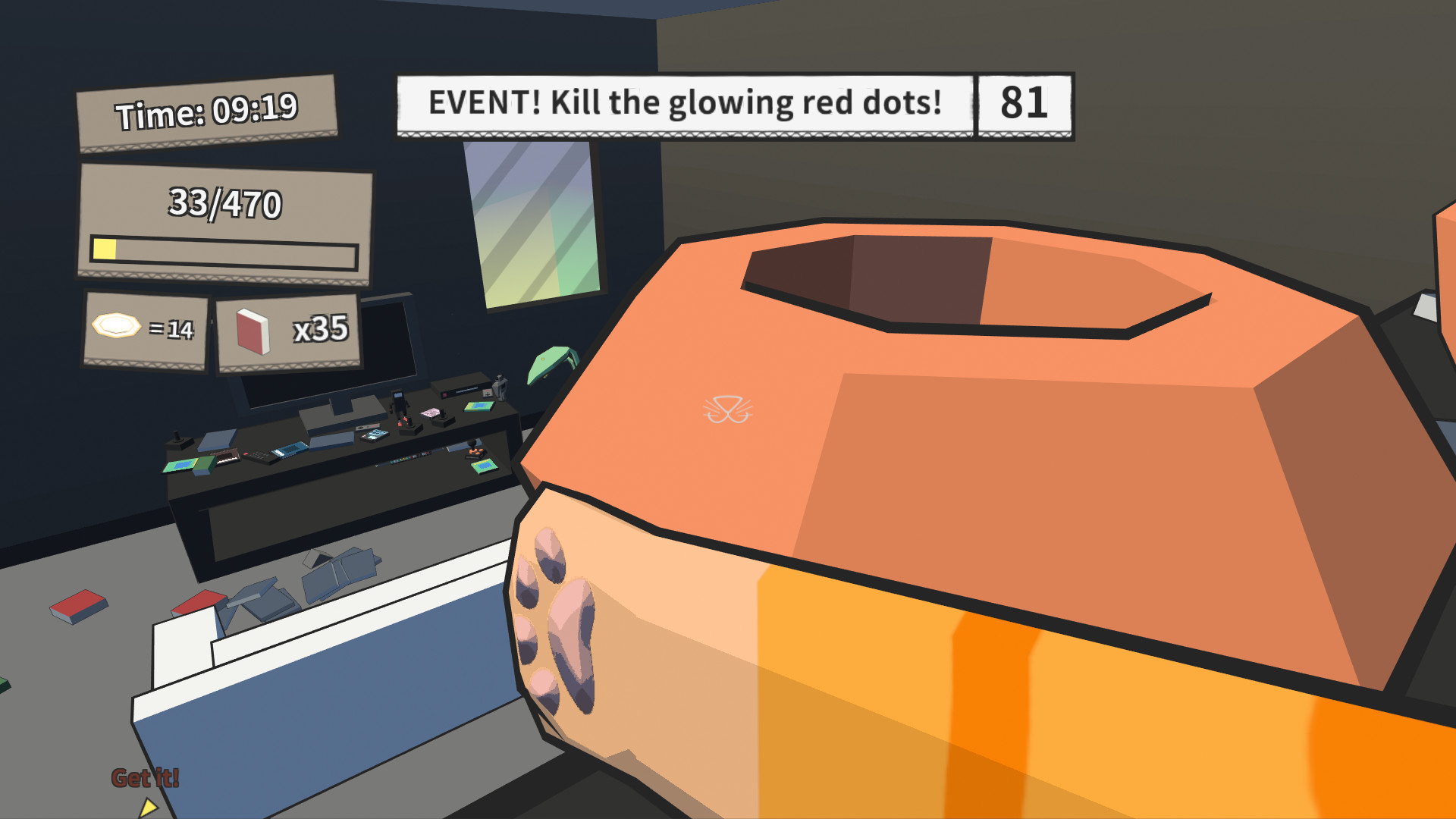
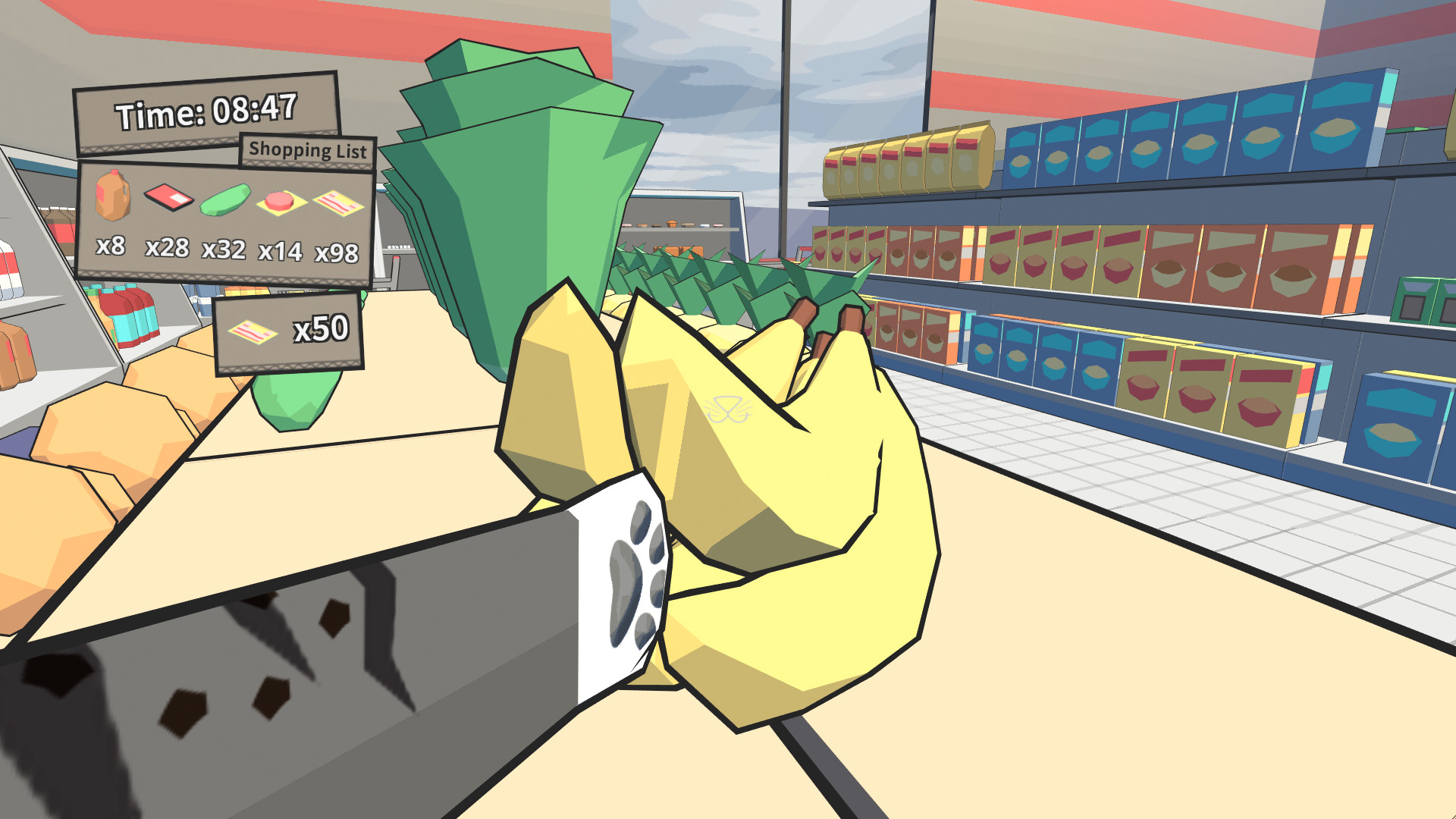
Catlateral Damage puts you in the paws of a domestic cat, shown through a first‑person view. You can walk, look around, jump and crouch while swiping objects with your two paws, turning each room into a chaotic mess.
Each playthrough generates a new house layout, providing endless replayability. Over 230 real‑cat photos are hidden to collect, and the game includes full controller, tracked controller and VR support along with several accessibility options.
01 / THE GUIDE
First‑Person Cat Perspective
The world is rendered from a cat’s eye level, so tables, shelves and floors appear as a feline would see them. This viewpoint determines which objects are within reach and how high they sit, shaping each swipe.
Movement follows typical first‑person conventions: you can walk, look around, jump and crouch. The primary interaction is swiping with your paws to knock items down, creating a destructive sandbox built around feline instincts.
- Observe object height; crouching can give a better angle for a swipe.
- Jump to reach items on higher surfaces before they become out of reach.
02 / THE GUIDE
Procedurally‑Generated Houses
Each session generates a new house layout, altering room placement, furniture arrangement and item locations. This procedural generation ensures that no two runs are identical, keeping the environment fresh each time you play.
Because the layout changes, you must adapt your swiping strategy to new configurations. Recognising patterns in furniture placement can help you decide where to start a mess and which objects are most easily toppled.
- Survey each new room quickly to spot high‑value items before starting a swipe spree.
- Notice recurring furniture patterns to anticipate where objects might be stacked.
03 / THE GUIDE
Collectibles and Unlockable Cats
Hidden throughout the houses are over 230 photos of real cats. Finding these images adds to your collection and can unlock additional feline characters, expanding visual variety without altering core mechanics.
Unlockable cats add new feline characters to play as, expanding visual variety while you keep swiping, jumping and crouching through the same houses.
- Prioritise rooms with many decorative items; they often hide collectible photos.
- Compare locations of found photos across runs to develop a mental map of likely spots.
04 / THE GUIDE
Accessibility Options and Epilepsy Warning
The title includes an epilepsy warning for certain visual effects, which can be disabled via the Options menu on the title screen or in‑game. This lets players who are sensitive to flashing lights adjust the experience safely.
Additional settings cover camera comfort, color alternatives and custom volume controls. These options let you tailor visual and auditory elements to personal comfort while still enjoying the core destructive gameplay.
- Disable the problematic visual effects early if you are sensitive to flashing lights.
- Adjust camera comfort settings to reduce motion discomfort during fast swipes.
05 / THE GUIDE
Platform Support and Steam Features
Catlateral Damage runs on Windows, macOS and Linux, and offers full controller, tracked controller and VR support. Steam integration adds achievements, leaderboards, cloud saves and remote play on TV, providing multiple ways to engage with the game.
These features let you choose an input method supported by the game and keep progress synced across devices, while leaderboards provide a way to compare your results with other players.
- Try playing with a VR headset for an immersive cat‑swinging experience.
- Enable Steam Cloud to keep your progress safe if you switch between computers.
COMMUNITY
Player discussion