 GameWiki

GET YOUR BEARINGS
About Cat Quest II
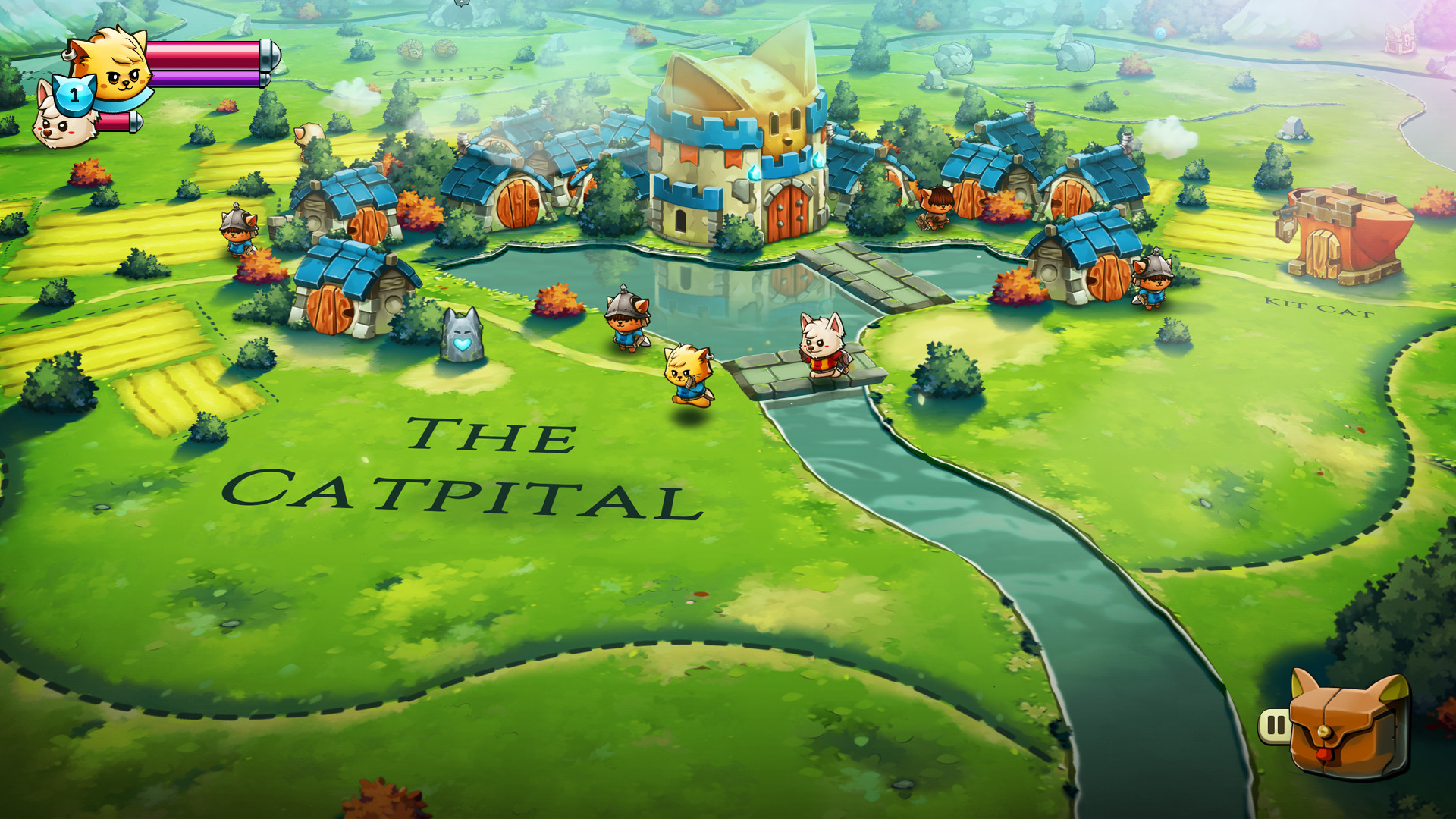
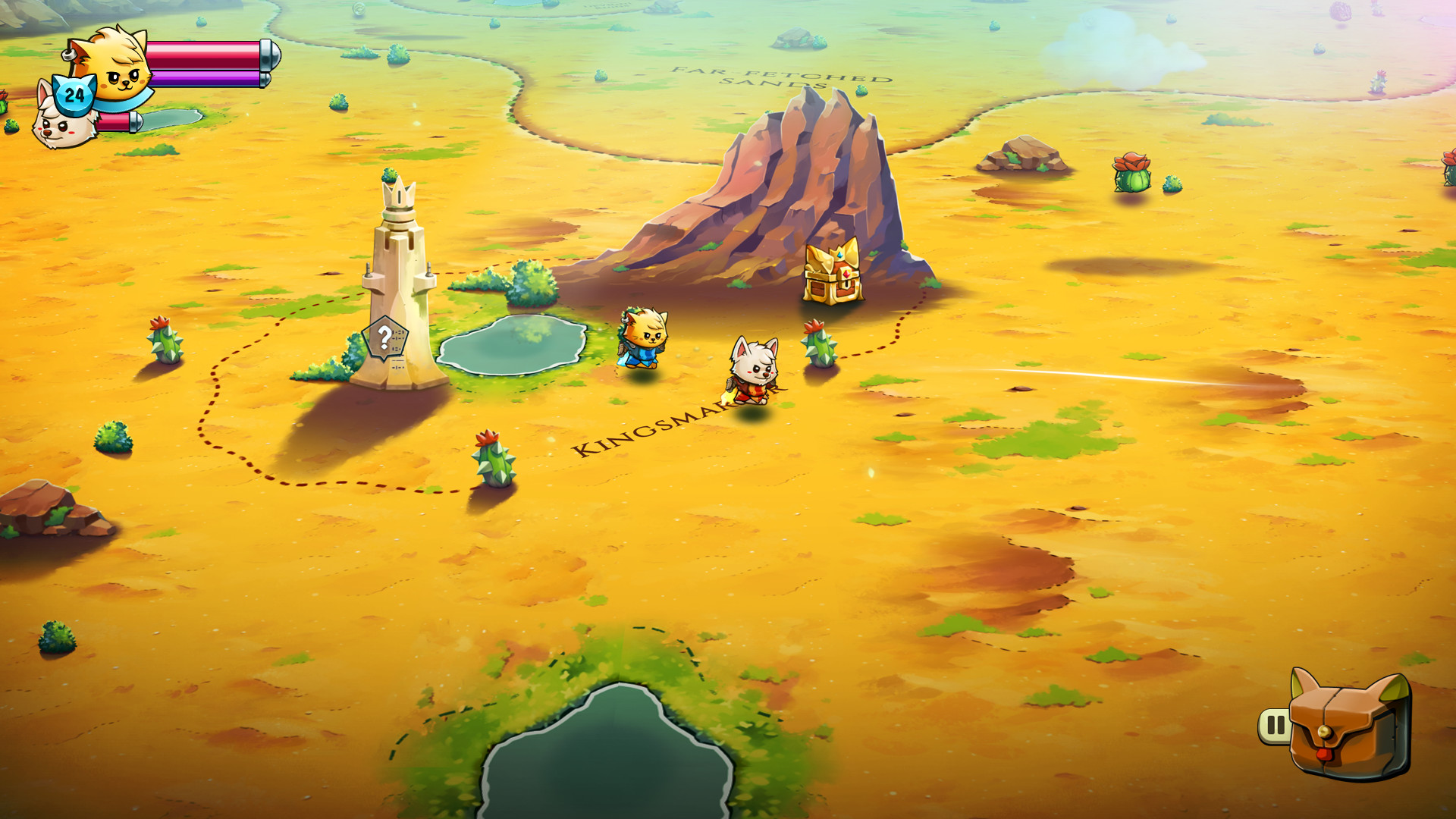
Cat Quest II is a 2‑D open‑world action‑RPG set in the fantasy realm of Felingard, where cats and dogs are locked in a war. Two monarchs—one feline, one canine—are forced together to reclaim their thrones and end the conflict. The game expands the original with new spells, weapon types, a character‑switch mechanic, and local co‑op, letting players explore kingdoms solo or with a friend while completing side quests and dungeon challenges.
01 / THE GUIDE
Story and Setting
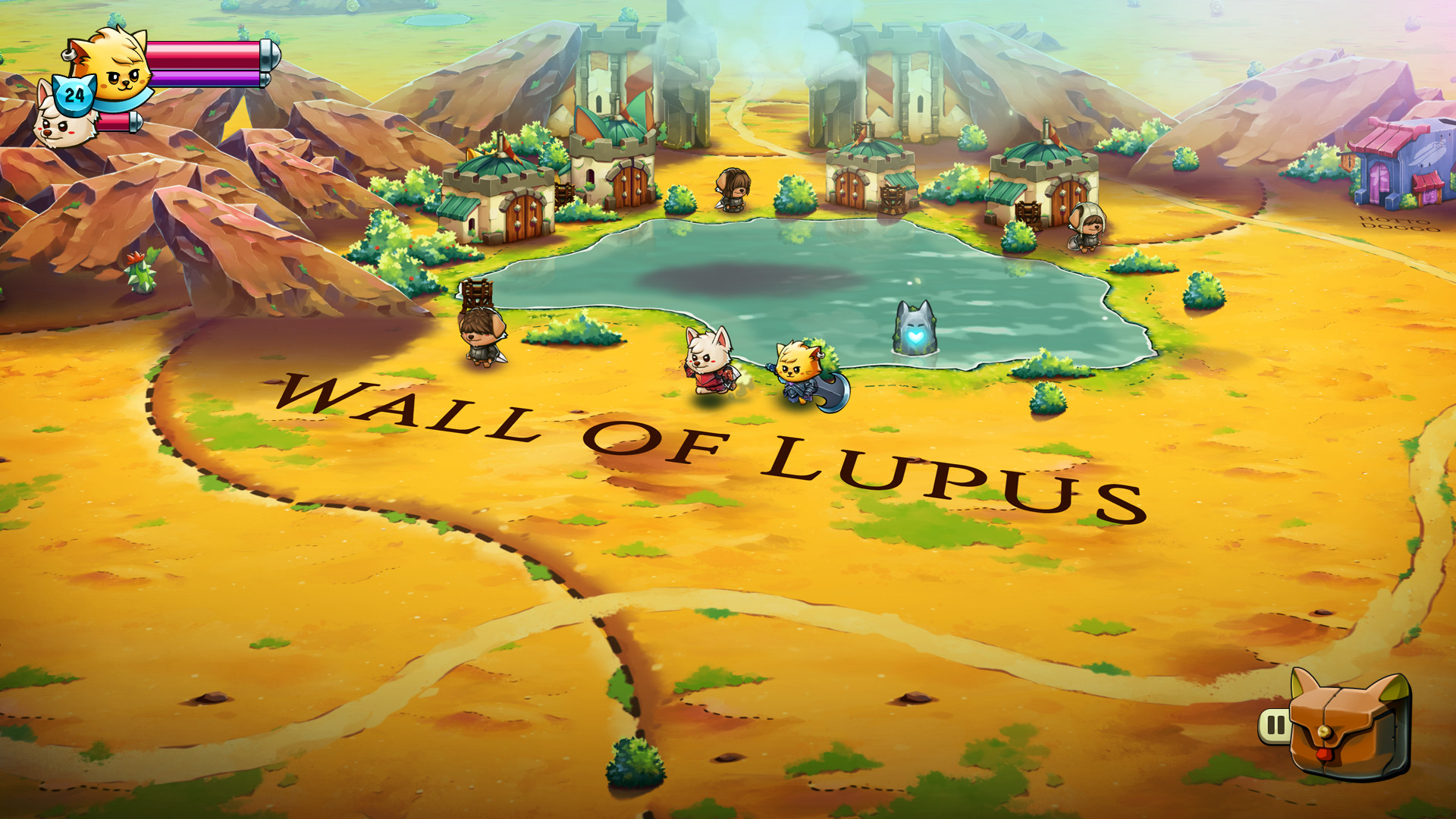
The narrative follows a cat king and a dog king who must unite against the Lupus Empire’s advancing dogs. Their journey takes them across Felingard and beyond, revealing lore through main quests and side stories.
The war between the cats of Felingard and the Lupus Empire provides the backdrop for exploration, magic, and monster encounters, creating a whimsical fantasy world.
- Pay attention to dialogue during side quests; they often expand the world’s history.
- Explore both kingdoms to discover unique environmental details that hint at the larger conflict.
02 / THE GUIDE
Character Switch and Co‑op
Players can switch between the cat and dog characters at any time, allowing different abilities to be used in combat and puzzle solving. This mechanic works in both solo and local co‑op modes.
Local co‑op supports shared or split‑screen play, letting a second player control the other character while the first player continues to switch as needed.
- Coordinate switches with your partner to cover each other's weaknesses.
- Use the switch feature to experiment with different ability combos during combat.
03 / THE GUIDE
Weapons and Spells
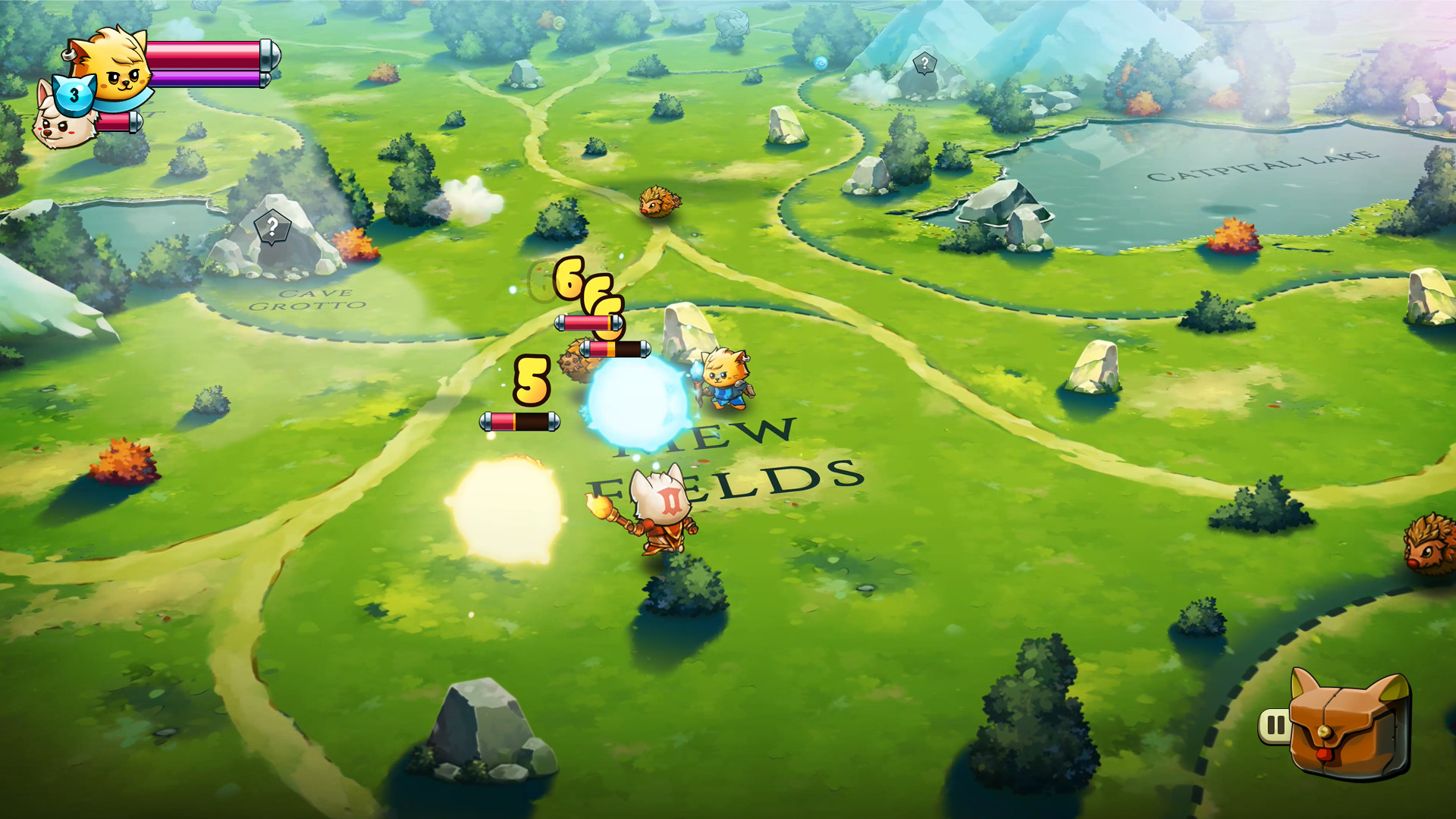
The game adds master swords, staves, and additional weapon types, giving players more options for melee and magical attacks. New spells increase the range of offensive and defensive tactics.
Passive abilities can be mixed and combined, offering further customization of combat style.
- Try pairing a staff with a defensive passive to balance spellcasting and survivability.
- Experiment with different weapon‑passive combos to find a playstyle that suits you.
04 / THE GUIDE
Dungeons and Side Quests
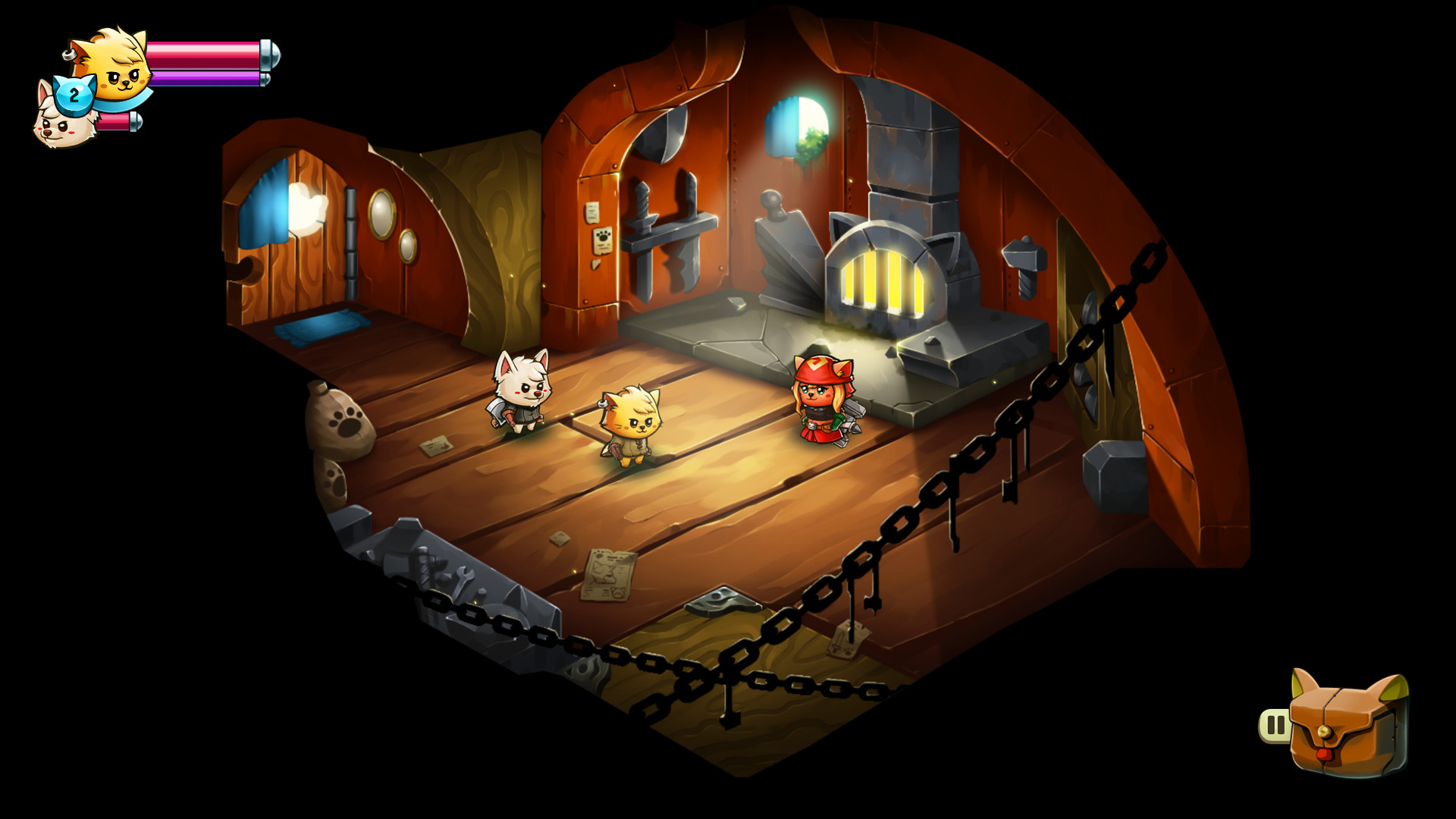
Varied dungeons feature new traps and obstacles, ensuring each entry feels fresh. Completing them rewards players with gear and progression.
A litany of side quests each tells its own story, expanding the lore and providing additional challenges beyond the main plot.
- Take note of trap patterns early in a dungeon to avoid repeated damage.
- Side quests often grant unique items; prioritize those that complement your current build.
05 / THE GUIDE
Platform and Controller Features
Cat Quest II runs on Windows and macOS, with full controller support including DualShock and DualSense. Steam features such as Achievements, Cloud saves, and Remote Play are integrated.
Shared/split‑screen co‑op and Remote Play Together let friends join from separate devices, while Family Sharing enables multiple accounts to access the game.
- Enable Steam Cloud to keep progress synced across computers.
- Use Remote Play Together if a friend lacks a local screen.
COMMUNITY
Player discussion