 GameWiki
GET YOUR BEARINGS
About Cat Chess
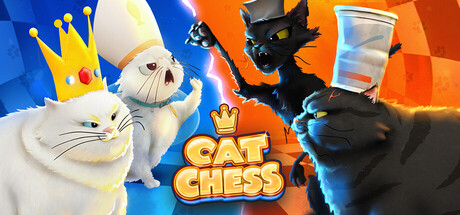
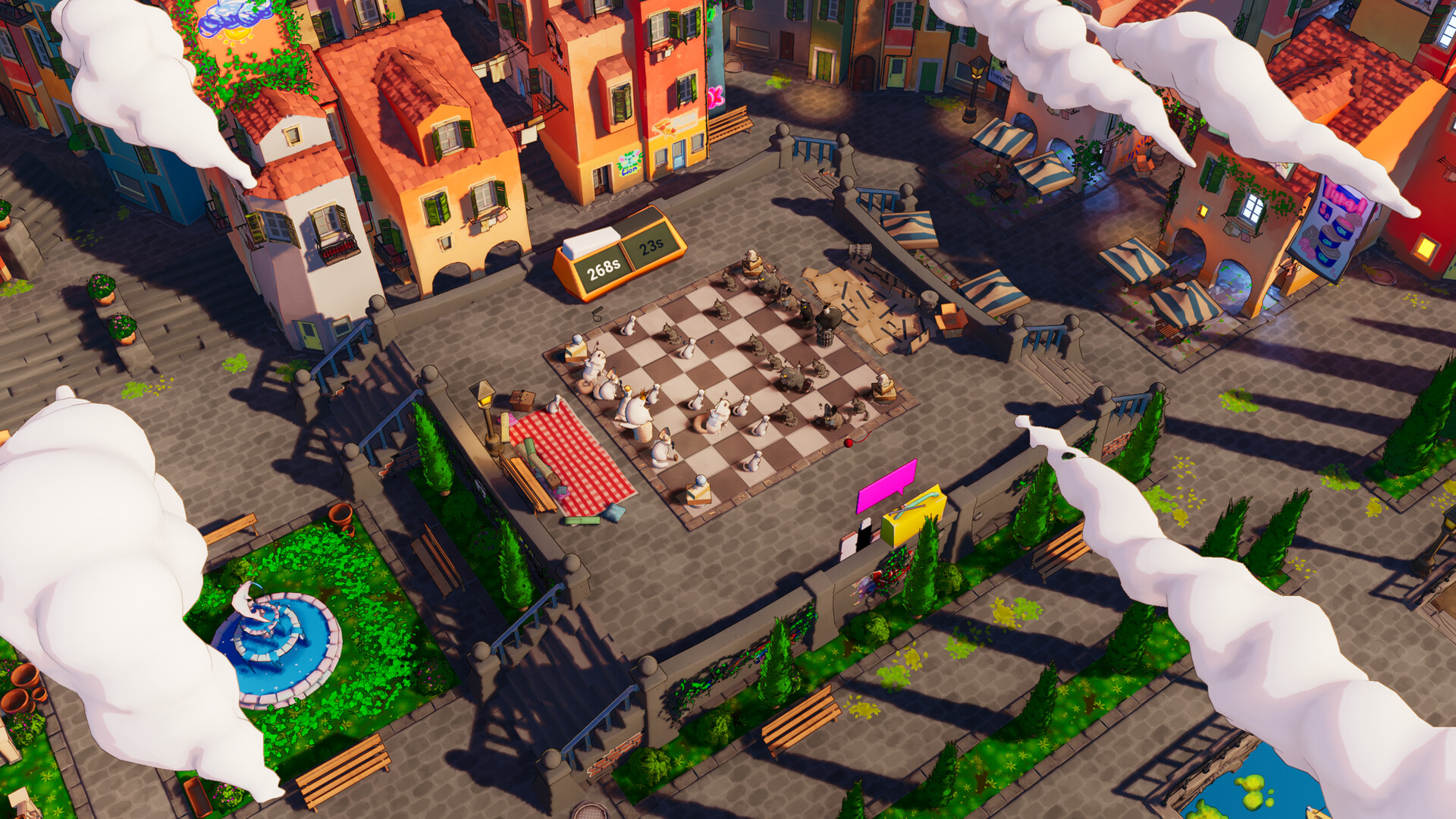
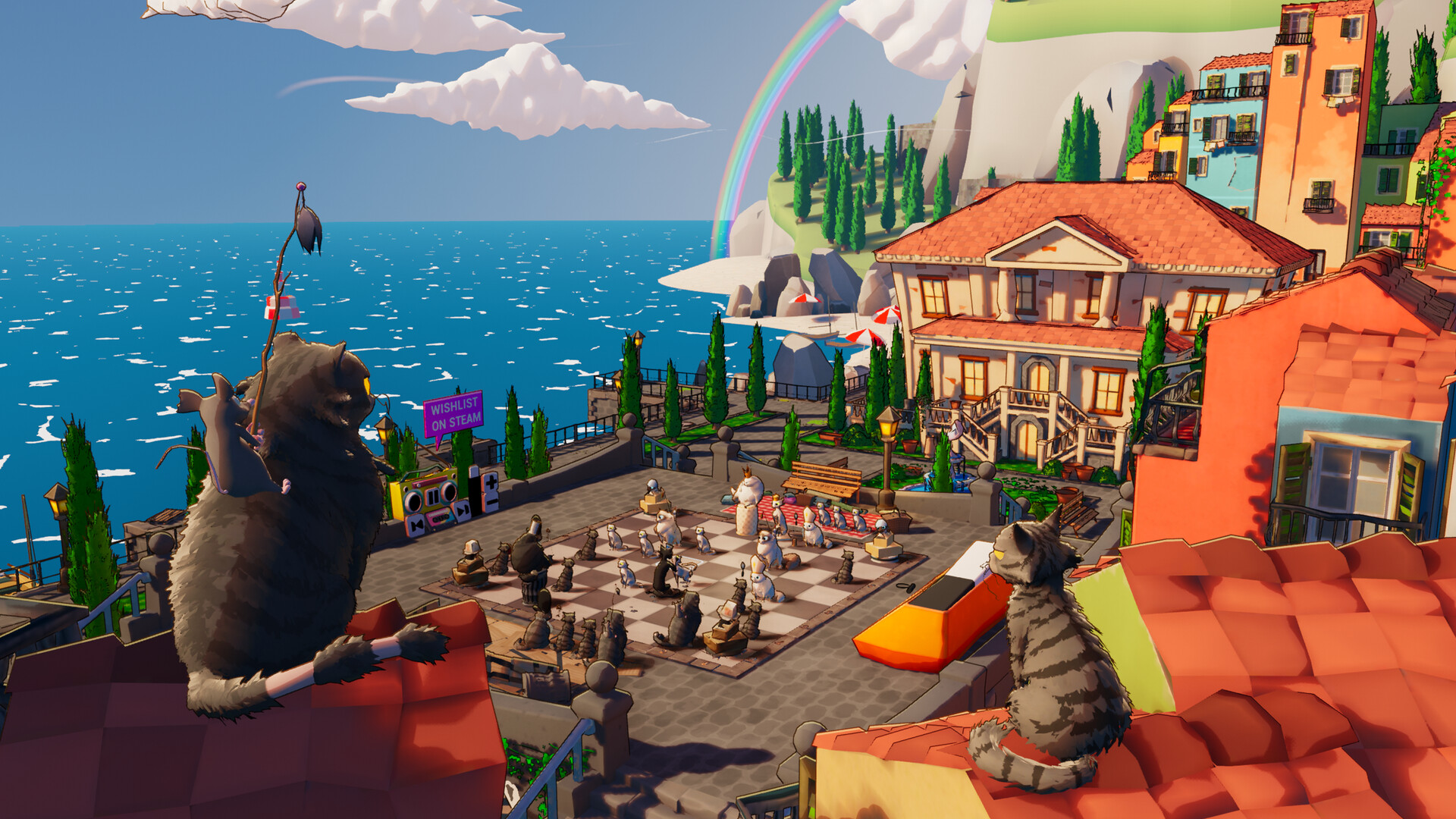
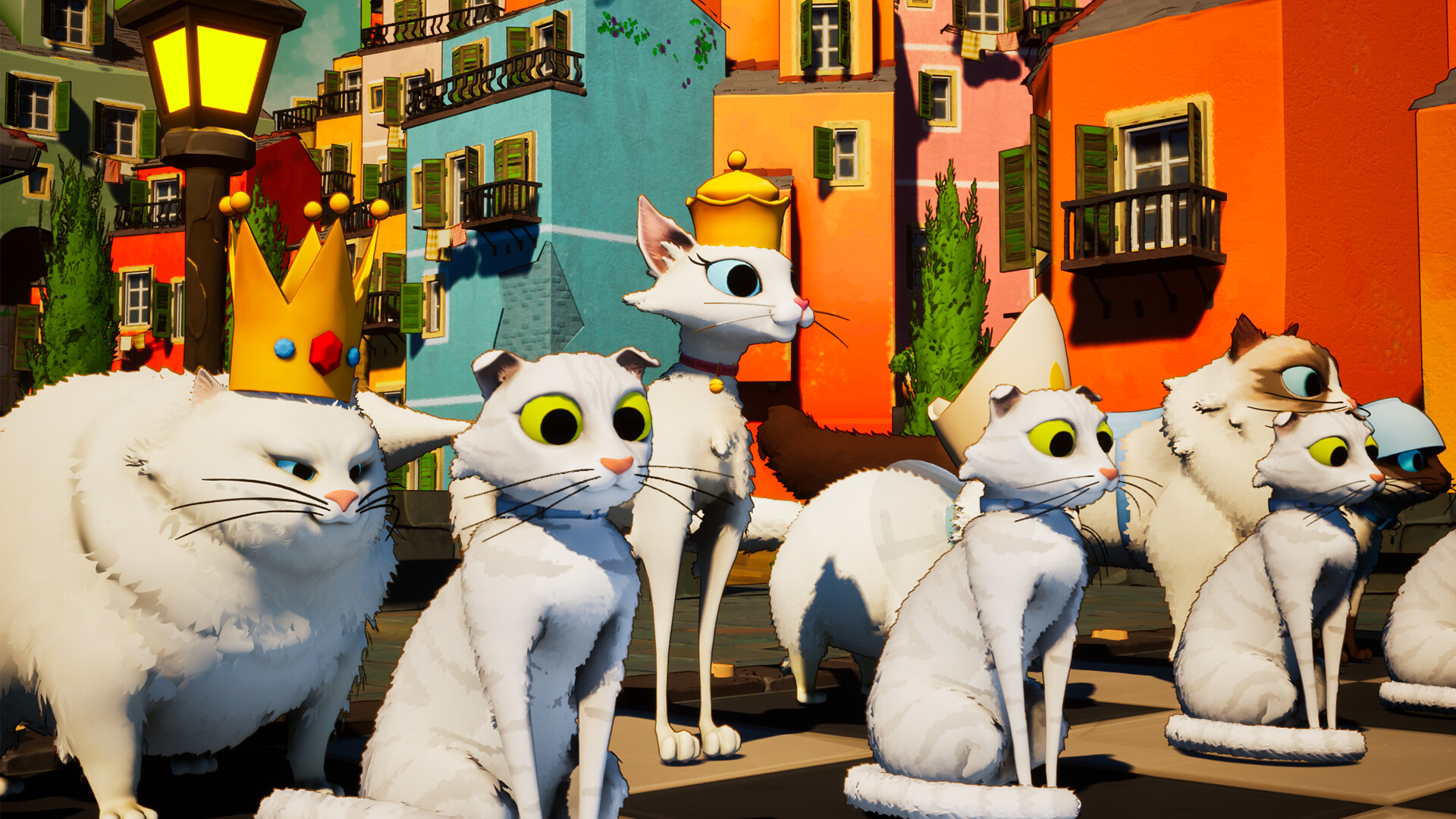
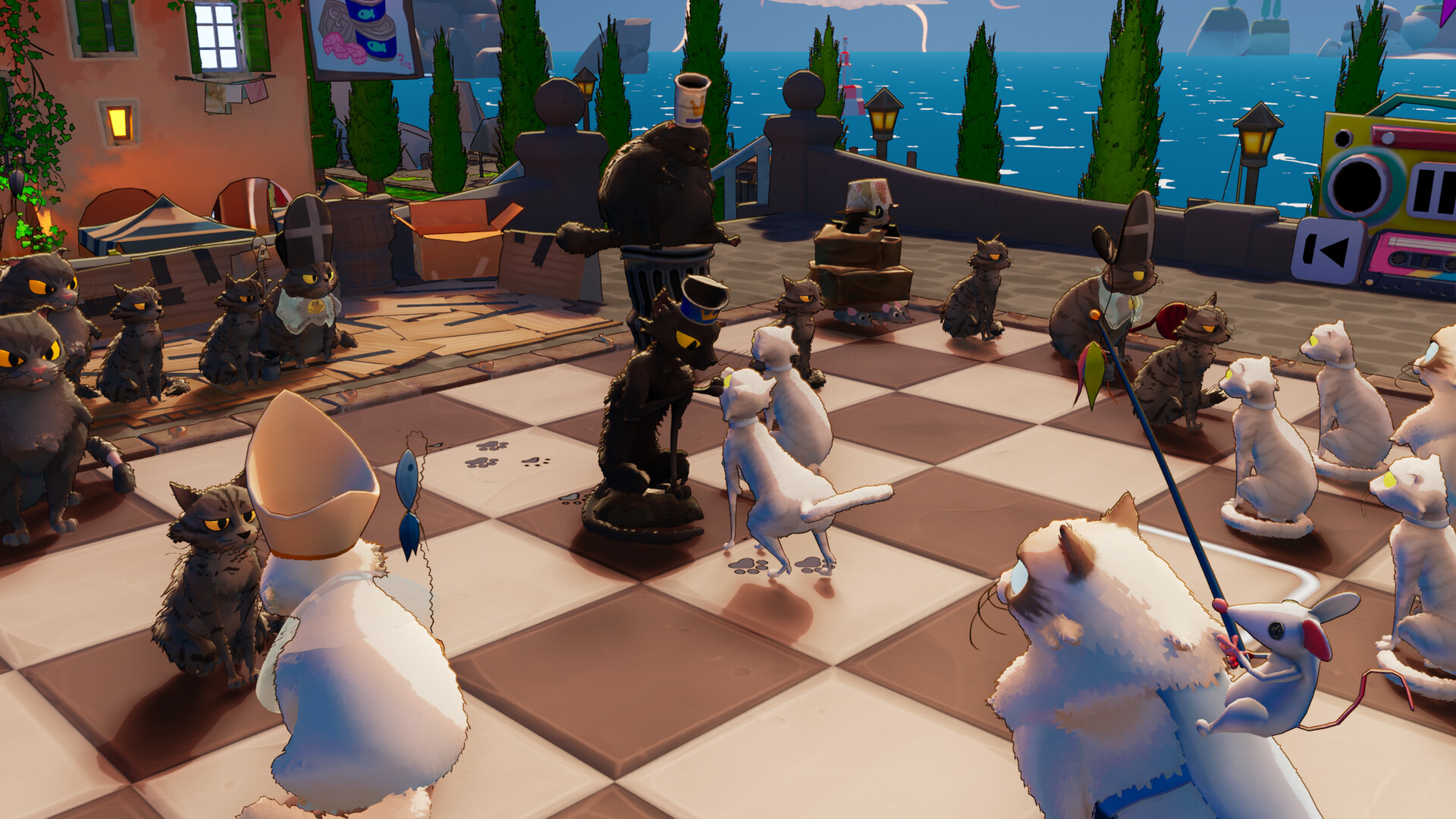
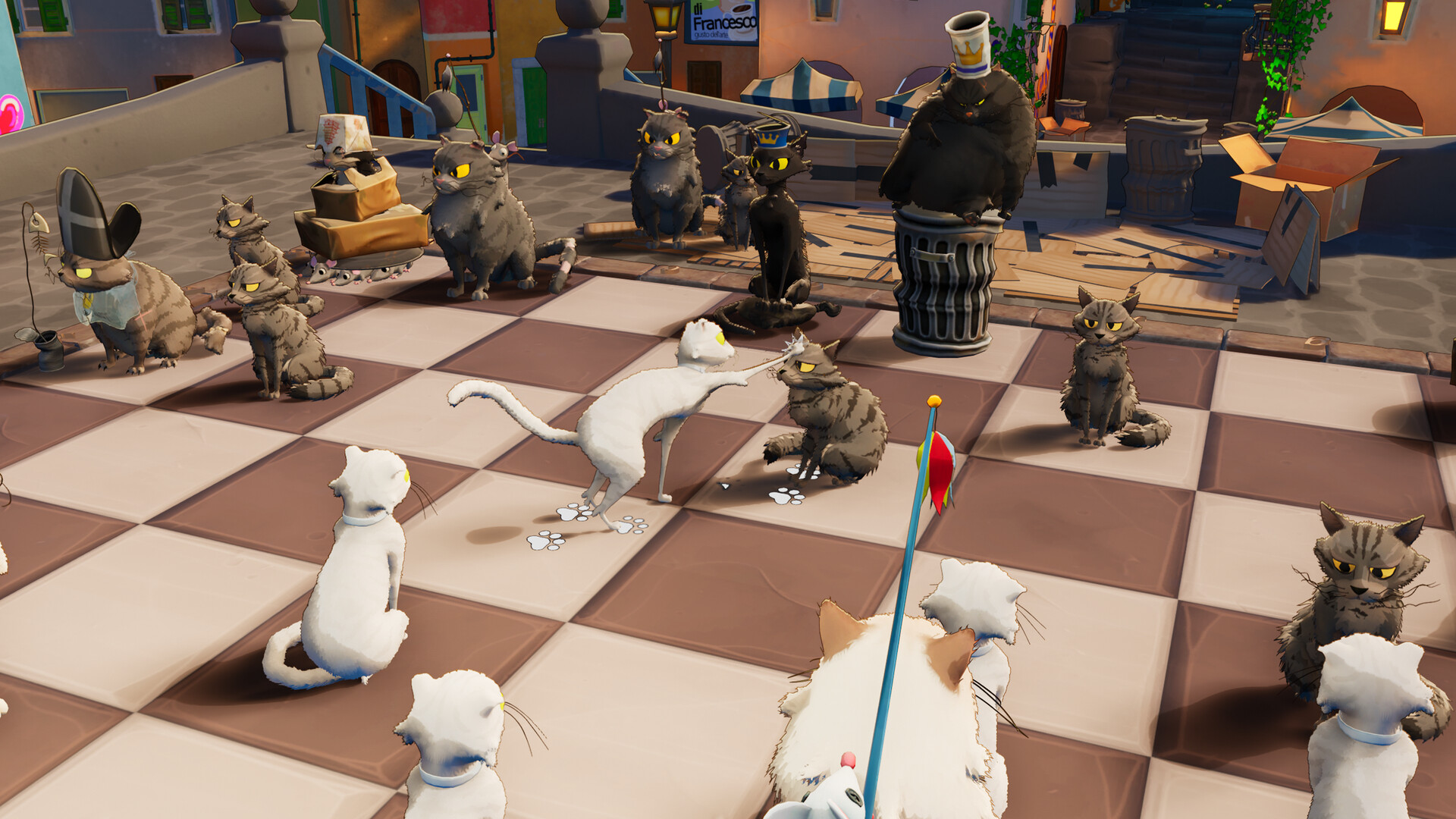
Cat Chess reimagines classic chess by replacing each piece with a distinct cat breed, adding expressive animations and humorous interactions. The game offers both online and offline play, letting you challenge friends, compete against a scalable AI, or tackle a single‑player campaign of puzzles.
Beyond the core board, players can customize cat colors, skins, and board elements, and even import custom positions using FEN notation. Full controller support, Steam achievements, and cloud saves round out the casual yet strategic experience.
01 / THE GUIDE
Online and Offline Play
The game provides custom online matches where you can face friends or strangers, as well as local offline sessions for solo enjoyment. Both modes let you experience the feline‑themed chess without needing an internet connection.
Online PvP supports shared or split‑screen play, while offline you can simply start a match against the computer or explore the campaign. These options give flexibility for quick games or longer sessions.
- Try a quick online match to test new cat skins before committing to a campaign puzzle.
- Use split‑screen offline to practice strategies with a friend on the same device.
02 / THE GUIDE
Computer Opponent
Cat Chess includes a bot that scales its difficulty up to a 3000 ELO rating, allowing players of any skill level to find a suitable challenge. The AI adapts its play style as you improve.
Testing strategies against the computer can help you learn piece movements and cat‑specific animations before entering competitive matches.
- Start at a lower ELO to familiarize yourself with each cat breed’s animation cues.
- Gradually increase the bot’s rating to sharpen your tactical planning.
03 / THE GUIDE
Single‑Player Campaign
The campaign presents a series of challenges that unlock additional content as you progress. Each puzzle is designed around the unique personalities of the cat pieces, adding humor to traditional chess problems.
Completing campaign levels rewards you with new customization options, encouraging continued play and experimentation with different cat skins.
- Focus on the puzzle’s objective before worrying about cosmetic upgrades.
- Replay earlier challenges after unlocking new skins for fresh visual flair.
04 / THE GUIDE
Customization and FEN Support
Players can create their own “Purr‑fect Cats” by adjusting colors, skins, and board elements, tailoring the visual experience. Additionally, the game accepts FEN strings, enabling you to set up custom board positions easily.
These tools let you experiment with both aesthetics and strategic setups, whether for personal fun or sharing puzzles with others.
- Use FEN to recreate famous chess positions with a cat twist.
- Save favorite cat color combos for quick access in future matches.
05 / THE GUIDE
Accessibility and Controls
Cat Chess offers full controller support, including DualShock and DualSense compatibility, as well as mouse‑only options. Features like adjustable difficulty, custom volume controls, and the ability to play without timed input make the game approachable for varied play styles.
Steam Cloud and Family Sharing further ensure your progress is saved and shareable across accounts.
- Enable the mouse‑only option if you prefer precise piece selection.
- Adjust difficulty to match your comfort level for a relaxed experience.
COMMUNITY
Player discussion