 GameWiki

GET YOUR BEARINGS
About Cash Cleaner Simulator
Cash Cleaner Simulator drops you into the role of a low‑level criminal who specializes in laundering dirty money. Your contacts deliver cash in bags, boxes, or even mattresses, and you must retrieve, clean, and count it before sending it back to your handlers.
Between jobs you can order new tools, upgrade equipment, and explore a secret‑filled lab. The game emphasizes hands‑on interaction with simulated piles of cash, a phone‑based job board, and a relaxed pace without combat or timed inputs.
01 / THE GUIDE
Cleaning the Cash
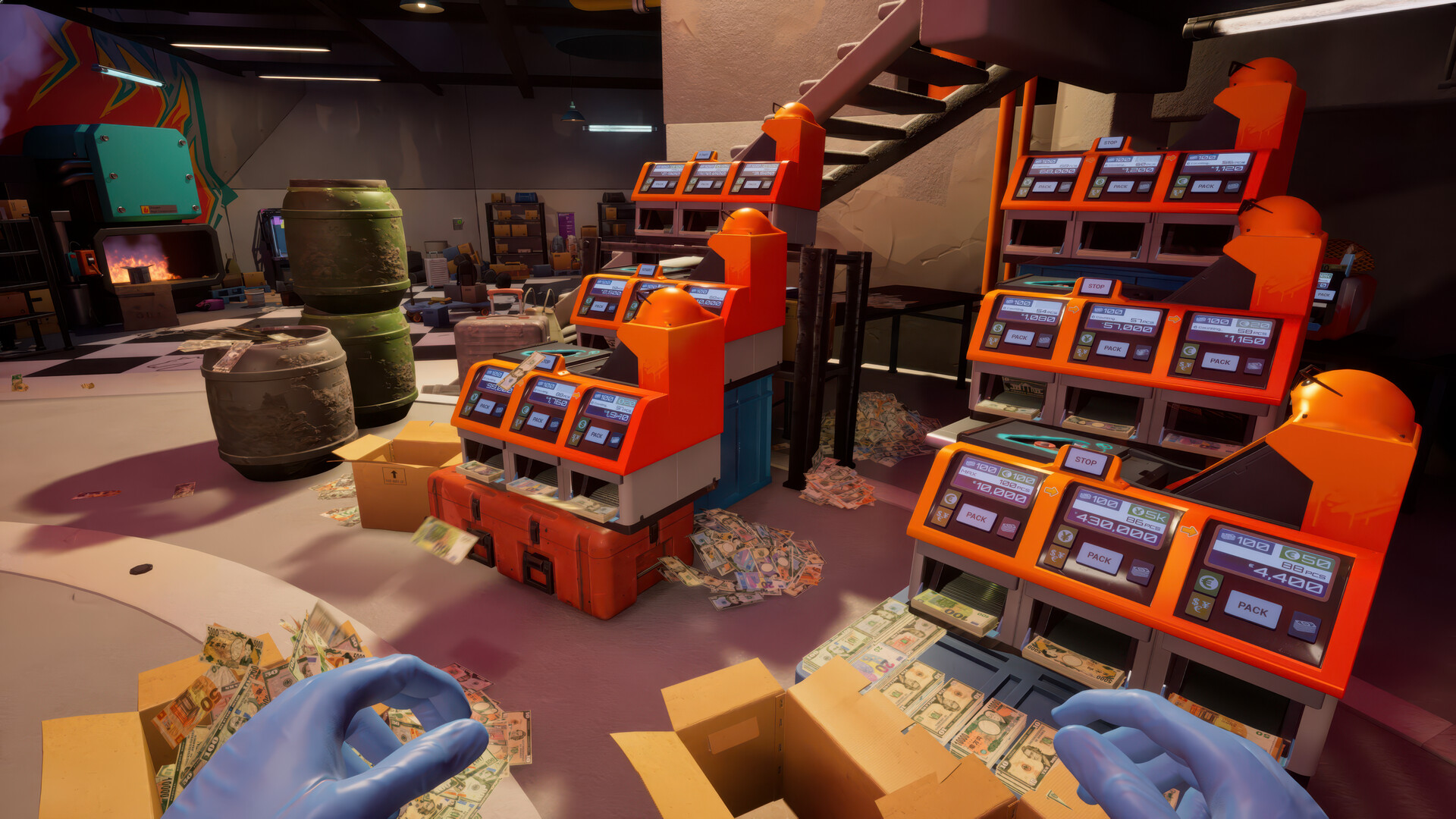
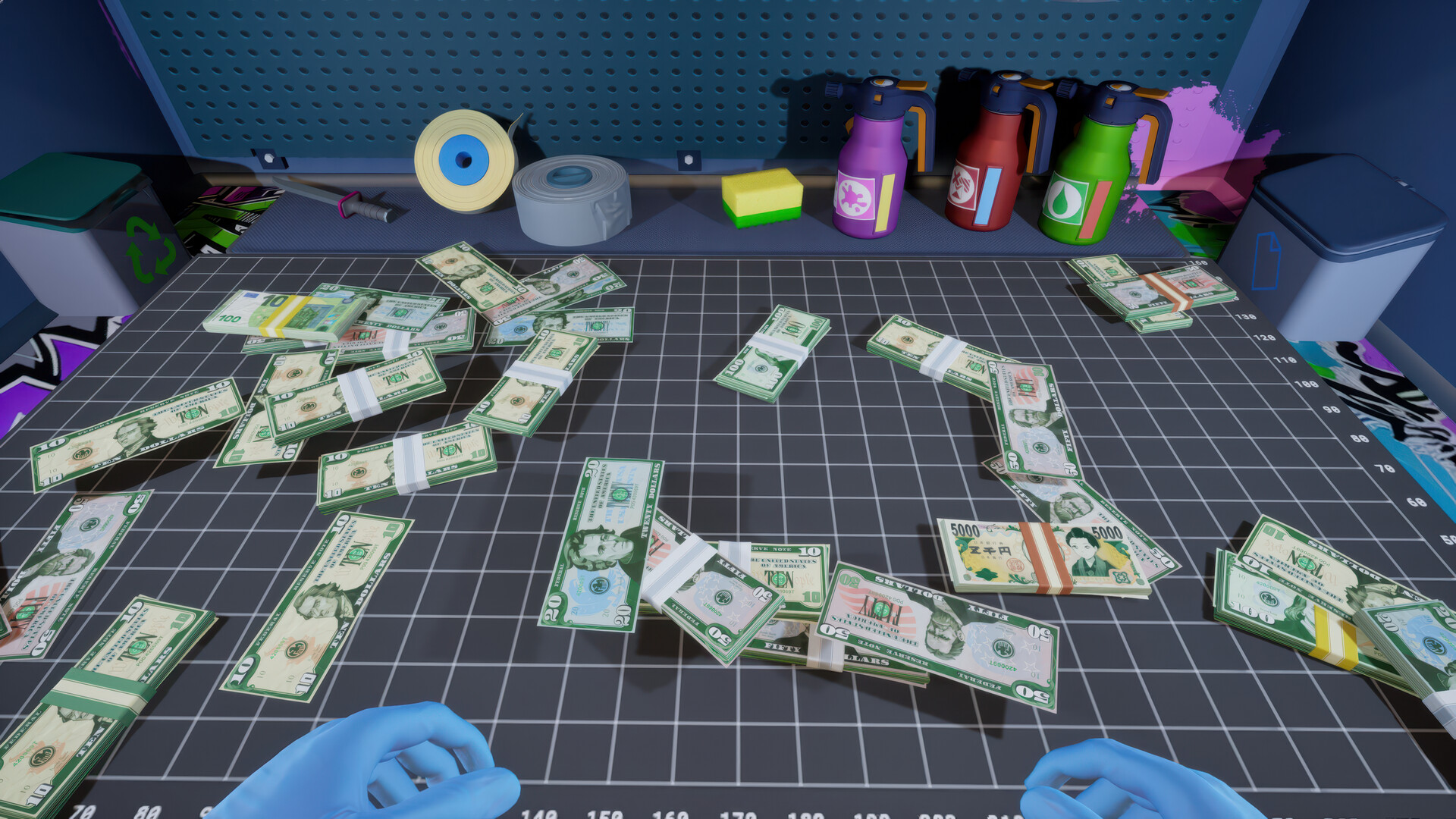
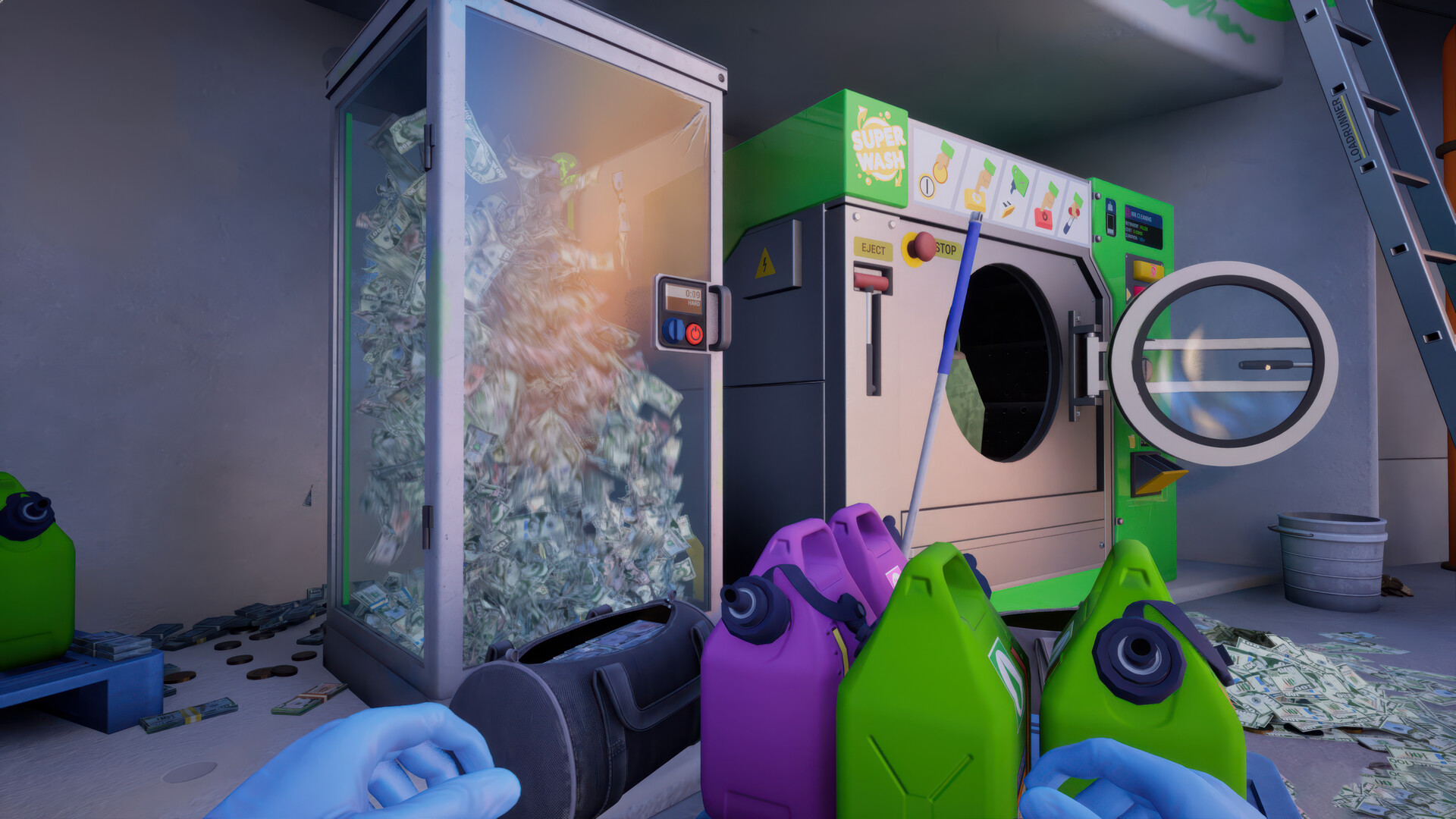
You use washing machines, dryers, counting machines, and other tools to remove dirt, blood, or counterfeit markings from bills and coins. After cleaning, you must count the money and decide how much to send to your handlers.
The cleaning process is central to each job, and successful cleaning lets you earn money to upgrade your gear and unlock new currencies like gold bars.
- Start with basic tools before purchasing advanced equipment.
- Check each batch for hidden contaminants before counting.
02 / THE GUIDE
Managing Jobs via Phone
Your phone acts as the hub for finding new contracts on the darknet, ordering tools, and scanning surroundings for tips. Keep the phone on mute while cleaning to avoid distractions.
Jobs are taken at your own pace, and each completed contract provides money for upgrades and expands the range of items you can clean, such as gold bars and foreign currencies.
- Mute the phone during cleaning to stay focused.
- Regularly check the darknet for higher‑paying jobs.

03 / THE GUIDE
Upgrading Equipment
Earnings from jobs let you purchase new tools that increase cleaning efficiency and unlock additional money types. Upgrades also help you discover hidden secrets in the lab.
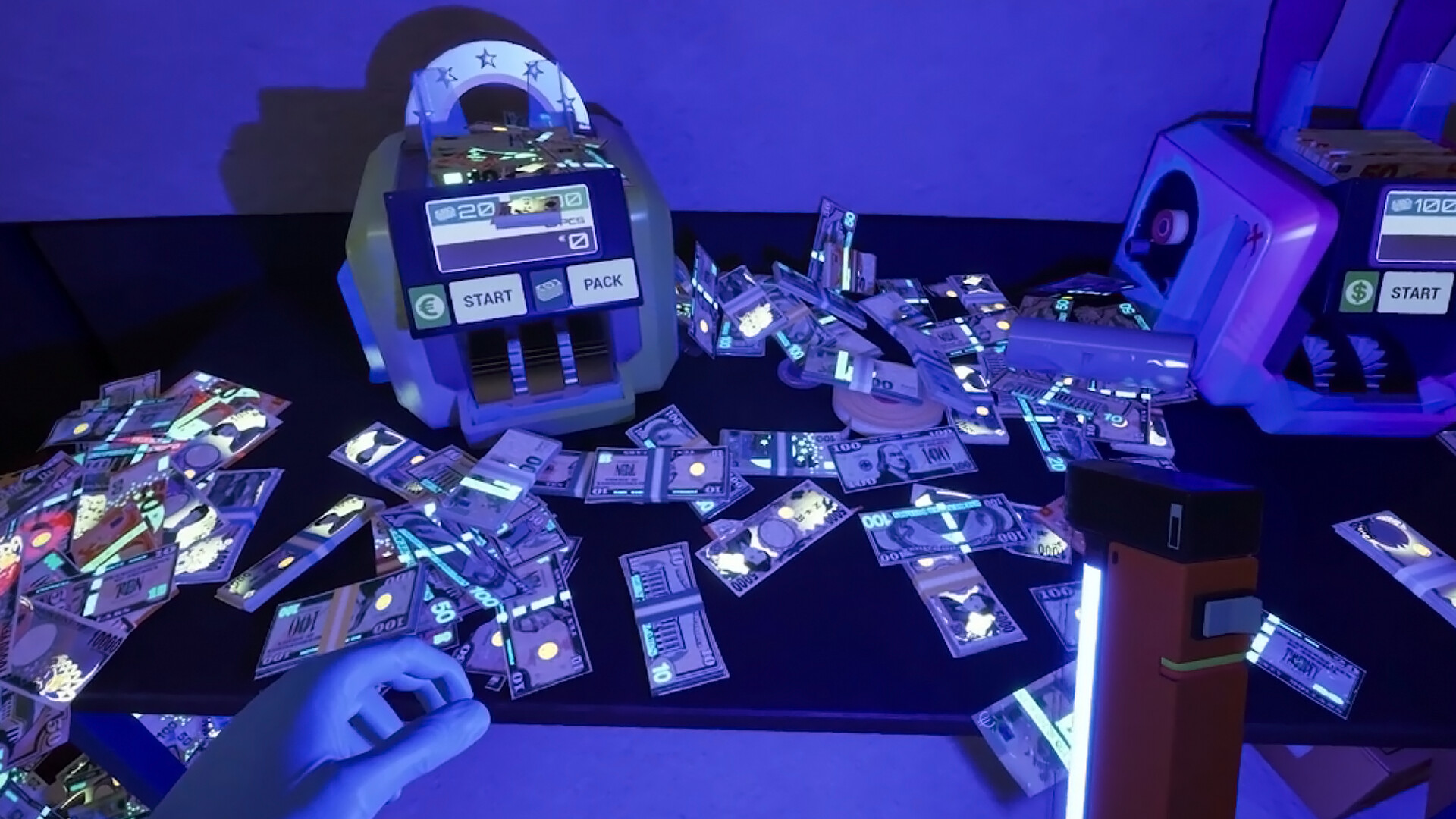
Tools like UV lamps may be required to reveal concealed items, and night‑time can be useful for certain discoveries.
- Prioritize upgrades that speed up cleaning cycles.
- Invest in detection tools to uncover hidden secrets.
04 / THE GUIDE
Exploring the Lab
The facility contains many secrets, some requiring special tools or specific times of day to access. Exploring can reveal additional storage spots and story elements.
Hidden areas may contain items that affect gameplay, so keep an eye out for clues and use appropriate equipment when needed.
- Use a UV lamp to spot invisible markings.
- Visit the lab at night to trigger time‑based events.
05 / THE GUIDE
Relaxation and Mini‑Games
Beyond cleaning, you can burn cash figuratively or literally, play a cash‑themed basketball mini‑game called Moneyball, and even toss items into a furnace for fun.
These activities provide a way to unwind and personalize your space, adding a casual layer to the simulation.
- Try Moneyball for a quick break between jobs.
- Use the furnace to dispose of unwanted items safely.
COMMUNITY
Player discussion