 GameWiki
GET YOUR BEARINGS
About Cascadia
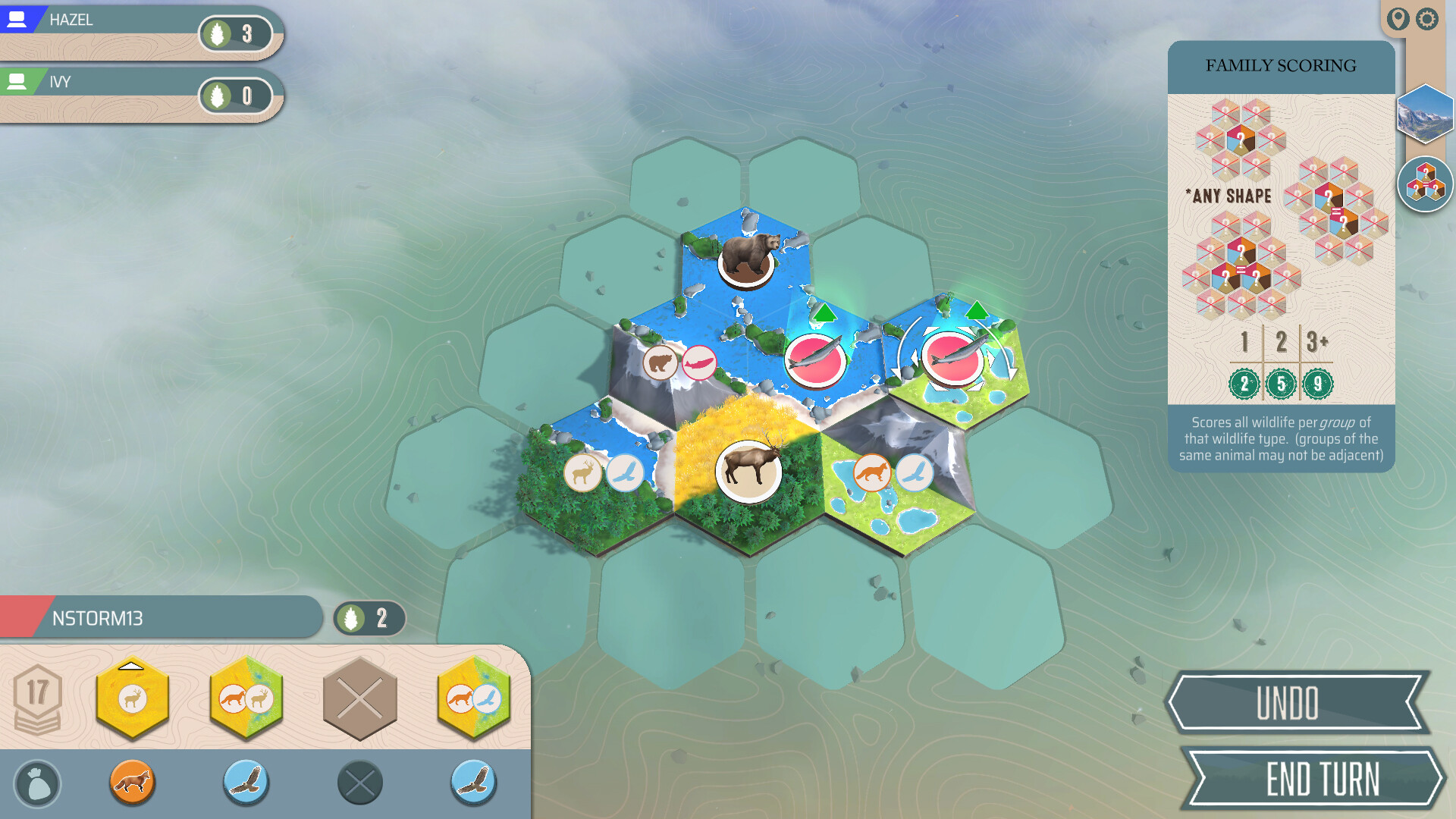
Cascadia is a tile‑laying strategy game that earned the Spiel des Jahres award for its calm yet deep gameplay. Players build a Pacific Northwest ecosystem by placing habitat tiles and matching wildlife tokens, aiming for a harmonious environment.
The digital version adds Solo & Online Play, Family Mode, Pass‑and‑Play, 15 solo scenarios, 14 challenges, and a Daily Trek with three new objectives each day, while preserving the core rule set.
01 / THE GUIDE
Turn Structure
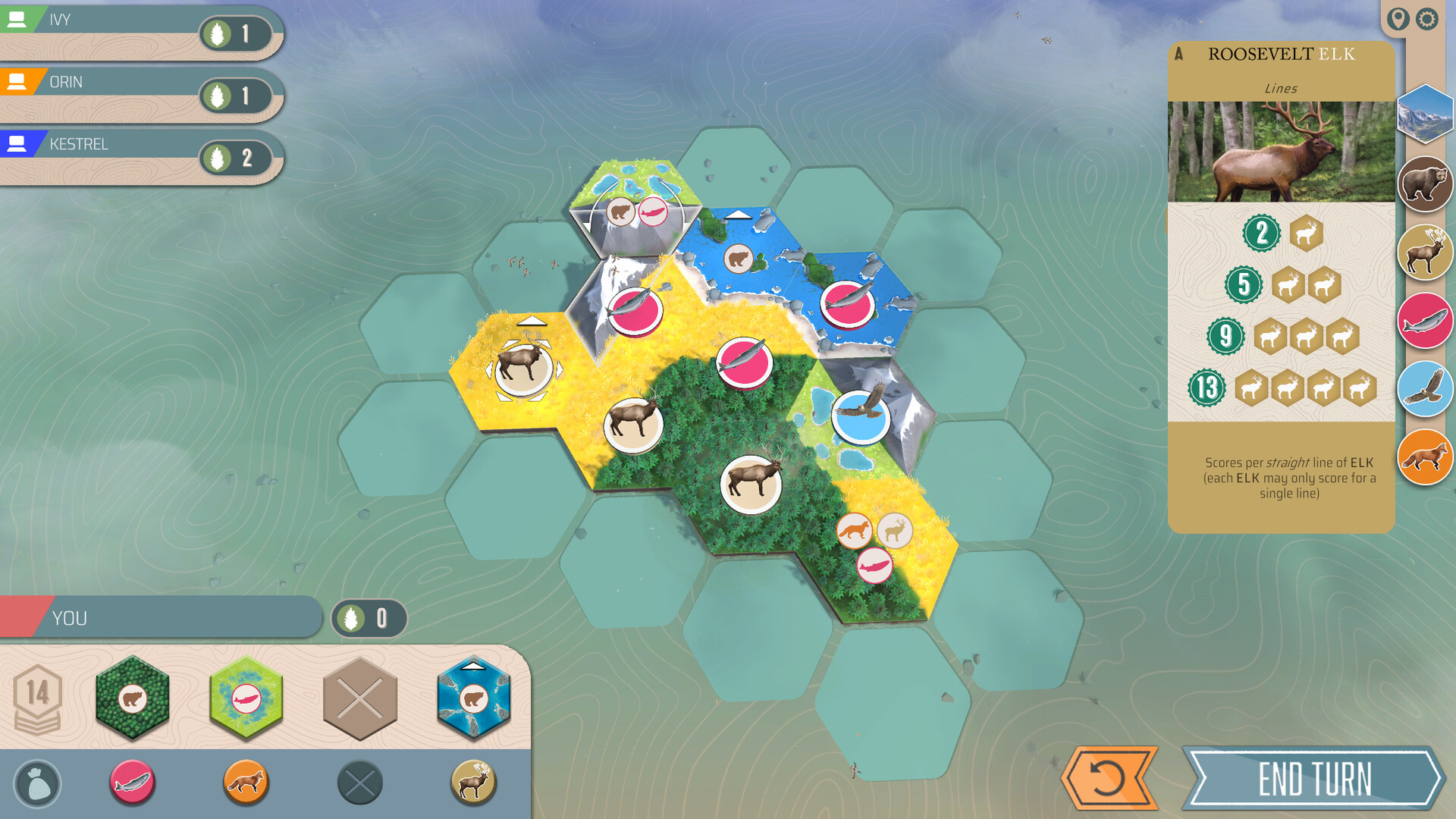
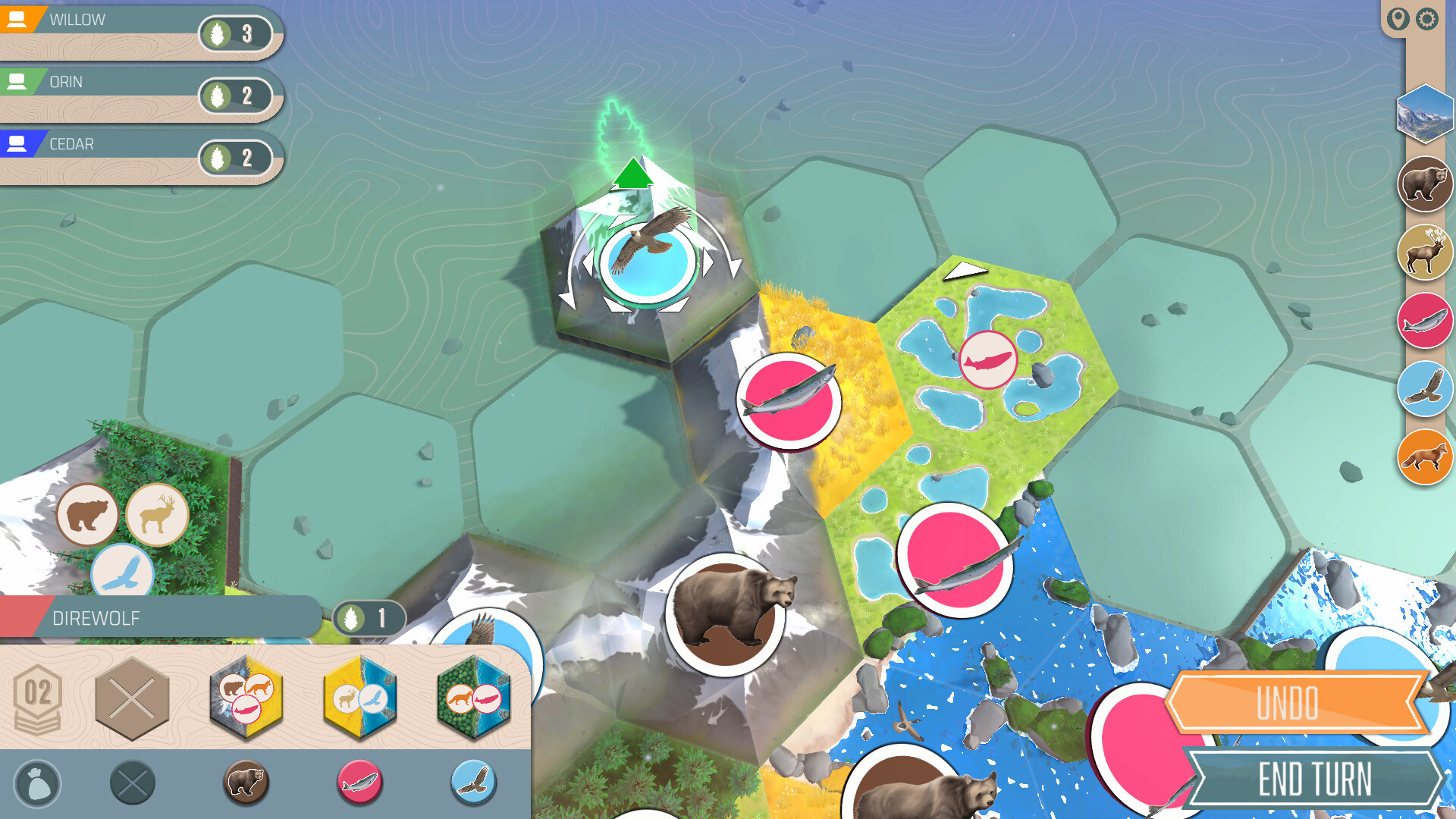
Each turn you choose one of four presented habitat‑tile and wildlife‑token pairs. After selection you place the habitat tile adjacent to any existing tile, expanding the board, then place the wildlife token on a compatible habitat tile.
If the tile you fill is a Keystone tile you also receive a Nature token, which can later broaden your selection options. This sequence repeats on each turn of the game.
- Consider future tile adjacency when placing a habitat to keep options open.
- Prioritize Keystone tiles early to collect Nature tokens for later flexibility.
02 / THE GUIDE
Scoring System
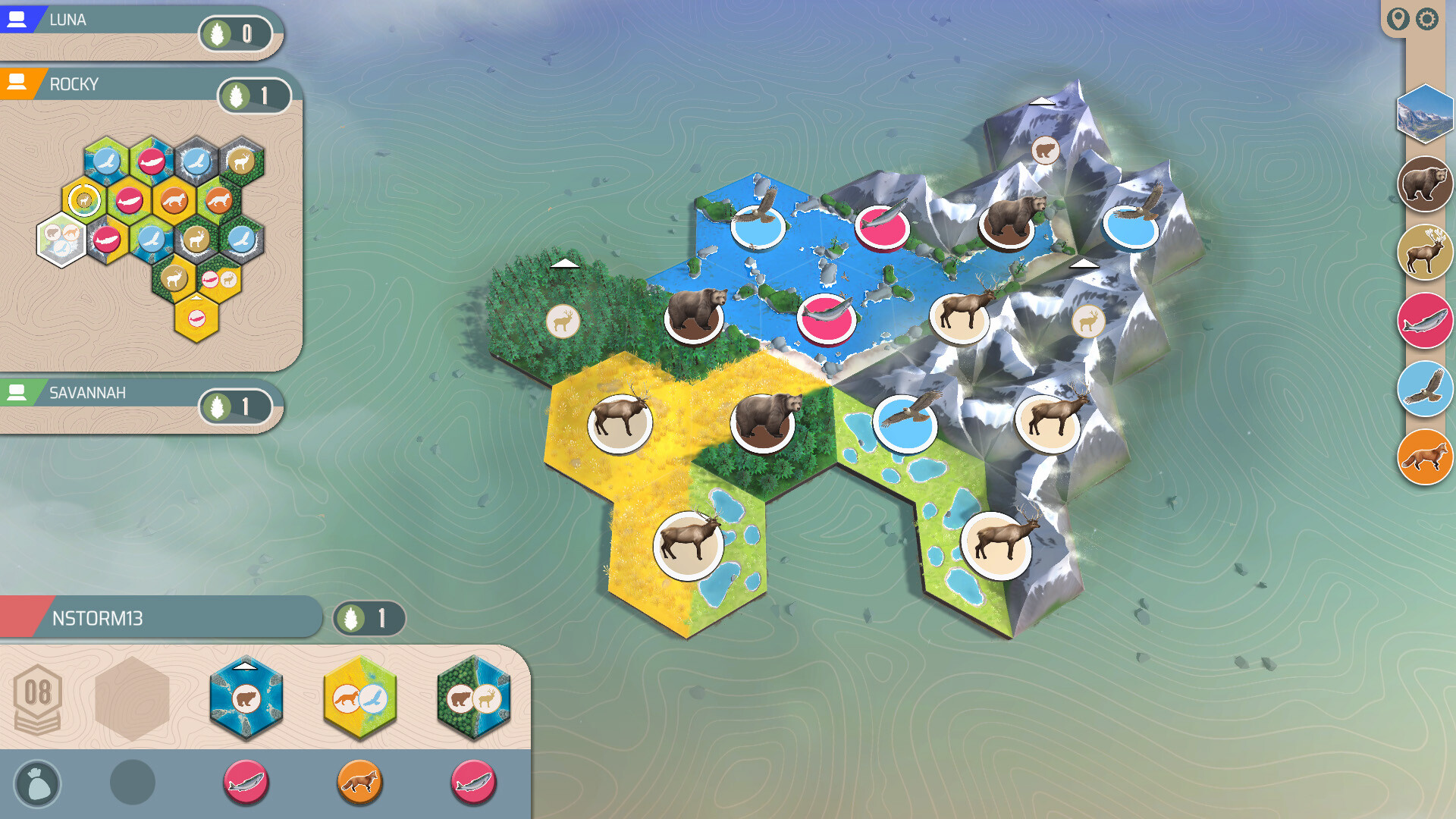
Points are awarded for habitats, wildlife, and unspent Nature tokens. For habitats you score one point per tile in your largest contiguous corridor of each type, plus bonuses for having the largest of a type.
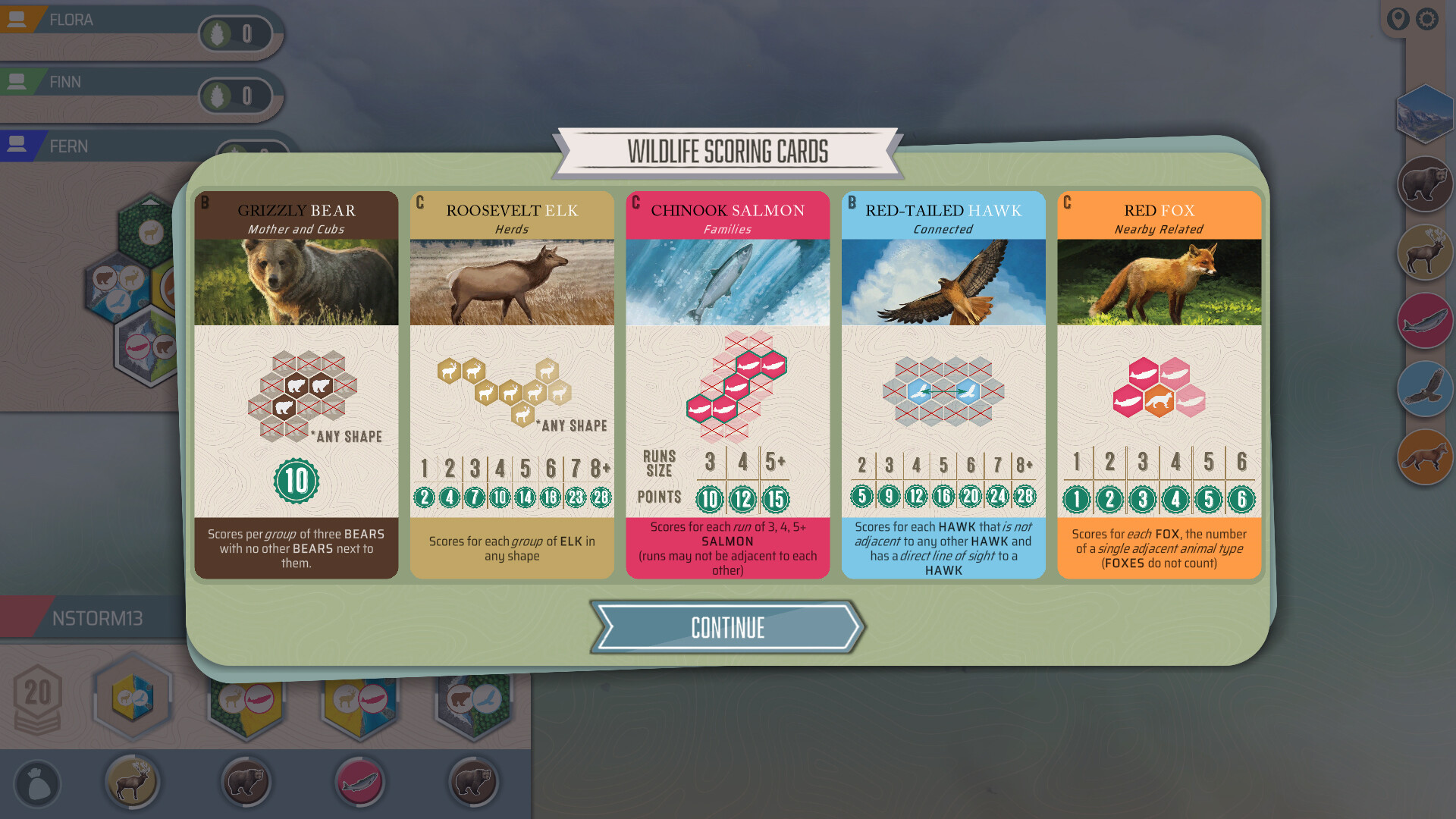
Wildlife points depend on the Wildlife Scoring Cards used in the game, and any unused Nature tokens also add to your final score, encouraging balanced placement.
- Balance habitat corridors with wildlife placements to avoid missing bonuses.
- Leave some Nature tokens unused if they would not improve your tile choices.
03 / THE GUIDE
Game Modes
Cascadia Digital offers Solo & Online Play, Family Mode with simpler scoring objectives, and Pass‑and‑Play for local sharing on a single device. It also includes 15 solo scenarios, 14 challenges, and a Daily Trek with three new objectives each day.
All modes use the same core mechanics, so learning one prepares you for the others while each mode provides a different pacing or difficulty level.
- Try Family Mode first to grasp scoring before tackling solo scenarios.
- Use Daily Trek to practice specific strategies without long sessions.
04 / THE GUIDE
Nature Tokens
Nature tokens are earned when you successfully populate a Keystone tile. They can be spent on later turns to increase the variety of habitat‑tile and wildlife‑token combinations you may select.
Tokens that remain unspent at the end of the game also add to your final score, creating a choice between early spending for flexibility and saving for end‑game points.
- Track how many Keystone tiles remain to gauge token acquisition potential.
- Spend tokens when the available tile choices are limited and you need a specific habitat.
05 / THE GUIDE
Platform and Controller Support
Cascadia Digital runs on Windows and macOS via Steam and includes Partial Controller Support for DualShock and DualSense devices. It also supports shared/split‑screen multiplayer, cross‑platform play, and family sharing.
These options let players use compatible controllers, supporting accessibility across different hardware setups.
- Test both controller types to see which feels more natural for tile placement.
- Enable family sharing to let multiple accounts access the same game library.
COMMUNITY
Player discussion