 GameWiki
GET YOUR BEARINGS
About CarX Drift Racing Online
CarX Drift Racing Online delivers a highly realistic drift simulation built with the CarX Motorsport team, offering physics that mirror real‑world drifting. The game welcomes players of any skill level, providing driving assists for keyboards, controllers, and steering wheels.
Beyond solo play, it features unrestricted multiplayer rooms, a TOP‑32 competitive mode, and a robust community hub where users share liveries, car setups, and custom maps. With over 120 cars, extensive modification options, and 19 tracks, the experience balances depth and accessibility across Windows PCs.
01 / THE GUIDE
Realistic Physics
The core of CarX Drift Racing Online is its realistic physics engine, developed in partnership with the CarX Motorsport team, a regular competitor in RDS GP. This foundation aims to replicate the feel of genuine drifting, influencing how cars respond to inputs and track conditions.
Physics realism extends to the handling of different vehicle setups, allowing each car to behave uniquely based on modifications. Players can experiment with engine types and tuning settings to discover how physics changes affect drift angles and stability.
- Start with the default setup to gauge baseline physics before tweaking components.
- Adjust tire pressure and suspension settings gradually to feel their impact on drift behavior.
02 / THE GUIDE
Customization & Livery System
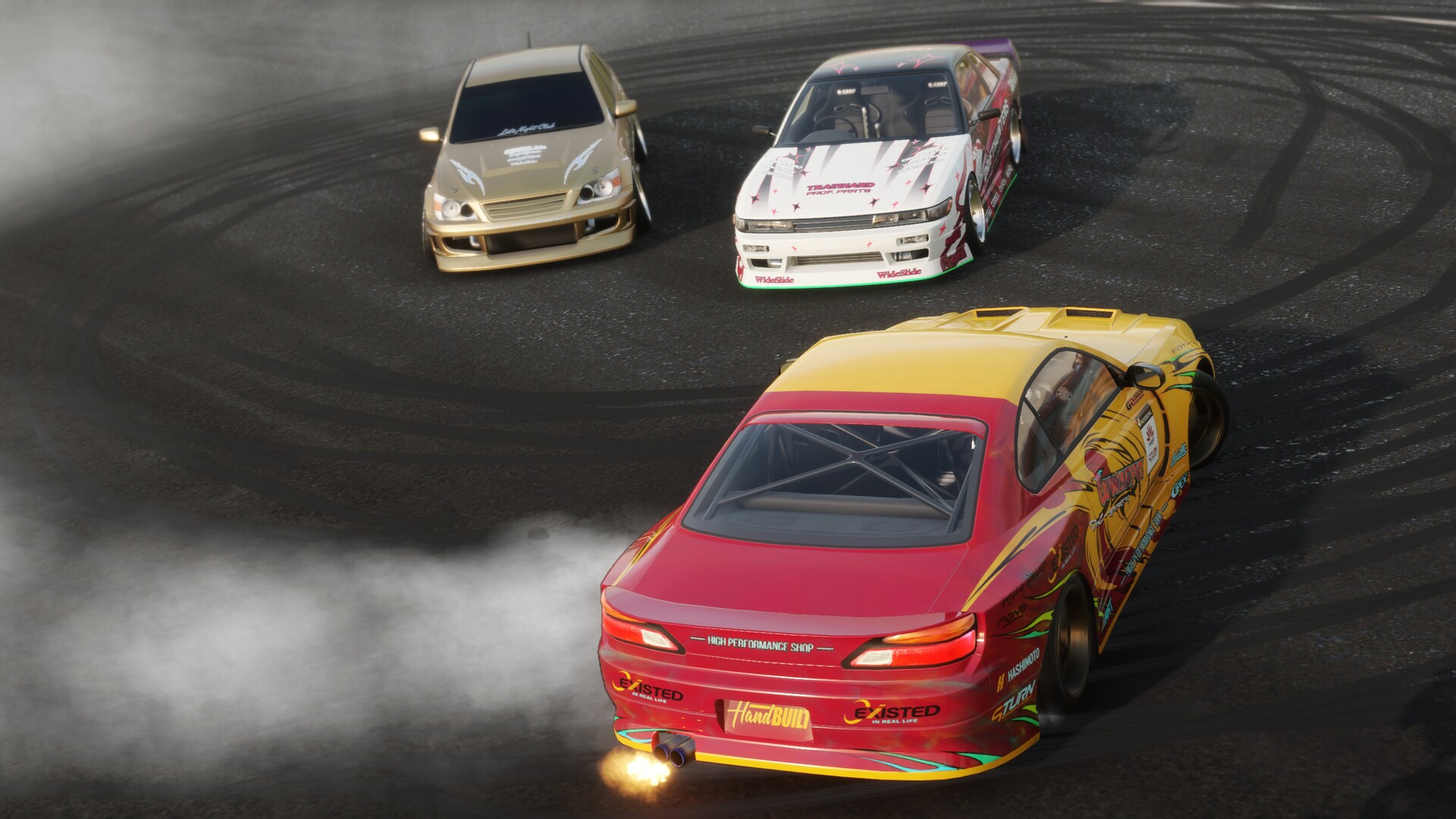
CarX Drift Racing Online offers over 120 cars, each with five types of modifications, a variety of engines, and more than 50 settings, enabling deep personalization. Body kits and parts let players shape the visual and performance profile of their rides.
A flexible livery editor lets users apply any visual style, from JDM motifs to vintage muscle aesthetics. Liveries and setups can be shared with the community, fostering a collaborative creative environment.
- Use the livery editor to test color schemes before committing to a final design.
- Combine performance mods with visual upgrades to keep the car balanced for drift events.
03 / THE GUIDE
Multiplayer Modes
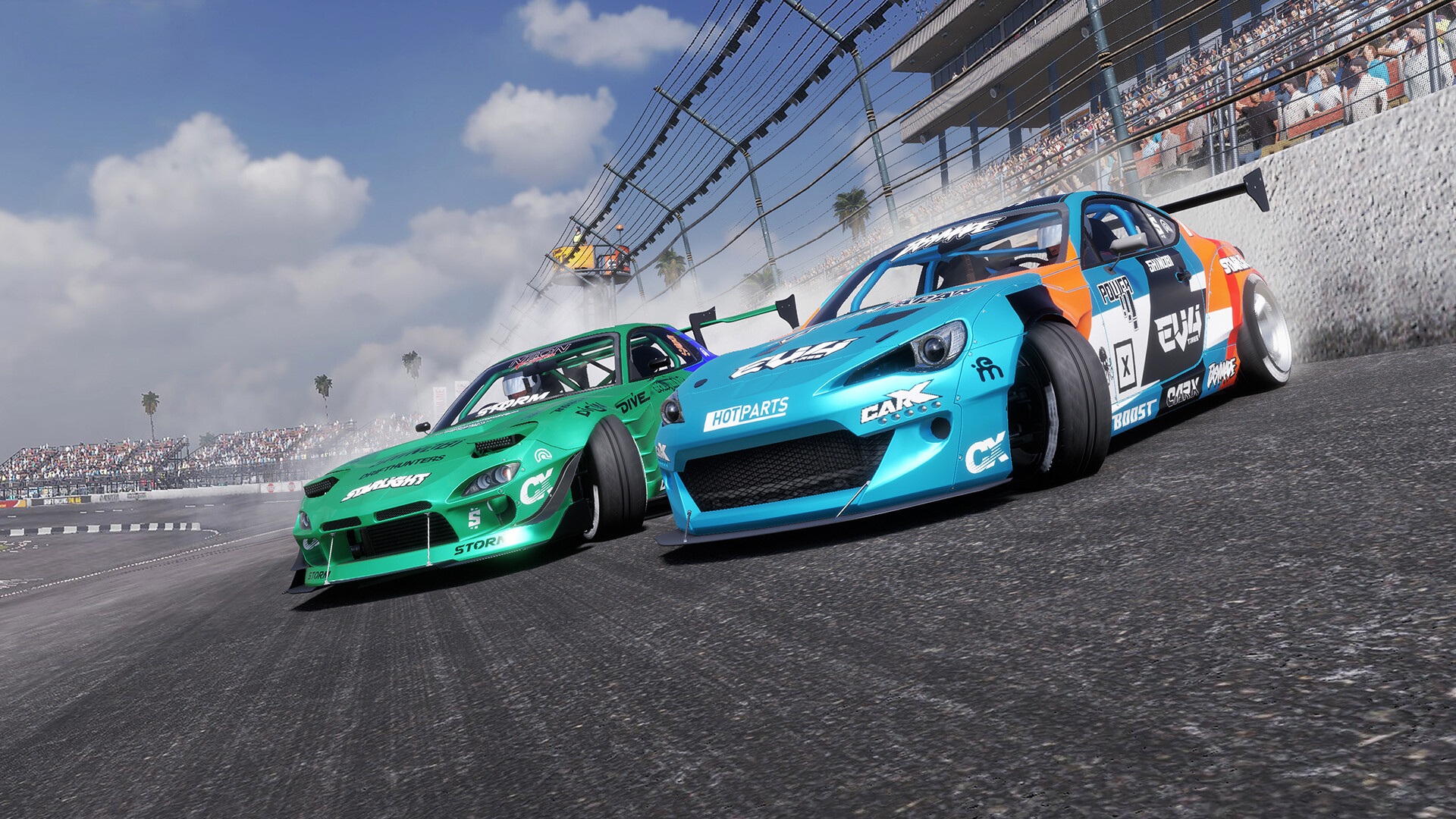
Multiplayer in CarX Drift Racing Online has no restrictions: players can create private rooms or join existing ones, and compete in the TOP‑32 mode where dozens of configurations are showcased. The environment encourages chat, cooperation, and friendly competition.
Both PvP and co‑op experiences are supported, with cross‑platform multiplayer allowing Windows users to race together regardless of input device. Community events frequently appear on the game's Steam page and social channels.
- Join community‑hosted events to meet new drifters and learn diverse techniques.
- Use the chat feature to coordinate strategies before entering a TOP‑32 match.
04 / THE GUIDE
Track Variety & Workshop
The game includes 19 built‑in tracks ranging from city streets to mountain serpentines, each designed to test drift mastery. Additionally, a Steam Workshop provides hundreds of community‑created maps, expanding the playable environment.
Tracks serve as both competitive arenas and practice grounds, allowing players to explore car potential across different layouts and surfaces.
- Start on simpler city tracks to master basic drift techniques before tackling mountain courses.
- Browse the Workshop for user‑generated tracks that match your preferred difficulty level.
05 / THE GUIDE
Controller & Input Support
CarX Drift Racing Online supports a range of input methods: keyboard‑only, mouse‑only, DualShock and DualSense controllers, and steering wheel setups. Driving assists are available for controllers and keyboards, helping newcomers feel immersed quickly.
Partial controller support is noted, and the game also offers features like adjustable difficulty and custom volume controls, catering to varied player preferences.
- Enable driving assists when first using a steering wheel to smooth the learning curve.
- Experiment with DualSense haptic feedback for a more tactile drifting experience.


COMMUNITY
Player discussion