 GameWiki

GET YOUR BEARINGS
About Carry The Glass
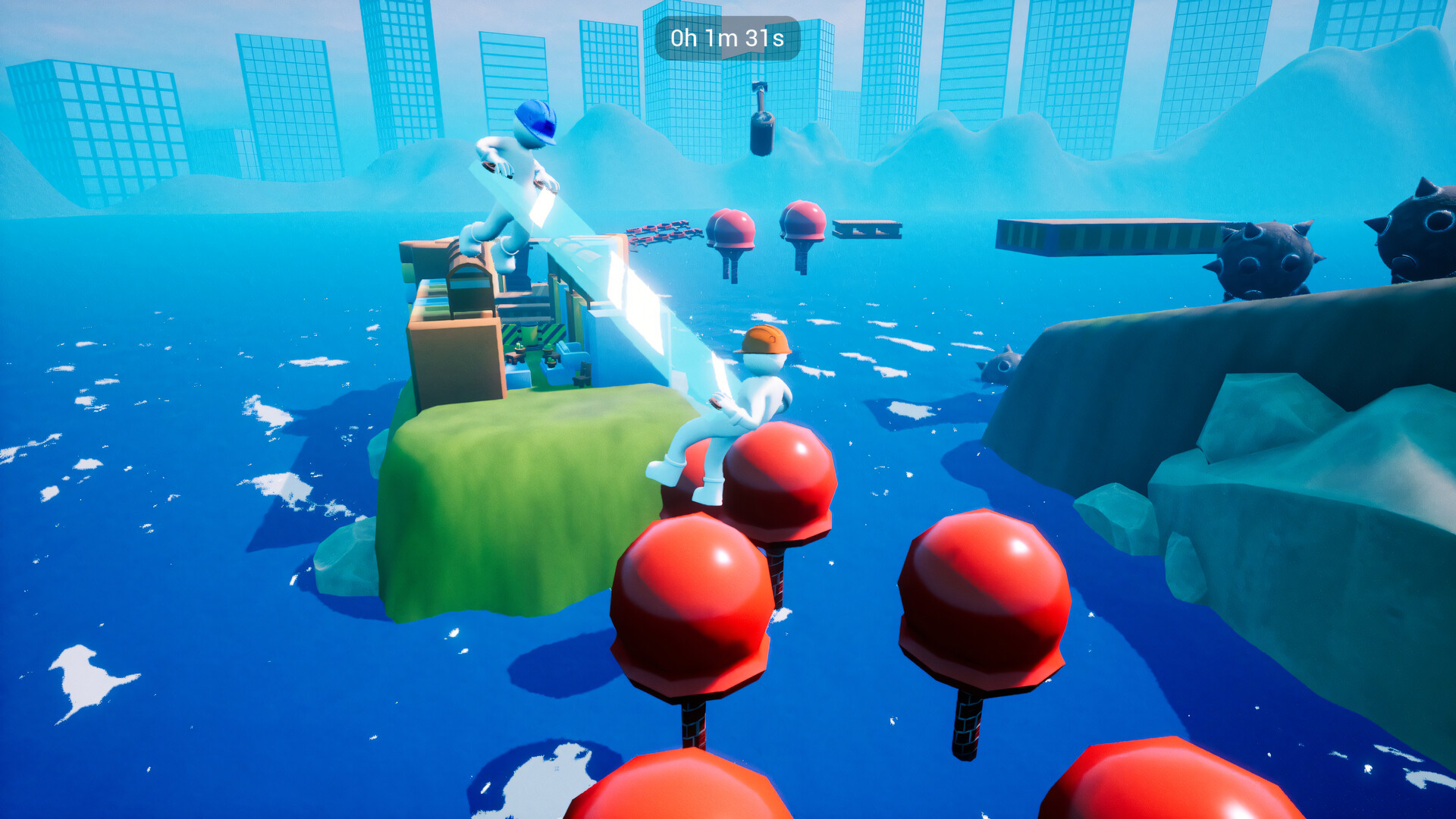
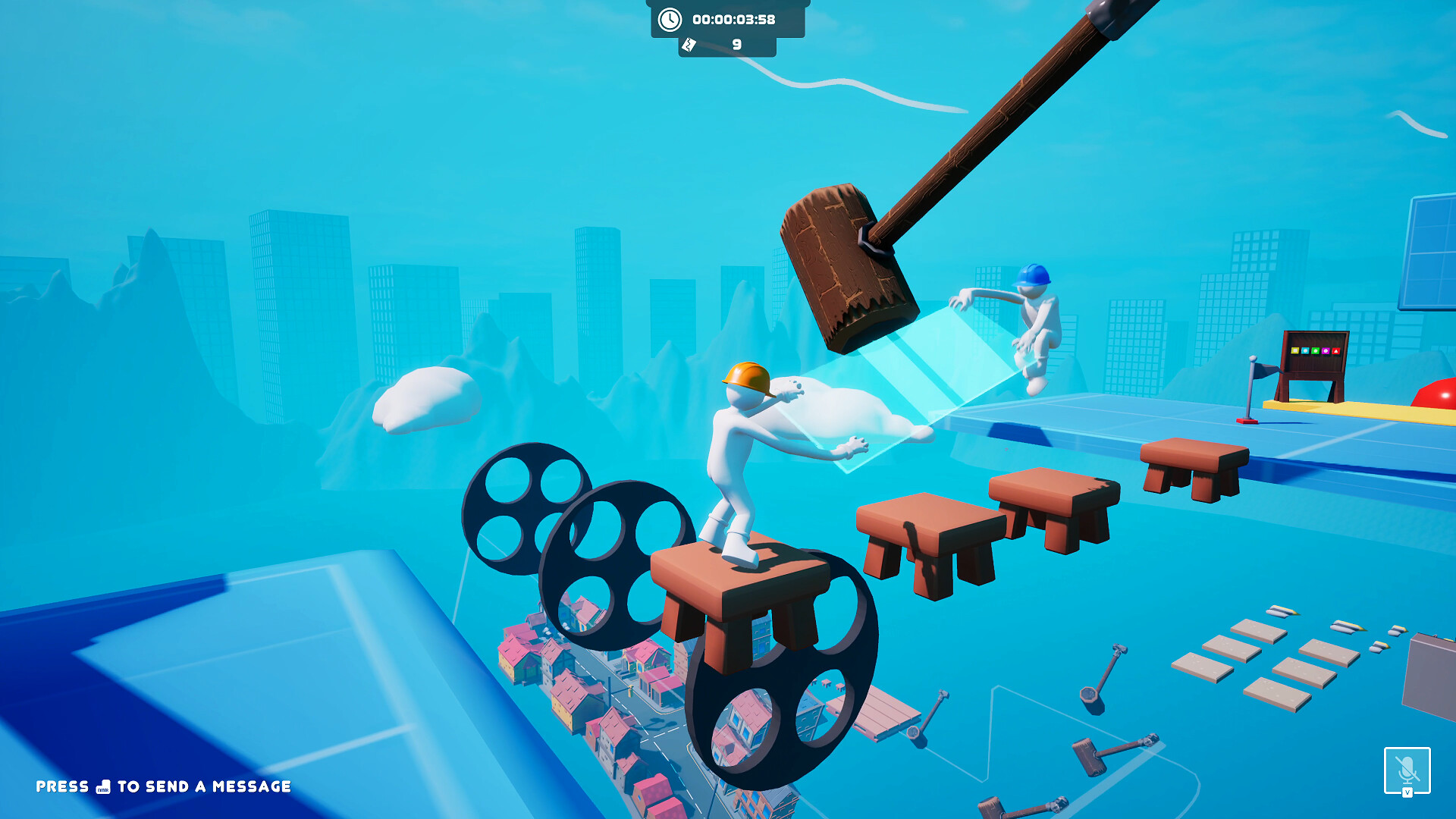
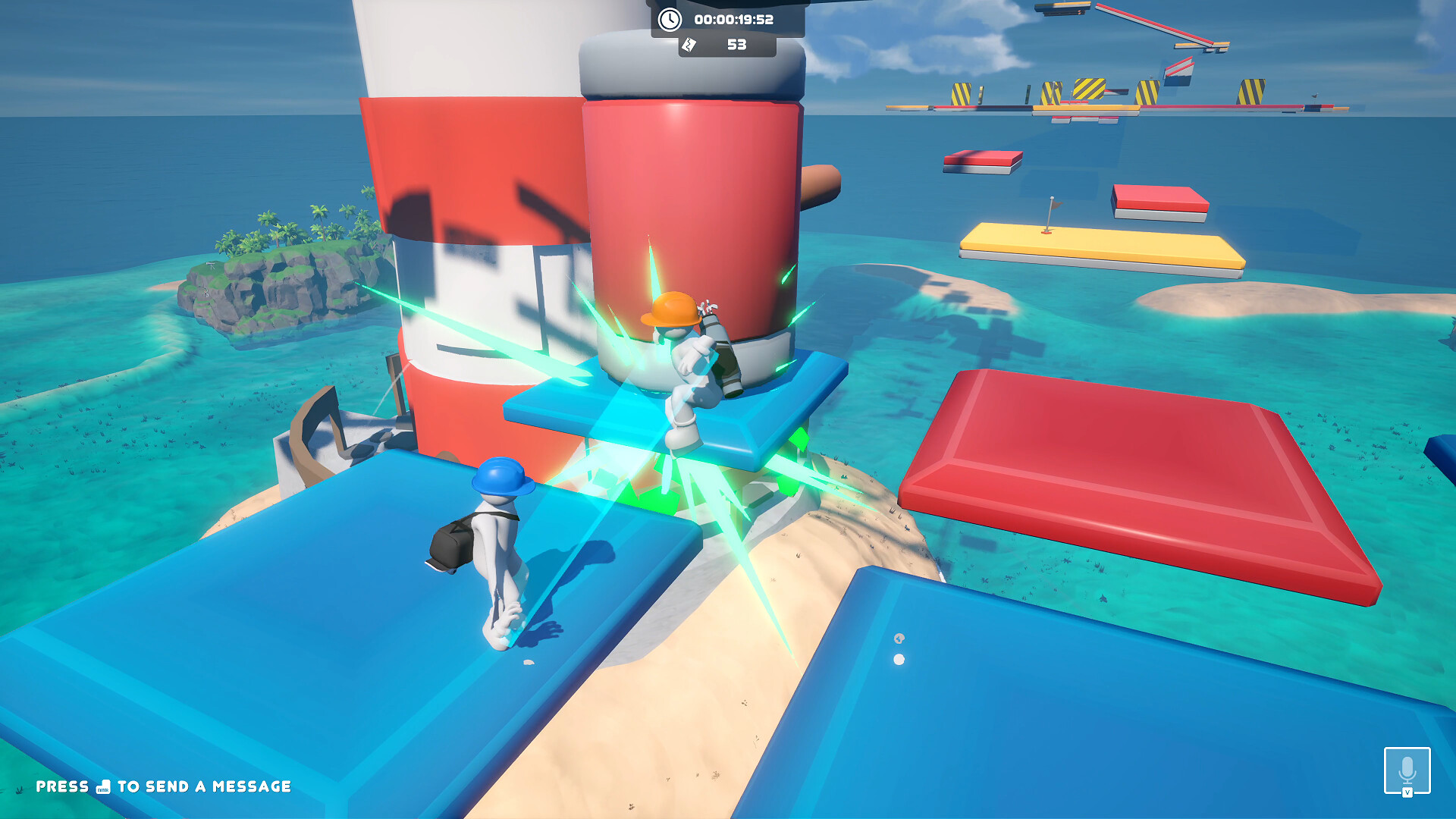
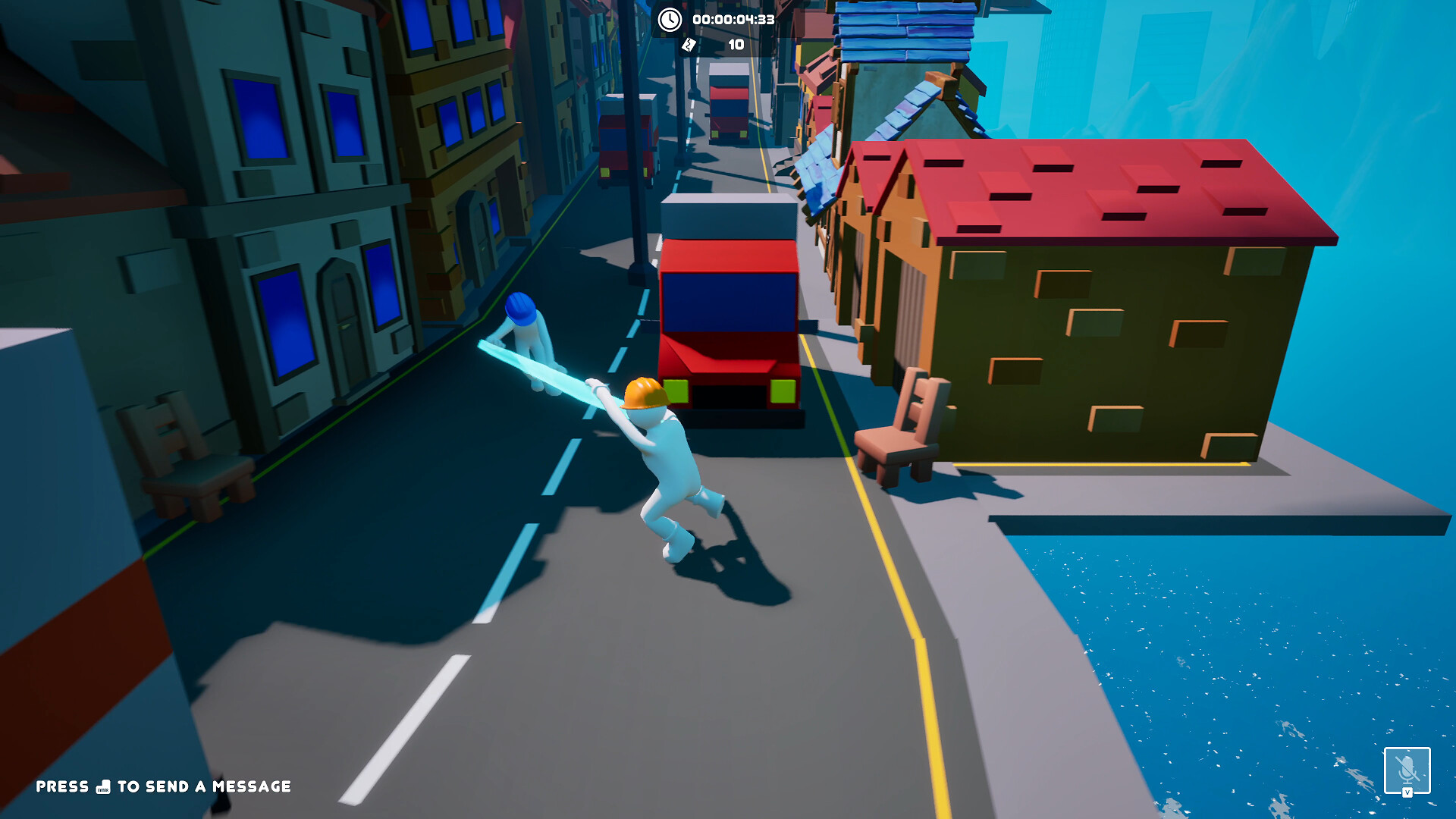
Carry The Glass puts two construction workers on a climb, tasked with moving a fragile glass window up either a skyscraper or a lighthouse. The description stresses careful handling because the glass can break easily.
The game runs on Windows, offers single‑player and co‑op play, and provides three difficulty settings that change checkpoint frequency. Steam features such as achievements, leaderboards, cloud saves and trading cards are included.
01 / THE GUIDE
Physics Handling
Every part of the characters is simulated with physics, so each movement directly influences the glass’s stability. The description notes this was added to improve gameplay.
Because the glass is described as very fragile, abrupt motions can cause it to break. Players must therefore move deliberately to keep the glass intact while climbing.
- Test small steps in a safe area to feel how the characters affect the glass.
- Avoid sudden direction changes until you understand the physics response.
02 / THE GUIDE
Co‑op Multiplayer
A second player can join the lobby and help carry the glass, enabling shared or split‑screen co‑op across online, LAN, or Remote Play Together sessions.
Inviting a trusted friend lets each player control one construction worker, so both must coordinate their movements to keep the glass stable.
- Communicate timing for steps and turns with your partner.
- Use split‑screen mode for local play to keep both viewpoints visible.
03 / THE GUIDE
Difficulty Levels
Three modes are available: Normal, Hard and Impossible. Normal provides more checkpoints, Hard provides fewer, and Impossible provides none, as stated in the description.
The checkpoint layout determines how often progress is saved, so players must weigh confidence in handling the fragile glass against the safety net each mode offers.
- Start with Normal to learn the level layout before trying harder modes.
- Remember that fewer checkpoints increase the cost of any mistake.
04 / THE GUIDE
Platform and Controls
Carry The Glass is released for Windows and lists full controller support among its features. The Steam Input API support is also mentioned.
Steam integration adds achievements, leaderboards, cloud saves and trading cards, providing tracking and reward features for Windows players.
- Check the controller option in the settings if you prefer analog input.
- Verify Steam Cloud is enabled to keep progress synced.
05 / THE GUIDE
Visual & Audio Options
Players can adjust camera comfort, choose color alternatives and set custom volume levels. Stereo sound is listed as part of the audio setup.
These options let users tailor visual and auditory cues, which can help reduce discomfort and improve perception of obstacles that might affect the glass.
- Try different color alternatives if the default palette feels harsh.
- Adjust camera comfort settings to lessen motion discomfort during climbs.

COMMUNITY
Player discussion