 GameWiki
GET YOUR BEARINGS
About Carrier Deck
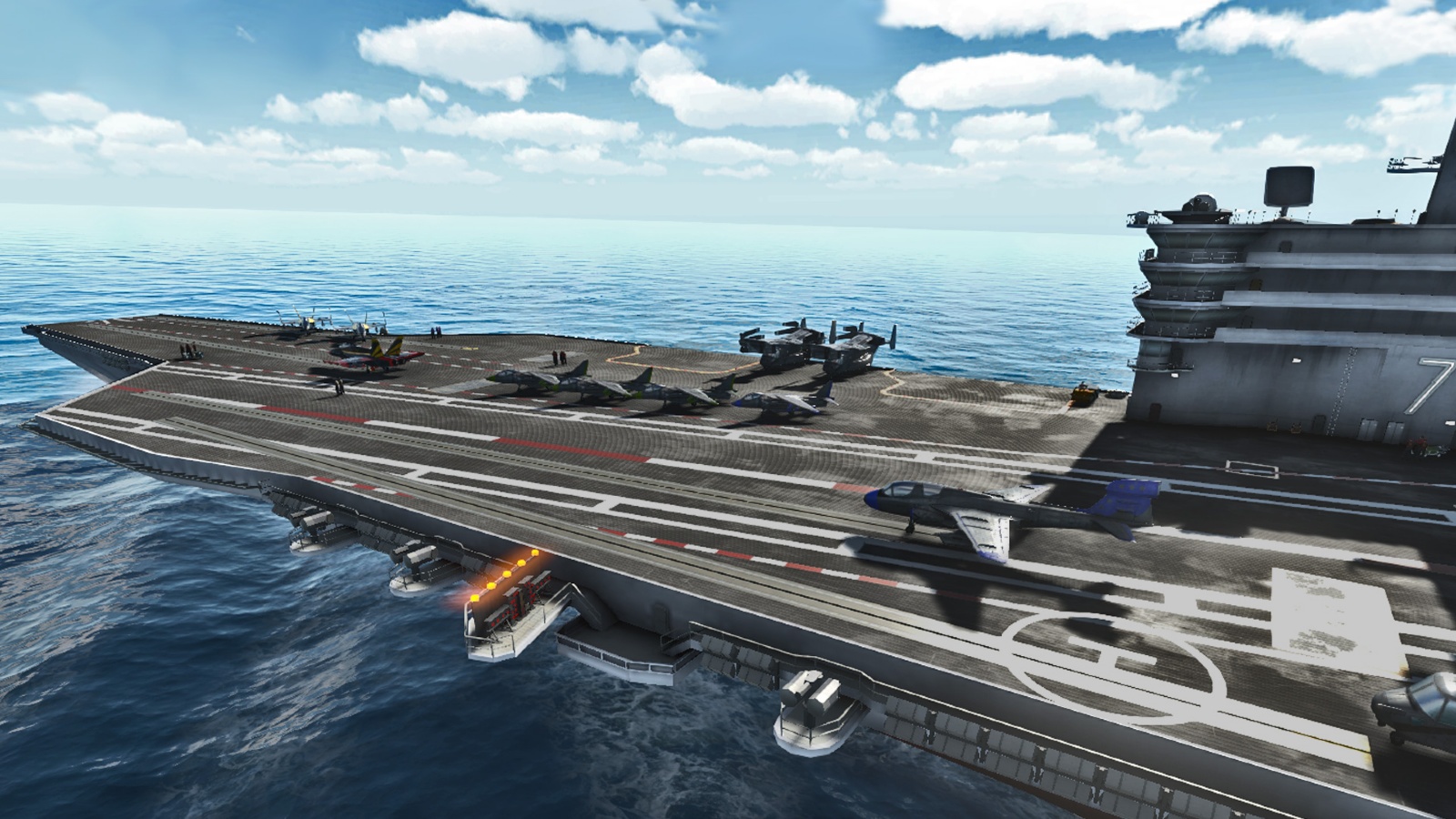
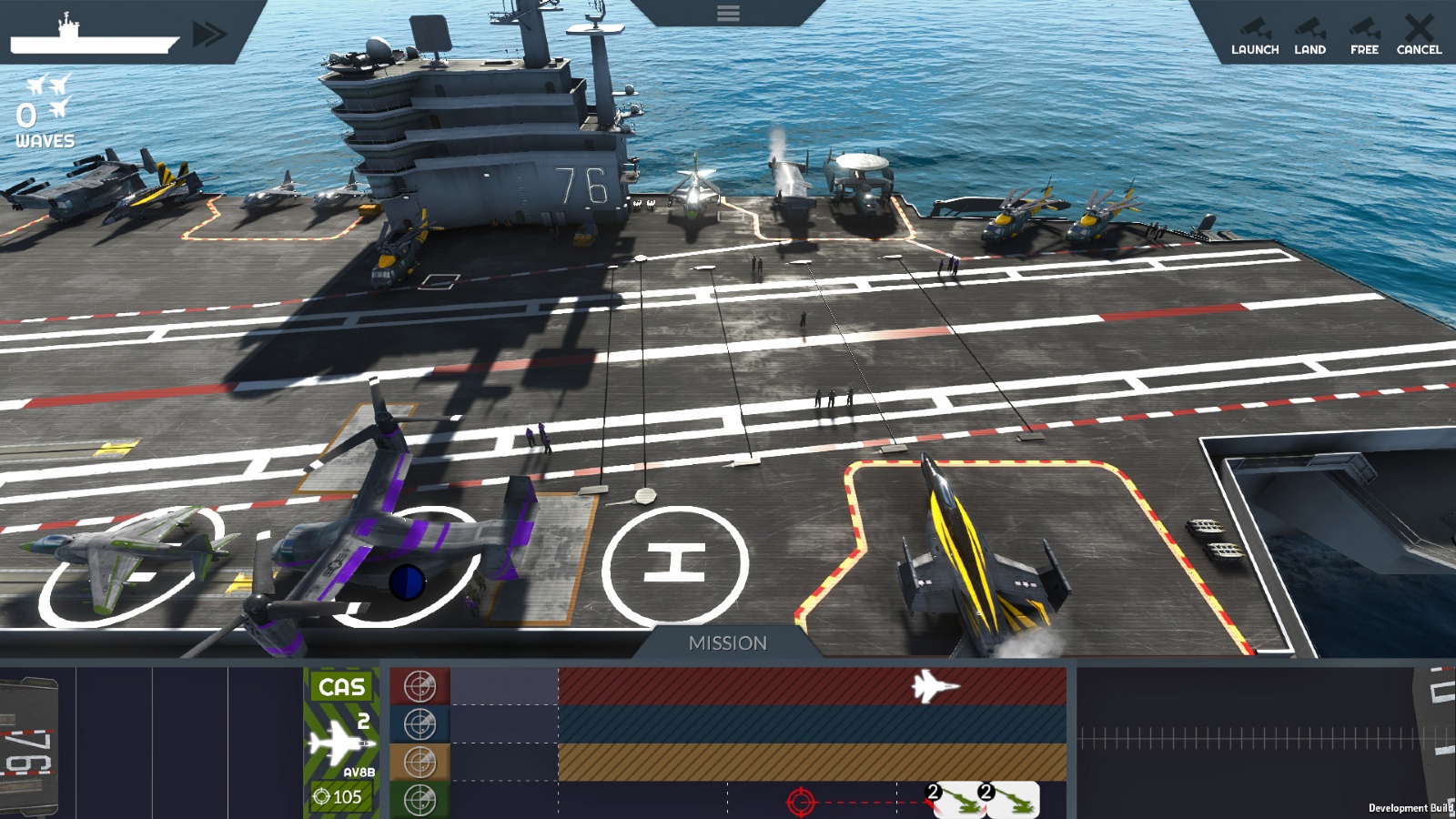
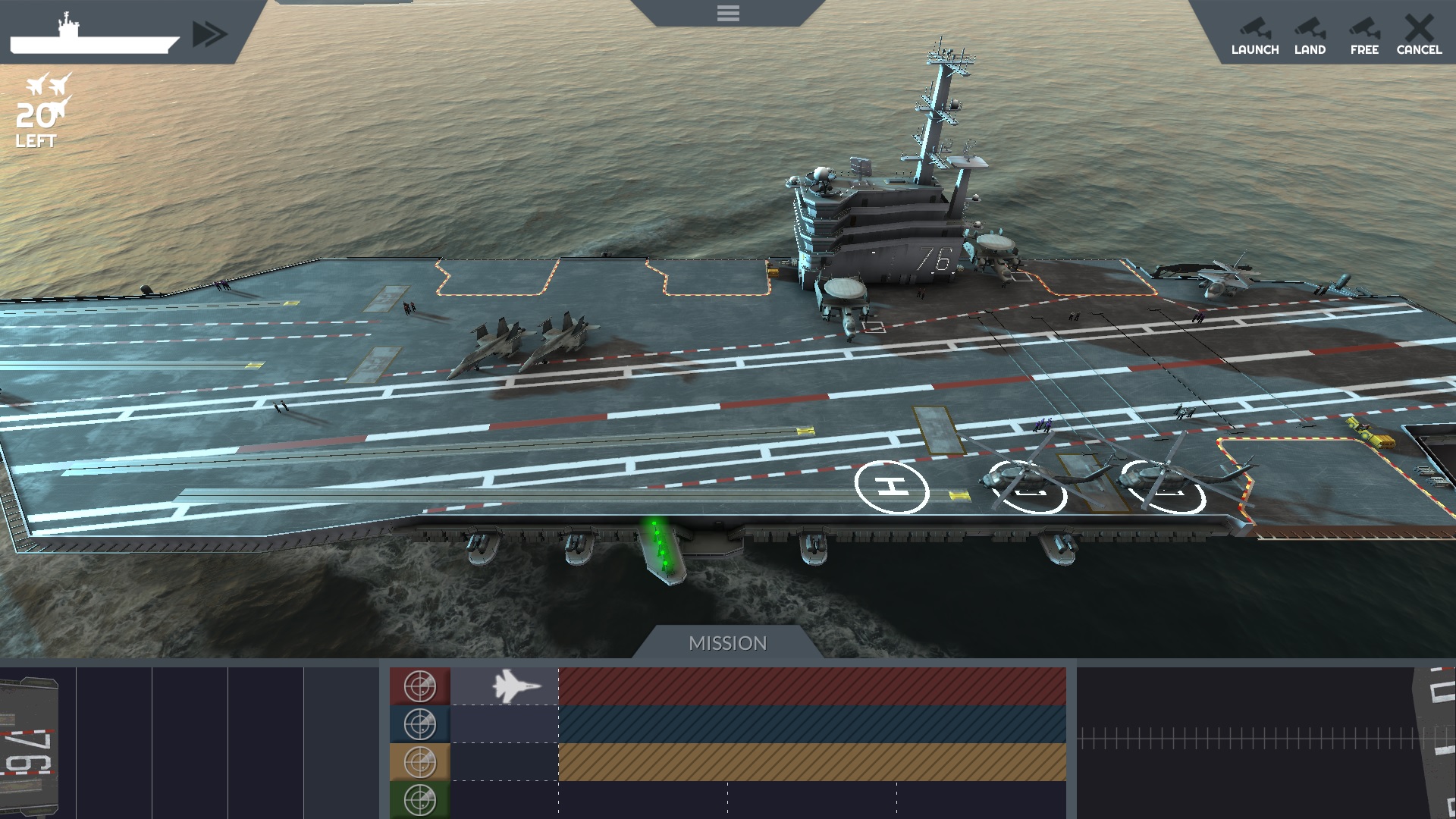
Carrier Deck puts you in the role of Air Officer on the nuclear‑powered USS Ronald Regan (CVN‑76) during active war. You alone handle every aircraft operation, from fueling to launch, while racing against time to keep missions on schedule. The game offers a global campaign and a quick‑play Skirmish mode, letting you direct fighters, helicopters and support planes across a range of combat and support missions while avoiding deck crashes that could damage the carrier.
01 / THE GUIDE
Flight Deck Management
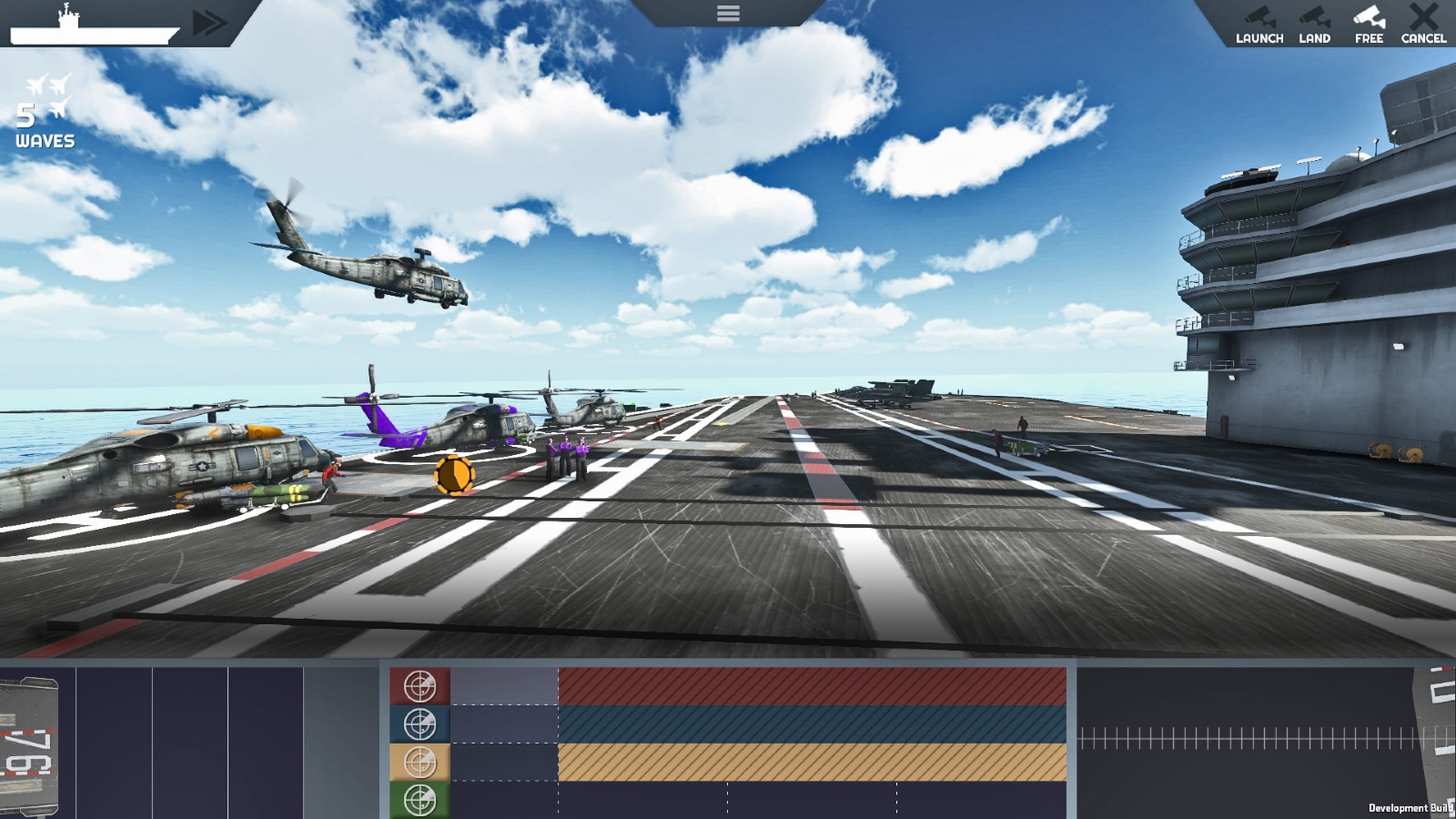
You control the full flow of aircraft on the flight deck, moving, fueling and arming each plane before launch. Timing is critical, as missteps can cause crashes that spread across the deck. The system requires you to coordinate launches and landings, ensuring each aircraft is ready for its assigned mission without blocking others.
- Prioritize fueling before arming to keep the launch queue moving.
- Watch for landing aircraft to clear space before dispatching new ones.
02 / THE GUIDE
Aircraft Variety
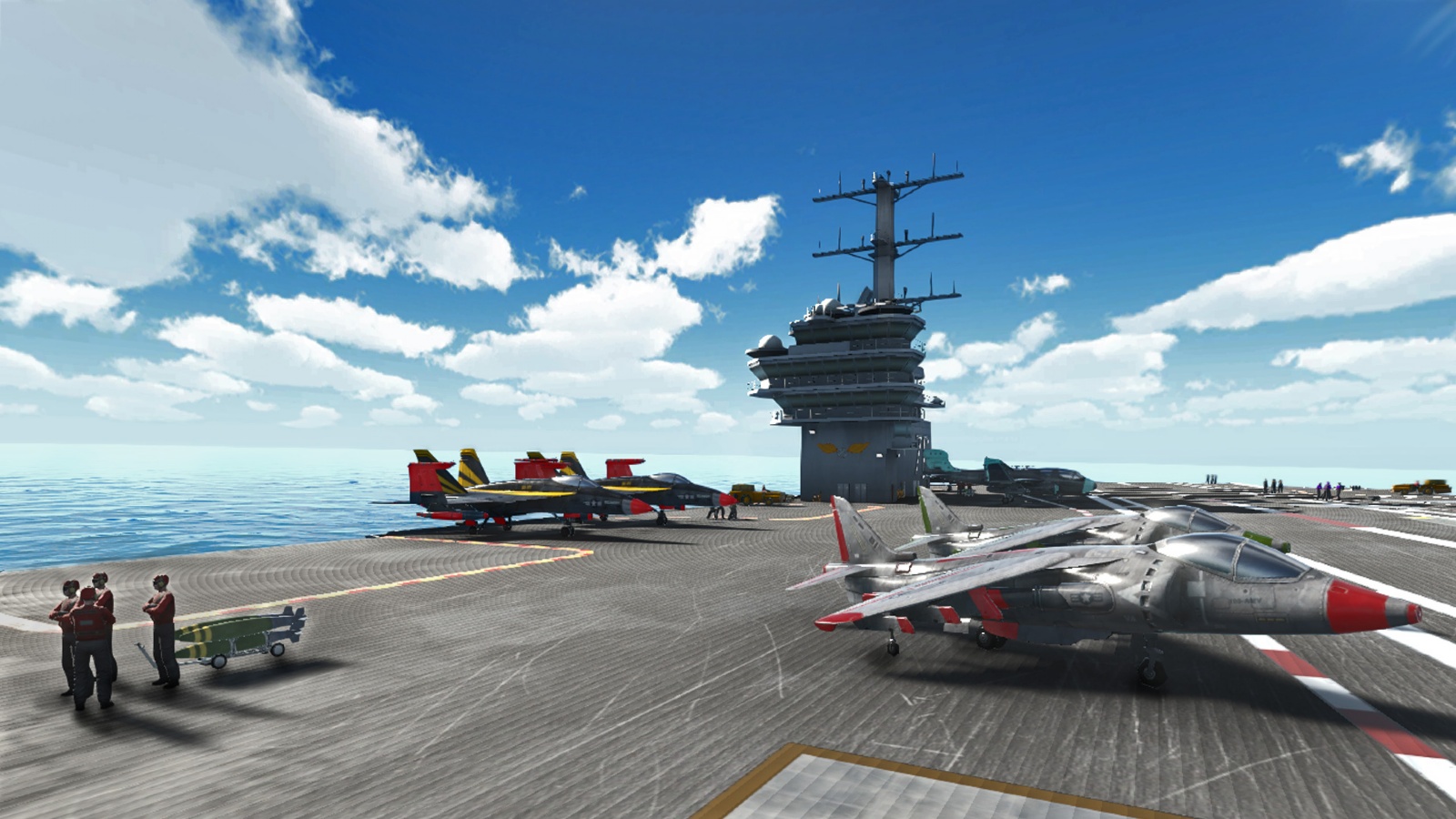
Carrier Deck features a wide array of aircraft, from F‑18 Hornet and Super Hornet fighters to Chinook helicopters and S‑3 Viking patrol planes. Each type serves distinct combat or support roles. The roster also includes early‑warning and detection aircraft, giving you options for both offensive strikes and defensive surveillance.
- Match fighter missions with the F‑18 for higher strike efficiency.
- Use Chinook helicopters for rapid special‑forces deployment.
03 / THE GUIDE
Game Modes
Two primary modes are available: an extensive campaign that spans oceans worldwide, and a Skirmish mode for a concise challenge. Both modes place you in the same Air Officer role. The campaign offers a broader narrative, while Skirmish focuses on quick decision‑making under pressure.
- Start with Skirmish to learn deck timing before tackling the campaign.
- Use the campaign to explore the full range of mission types.
04 / THE GUIDE
Mission Types
You can select and launch search missions to locate enemy air, surface and submarine threats, as well as intercept missions to engage them. The game also includes ground strikes, close air support, special‑forces deployment, amphibious operations, and cargo transport. Each mission category requires specific aircraft and timing to succeed.
- Deploy early‑warning aircraft for search missions to improve detection.
- Reserve intercept-capable fighters for enemy threats detected during searches.
05 / THE GUIDE
Hangar and Maintenance
Beyond the deck, you manage aircraft maintenance and the hangar deck, ensuring planes are repaired and ready for future sorties. Proper upkeep helps ensure planes are ready for future sorties. Maintenance tasks run alongside deck operations, demanding careful scheduling.
- Schedule routine maintenance during low‑intensity mission periods.
- Keep a buffer of serviced aircraft in the hangar for rapid replacement.
COMMUNITY
Player discussion