 GameWiki
GET YOUR BEARINGS
About Carrier Command 2
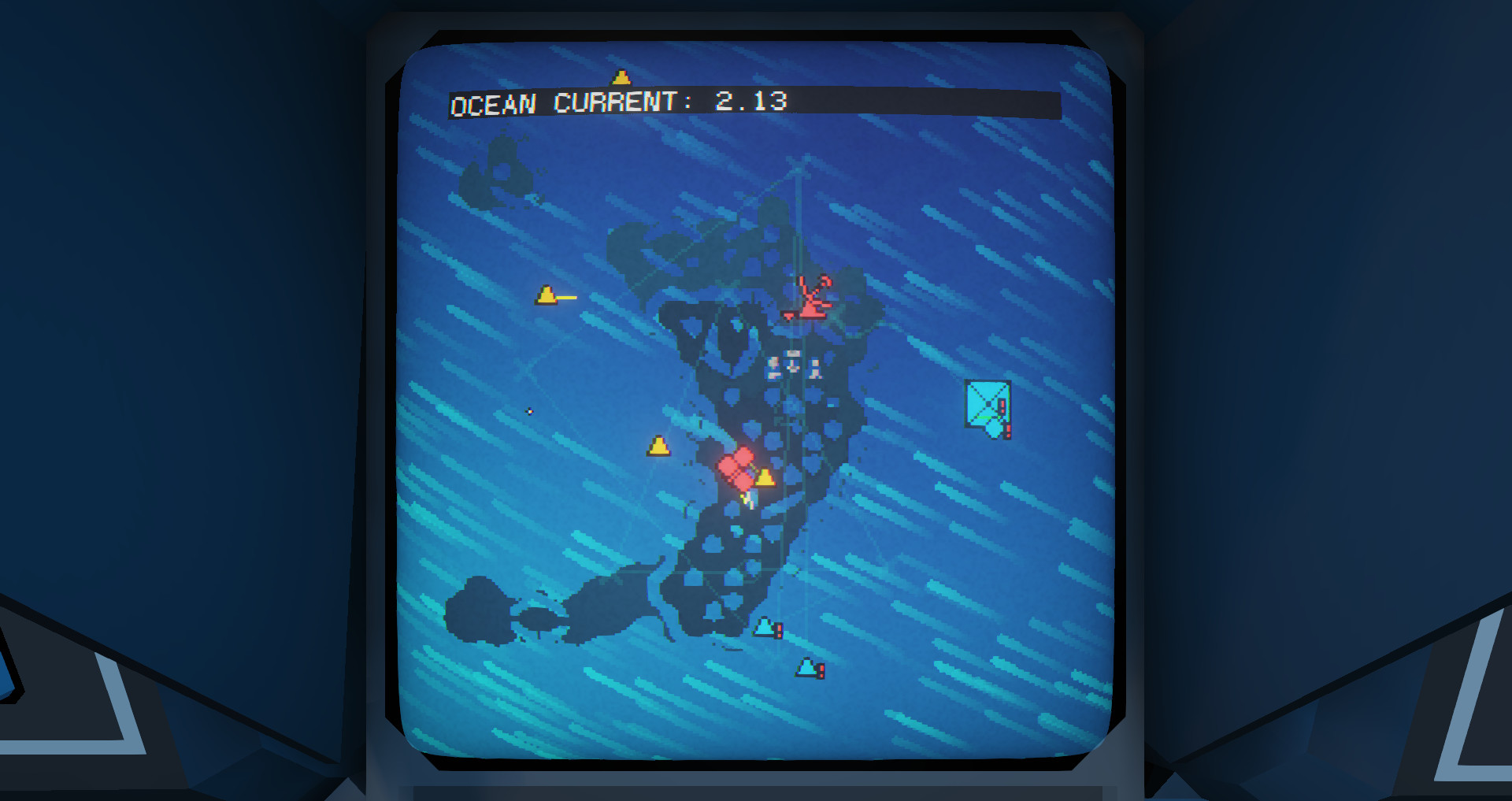
Carrier Command 2 lets you command a carrier and its fleet across an archipelago, blending strategy, planning and teamwork. You gather intel, choose tools, launch attacks, and manage island resources and supply lines while deciding where to strike.
The title supports both standard screen play and virtual‑reality immersion, and offers single‑player, online co‑op and PvP modes. Features include full controller support, cross‑platform multiplayer, Steam achievements, workshop integration and Steam Cloud.
01 / THE GUIDE
Strategic Loop
The core loop centers on capturing islands, exploiting their resources, and defending the supply routes that keep your carrier operational. Decisions about which island to target and which tools to employ directly affect the success of each offensive.
After an island is secured, you must keep its resources flowing while anticipating enemy attempts to cut those lines. Planning ahead and allocating defensive units to critical routes are essential for continued survival.
- Map enemy radar data before committing to an attack.
- Prioritize islands that provide high‑value resources for defense.
02 / THE GUIDE
Vehicle Control
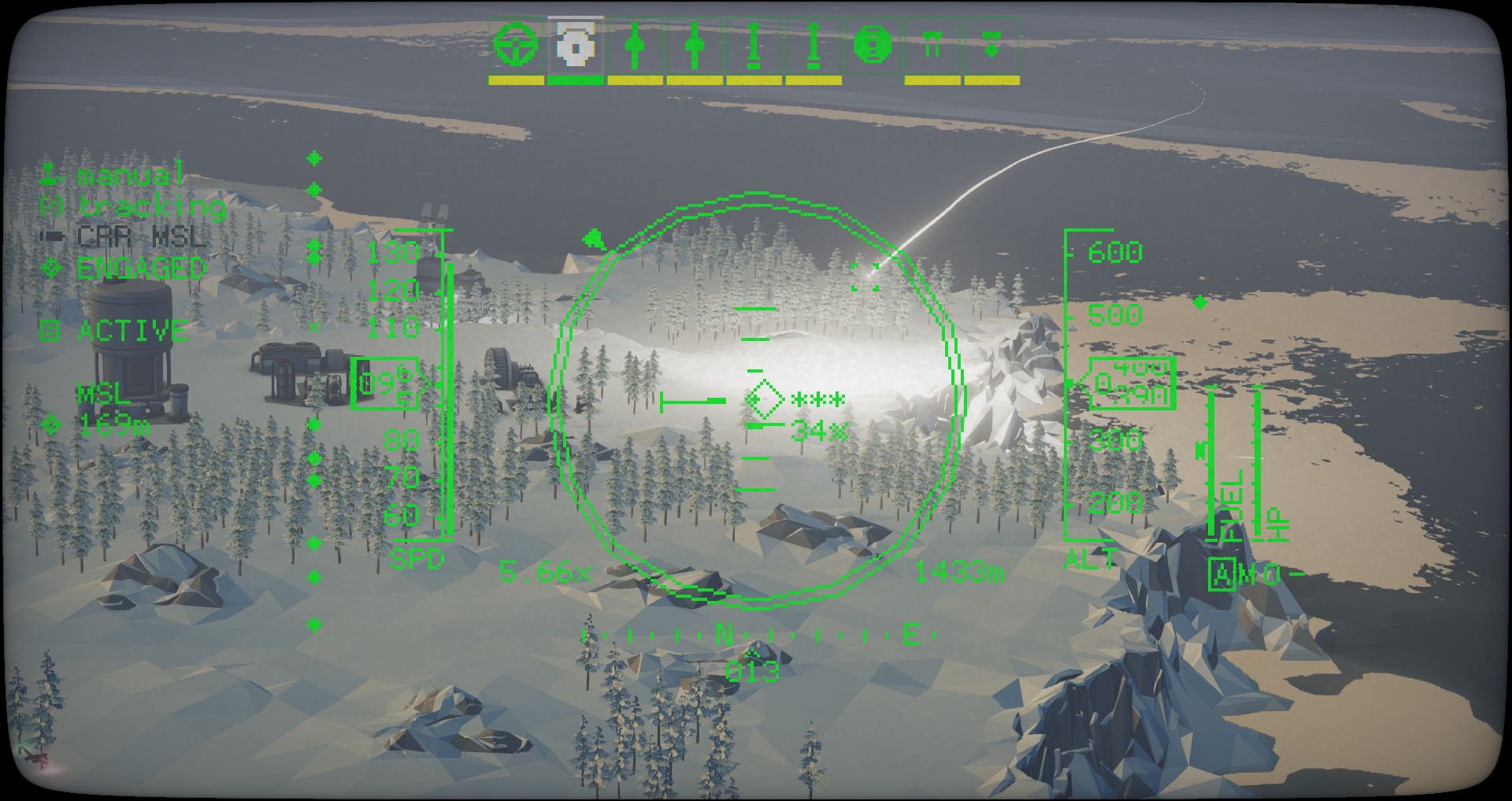
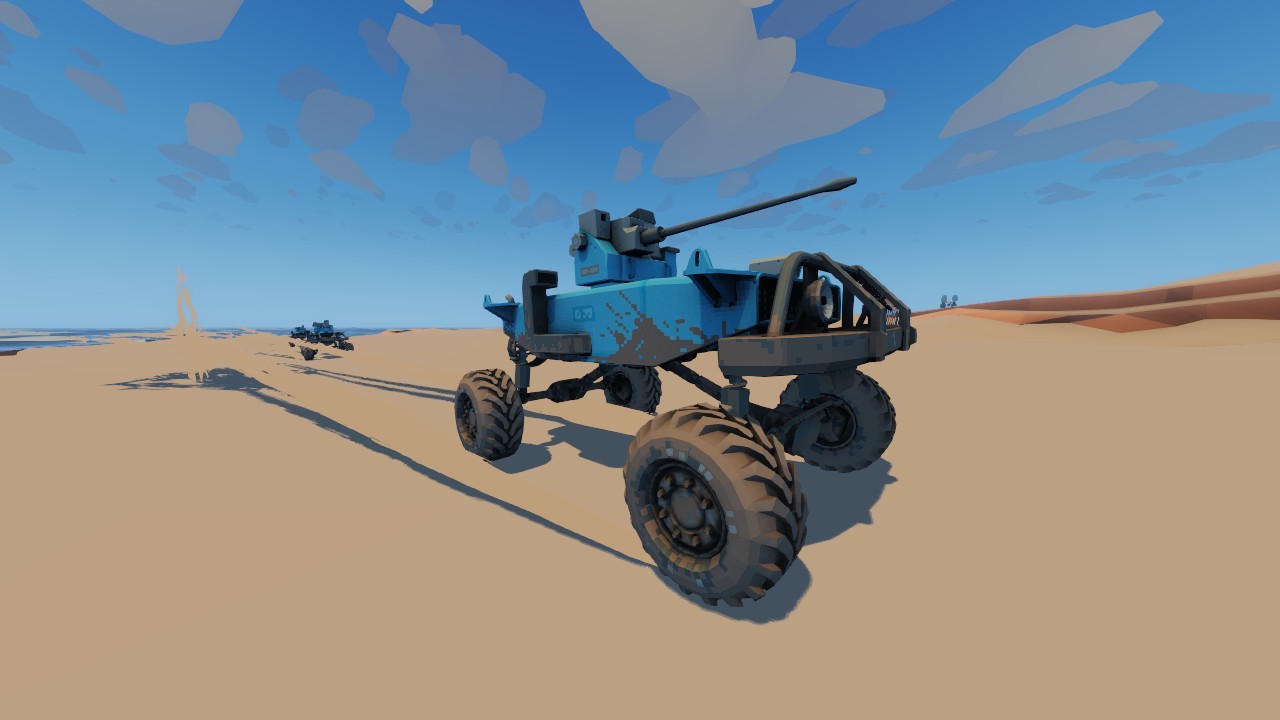
Beyond strategic oversight, you can enter any vehicle and pilot it directly, participating in the action yourself. Each vehicle type offers distinct capabilities, encouraging mixed‑unit tactics and combined‑arms assaults.
Full controller support is listed, allowing you to operate vehicles with a gamepad while retaining all gameplay functions. This input option works alongside the standard play mode.
- Try each vehicle class in a low‑risk scenario to learn its strengths.
- Use controller input if you prefer analog sticks for maneuvering.
03 / THE GUIDE
Virtual Reality Mode
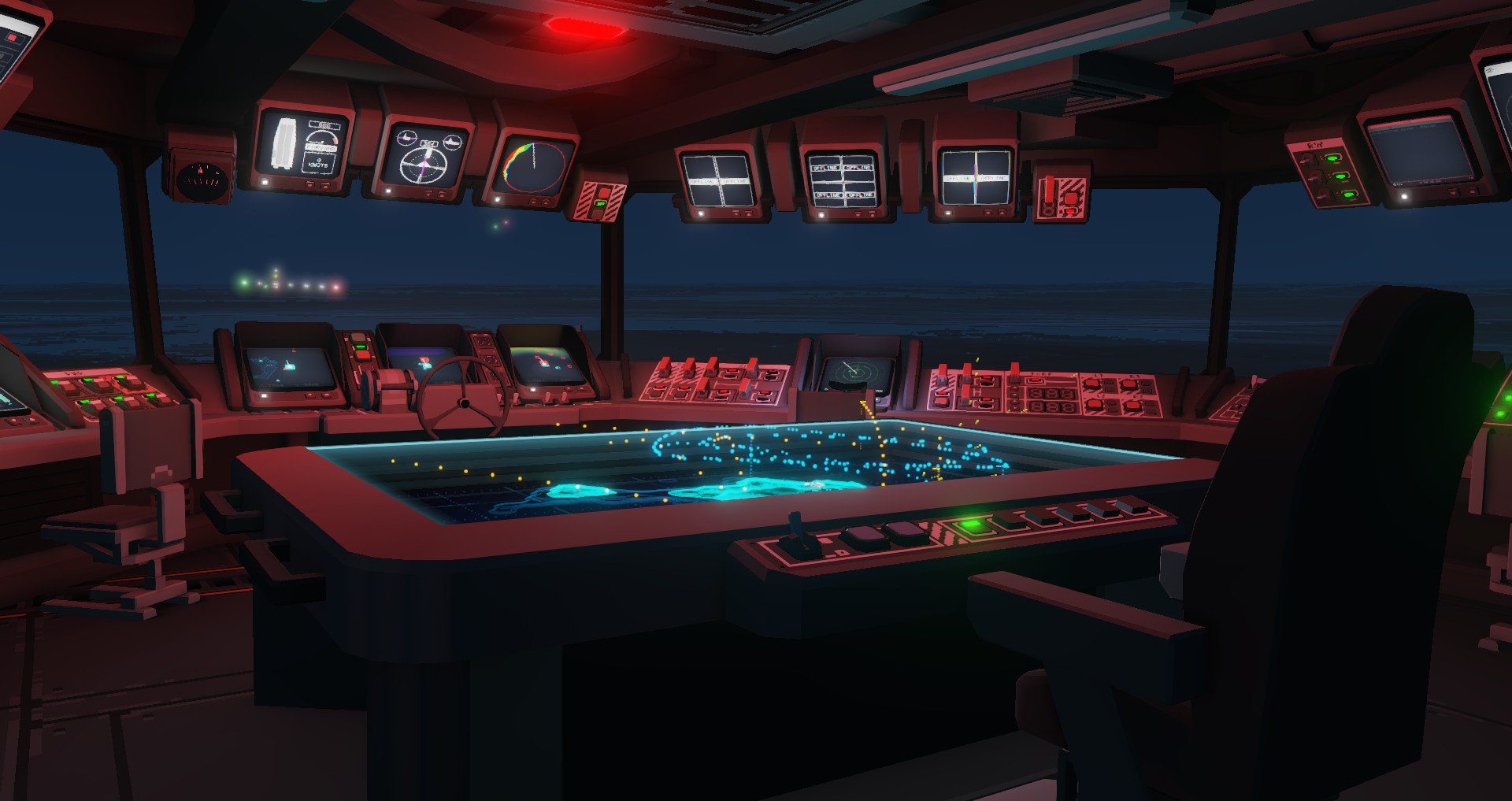
Carrier Command 2 can be played in virtual reality, presenting the carrier bridge and vehicle cockpits in an immersive perspective. The game can be played in either virtual reality or standard non-VR mode.
All core gameplay elements—intel gathering, resource planning, and vehicle piloting—remain accessible while wearing a headset, letting you experience the admiral’s decisions up close.
- Take short breaks during extended VR sessions to avoid fatigue.
- Use the headset to gauge spatial relationships between islands.
04 / THE GUIDE
Multiplayer Options
The game includes online co‑op and PvP modes, and supports cross‑platform multiplayer between Windows and macOS. Players can coordinate assaults together or compete against each other in competitive matches.
Steam achievements are listed as a feature, and the Steam Workshop supports community‑created content.
- Discuss roles with teammates before launching a combined‑arms attack.
- Explore workshop maps to add variety to multiplayer sessions.
05 / THE GUIDE
Platform Features
Carrier Command 2 is available on Windows and macOS, with Steam Cloud listed as a feature, enabling cloud‑based save storage for supported platforms. Family Sharing is also supported, allowing shared access among accounts.
Additional features include Steam Achievements, Full Controller Support, Tracked Controller Support, and integration with the Steam Workshop for user‑generated content.
- Enable Steam Cloud in the client settings to keep saves synchronized.
- Check the workshop for mods that enhance visual or gameplay aspects.
COMMUNITY
Player discussion