 GameWiki
GET YOUR BEARINGS
About Cargo Simulator
Cargo Simulator puts you in charge of a fledgling logistics brand. You name your warehouse, shape its look, and build a reputation that reflects your vision. Starting small, you can expand into the region’s most powerful logistics hub.
Delivering cargo on time, choosing the right packaging, and growing a network of partners are core to success. Between jobs you can wander the city’s entertainment districts, giving a break from work while you recharge for the next delivery.
01 / THE GUIDE
Brand Building
Your brand begins with a name and grows through successful deliveries. Each satisfied customer adds to your reputation, opening doors to larger contracts and new vehicles. The game emphasizes that a strong brand is the foundation for expanding your logistics network.
Successful deliveries open the door to new vehicles, warehouse upgrades and bigger deals, helping you attract major logistics companies. By consistently delivering on time, you attract major logistics companies, which in turn provide bigger deals and more resources for growth.
- Focus on early deliveries that guarantee high customer satisfaction to boost reputation quickly.
- Track which shipments earn the most reputation and prioritize similar orders.
02 / THE GUIDE
Warehouse Personalization
The warehouse is presented as a reflection of you, letting you choose a modern look or a cozy family feel. Personalizing the space creates a better working environment, which the game ties to overall performance.
Customization options let you shape the warehouse’s look and working environment, and the choice of style remains yours. Whether you opt for sleek designs or homely décor, the choice remains yours and influences the aesthetic of your logistics hub.
- Experiment with different décor themes to find the most motivating visual style.
- Keep the layout functional; clutter can make navigation feel slower.
03 / THE GUIDE
Cargo Selection
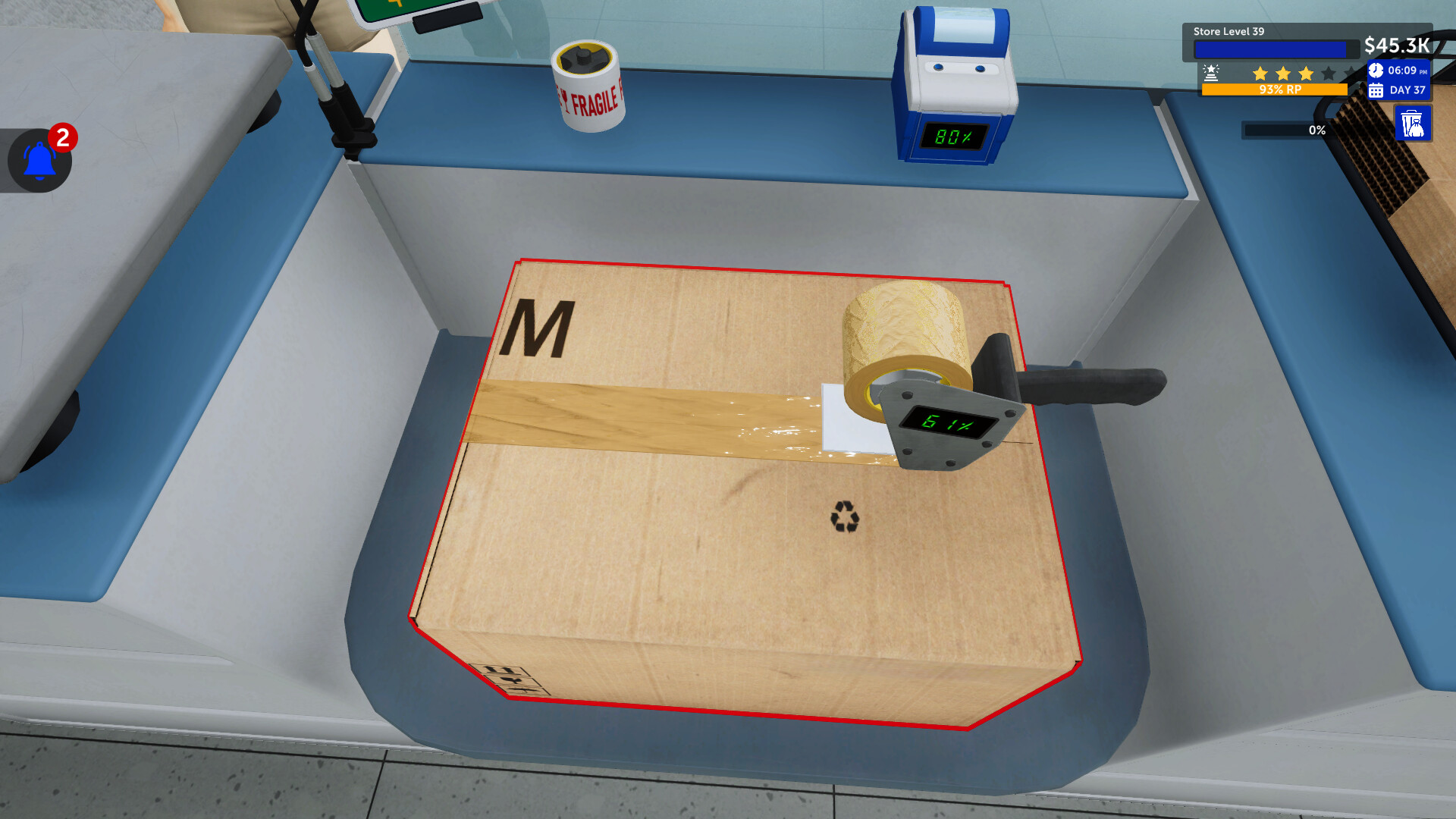
Choosing the correct shipping box is essential. You must match size, shape, and sensitivity of the product to the package, ensuring safe transport and happy customers. The right packaging directly impacts delivery success.
Incorrect packaging can lead to dissatisfied clients, which slows brand growth. The game encourages careful assessment of each shipment’s requirements before dispatch.
- Measure items before selecting a box to avoid mismatches.
- Prioritize protective packaging for fragile or sensitive cargo.
04 / THE GUIDE
Delivery and Growth
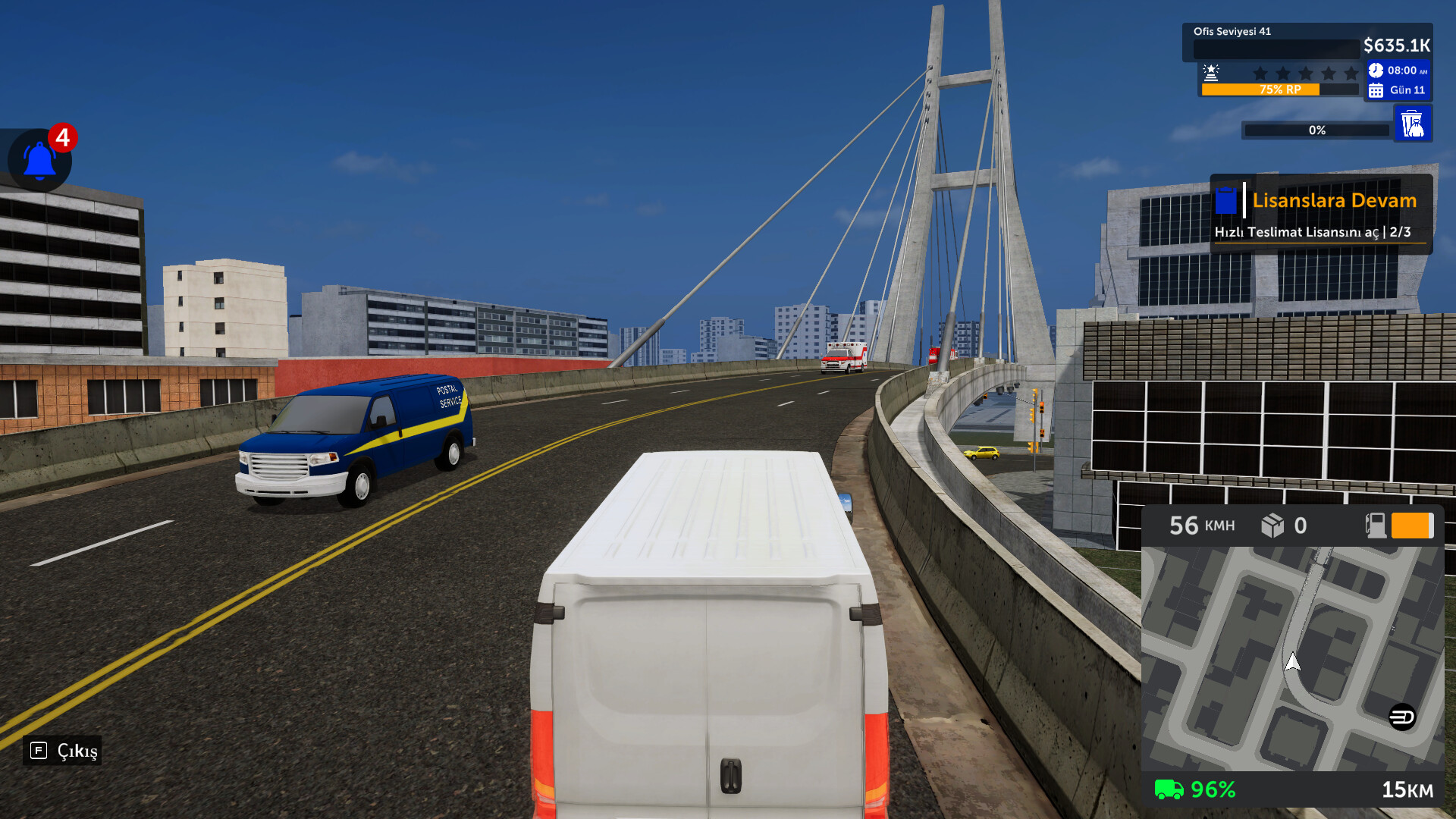
Speed is highlighted as a key factor; delivering cargo across the city on time earns customer satisfaction and unlocks new vehicles, upgrades, and larger deals. Each successful delivery expands your network.
Heavy traffic and narrow streets add challenge, but they also provide narrative flavor. The game frames every delivery as an opportunity to grow your brand and increase logistical reach.
- Plan routes that avoid known traffic bottlenecks when possible.
- Upgrade to larger-capacity vehicles after securing enough reputation.
05 / THE GUIDE
City Exploration
Between deliveries you can explore entertainment areas of the city, offering a break from work and a chance to recharge. The game presents a world where work and leisure coexist.
Exploring offers a break from delivery work, letting players enjoy the urban environment and recharge between jobs.
- Visit entertainment districts after a series of deliveries to keep gameplay fresh.
- Use exploration time to observe traffic patterns for future route planning.


COMMUNITY
Player discussion