 GameWiki
GET YOUR BEARINGS
About Card Shop Simulator Multiplayer
Card Shop Simulator Multiplayer mixes casual shop‑keeping with strategic card battling. In Single Player you manage a shop at your own pace, hiring staff to assist, and the same save can later be used to join a friend’s multiplayer session.
The game offers three multiplayer experiences: Co‑op for shared decorating and friendly duels, Competitive for rival shop owners on the same street, and two duel modes that range from auto‑battles to fully tactical turn‑based combat.
01 / THE GUIDE
Single Player Mode
In Single Player you run your own card shop, hiring staff to help with daily tasks. The description notes that progress is fully saved, allowing you to continue later without losing any development.
While playing solo you can also explore the surrounding street for hidden cards, mini‑games, and other surprises. This exploration occurs without any time pressure, letting you discover content at your leisure.
- Observe how staff affect shop workflow before deciding on decoration priorities.
- Take note of street locations that yield special cards for future visits.
02 / THE GUIDE
Co‑op Multiplayer Mode
Co‑op lets up to three friends join you to run a single shop together. The mode emphasizes teamwork, allowing players to combine their creativity when decorating the interior and to open card packs as a group.
Friends can also challenge each other in a friendly card duel within the shared shop. The description highlights that this mode is designed for a relaxed weekend experience, focusing on collaborative decoration and casual competition.
- Coordinate decoration themes with teammates to create a cohesive shop aesthetic.
- Use the friendly duel as a low‑stress way to test new card combinations.

03 / THE GUIDE
Competitive Multiplayer Mode
In Competitive mode each player runs an independent shop on the same street. The goal is to attract more customers, collect stronger cards, and demonstrate sharper card‑battling skills than neighboring shops.
Success depends on strategic card collection, effective shop layout, and mastery of both duel types. The description frames the mode as a direct comparison of earnings, card power, and duel performance among players.
- Focus on acquiring rare cards to improve duel outcomes against rivals.
- Experiment with different shop layouts to see which draws the most customers.
04 / THE GUIDE
Duel Modes
Classic Duel features an auto‑battle system that resolves fights based on elemental strengths and weaknesses. The mode is described as fast‑paced, accessible, and driven by randomness and luck.
Advanced Duel is a turn‑based mode where you choose each card, select attack targets, and time spells yourself. This gives total tactical control, allowing deeper strategic planning during battles.
- Try Classic Duel first to learn how elemental match‑ups affect outcomes.
- Switch to Advanced Duel when you want full control over each decision.
05 / THE GUIDE
Card Collection
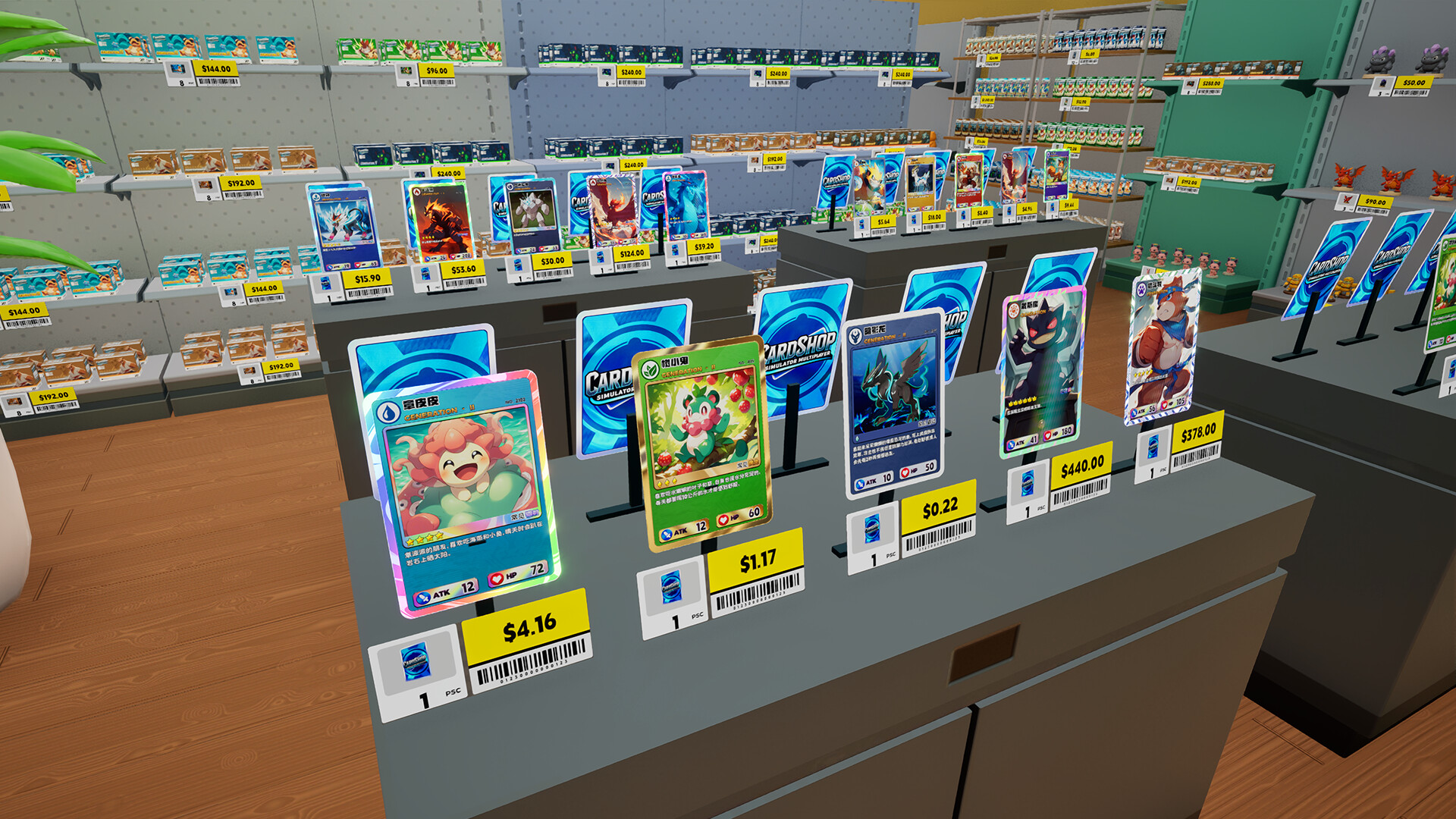
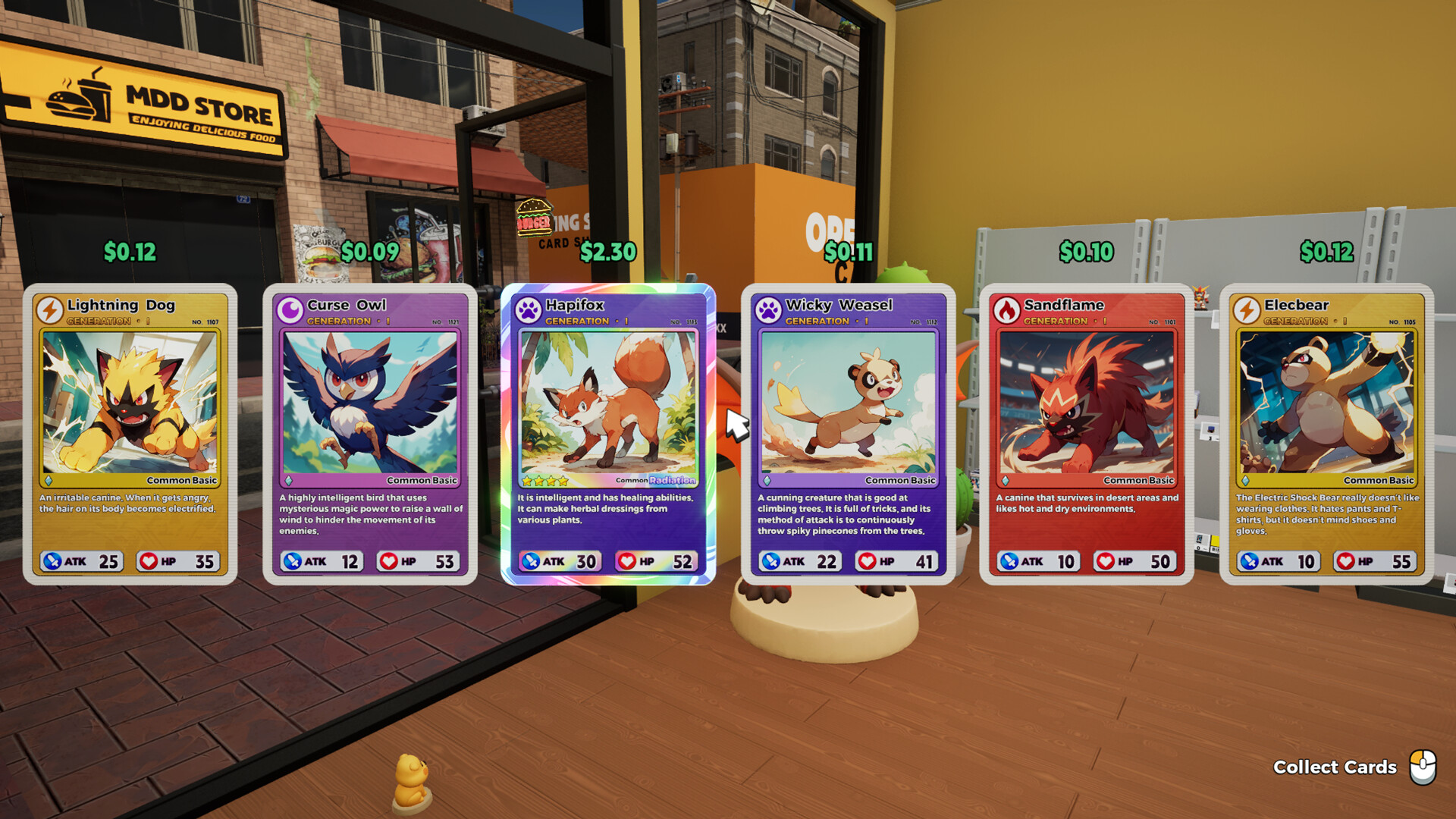
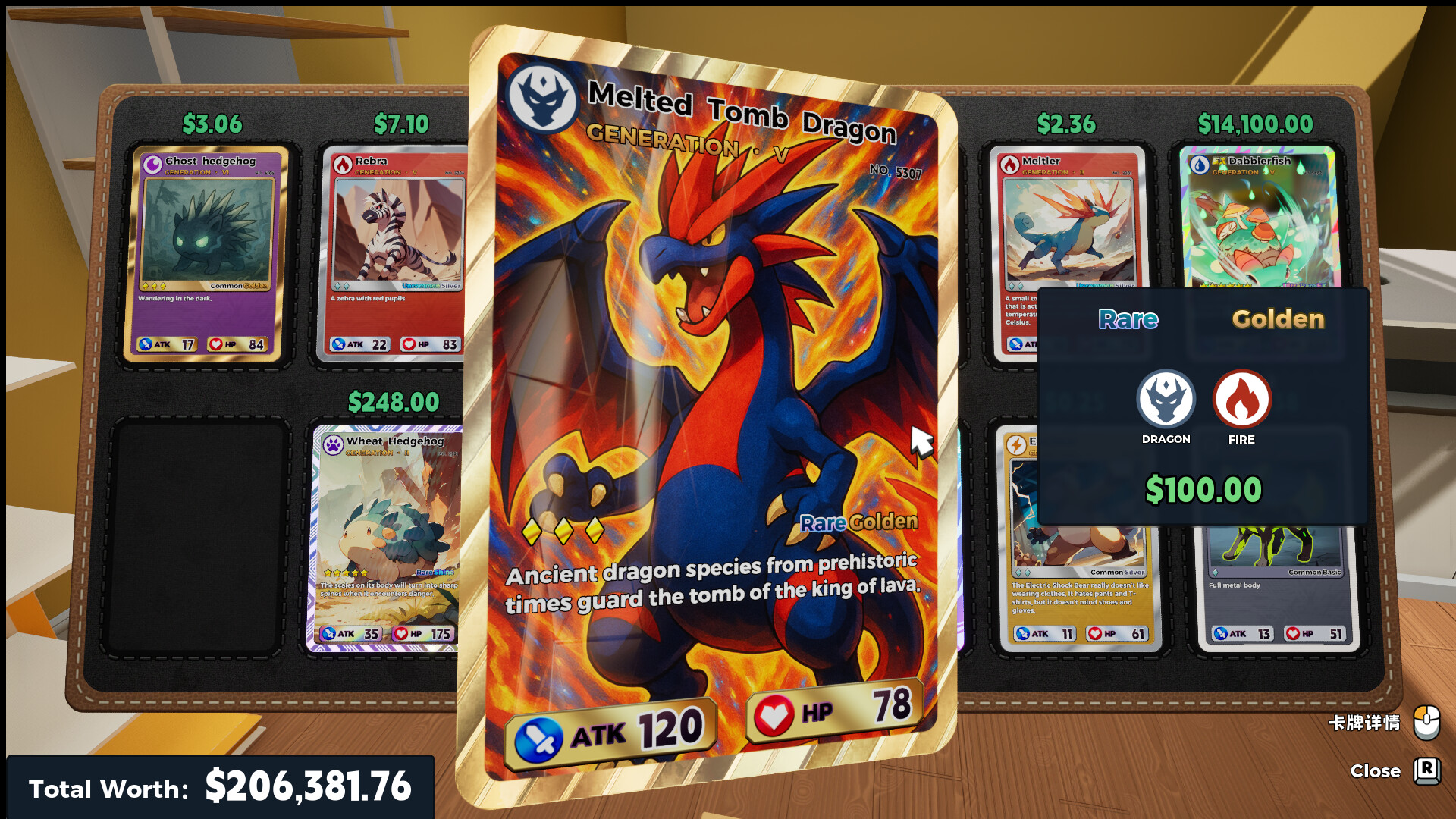
The game contains over 400 cards across seven generations, offering a wide variety of frames. Some cards are described as mysterious and only appear under special conditions, adding an element of surprise to collection efforts.
Legends speak of a particularly valuable set that might appear on a player’s first day, while other rare cards may never be seen. This encourages ongoing exploration and card‑pack opening to complete the collection.
- Track which generations you lack to guide future purchases.
- Visit street locations regularly to increase chances of encountering special‑condition cards.
COMMUNITY
Player discussion