 GameWiki
GET YOUR BEARINGS
About Capcom Arcade Stadium
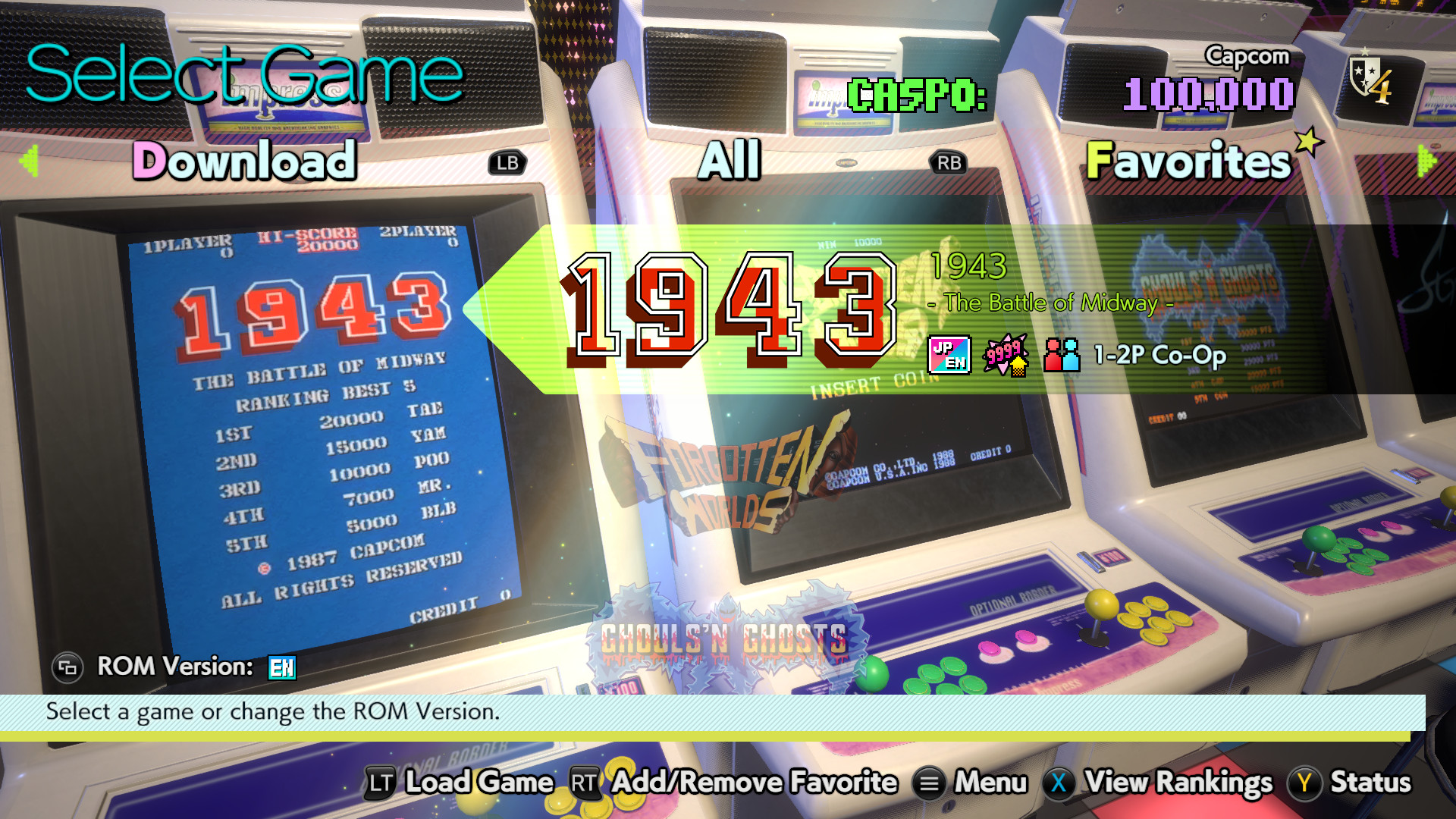
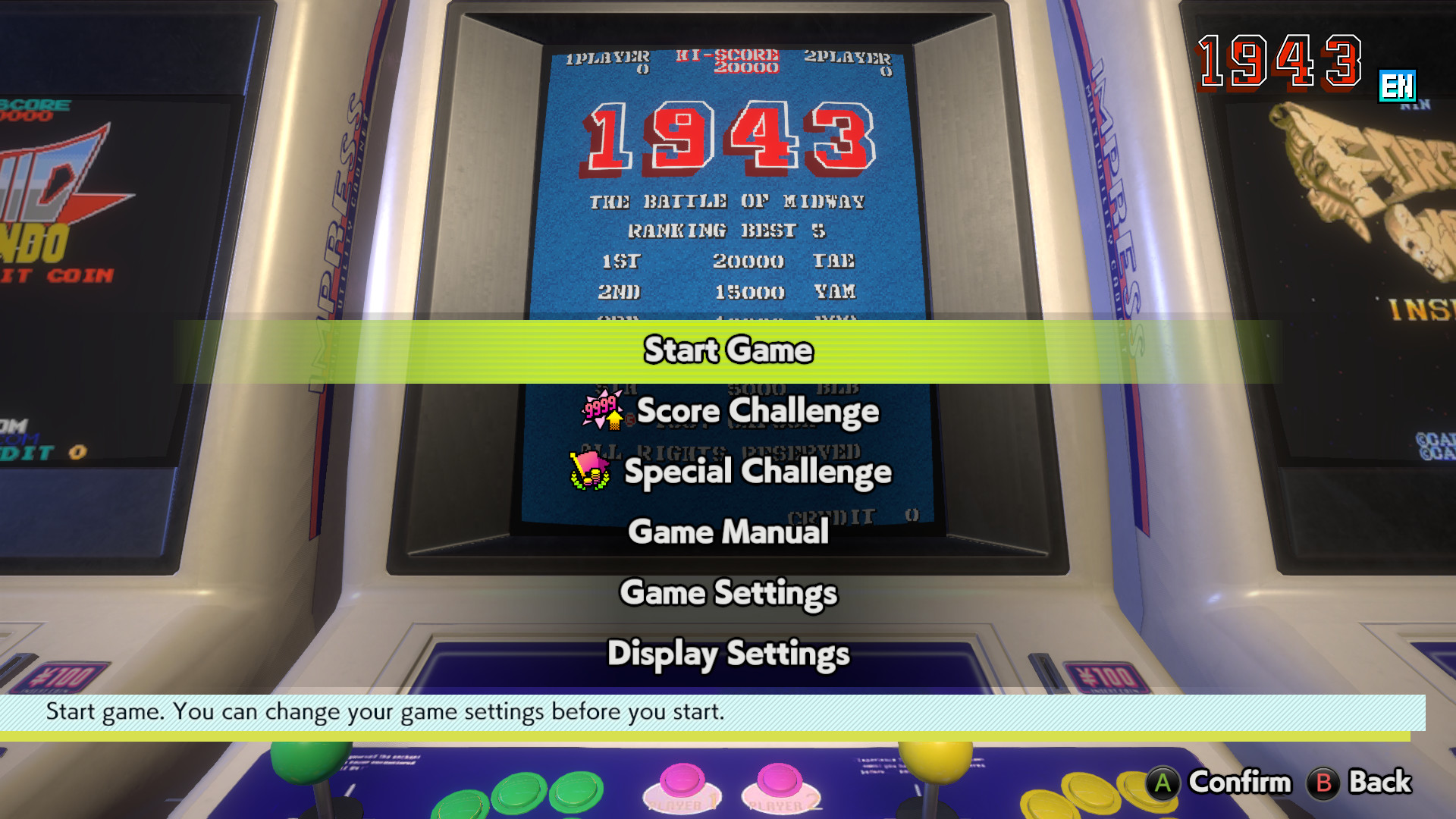
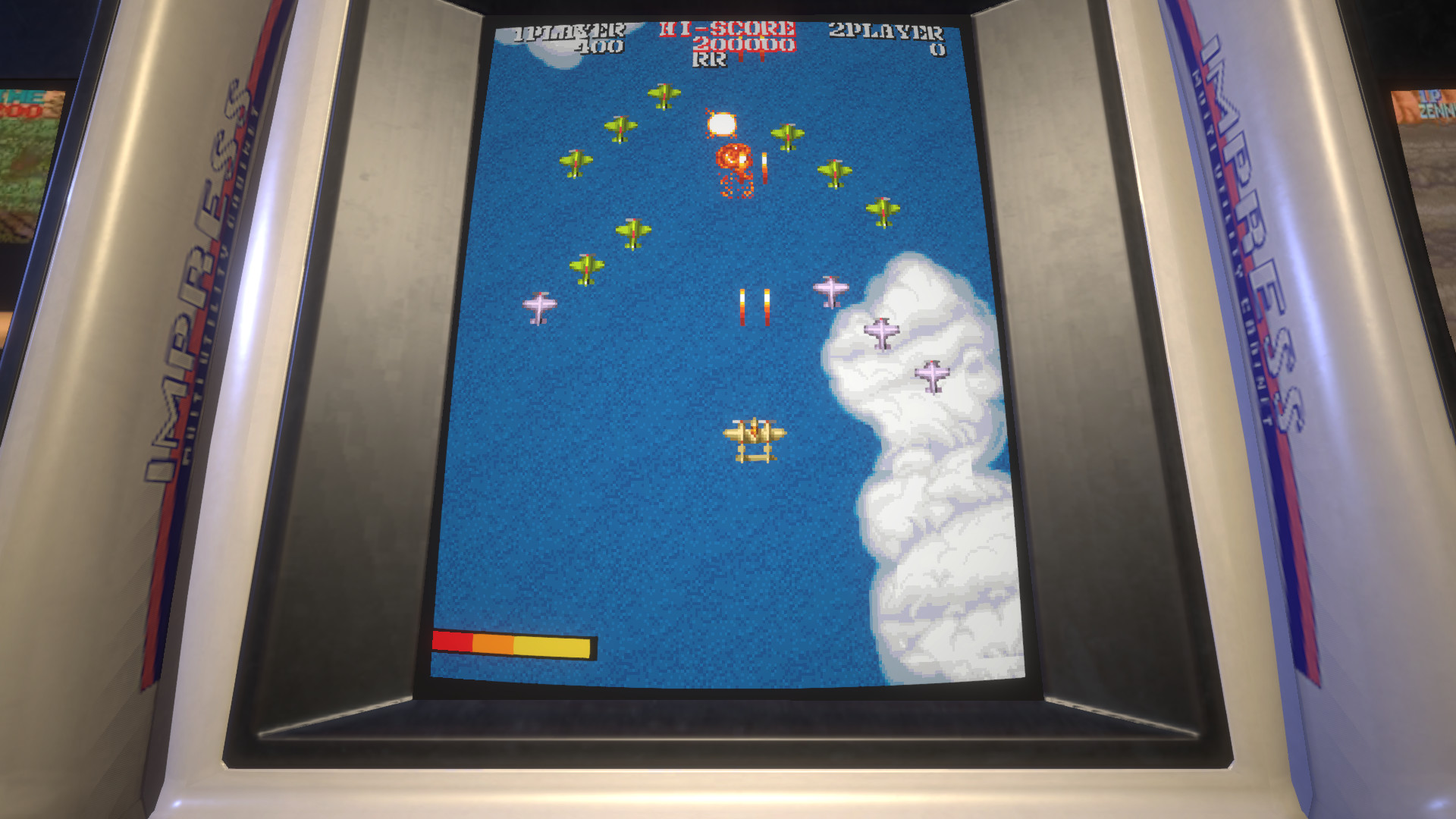
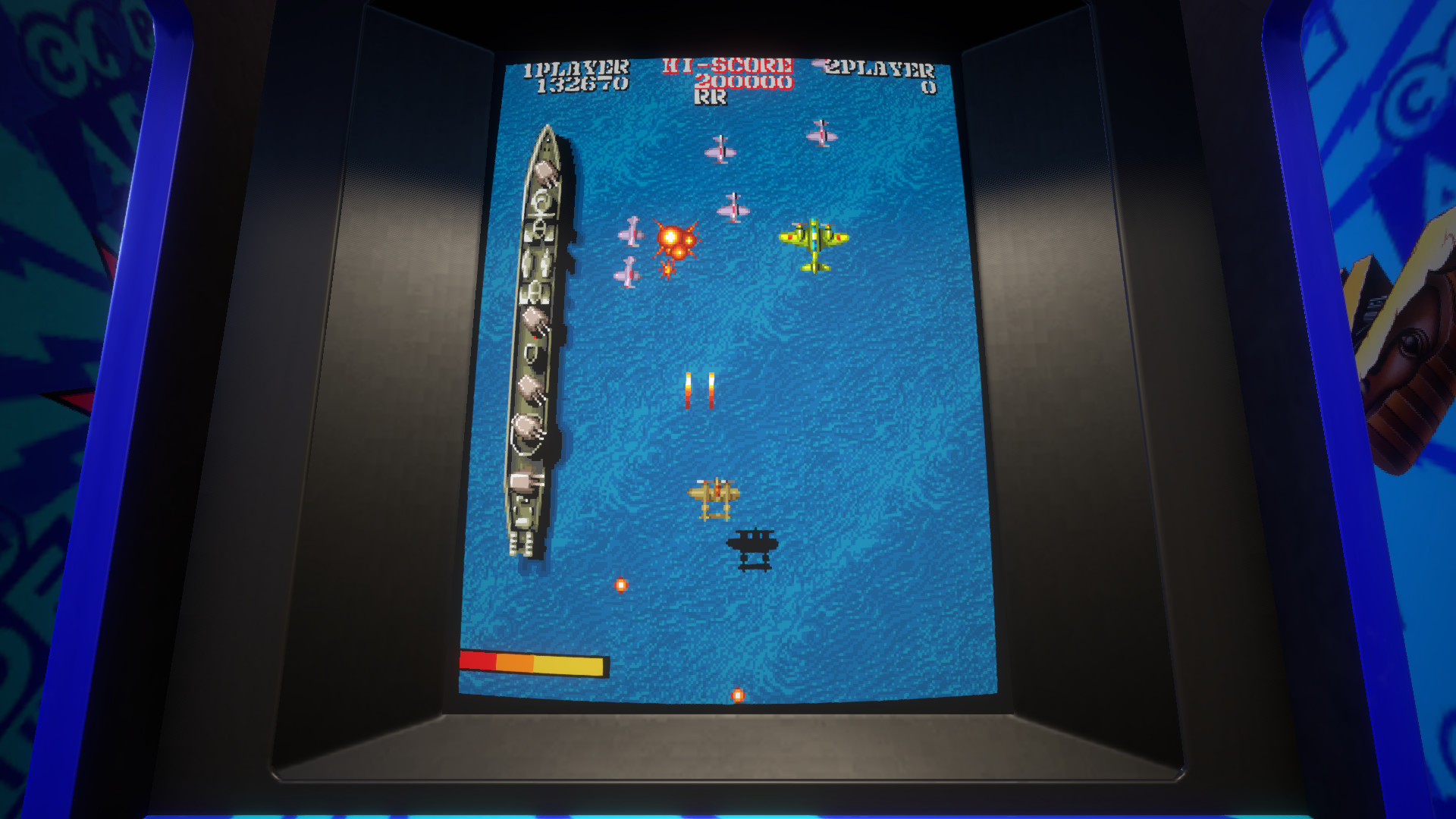
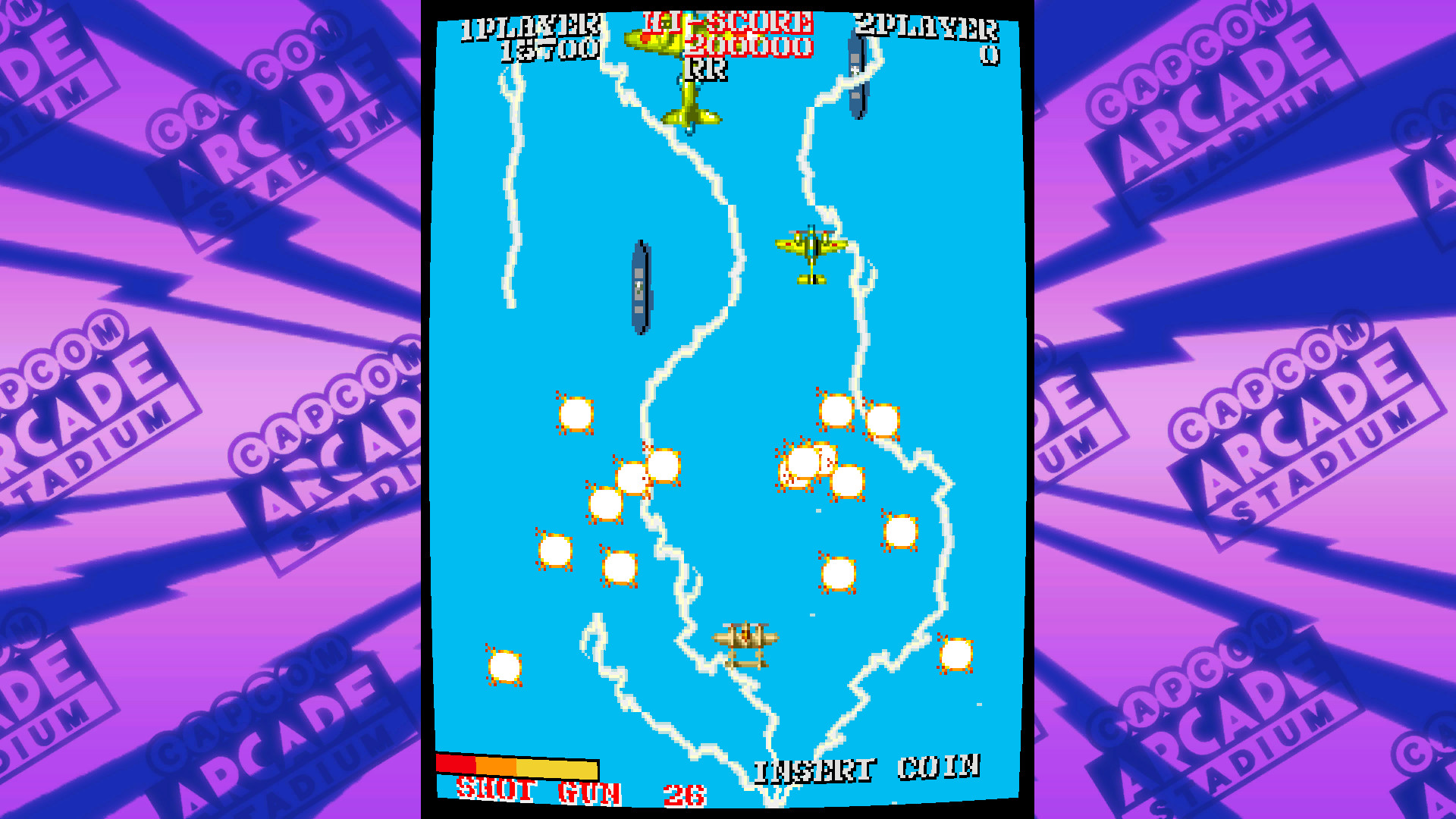
Capcom Arcade Stadium revives classic Capcom arcade titles with modern presentation. The collection includes 1943 – The Battle of Midway, offering both Japanese and English versions for solo or local co‑op play. Visual options such as 3D‑rendered cabinets and scanline filters let players recreate an authentic arcade feel.
New features like gameplay rewind, speed control, and save‑load functionality add fresh flexibility, while online leaderboards let you compare scores worldwide. The package also provides free game‑logo wallpapers and supports full controller use, Steam achievements, and cloud saves.
01 / THE GUIDE
Display Settings
The game offers fully customizable display options, including 3D‑rendered arcade cabinets and scanline filters, to emulate the classic arcade atmosphere. Players can adjust these settings to suit personal visual preferences.
These visual tools let you craft a personal experience, enhancing nostalgia while maintaining modern clarity. Adjusting filters can change the look of each title without affecting gameplay.
- Experiment with scanline filters to find a comfortable retro look.
- Save your preferred display preset for quick switching between games.
02 / THE GUIDE
Rewind and Speed Controls
Capcom Arcade Stadium introduces gameplay rewind, allowing players to backtrack moments they missed. Speed adjustment lets you speed up or slow down the action for practice or challenge.
Saving and loading at any time further extends flexibility, making classic titles feel new. These tools work across all included games, offering a modern twist on retro play.
- Use rewind to learn enemy patterns without restarting the whole level.
- Try slower speed for precise sections, then increase for a tougher run.
03 / THE GUIDE
Local Co‑op Play
The collection supports 1‑2 player co‑op, with player numbers varying per title. Multiplayer is limited to local sessions, enabling shared or split‑screen cooperation.
This mode lets friends experience classic arcade action together on the same device, preserving the social feel of original cabinets.
- Check each game’s player count before starting to avoid confusion.
- Coordinate controller layouts early to ensure smooth co‑op.
04 / THE GUIDE
Online Leaderboards
Every game in the stadium features online leaderboard rankings, showing how your scores compare globally. This competitive layer adds replay value beyond the arcade experience.
Leaderboards update as you achieve higher scores, encouraging continual improvement and offering a benchmark against worldwide players.
- Aim for consistent high scores to climb the leaderboard faster.
- Review top players’ strategies for insight into advanced tactics.
05 / THE GUIDE
Free Wallpapers
Downloading Capcom Arcade Stadium also provides game‑logo wallpapers. These files are placed in the Steam installation folder for easy access.
The wallpapers let fans display their favorite titles on their desktop, extending the arcade vibe beyond gameplay sessions.
- Navigate to the Steamapps folder to locate the wallpaper files.
- Set the wallpaper as your desktop background for daily nostalgia.
COMMUNITY
Player discussion