 GameWiki
GET YOUR BEARINGS
About Canvas of Kings
Canvas of Kings is a minimalistic map‑making tool that lets you define paths, plots and rooms, then fills them with auto‑generated objects. You can adjust the layout at any time, combine hand‑drawn objects, and let the system vary their properties for a varied result.
The program includes built‑in lighting and weather controls, grid options for square or hex maps, and export to PNG/JPG or a JSON file. Settings can be saved as templates, and maps can be shared via Steam Workshop or Discord. It is a single‑player Windows, macOS and Linux application.
01 / THE GUIDE
Flexible Paths and Plots
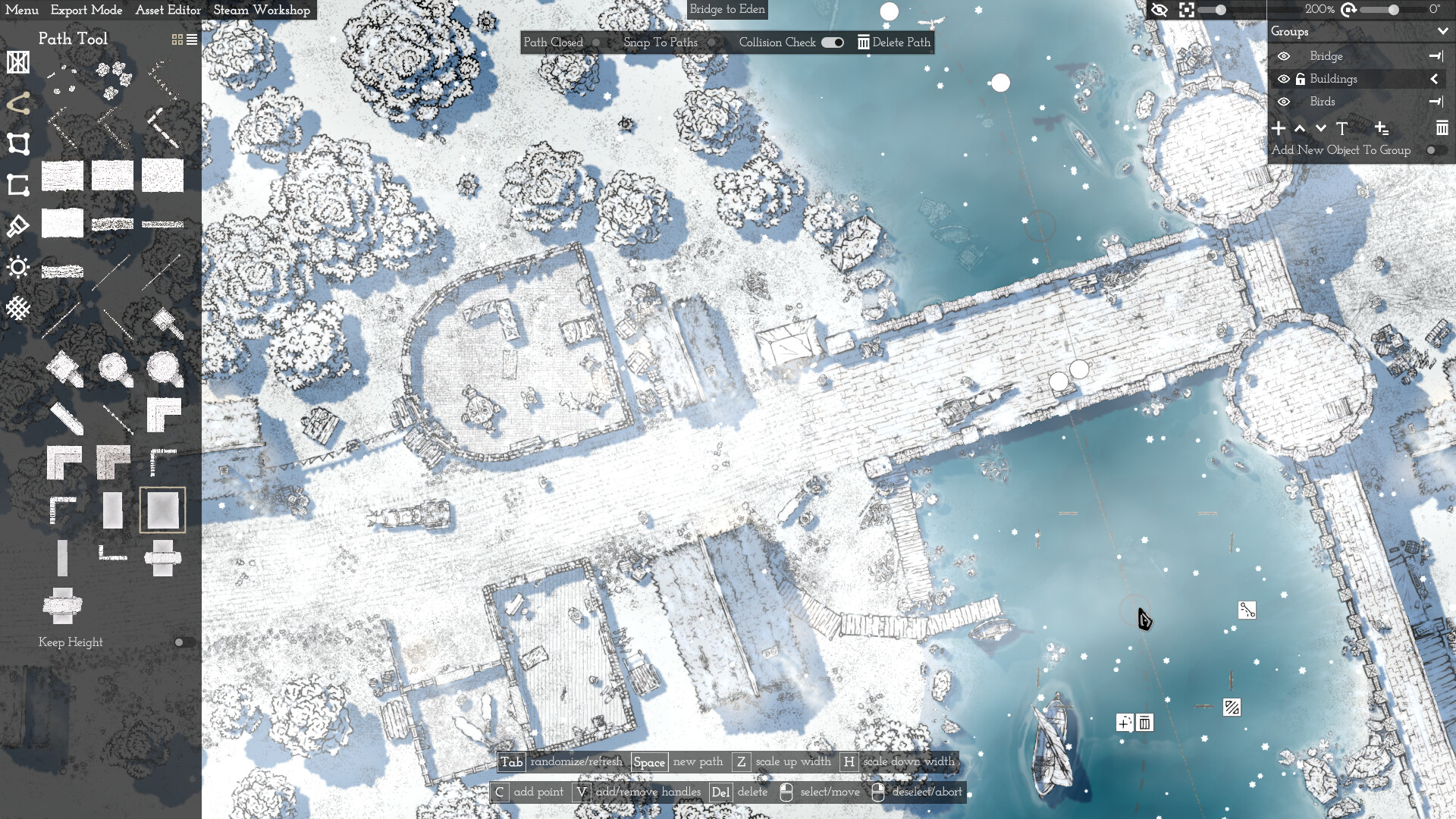
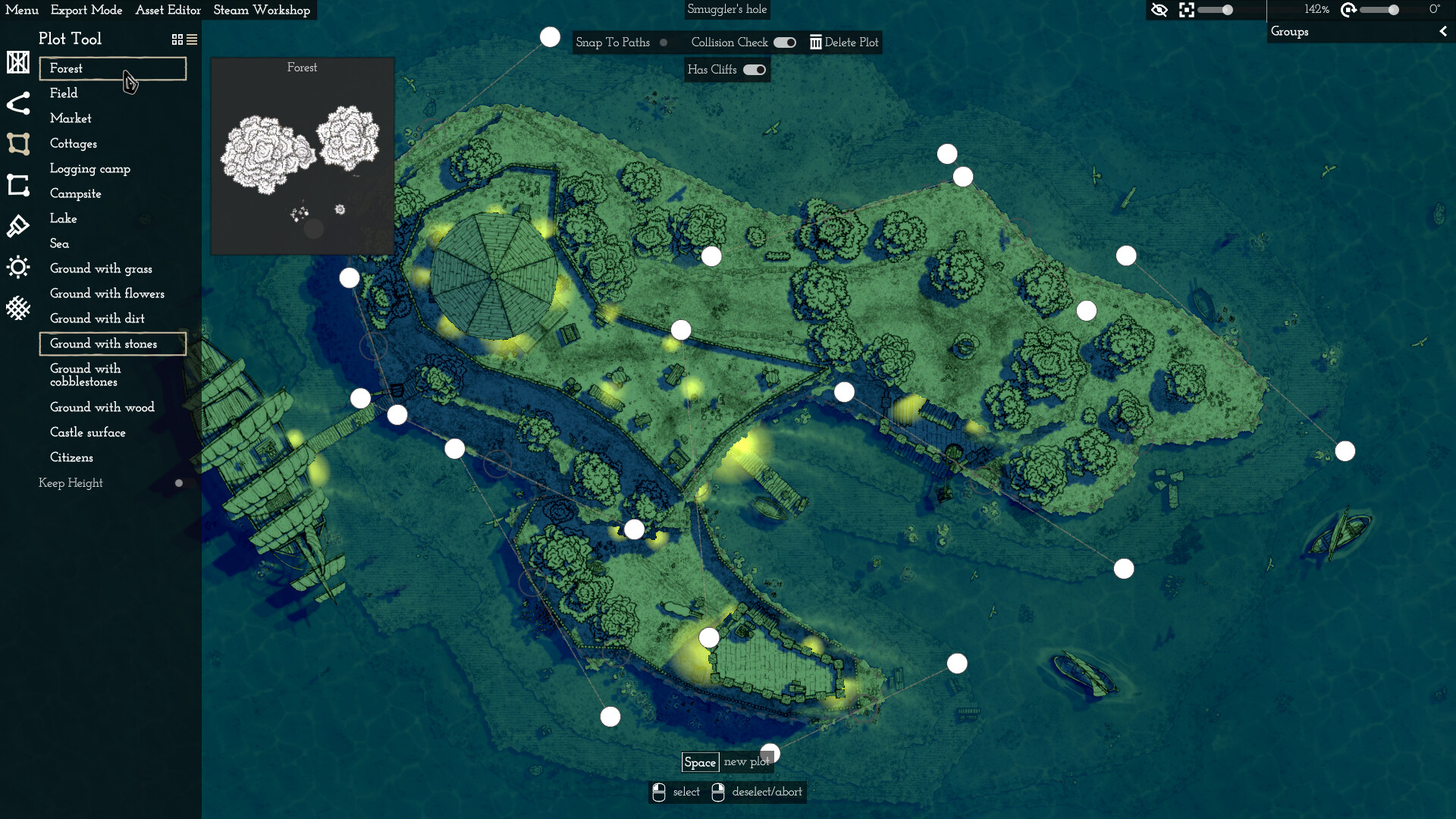
You define your map using adjustable paths and plots, which can be edited at any moment. This lets you create simple walls with towers or larger features like forests without manually placing each element. The system’s automatic object placement works with these paths, allowing quick construction of complex layouts while keeping control over overall shape.
- Experiment with moving a plot after placing objects to see how they shift together.
- Use the ability to edit paths to fine‑tune room connections without rebuilding.
02 / THE GUIDE
Hand‑Drawn Object Placement
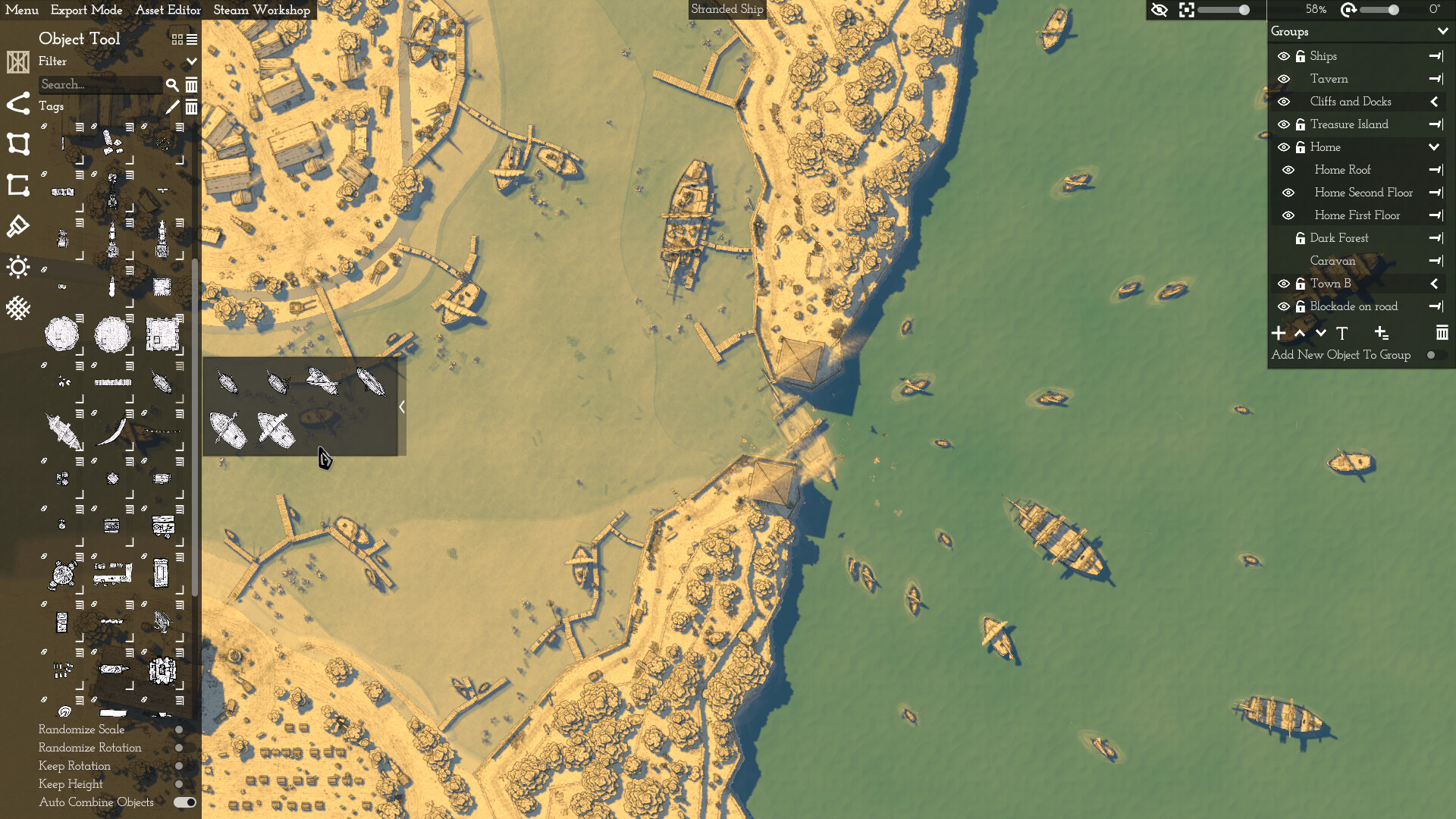
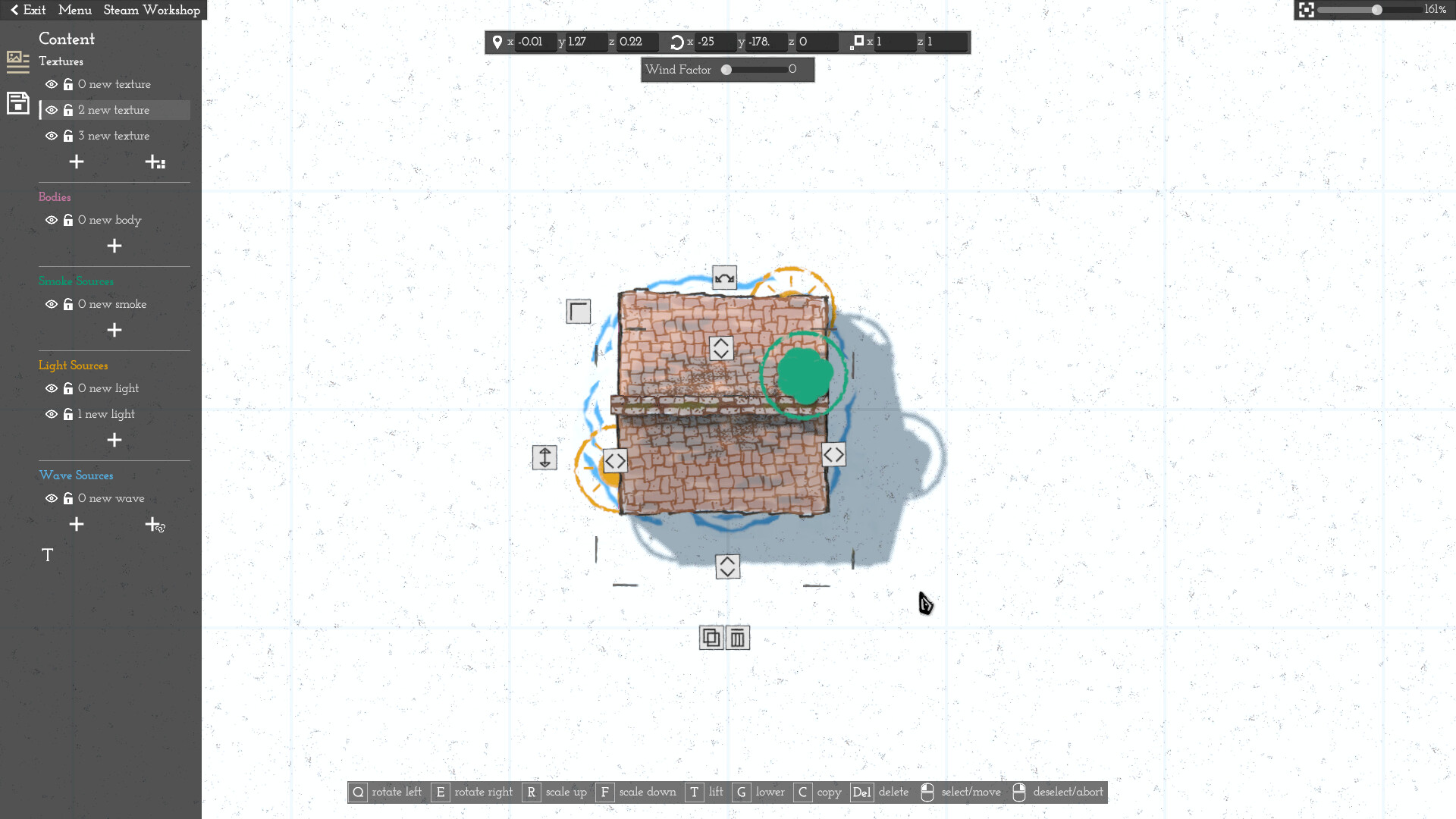
Instead of placing each object individually, you can randomise object properties within categories, creating varied scenery with little effort. Objects can be combined, such as stacking crates on towers, and moved as a group. This approach reduces repetitive work while still allowing personal artistic touches through the hand‑drawn asset library.
- Group related objects to move them together after placement.
- Adjust randomisation settings to achieve a balance between uniformity and variety.
03 / THE GUIDE
Lighting and Weather Customisation
Built‑in lighting and weather controls let you alter the atmosphere of a map. You can select preset templates or configure details manually to match the desired mood. These settings affect the visual presentation of exported images and can be saved for reuse in future maps.
- Try a darker lighting preset for night‑time scenes.
- Combine weather effects with lighting changes for dramatic contrast.
04 / THE GUIDE
Grid Options and Export
You can define an export area and choose a square or hex grid, then export the selected region as PNG, JPG, or a JSON file. Exported maps may include or omit the grid based on your preference. Templates can store these export settings, making repeated map production faster and more consistent.
- Create a template for your most‑used grid size to speed up future exports.
- Export a small test area first to verify visual quality before exporting the whole map.
05 / THE GUIDE
Steam Workshop and Sharing
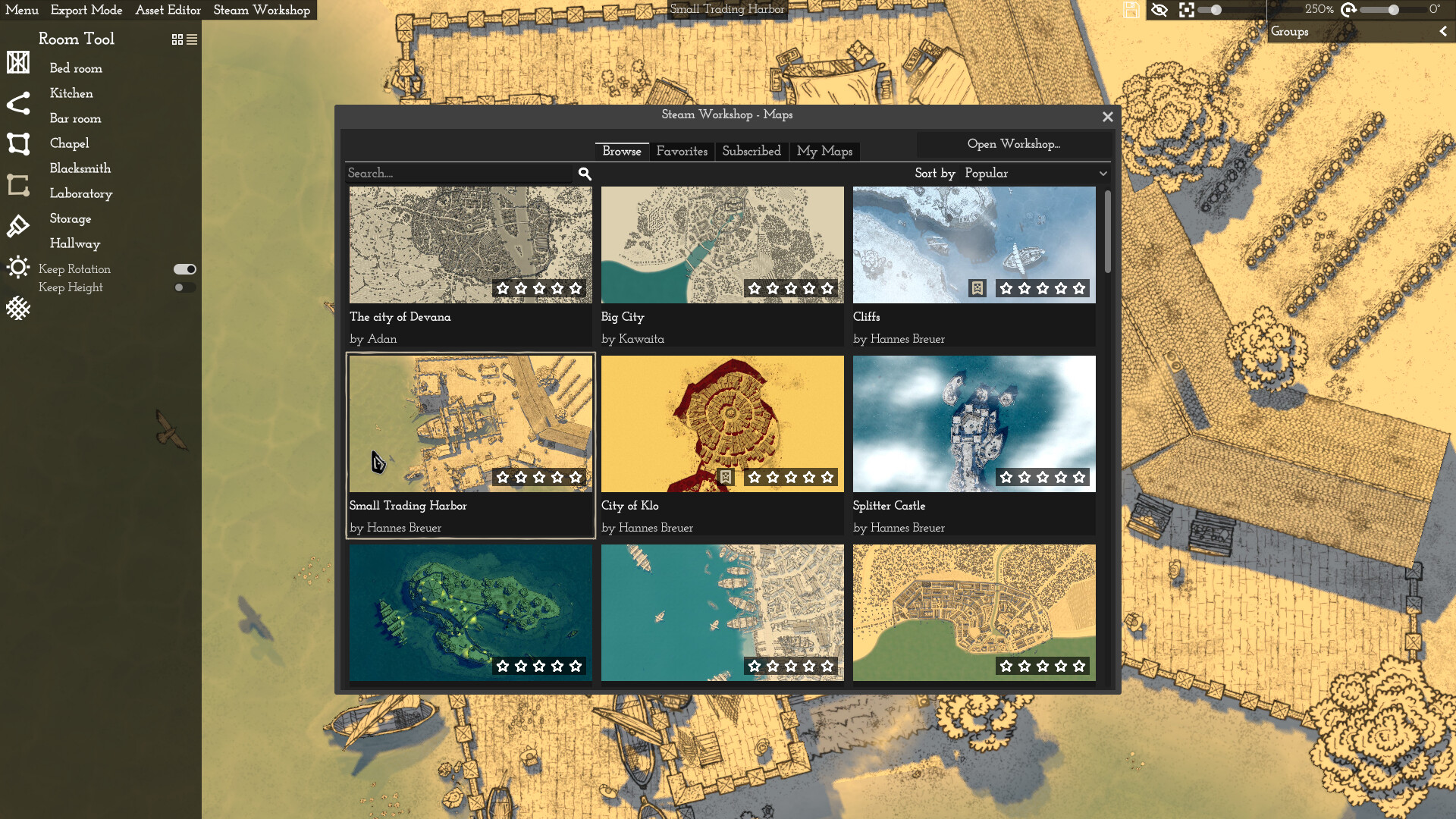
Canvas of Kings supports Steam Workshop integration, allowing you to share maps directly with the community. Examples of user‑created maps are available on the Workshop and the developer’s Discord. The tool also includes Steam Achievements and Family Sharing, providing additional ways to engage with the platform’s social features.
- Browse the Workshop for inspiration before starting a new map.
- Family Sharing is supported, so family members may be able to access the tool through their own accounts.
COMMUNITY
Player discussion