 GameWiki
GET YOUR BEARINGS
About Calm Down, Stalin
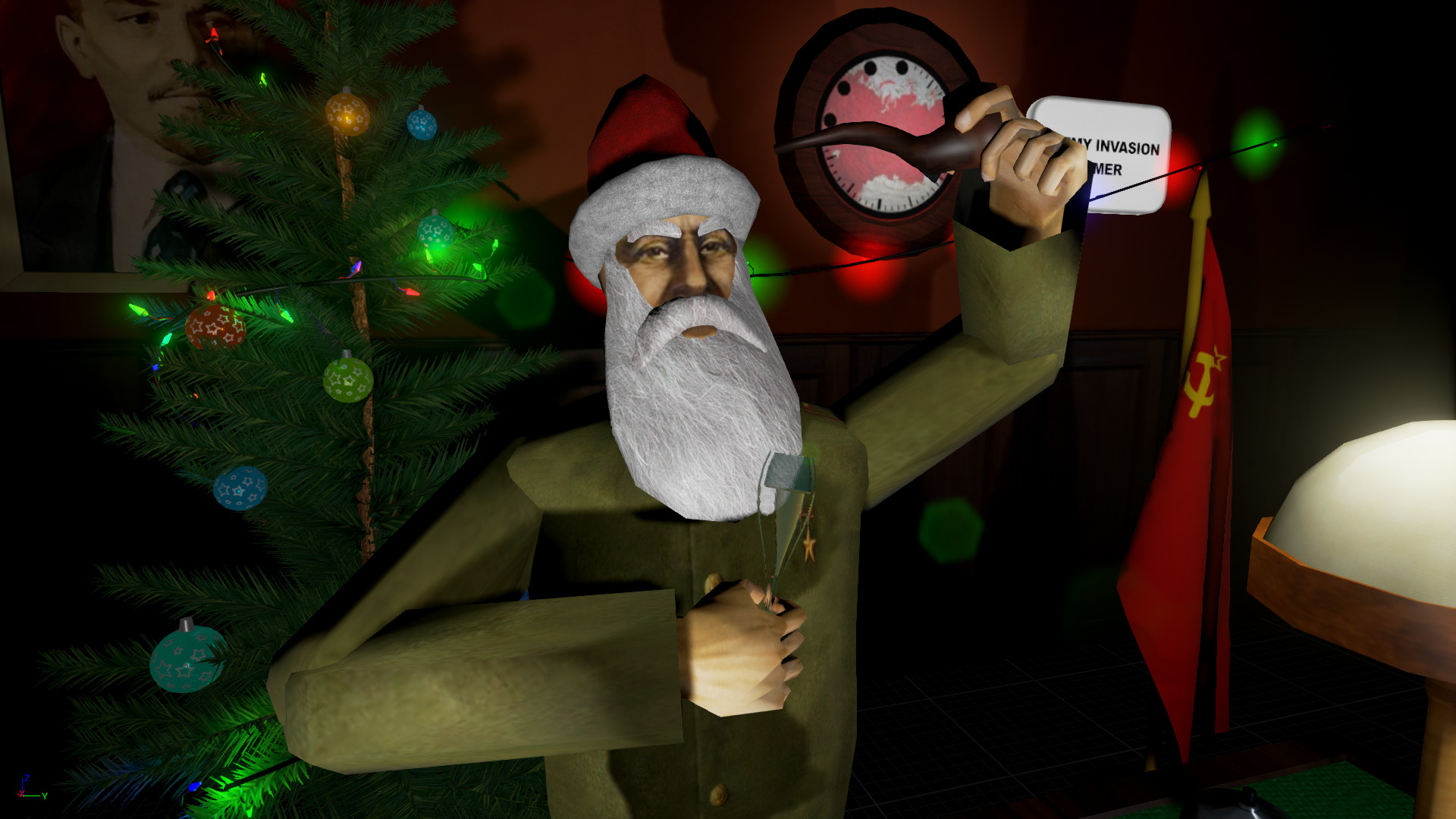
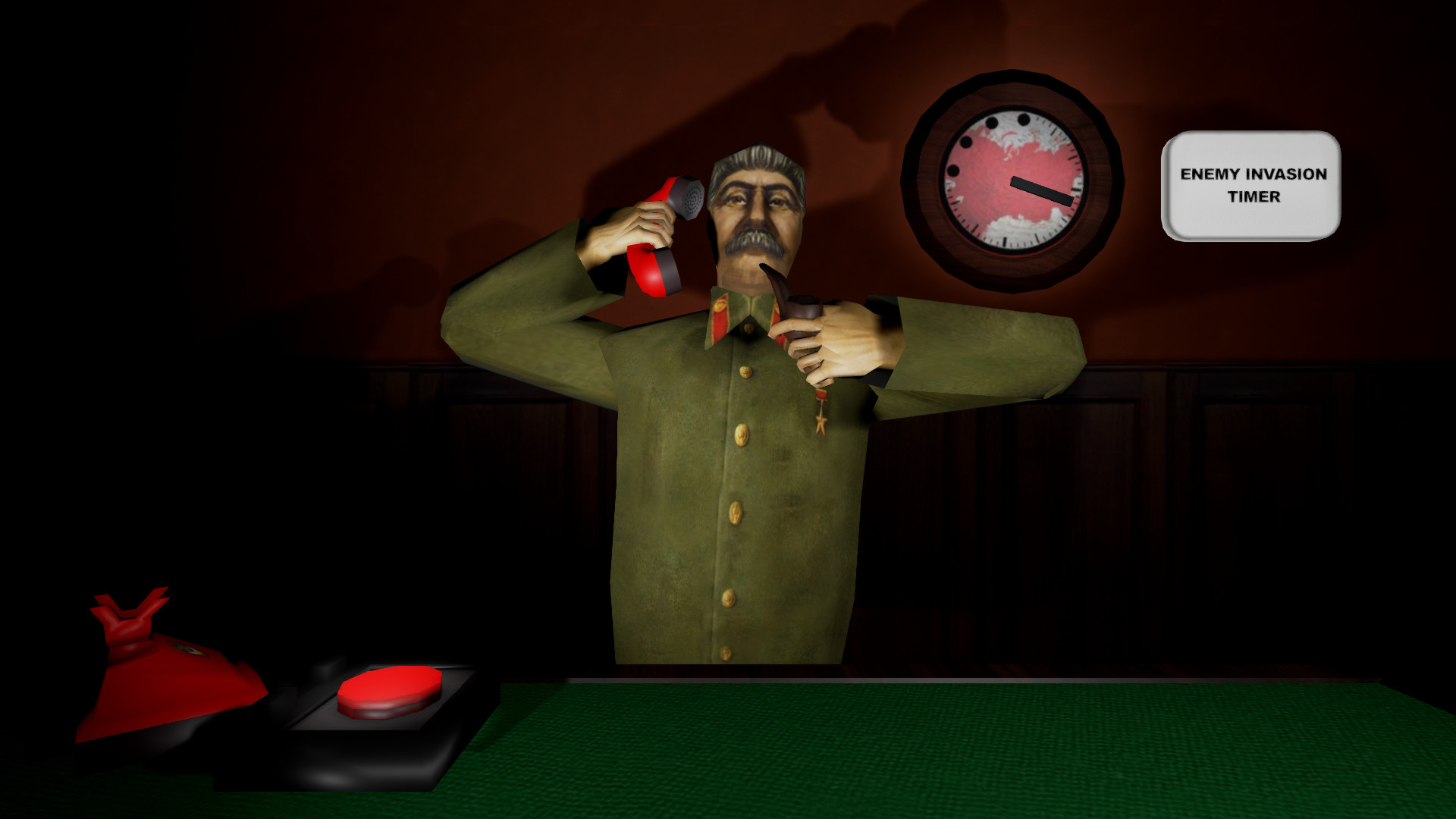
Calm Down, Stalin offers a quirky take on political stress relief. Players use direct hand gestures to manipulate objects like a nuclear button, state papers, a phone, and a pipe, all while juggling bureaucratic duties. The game mixes a story-driven progression with an endless high‑score challenge, letting players experiment with tools and distractions to keep their hands steady and their stress low.
01 / THE GUIDE
Direct Hand Control
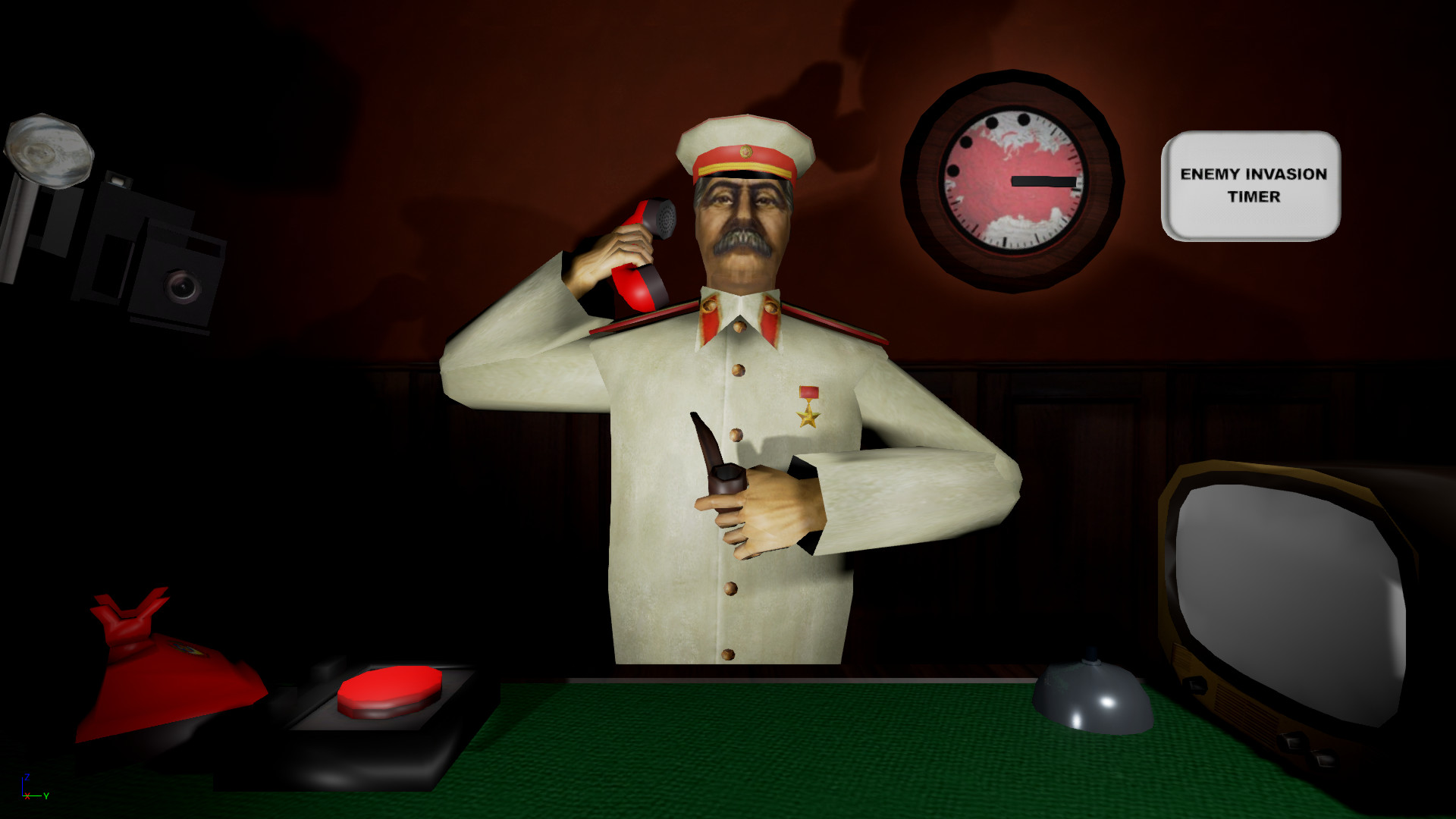
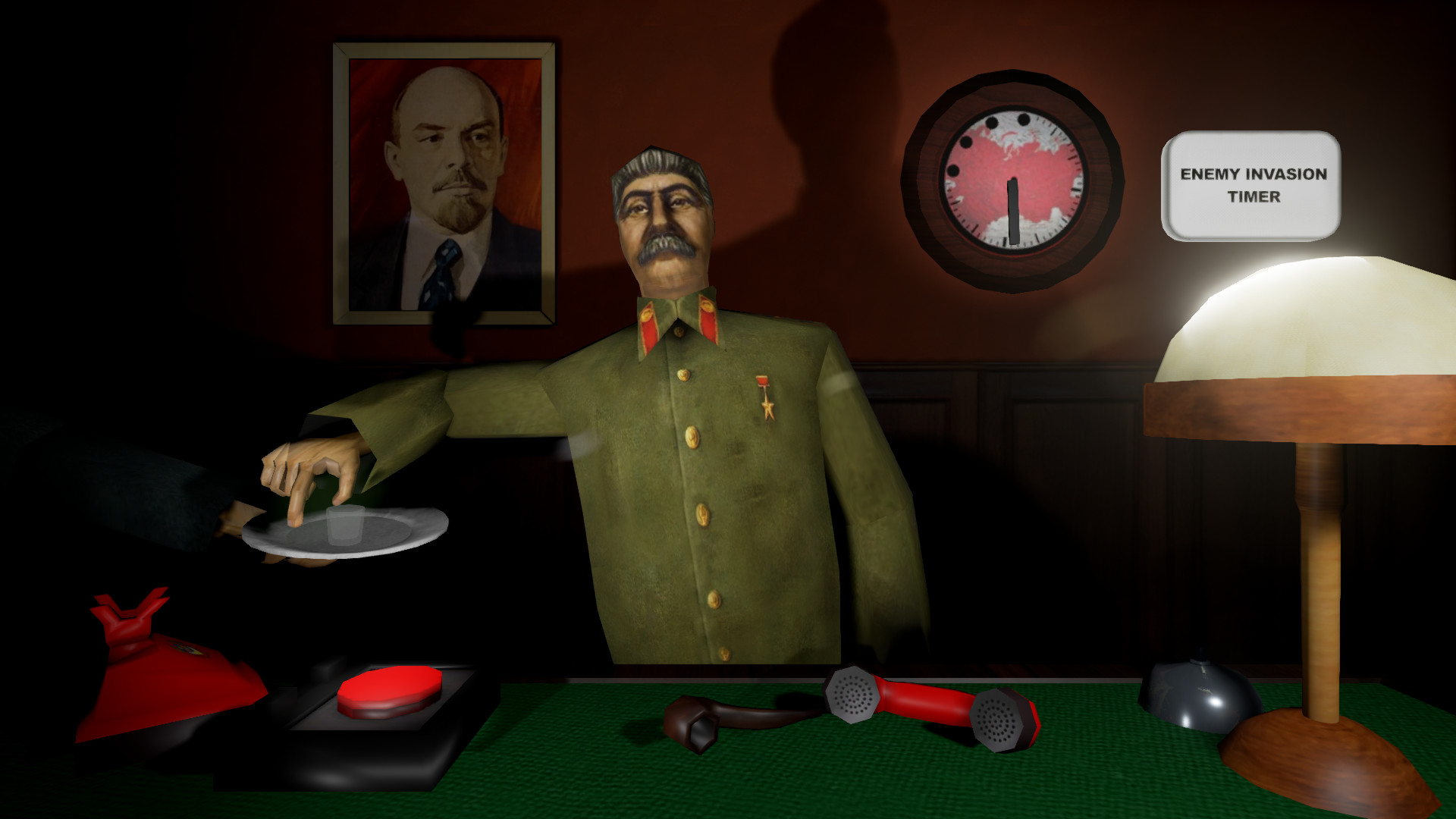
The core interaction lets you move your finger toward The Button and manipulate objects such as papers and a phone. This hands‑on approach replaces traditional button presses with a physical gesture.
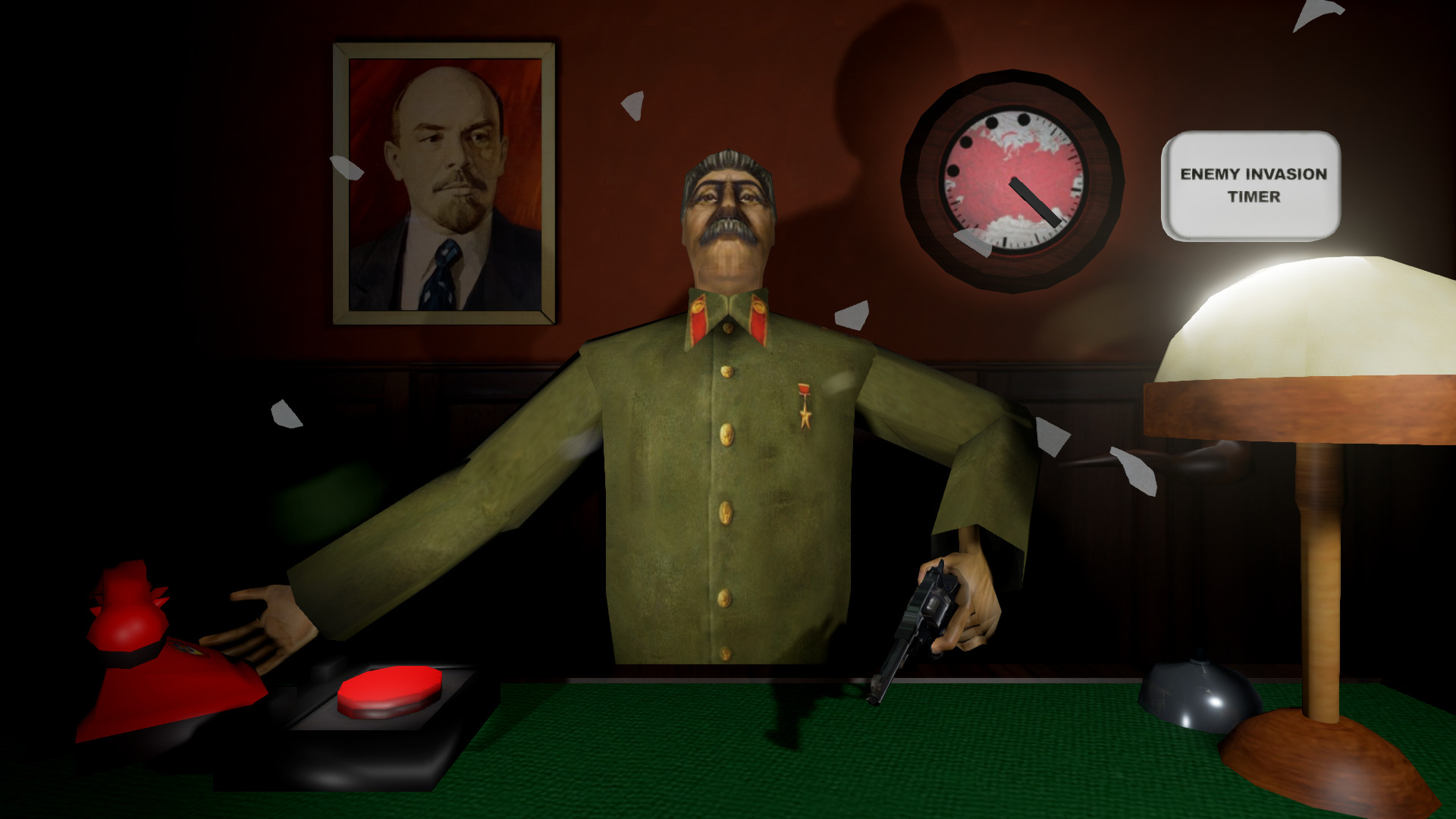
The system also lets you move your arms to position items, creating a tactile feel for threatening enemies or handling daily tasks.
- Try slower finger movements for more precise placement.
- Observe how different objects respond to the same gesture.
02 / THE GUIDE
Stress Management
Smoking a pipe is presented as a method to reduce stress and prevent shaking hands. This mechanic ties directly into the hand‑control system, influencing how steady your gestures are.
Other available means can also be used to fight stress, giving players multiple options to stay calm while handling demanding tasks.
- Use the pipe before attempting precise actions.
- Experiment with different distractions to see which lowers stress best.
03 / THE GUIDE
Game Modes
Story mode unlocks additional items for use, gradually expanding the toolbox as you progress through scripted scenarios.
Endless mode challenges you to achieve high scores, encouraging repeated play to test skill and speed.
- Complete story chapters to access more tools.
- Set personal score targets in endless mode for motivation.
04 / THE GUIDE
Tools and Distractions
A set of useful tools is provided alongside annoying distractions, creating a balance between assistance and hindrance during tasks.
Players can experiment with each tool to discover which combinations best support steady hand movement.
- Combine tools that complement each other for smoother actions.
- Identify which distractions are most disruptive for your play style.
05 / THE GUIDE
Platform and Support
The game is available on Windows and includes Partial Controller Support, allowing limited controller interaction alongside the primary hand‑gesture system.
Features such as Single‑player, Steam Achievements, Trading Cards, and Family Sharing are also supported.
- Check controller compatibility if you prefer limited input.
- Family Sharing is supported, so others can try the game through shared library access.
COMMUNITY
Player discussion