 GameWiki
GET YOUR BEARINGS
About Call to Arms
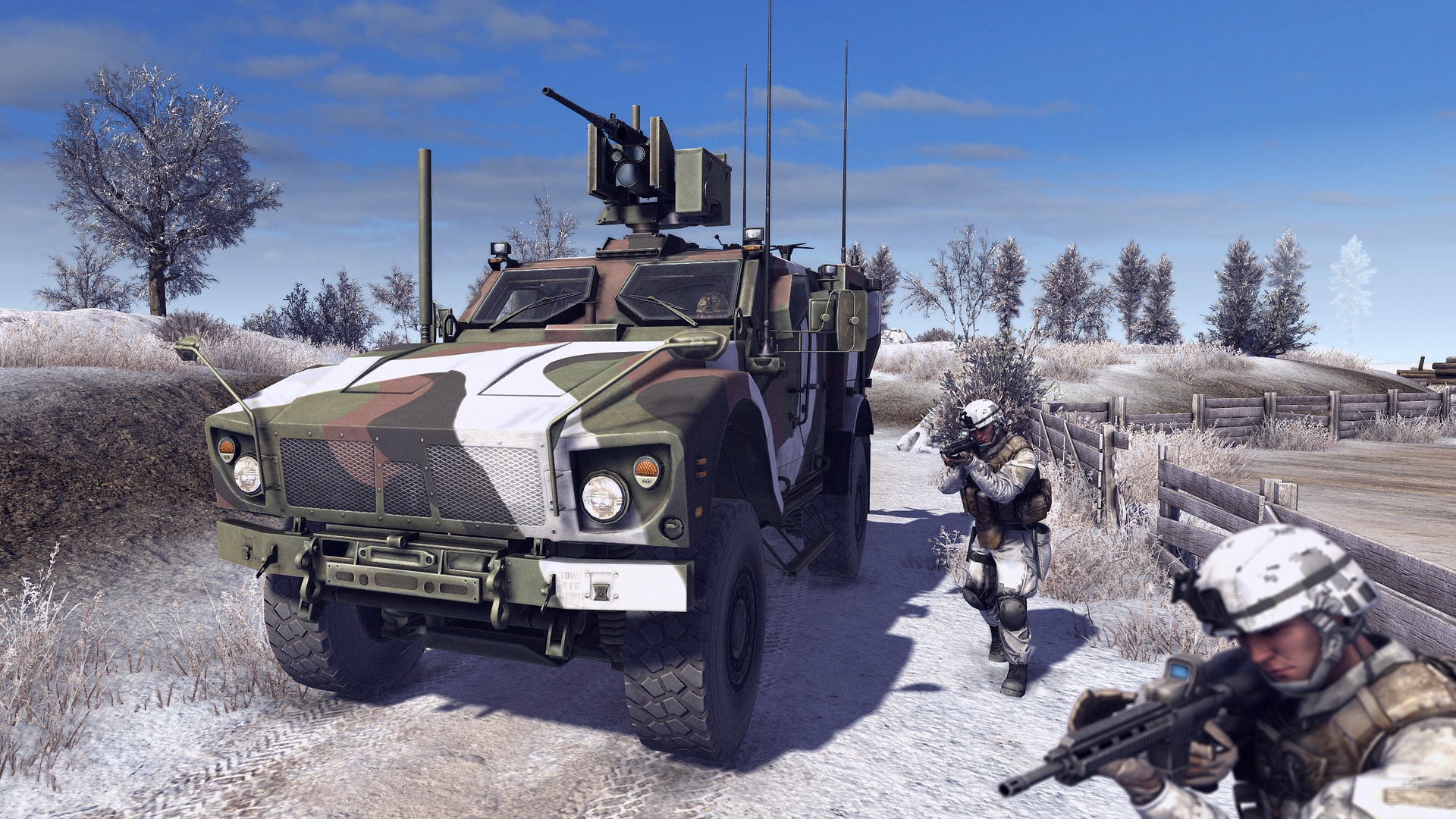
Call to Arms merges real‑time strategy with third‑ and first‑person combat, letting you command modern military units or take direct control of a soldier. The game models realistic vehicles, heavy weapons, and a wide range of firearms with customization options.
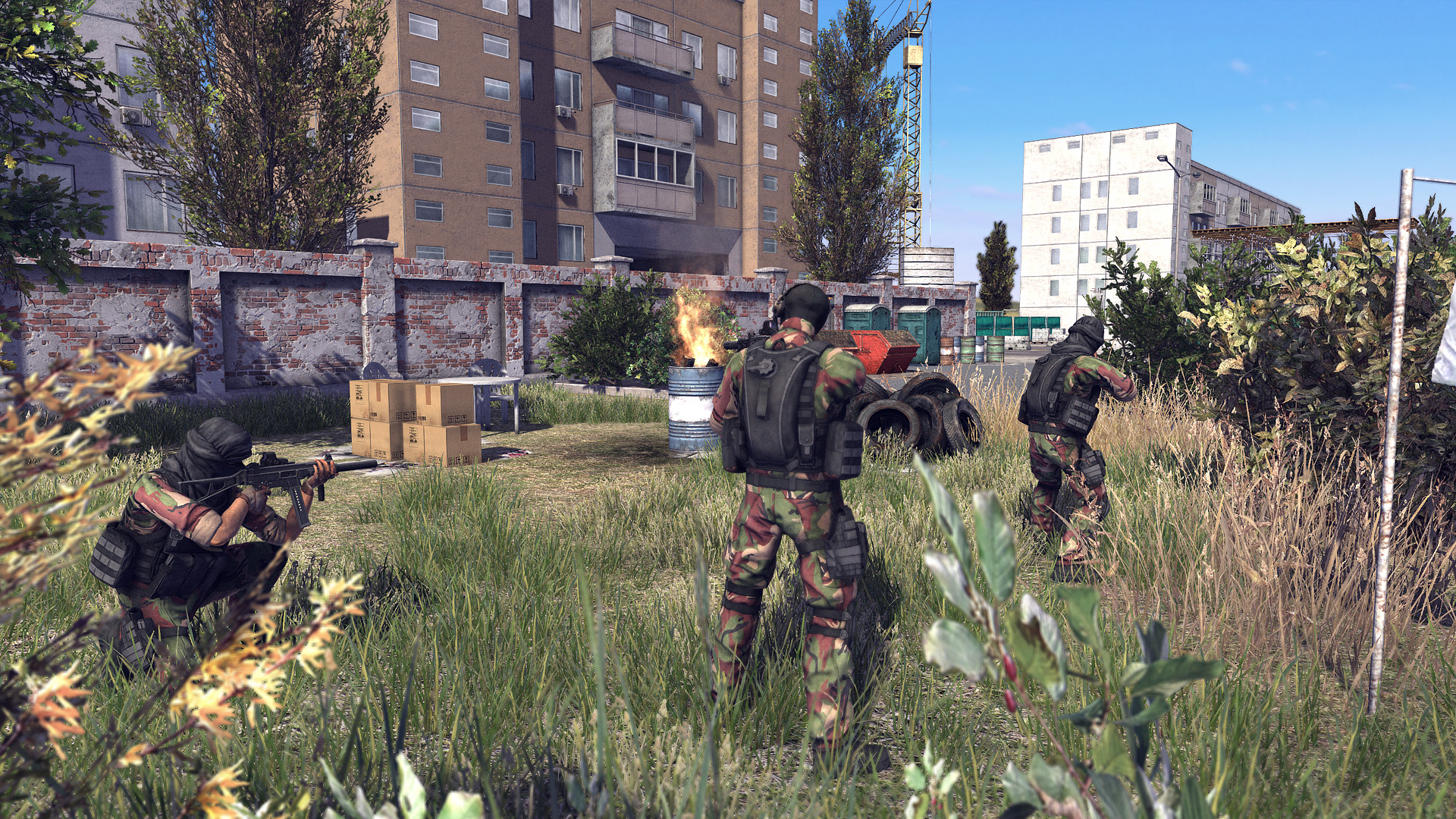
Missions span rural areas, factories, railway stations and towns, featuring destructible cover and online competitive matches. Steamworks integration adds achievements, leaderboards, co‑op and PvP multiplayer, plus a level editor for community‑created maps.
01 / THE GUIDE
Real‑Time Strategy
In RTS mode you command several dozen units, placing squads in cover, flanking enemies and advancing toward key objectives. You can plant claymores, fortify forward operating bases, or set up mortar positions, providing many tactical choices.
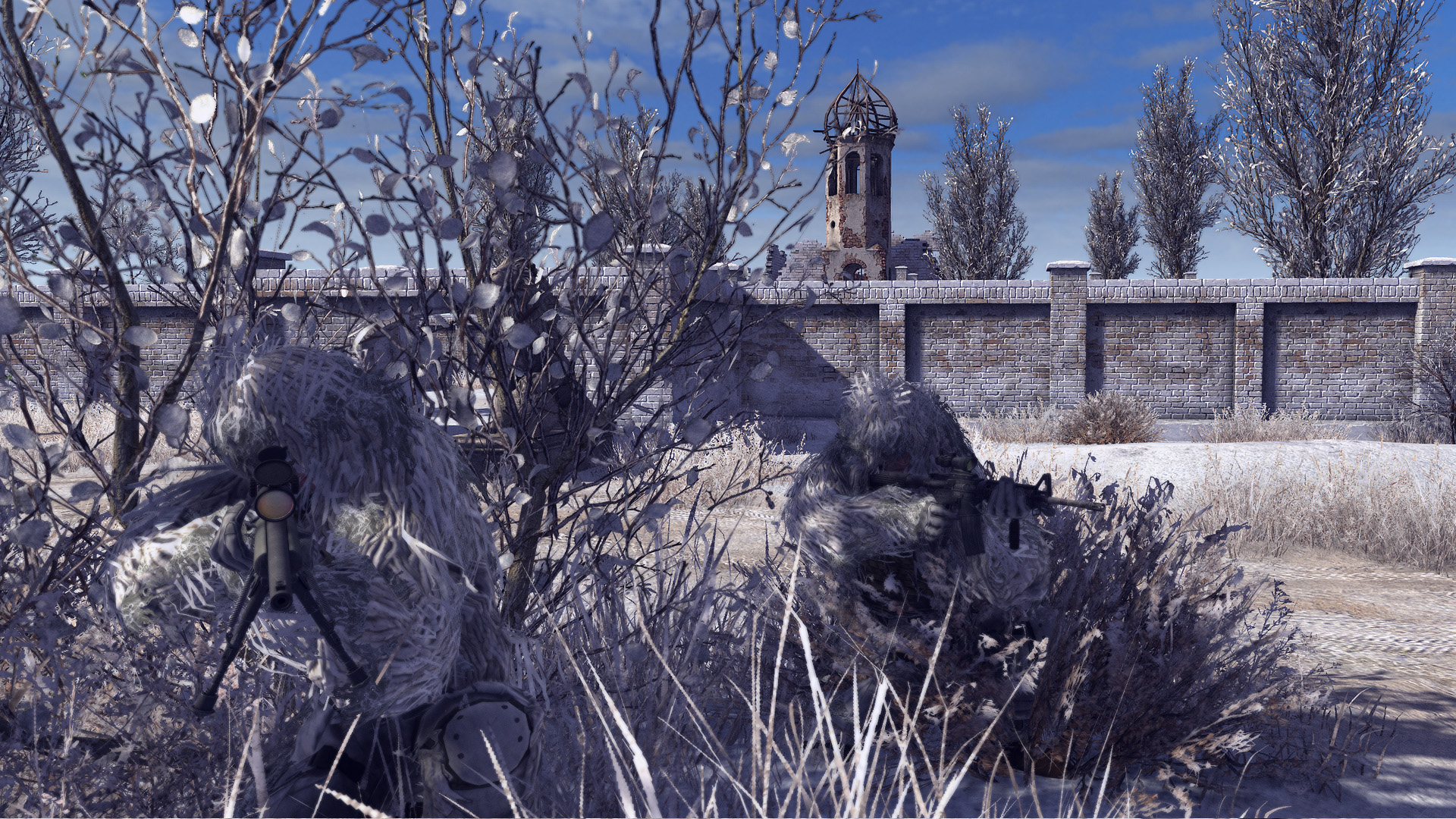
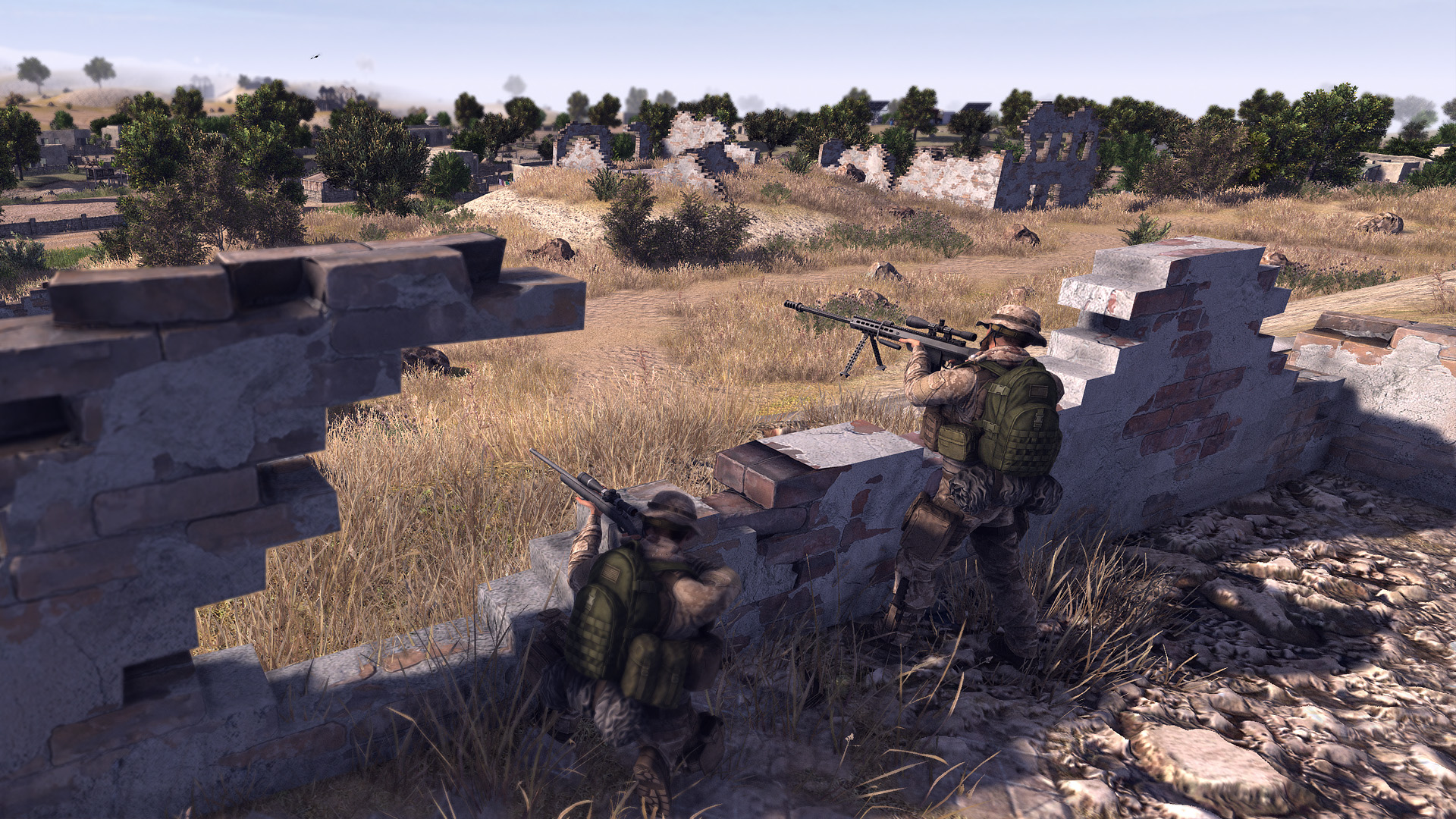
The environment is highly destructible, so structures and cover can be removed during a mission, altering movement paths and forcing continual adaptation as you progress.
- Test different squad placements to see how destroyed cover reshapes enemy routes.
- Deploy mortar positions early to weaken fortified spots before moving infantry forward.
02 / THE GUIDE
First‑ and Third‑Person Controls
Beyond commanding, you may take direct control of any individual soldier in either third‑person or first‑person view, allowing ground‑level combat while still influencing the broader battle.
Switching perspectives is unrestricted, so you can join the fight as a foot soldier, tank crew member, or helicopter pilot whenever you choose.
- Use third‑person view for broader situational awareness in tight urban maps.
- First‑person view can help you aim precisely with the many firearms available.
03 / THE GUIDE
Vehicle Combat
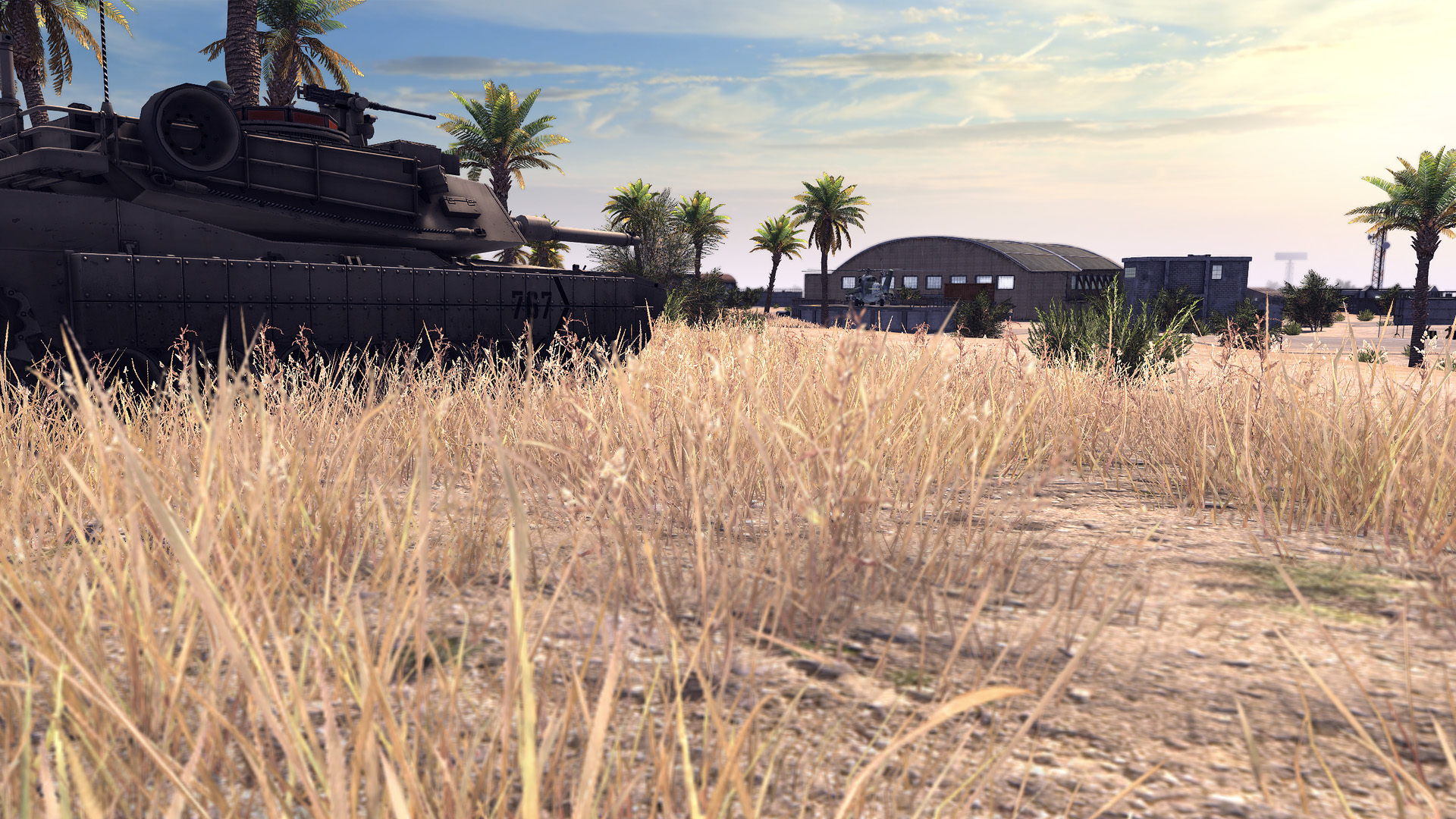
Call to Arms lets you commandeer tanks at any time, placing you in intense armored battles and giving access to heavy firepower and vehicle‑specific ammunition.
Helicopters provide aerial support, allowing you to assist allies from above and engage enemy positions that are difficult to reach on foot.
- Use a tank’s armor to breach fortified structures before advancing infantry.
- Helicopter fire is effective for suppressing enemy troops in open fields.
04 / THE GUIDE
Online Multiplayer
The game supports competitive online combat through Steamworks, offering both PvP and co‑op modes where players can battle each other or team up to complete missions together.
Steam achievements, trading cards, leaderboards and cloud saves are integrated, providing persistent progress and community recognition across matches.
- Join co‑op matches to coordinate RTS and direct‑control tactics with teammates.
- Check leaderboards to gauge how your strategies compare with top players.
05 / THE GUIDE
Level Editor
Call to Arms includes a level editor that lets players design custom maps and scenarios, which can be shared via the Steam Workshop for others to download and play.
Community‑created maps expand replayability by adding new environments, objectives and challenges beyond the base missions.
- Start with a simple layout and gradually add destructible cover to test balance.
- Browse the Workshop for inspiration and to see how others use terrain features.
COMMUNITY
Player discussion