 GameWiki
GET YOUR BEARINGS
About Call of Duty: WWII
Call of Duty®: WWII delivers a cinematic World War II experience, dropping players onto Normandy’s D‑Day beaches and moving them through historic European battles. The title blends classic Call of Duty combat with a focus on camaraderie, presenting three distinct modes—Campaign, Multiplayer, and Co‑Op—each set against authentic wartime locations.
Supported on Windows with full controller compatibility, the game offers both online and split‑screen play, Steam achievements, and cloud saves. Its design emphasizes run‑and‑gun action, authentic weapons, and a shared‑screen experience for friends and families.
01 / THE GUIDE
Campaign Mode
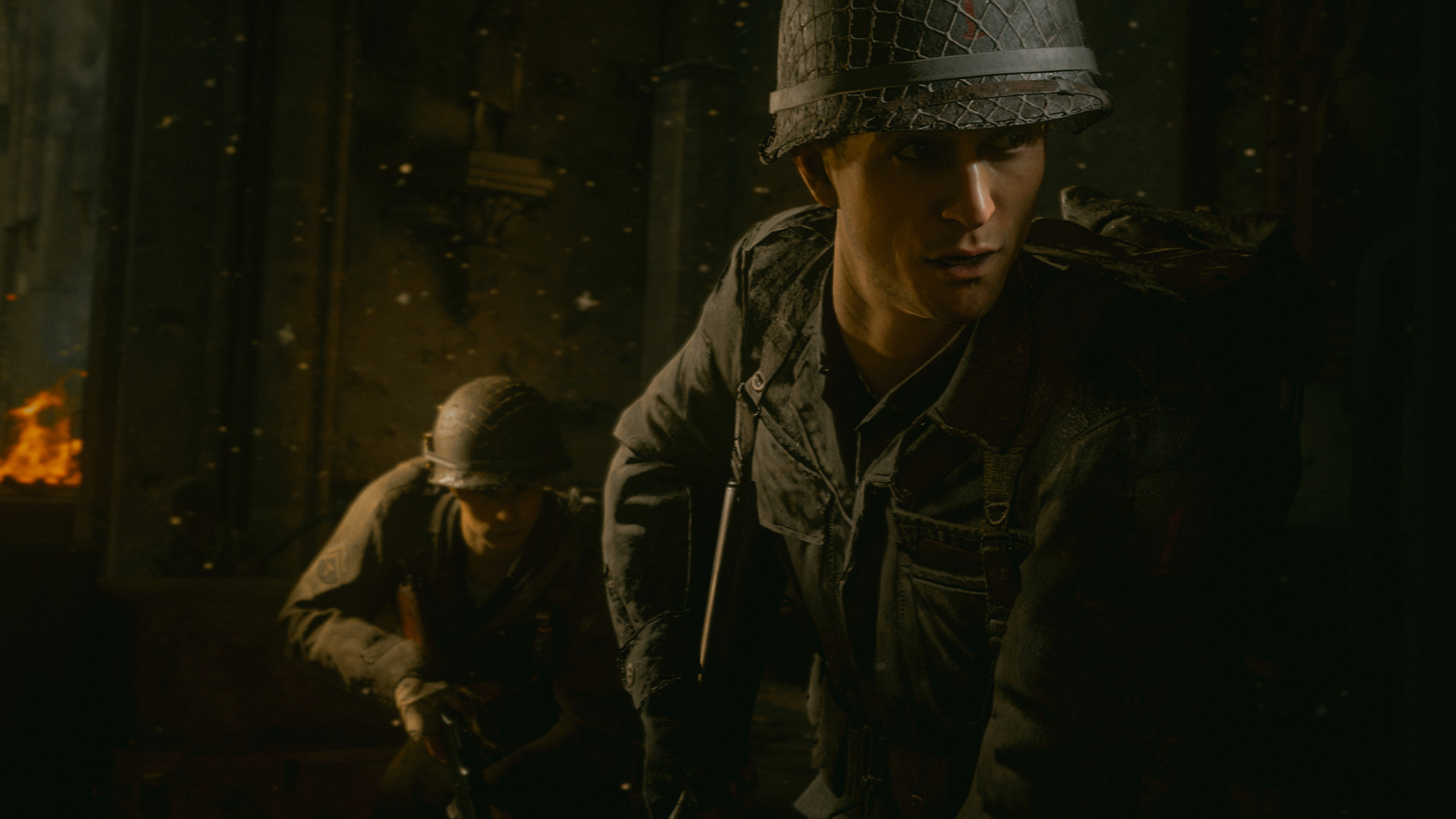
The single‑player campaign transports players to the European theater, letting them experience a Call of Duty story set in iconic World War II battles. It emphasizes narrative moments and large‑scale set pieces across Normandy and other historic locations.
Players encounter classic Call of Duty combat while witnessing the bonds of camaraderie and the harsh realities of war. The mode is designed for solo play and does not require an internet connection.
- Focus on the narrative cues to anticipate enemy positions.
- Use cover wisely during large‑scale assaults for better survivability.
02 / THE GUIDE
Multiplayer Mode
Multiplayer returns to classic boots‑on‑the‑ground Call of Duty gameplay, featuring authentic World War II weapons and run‑and‑gun action. Matches occur across a variety of wartime‑themed locations, offering fast‑paced PvP combat.
The mode supports online play, split‑screen PvP, and full controller input, allowing friends to compete locally or over the internet. It also integrates Steam achievements for performance tracking.
- Experiment with different authentic weapons to find a personal favorite.
- Utilize split‑screen to practice teamwork before online matches.
03 / THE GUIDE
Co‑Operative Mode
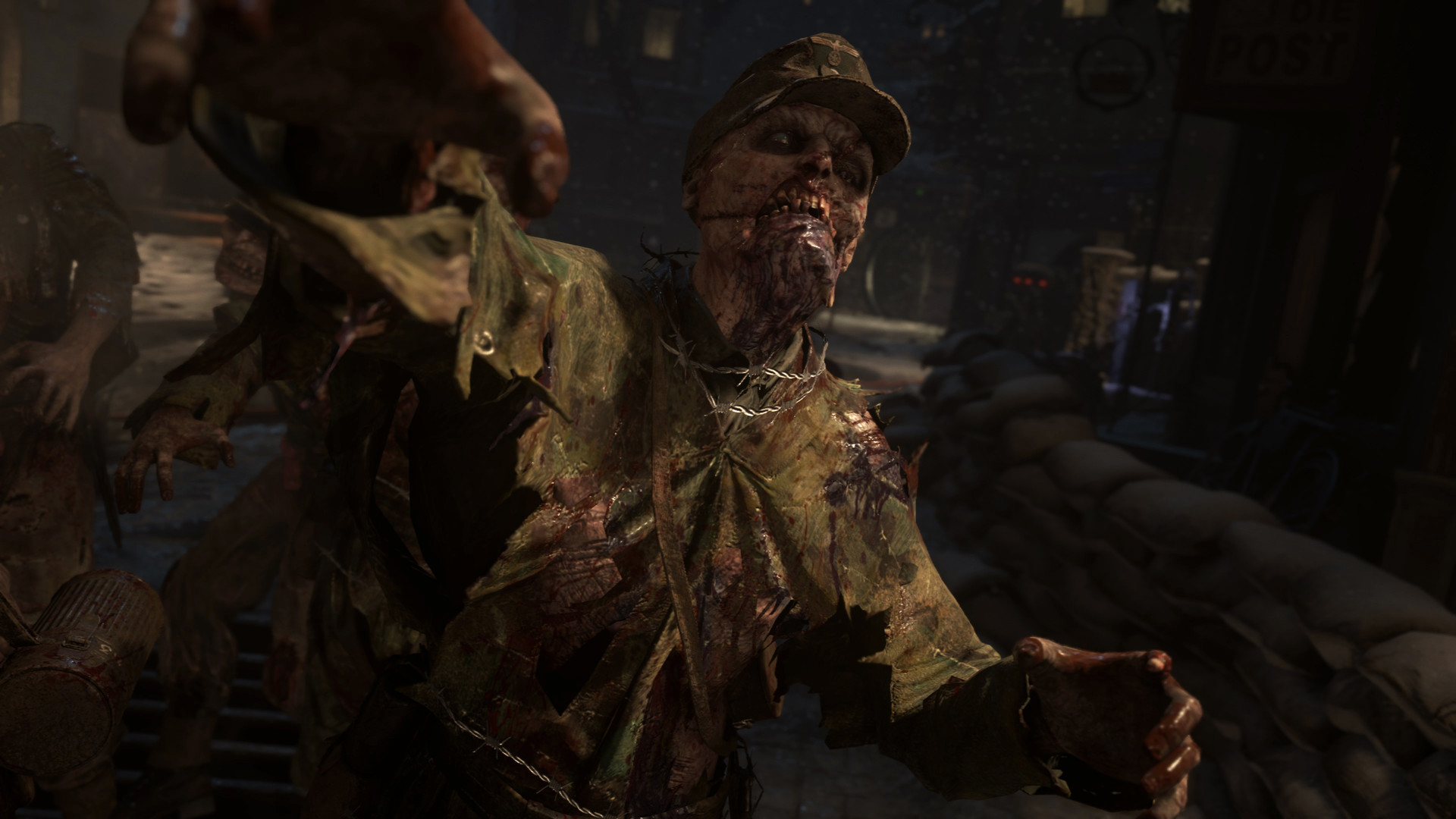
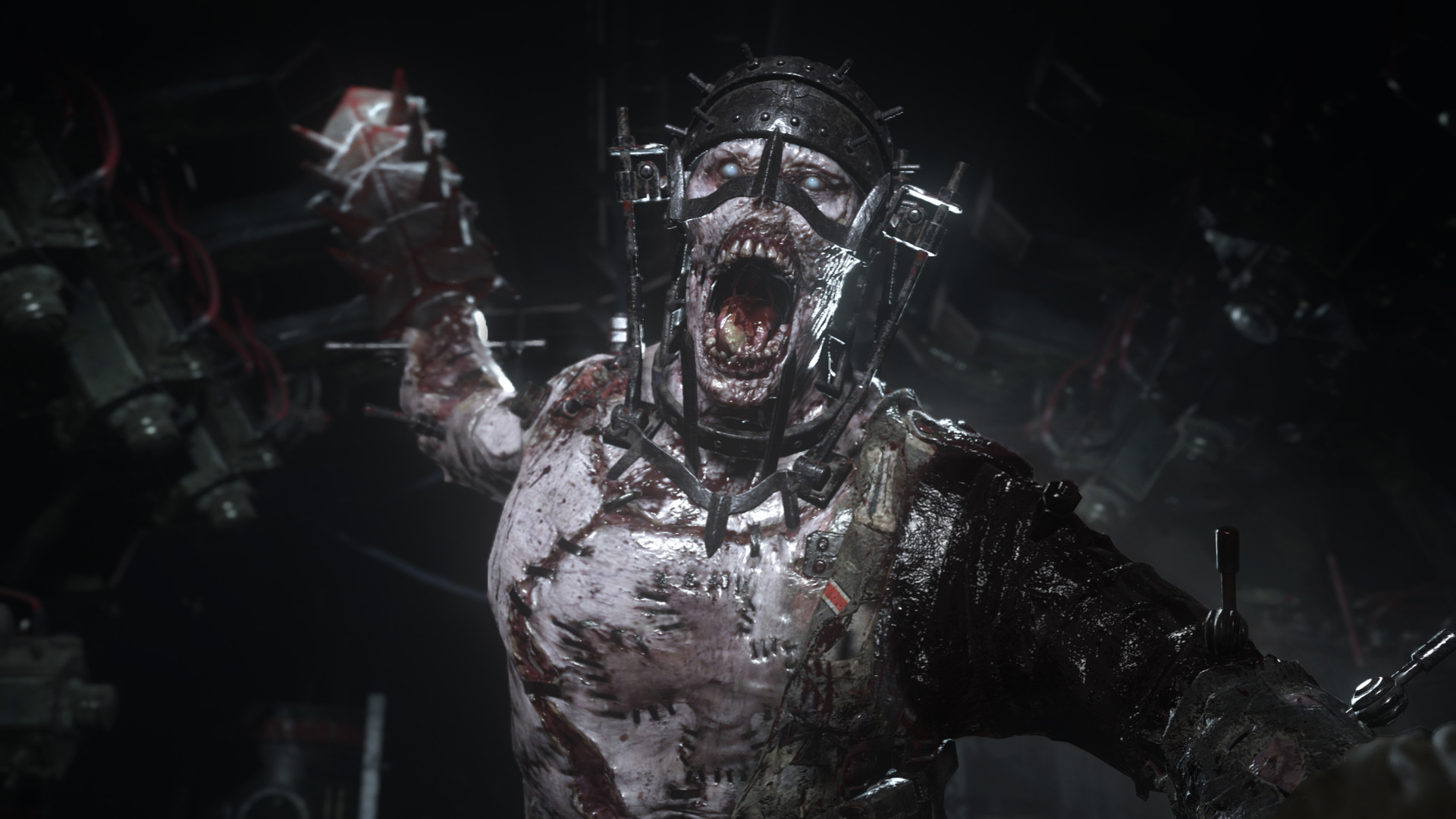
Co‑Op offers a standalone story separate from the main campaign, delivering unexpected, adrenaline‑pumping moments for two or more players. The mode can be played online or via shared/split screen on a single console.
Designed for teamwork, Co‑Op emphasizes coordinated tactics and shared objectives, allowing players to experience WWII combat together without the competitive pressure of PvP.
- Communicate constantly with your partner to synchronize attacks.
- Take advantage of split‑screen to develop joint strategies.
04 / THE GUIDE
Platform Features
The game runs on Windows and includes full controller support, Remote Play on TV, and Valve Anti‑Cheat protection. Steam Cloud saves ensure progress is retained across devices, and Family Sharing lets multiple accounts access the title.
Additional Steam integrations such as Trading Cards and Achievements add collectible and goal‑oriented layers to the experience, while In‑App Purchases provide optional content.
- Enable Steam Cloud to keep your campaign progress synced.
- Use Remote Play to stream the game to a larger screen for group sessions.
05 / THE GUIDE
Multiplayer Variants
Multiplayer supports both online PvP and shared/split screen PvP, giving flexibility for competitive play. Players can join matches via the internet or sit side‑by‑side on the same system for local competition.
The inclusion of PvP modes alongside co‑op options means the game caters to both competitive and cooperative preferences without requiring separate installations.
- Test both online and split‑screen modes to see which suits your group best.
- Check the anti‑cheat status before joining public matches for a fair experience.
COMMUNITY
Player discussion