 GameWiki

GET YOUR BEARINGS
About Call of Duty: Black Ops
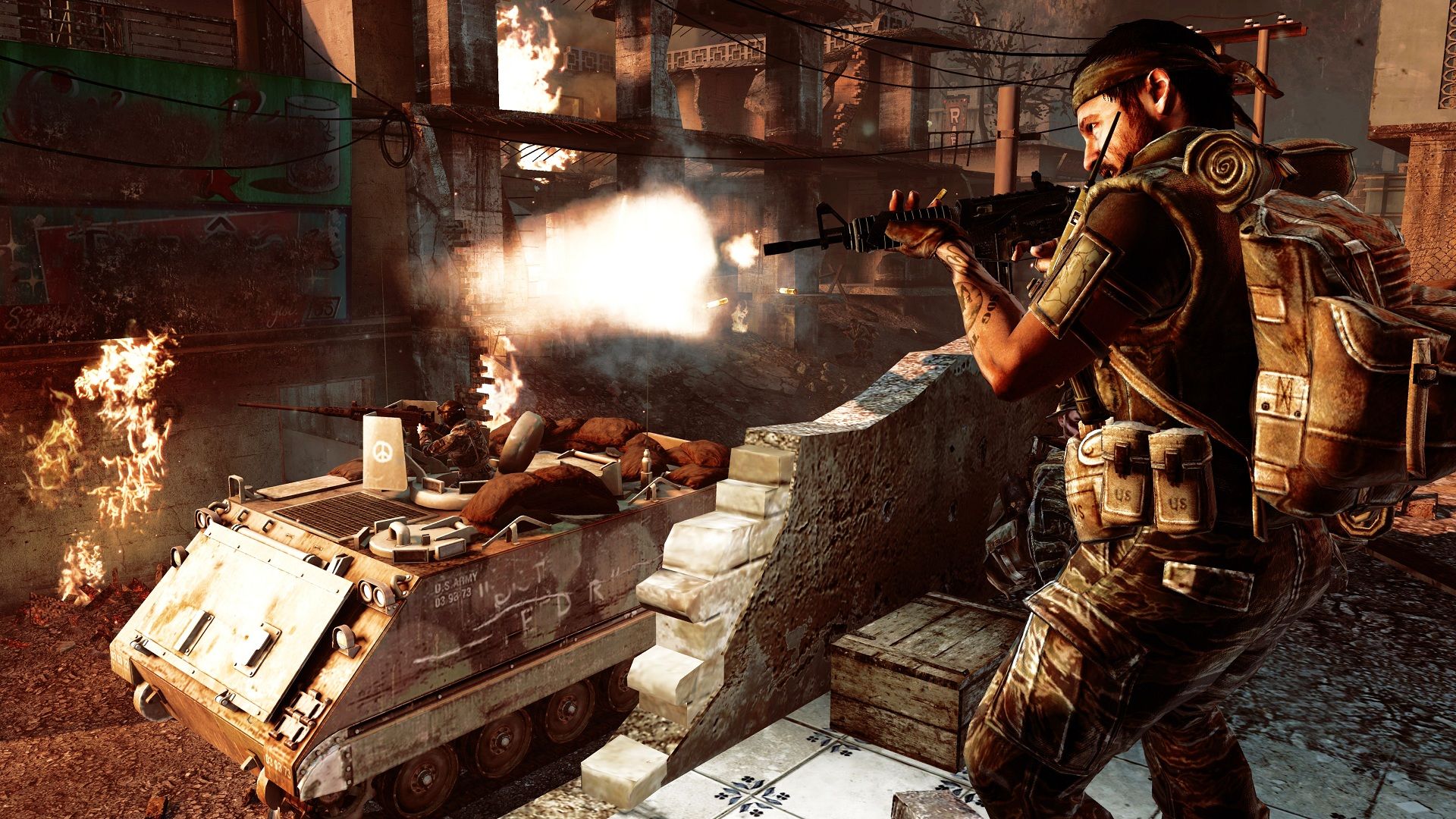
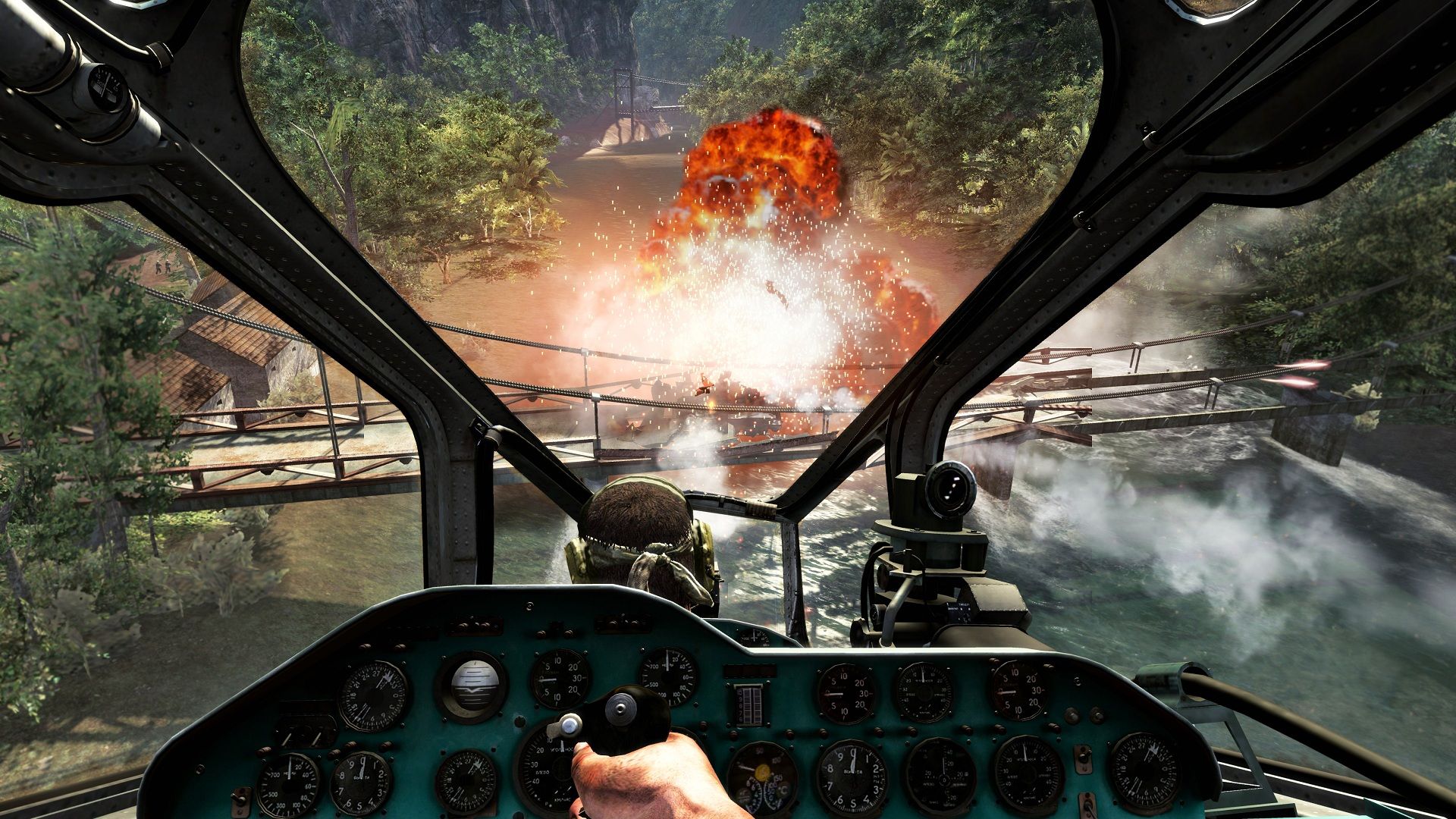
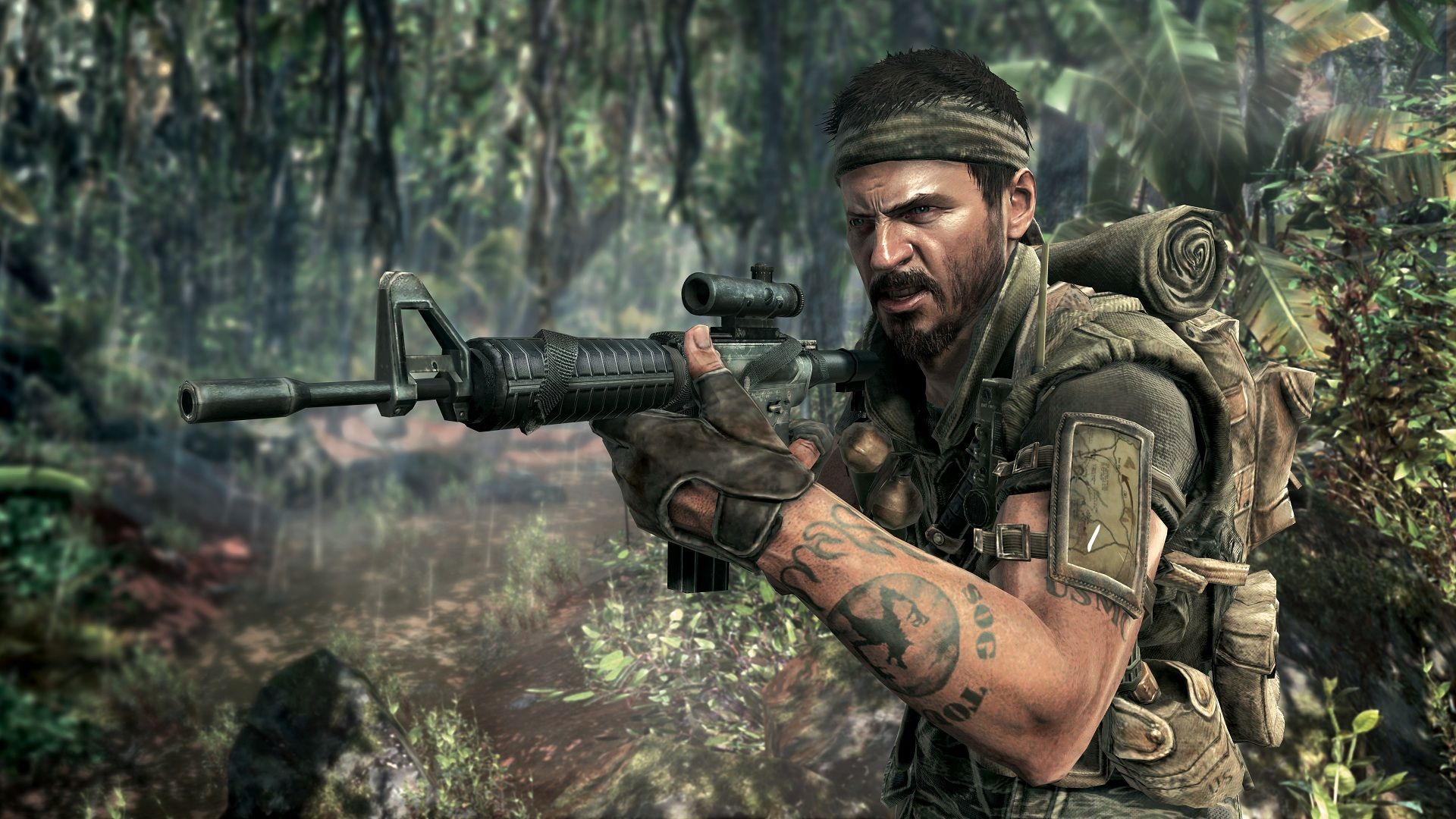
Call of Duty®: Black Ops is a first‑person action title that puts you in the role of an elite Black Ops soldier conducting covert missions worldwide. The game mixes a cinematic single‑player campaign with a broad multiplayer suite that includes new modes and a returning Zombies experience.
Developed by Treyarch for Windows PCs, the title offers partial controller support, Steam achievements, Valve Anti‑Cheat protection, and Family Sharing. Players can cooperate with friends in multiplayer, Combat Training, and Zombies co‑op, while also customizing characters and weapons.
01 / THE GUIDE
Cinematic Single‑Player Campaign
The campaign follows an elite Black Ops soldier on deniable operations across diverse global locations. If the soldier is captured or killed, the nation disavows any knowledge of their existence, reinforcing the covert tone of each mission.
Missions blend covert warfare with explosive conflicts, presenting a narrative set during what the description calls the most dangerous period in humanity’s history. Players progress by completing objectives that advance the story across varied environments.
- Read mission briefings carefully to understand the required objectives.
- Use the exclusive weaponry provided to adapt to each location’s challenges.
02 / THE GUIDE
Signature Multiplayer
Multiplayer returns with Call of Duty’s classic gameplay, now featuring new perks, killstreaks, and deeper character and weapon customization. These additions let players tailor their load‑outs before each match.
All‑new modes such as Wager Matches, One in the Chamber, Gun Game, Sticks and Stones, and Sharpshooter expand the competitive offering, giving players a variety of rule‑sets beyond traditional deathmatch.
- Test different perk combinations in a practice match to see how they affect survivability.
- Rotate through the new modes to discover which rule‑set matches your preferred pace.
03 / THE GUIDE
Theater Mode
Theater Mode lets you view, record, and edit moments from multiplayer matches. Recorded clips can be saved locally and later shared with friends for discussion or bragging rights.
By reviewing edited footage, players can spot mistakes, highlight successful tactics, and compare different approaches to similar in‑game situations.
- Record a clip after a high‑kill round to analyze your positioning.
- Share edited highlights with teammates to discuss strategy improvements.
04 / THE GUIDE
Combat Training
Combat Training provides a solo or co‑op environment where you test your skills against AI enemy players. This mode serves as a low‑pressure space to practice weapons and movement before entering live matches.
Co‑op play allows friends to team up against AI, encouraging communication and teamwork without the stakes of competitive matchmaking.
- Use solo Combat Training to familiarize yourself with new weapons before multiplayer.
- Coordinate with a friend in co‑op to develop basic call‑outs and positioning.
05 / THE GUIDE
Zombies Mode
The fan‑favorite Zombies mode returns, delivering endless waves of undead for solo or co‑op play. Players must survive as long as possible while managing limited resources and positioning.
This mode adds a cooperative survival element distinct from the campaign and multiplayer, emphasizing teamwork when played with friends and self‑reliance when played alone.
- Stay together with teammates to cover more ground and share resources.
- Plan escape routes early to avoid being trapped by advancing zombie hordes.


COMMUNITY
Player discussion