 GameWiki
GET YOUR BEARINGS
About Calico
Calico is a single‑player community simulation where you restore a town’s cat café. You design an avatar, decorate the café with varied furniture, bake treats, and invite interactive animals to live and play there.
The game emphasizes a low‑stress, creative atmosphere and includes magical potions that let you experiment with whimsical effects such as turning an animal into a giant companion.
01 / THE GUIDE
Character Creator
The built‑in creator lets you craft a magical person to explore Calico’s world. A range of clothing options can be collected as you play, giving you visual variety for your avatar.
Your custom avatar is the perspective through which you experience café rebuilding, interact with villagers, and engage with the game’s decorative and magical systems.
- Try mixing clothing styles early to see the visual range available.
- Collect outfits as you progress to keep your avatar fresh.
02 / THE GUIDE
Animal Interaction
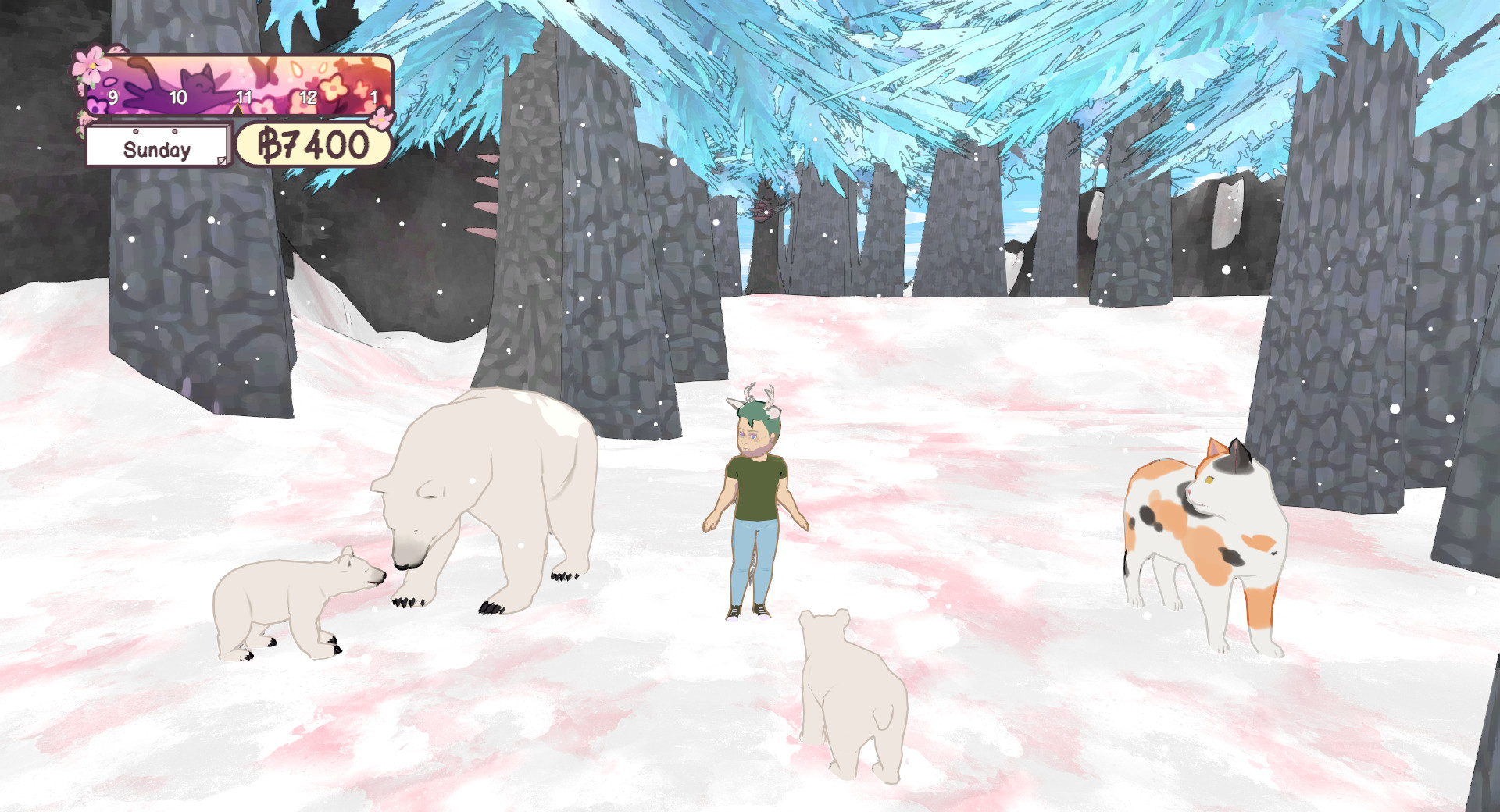
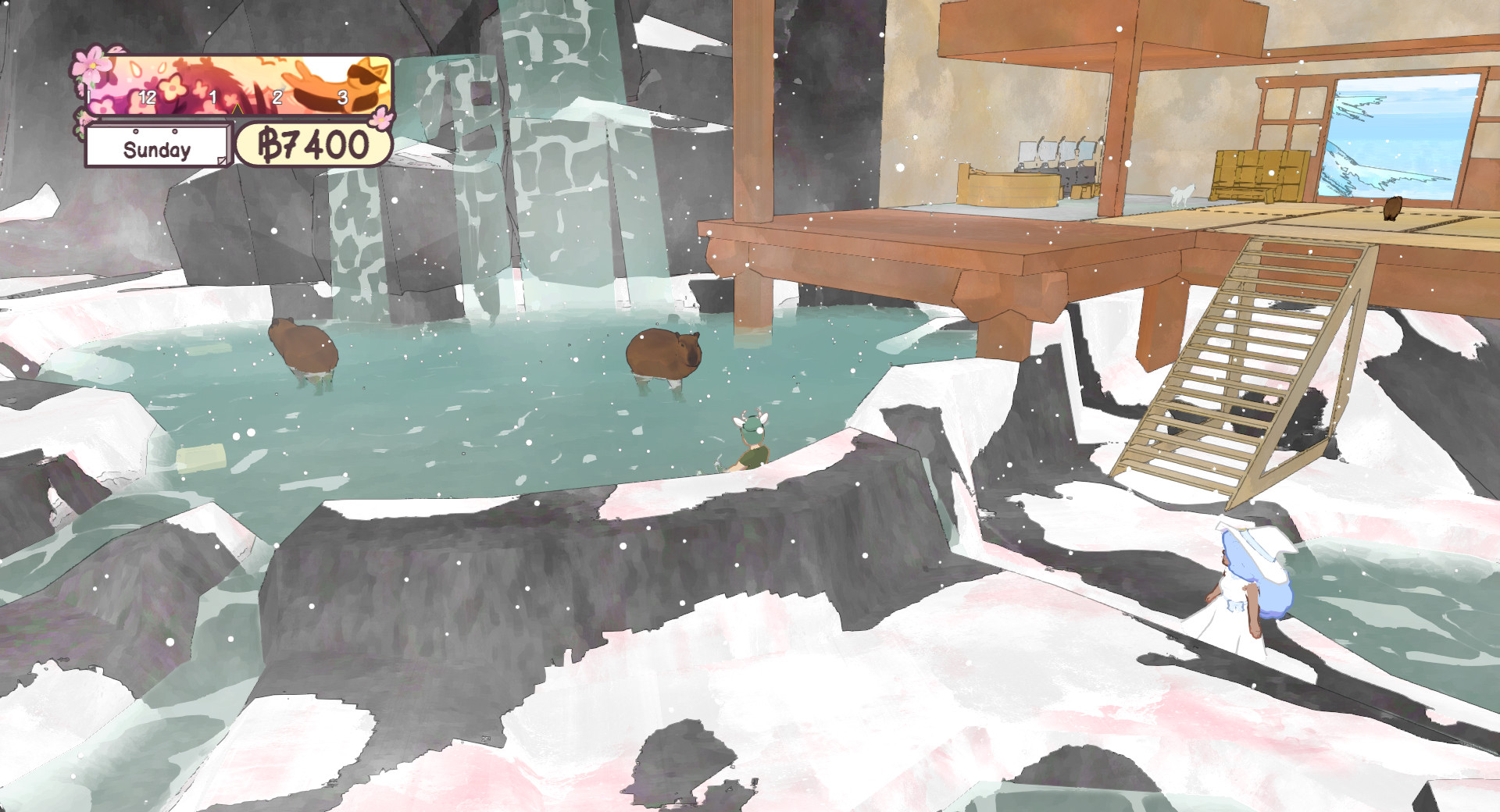
Animals appear throughout the world and can be befriended, named, and added to your party. Party members follow you and listen to commands you give.
Animals placed in the café relax and play with any customers that visit, adding life to the space you are rebuilding.
- Name each animal to keep track of who is in your party.
- Observe which animals you enjoy having follow you for easier navigation.
03 / THE GUIDE
Café Decoration
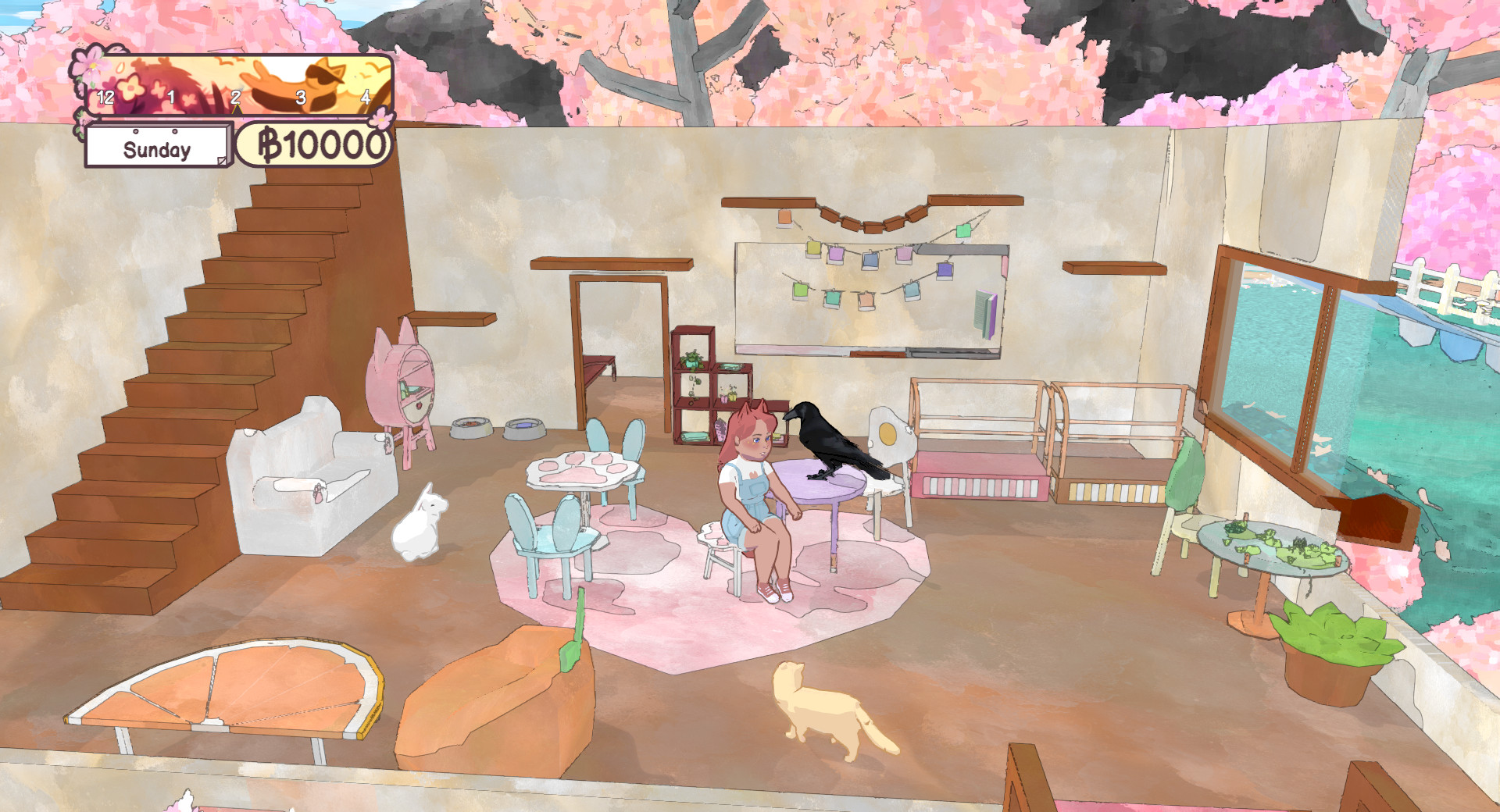
Rebuilding the café involves placing furniture and decorations of different styles. The system lets you arrange items to create a cozy environment for you and your animals.
Decoration is a core part of the rebuilding task, allowing you to shape the visual feel of the café as you progress.
- Experiment with contrasting furniture styles to see varied looks.
- Place items where they are easily reachable for both you and the animals.
04 / THE GUIDE
Cooking Minigame
A baking and drink‑making minigame lets you create pastries and beverages for the townspeople. You can learn which foods villagers prefer and sell those items.
The minigame fits the game’s laid‑back tone, offering a simple way to contribute to the café’s atmosphere through food.
- Try several recipes to discover which villagers react positively to.
- Watch villagers’ responses to gauge popular items.
05 / THE GUIDE
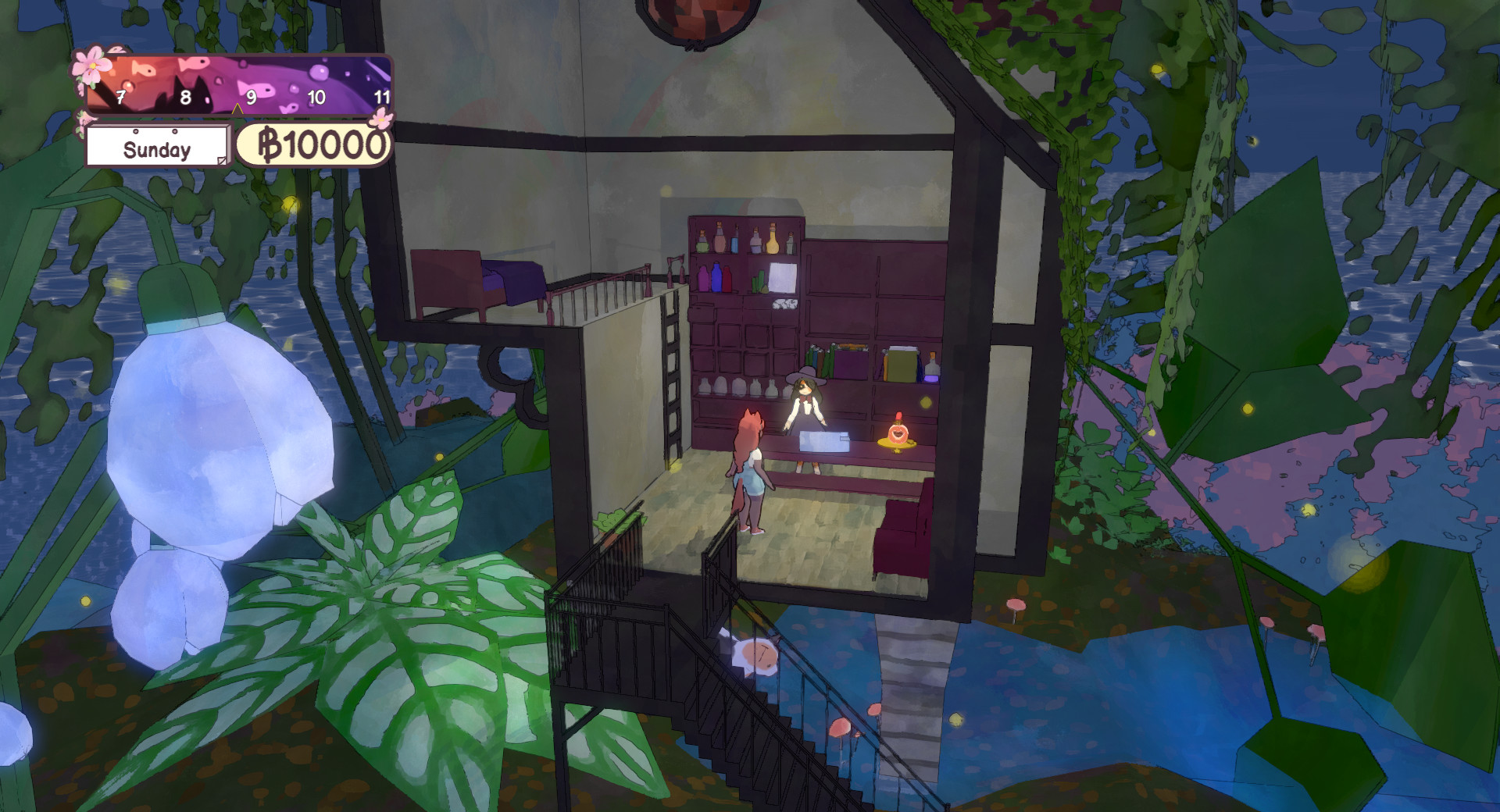
Magical Potions
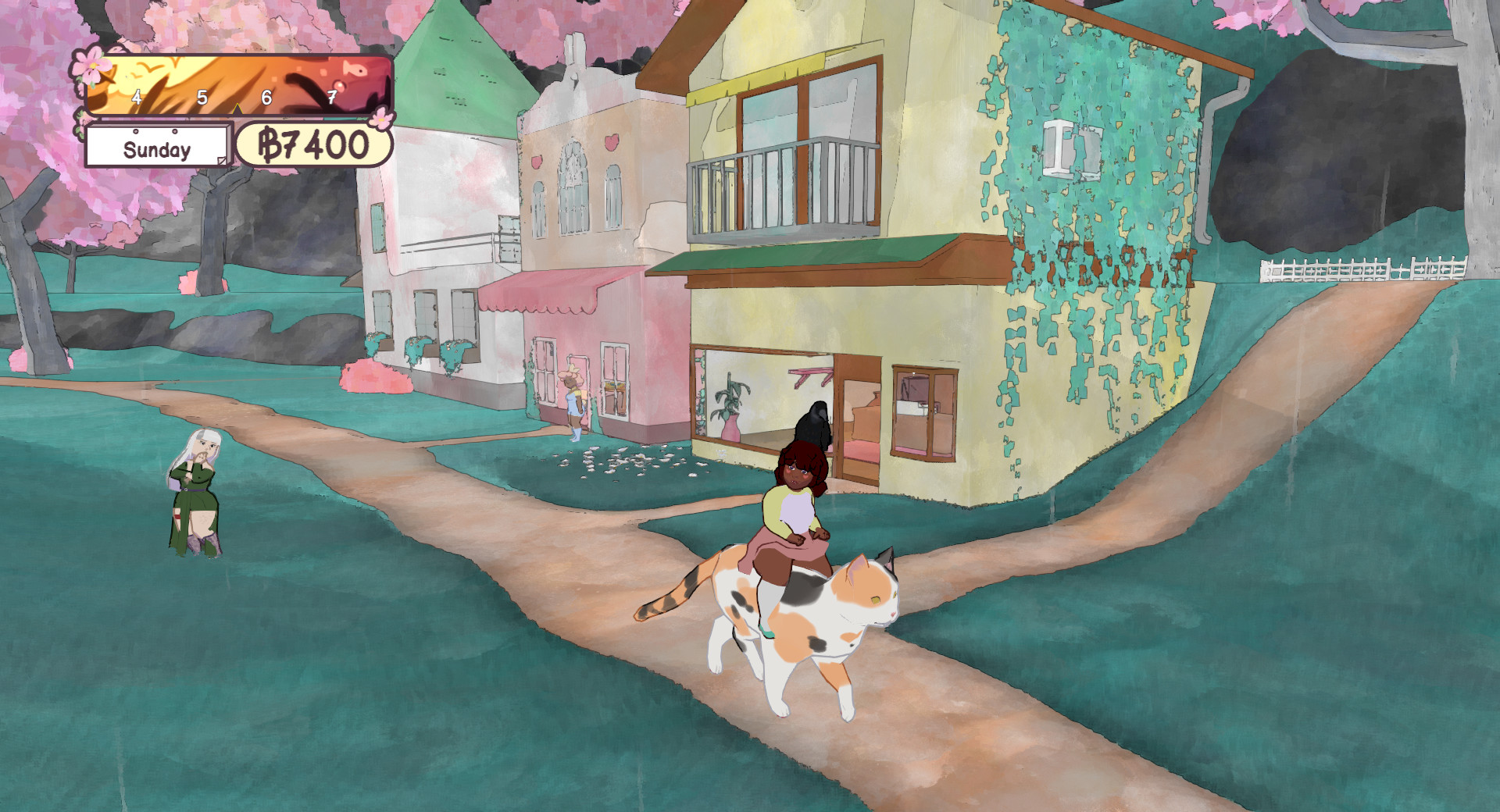
Magic potions provide rule‑breaking effects, such as the More‑to‑Pet potion that enlarges a single animal to giant size, letting you hang out with or ride it.
These magical tools are optional and let you explore imaginative scenarios beyond the standard café activities.
- Use the giant‑animal potion for a memorable visual moment.
- Combine potion use with café decoration to create unique scenes.
COMMUNITY
Player discussion