 GameWiki
GET YOUR BEARINGS
About Calculate It
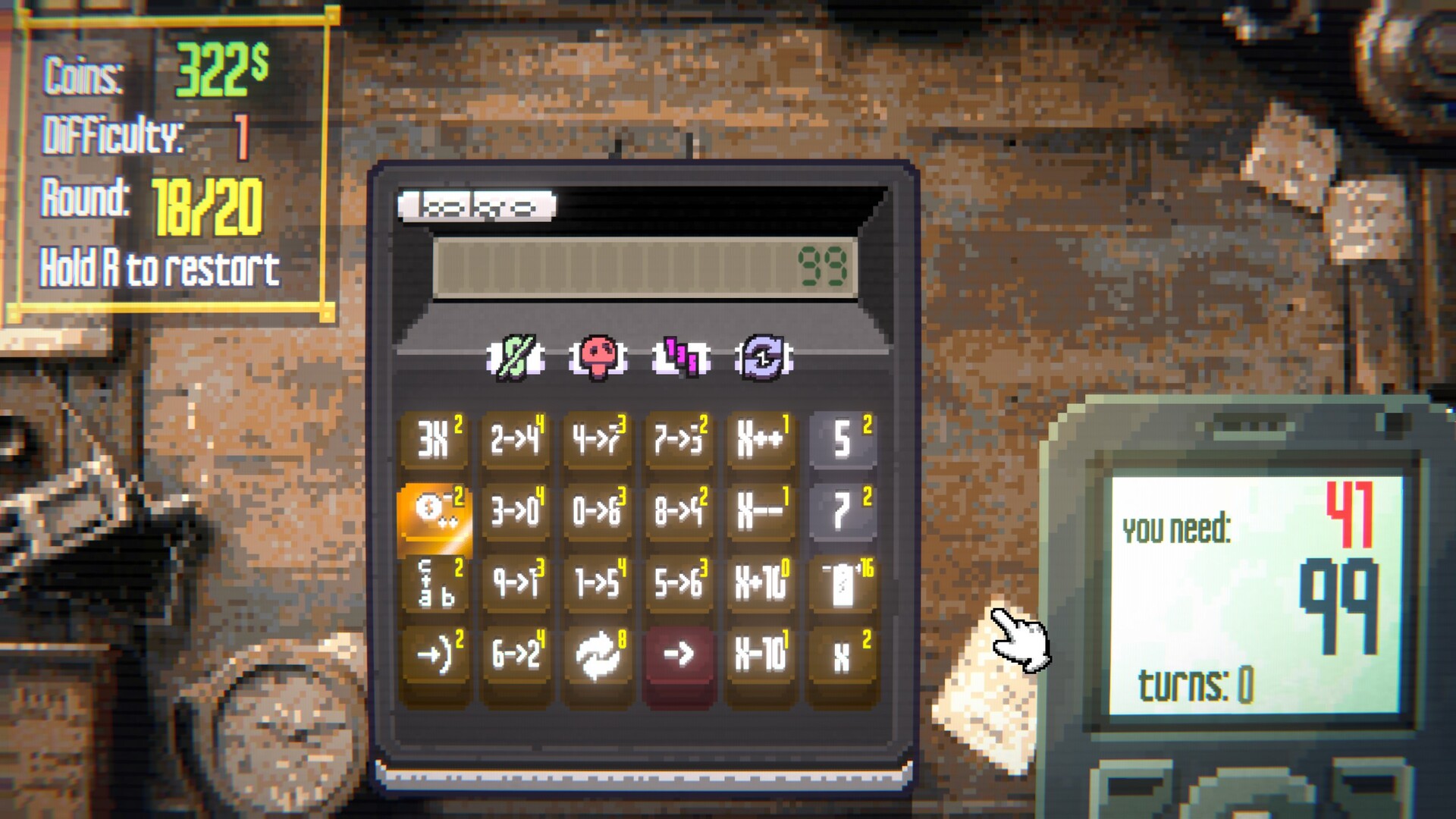
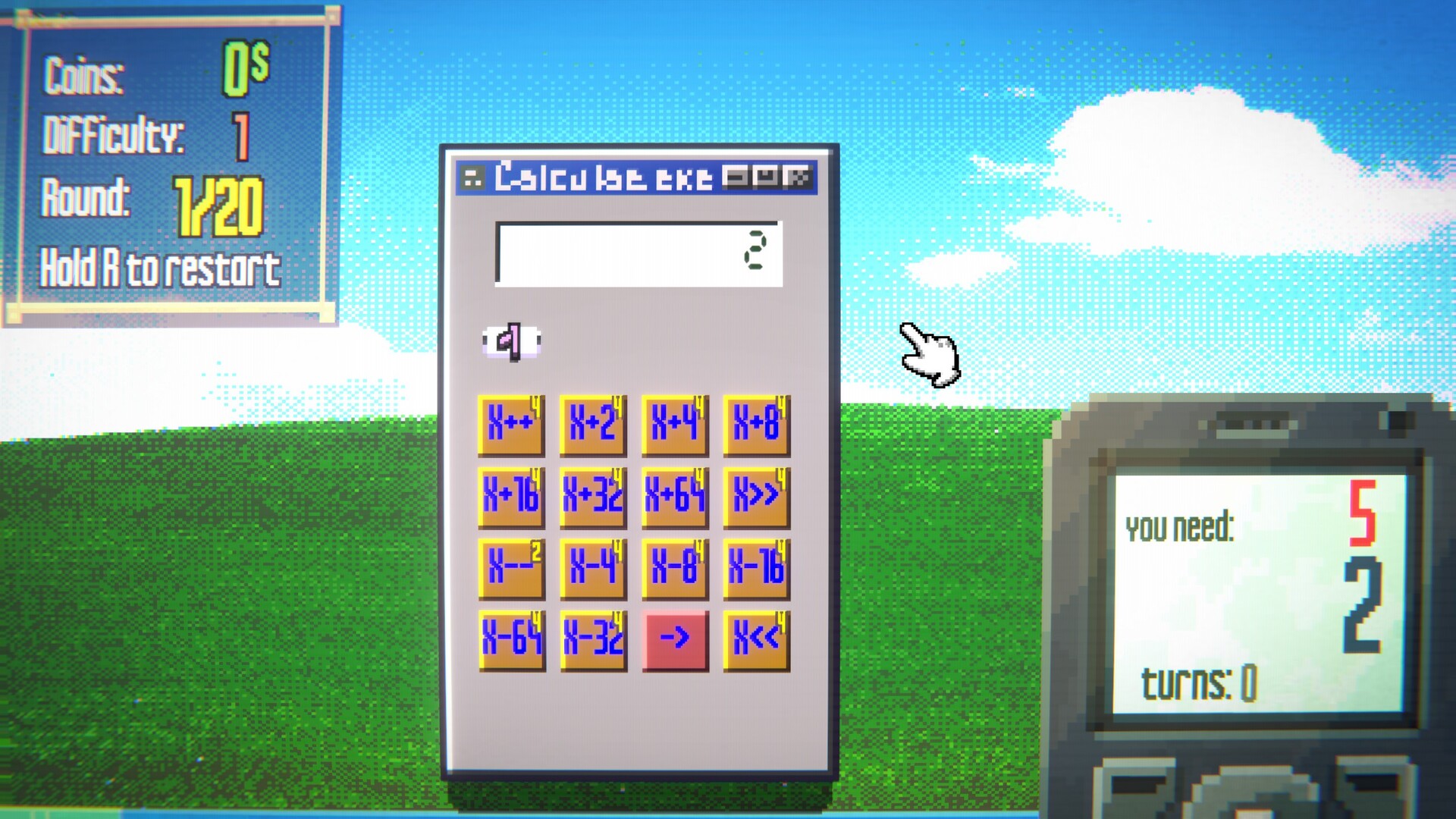
Calculate It turns a basic calculator into a roguelike where each round presents a fresh target number. You must reach that target using the buttons currently installed on your calculator, while each button has a limited number of charges.
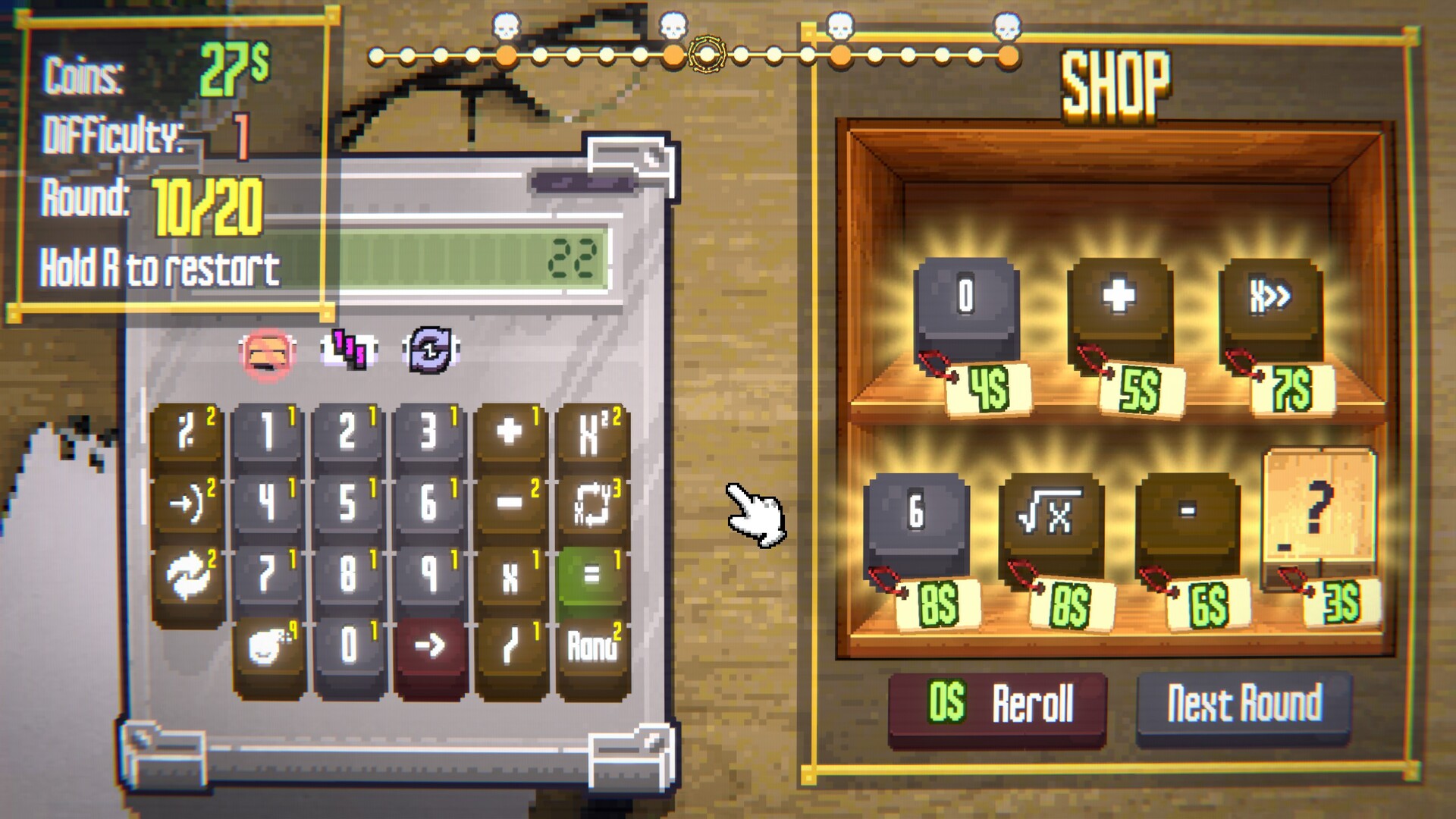
Finishing a round quickly awards more coins, which can be spent on new buttons, casing expansions, or passive upgrades. Boss encounters and special challenge modes alter button availability and rules, pushing you to adapt your build continuously.
01 / THE GUIDE
Core Gameplay Loop
At the start of every round the game generates a target number. You use the calculator’s existing buttons to manipulate a starting value until it matches the target, consuming one charge each time a button is pressed.
Rounds that are solved in fewer turns grant a larger coin reward. Those coins are then used to purchase additional buttons or upgrades before the next round begins, creating a repeatable solve‑earn‑expand cycle.
- Try solving early rounds with different button combos to discover which give the highest turn efficiency.
- Watch how many turns you typically need; reducing that count directly improves coin earnings.
02 / THE GUIDE
Calculator Customization
You begin by selecting a calculator model that has its own unique features. The casing can be expanded, allowing you to install new buttons such as reverse‑number, digit‑replace, square‑root, or result‑swap functions.
A single well‑chosen purchase can open a completely new approach to solving rounds, so planning which buttons to add based on your current toolkit is essential for progress.
- Prioritize buttons that complement the functions you already own for smoother combos.
- Check the casing size before buying multiple buttons to avoid running out of space.
03 / THE GUIDE
Passive Upgrades
Passive upgrades modify the underlying rules of each round. Some grant extra coins when you reach specific numbers, others recharge button charges whenever you earn coins, and a few restore glass‑type buttons after a round ends.
Choosing upgrades that work well with your current button set can streamline play, letting you maintain charge levels or gain extra resources without extra actions.
- Select upgrades that directly support the buttons you use most often.
- Combine a recharge upgrade with a high‑cost button to keep its usage sustainable.
04 / THE GUIDE
Boss Encounters
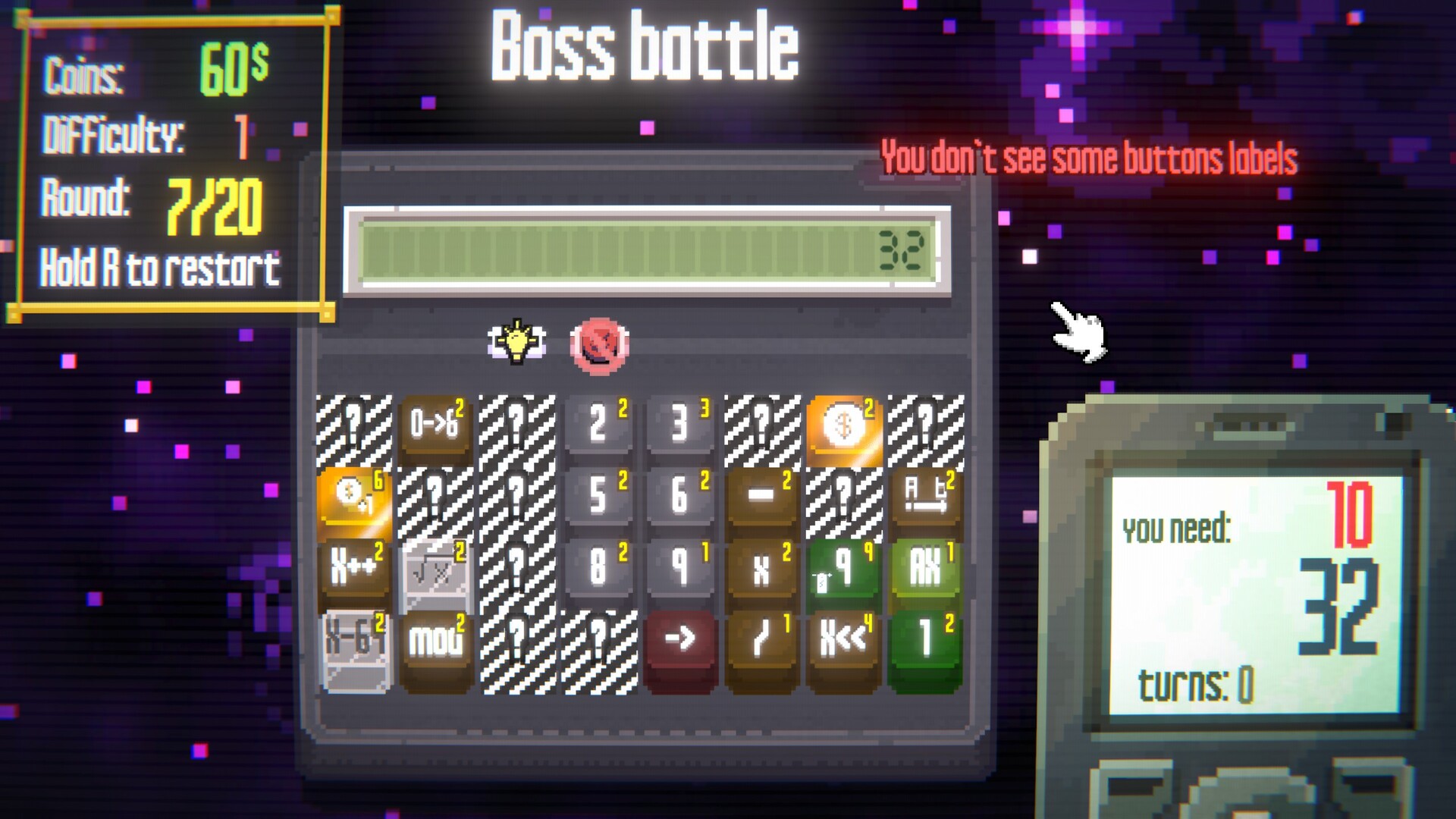
Bosses change the challenge by disabling specific buttons, raising the charge cost of remaining buttons, or even hiding the calculator’s display. These alterations force you to rely on alternative tools.
Saving versatile buttons for boss rounds can give you fallback options when your usual combination is blocked, helping you stay competitive against the added restrictions.
- Keep a flexible button like reverse‑numbers in reserve for boss fights.
- Note which buttons are disabled each time to plan a quick backup strategy.
05 / THE GUIDE
Special Challenge Modes
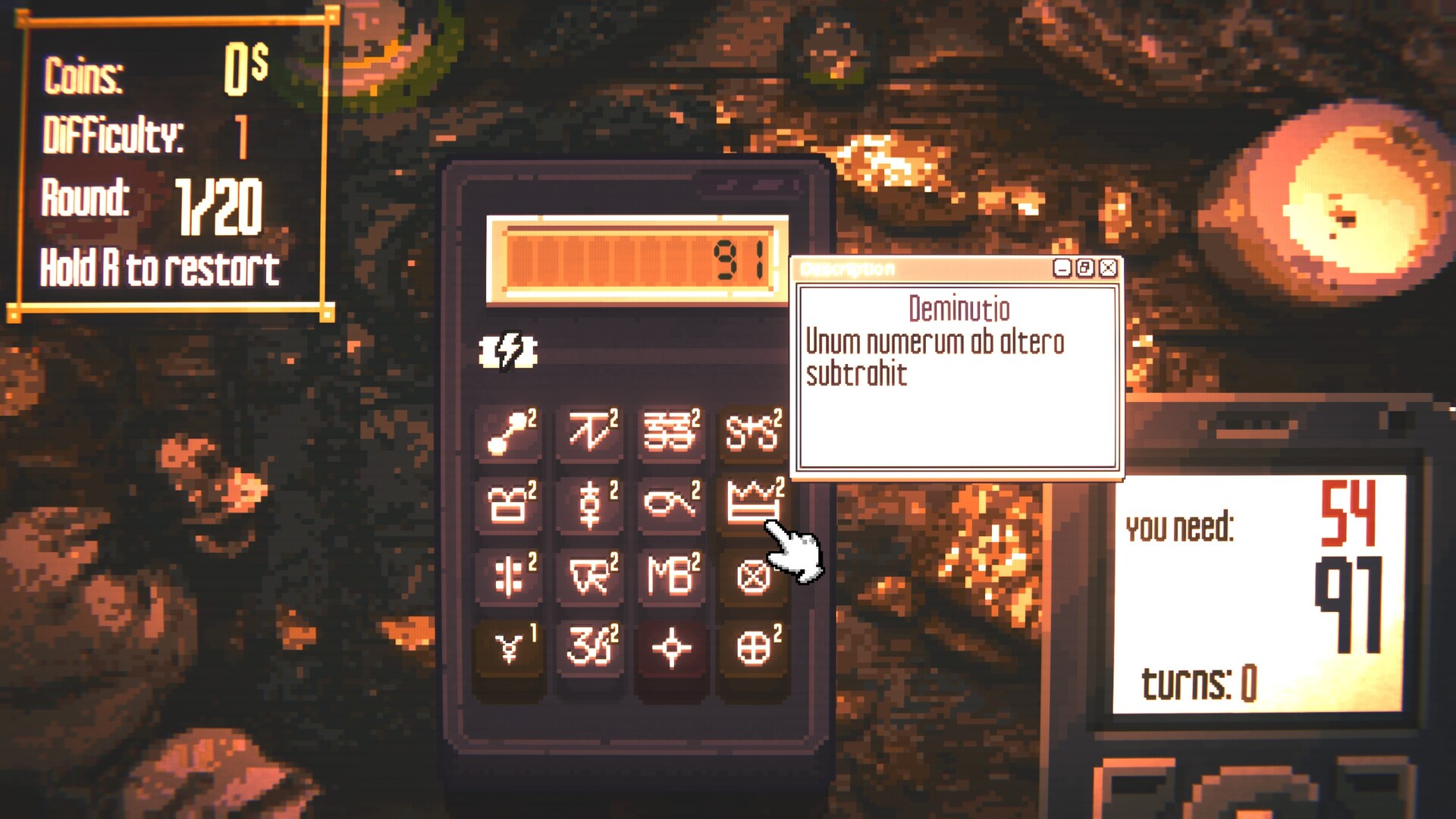
The game includes unusual challenges such as losing a button after every round, racing against a clock, deciphering operations hidden behind alchemical symbols, and an Only Up mode that starts at one and climbs toward targets near ten thousand.
Completing runs in these modes unlocks new buttons and passive upgrades, and higher difficulties become available, extending the game’s replay value.
- In Only Up, focus on upgrades that scale well to larger targets.
- When a button is lost each round, prioritize flexible buttons that can serve multiple functions.
COMMUNITY
Player discussion