 GameWiki
GET YOUR BEARINGS
About Buy a Croquette!
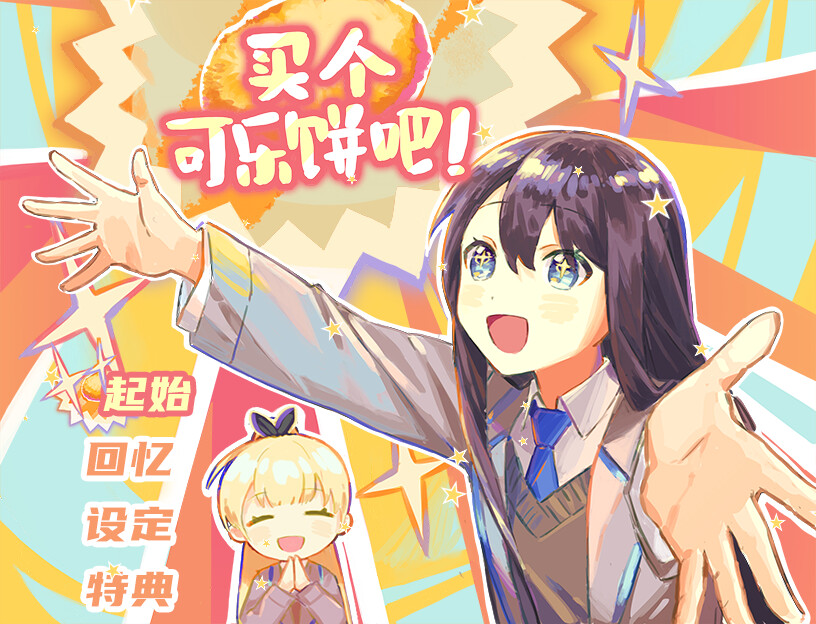
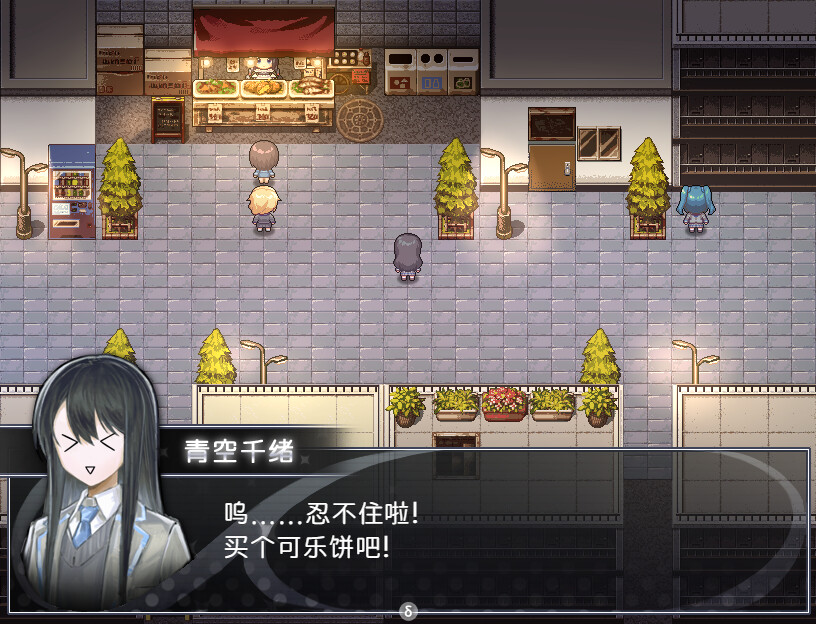
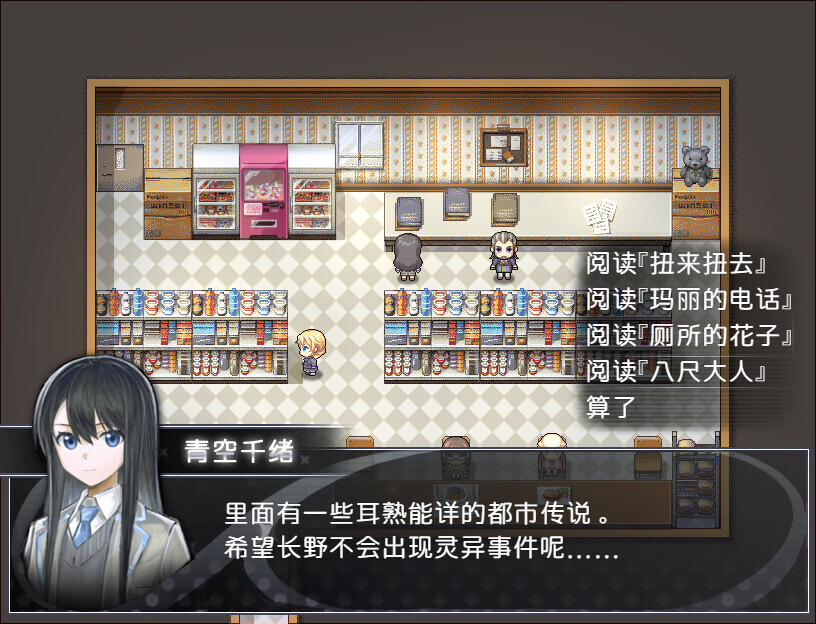
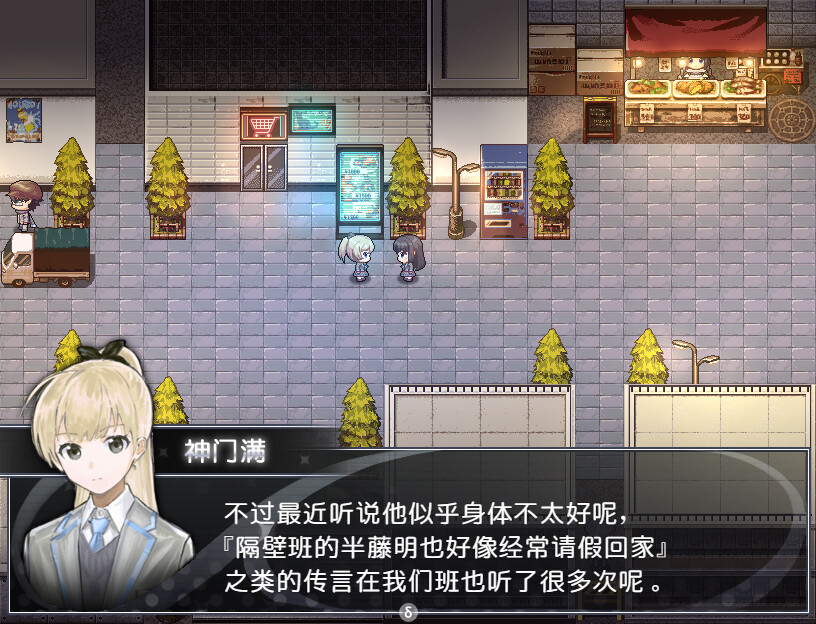
Chio Aozora, a high‑school student, must gather 380 yen while wandering Nagano’s streets to finally buy the croquette she craves. She can search trash cans, bathroom sinks, vending machines, park slides and other locales, while also helping townspeople with errands and odd jobs.
The adventure offers twelve possible endings, four of them hidden, and runs about four to ten hours. It is a single‑player Windows title that includes full controller support, Steam achievements, cloud saves and family‑sharing features.
01 / THE GUIDE
Finding Yen Coins
Yen coins are scattered throughout Nagano’s streets, alleys, park slides, bathroom sinks and vending machines. The description explicitly states that “Yen coins are hidden all over Nagano!” making coin hunting a key way to reach the 380‑yen target.
Exploring each area thoroughly can turn up more lost coins, and Chio can also take on various requests from residents while she searches. The game encourages combining coin searches with side tasks to increase the amount collected per location.
- Inspect every interactive object; even a trash bin may contain a few coins.
- Pair coin‑searching with errands for townspeople to cover more of what the town offers.
02 / THE GUIDE
Simple Puzzles and Word Games
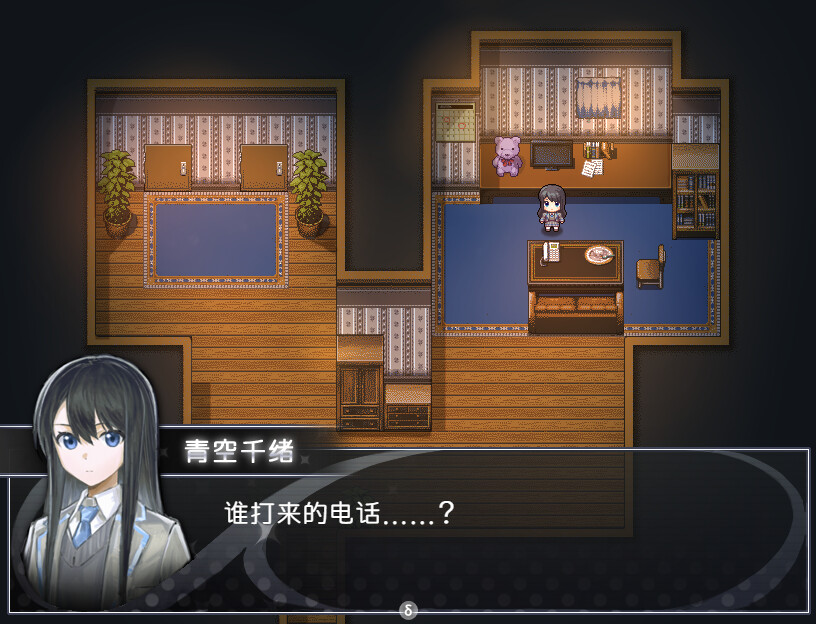
Players encounter puzzles such as misplaced crates, Penrose stairs and word games that can unlock extra yen or story details. The source calls these puzzles “simple” and ties them to the city’s urban legends.
Solving these puzzles may lead to “unexpected rewards,” as noted in the description. The puzzles are integrated without chase‑scene horror, offering a mild, atmospheric flavor.
- Take notes on clues; the notebook may hold passwords for hidden content.
- Try different object combinations when a puzzle feels stuck.
03 / THE GUIDE
Ending Variations
The story can conclude in twelve different ways, four of which are hidden. Choices such as borrowing yen, receiving a free croquette, or taking risky routes affect which ending appears, according to the description.
The text warns that “All of these choices will lead to different endings!” and that wrong choices may trigger “dangerous situations,” emphasizing the impact of player decisions on the outcome.
- Save before major decisions if you wish to explore alternative outcomes.
- Watch NPC reactions; they often hint at the consequences of your actions.
04 / THE GUIDE
Movement and Interaction
The game uses the arrow keys for movement, the space bar to interact with NPCs or objects, and ESC or X to open the menu. This control scheme is explicitly described in the brief how‑to‑play section.
Full controller support is listed among the features, meaning a compatible gamepad can replace the keyboard inputs, though the exact button layout is not detailed in the source.
- Use the space bar for quick dialogue to reduce time spent in each encounter.
- A compatible gamepad can be used if you prefer it over the keyboard.
05 / THE GUIDE
Steam Achievements and Cloud
Buy a Croquette! lists Steam Achievements, Steam Cloud and Family Sharing among its features. Achievements let players track milestones as they play, while cloud saves preserve progress across sessions.
Family Sharing permits other accounts on the same device to play the title using the original purchaser’s license, and the cloud feature ensures that saved data follows the player when they launch the game again.
- Check the achievement list early to set personal goals.
- Confirm cloud sync is enabled in Steam settings to avoid losing progress.
COMMUNITY
Player discussion