 GameWiki
GET YOUR BEARINGS
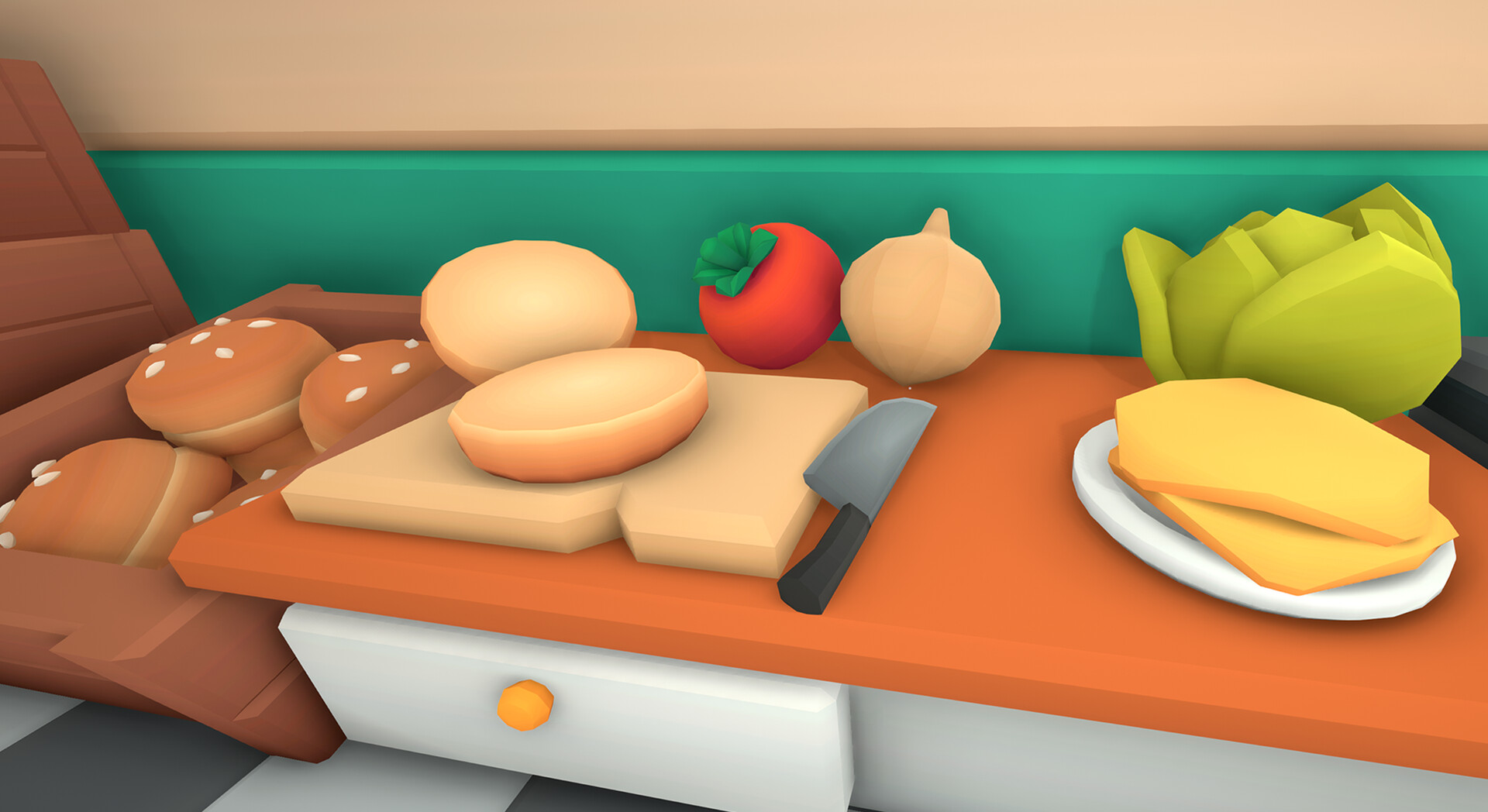
About Burgie's Cozy Kitchen
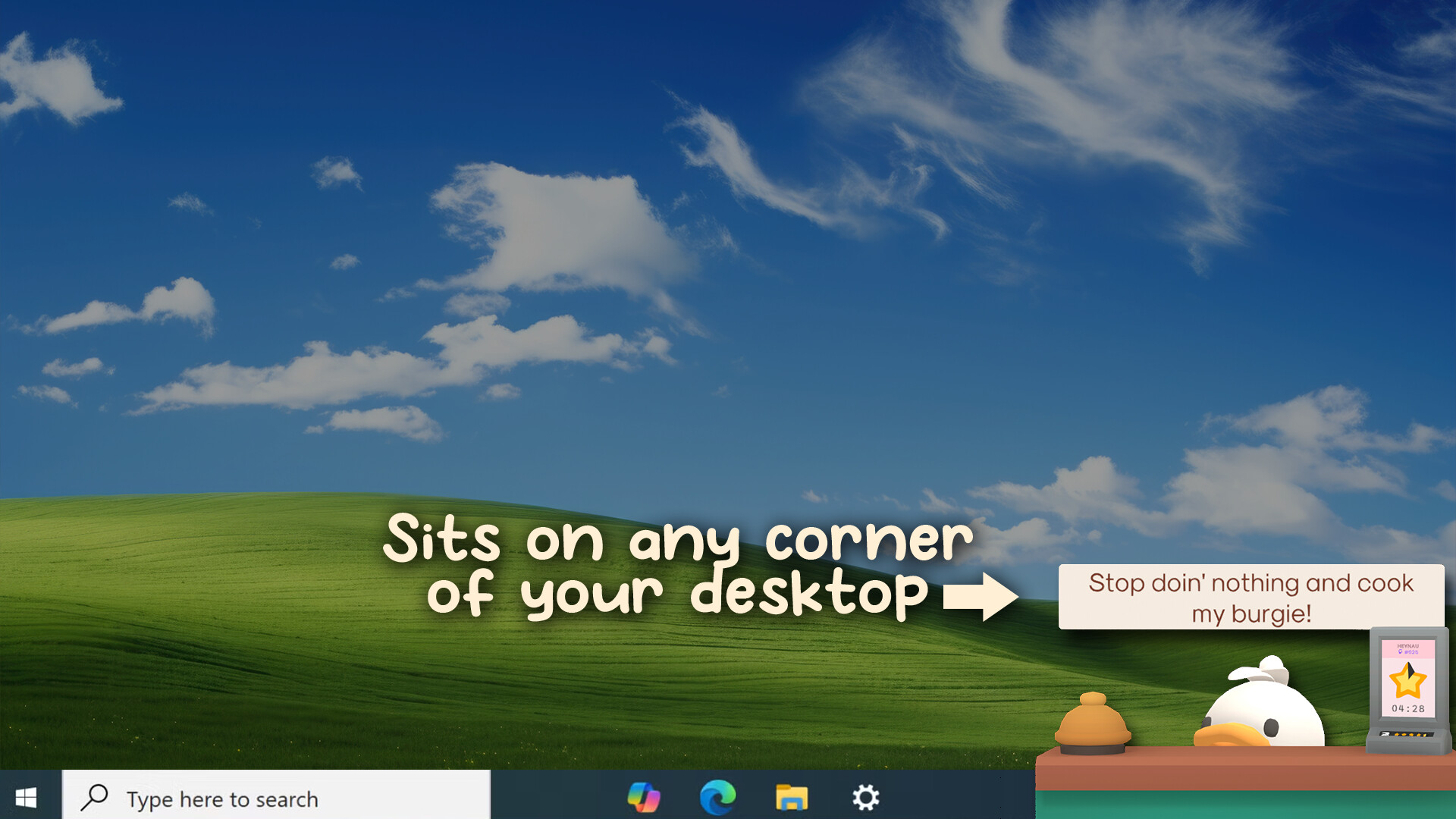
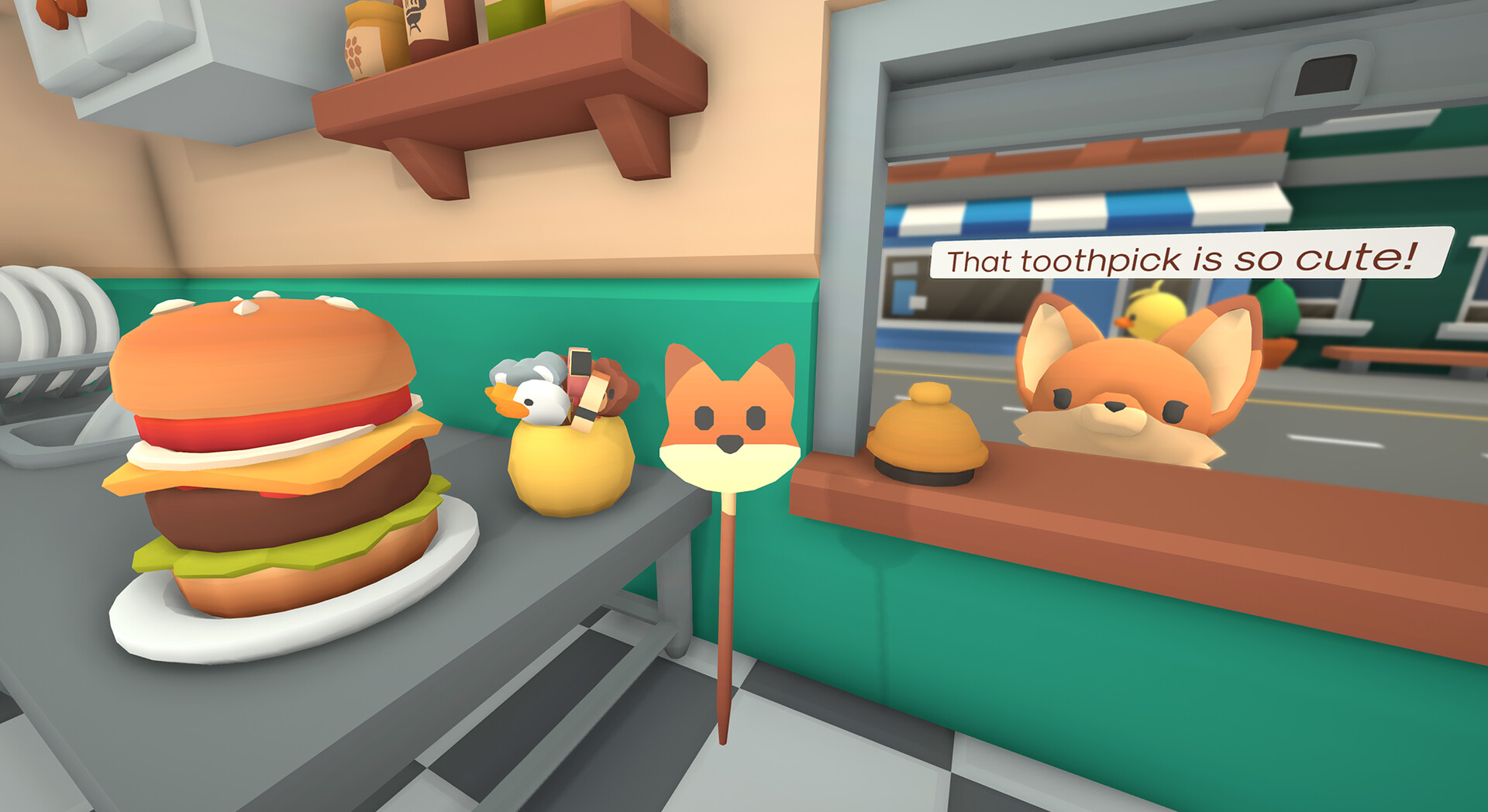
Burgie’s Cozy Kitchen is an active desktop companion where you manage a tiny burger stand that lives on your screen. You serve customers, upgrade your kitchen, and watch the shop grow at a pace that fits your day. The game can run in the corner while you work, study, or watch videos, ringing a bell whenever a new order arrives. Various play styles let you choose frantic action, relaxed breaks, or a Pomodoro‑style focus tool, and even stream‑integrated chaos for audience participation.
01 / THE GUIDE
Gameplay Modes
Four distinct modes let you tailor the experience. Frenetic mode offers constant impatient customers for active play. Relax mode minimizes the game, prompting orders every 5‑15 minutes for short breaks. Pomodoro mode adds a timer, notifying you when it’s time to serve a new customer. Streamer mode blends frenetic chaos with live chat interaction, letting viewers place orders. Each mode runs on the desktop, allowing you to keep the game visible while doing other tasks.
- Try Relax mode during study sessions to avoid distraction.
- Use Pomodoro mode to structure work intervals with short gameplay rewards.
02 / THE GUIDE
Streamer Integration
The game connects to a single streaming platform—Twitch, YouTube, Kick, or TikTok—allowing viewers to place orders via chat commands. Their orders can be wild, and they react to mistakes, influencing your global Streamers ranking. Only one platform can be linked at a time, but the integration adds a communal, interactive layer to the burger stand. Viewers’ feedback directly affects reviews, creating a dynamic audience‑driven challenge.
- Link the platform you stream on most for seamless interaction.
- Encourage viewers to use simple commands to keep order flow steady.
03 / THE GUIDE
Platform Support
Burgie’s Cozy Kitchen is available on Windows PCs. It supports saving at any time and synchronizes progress through Steam Cloud, so you can continue where you left off on another machine. Family Sharing is also enabled, allowing shared access across accounts. The game does not list macOS or Linux compatibility, focusing solely on the Windows environment.
- Enable Steam Cloud to protect your upgrades.
- Use Family Sharing to let friends try the game without extra purchase.
04 / THE GUIDE
Accessibility Features
The title includes captions, custom volume controls, and camera comfort options, making it approachable for a wide audience. Full controller support, including DualShock compatibility, lets you play without a keyboard or mouse if preferred. These features are designed to let players engage at their own pace without timed input pressures.
- Activate captions if you play without sound.
- Try DualShock support for a more relaxed hands‑free experience.
05 / THE GUIDE
Kitchen Upgrades
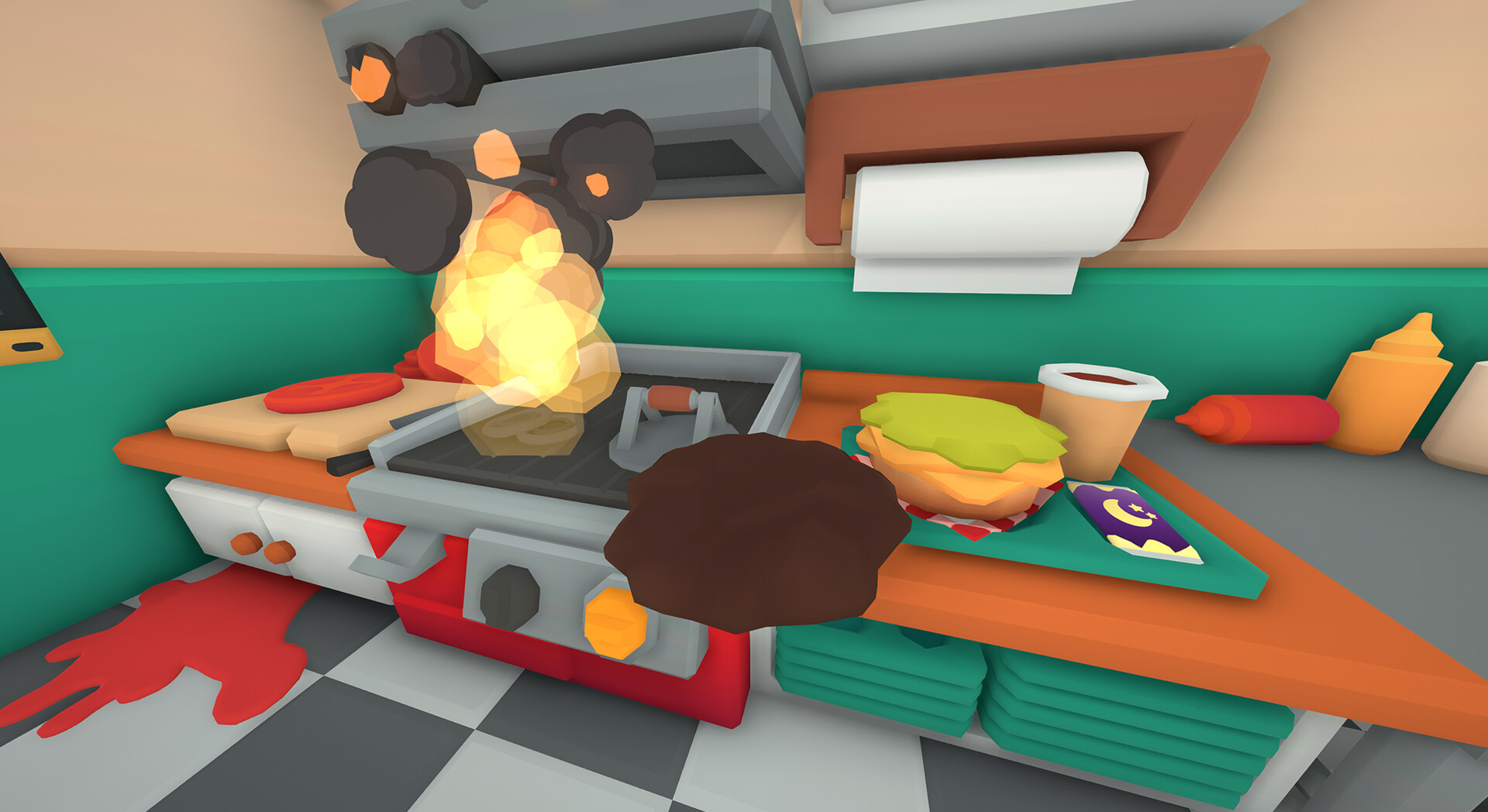
As you serve customers, you earn the ability to upgrade kitchen equipment, expanding the menu and improving service speed. Upgrades are optional and progress at the player’s chosen tempo, matching the game’s “playable at your own pace” philosophy. There is no forced timer; you decide when to invest in new appliances or décor.
- Prioritize upgrades that reduce order time for frantic modes.
- Save upgrades for Relax mode to enjoy visual improvements during breaks.

COMMUNITY
Player discussion