 GameWiki
GET YOUR BEARINGS
About Burger Shop 2
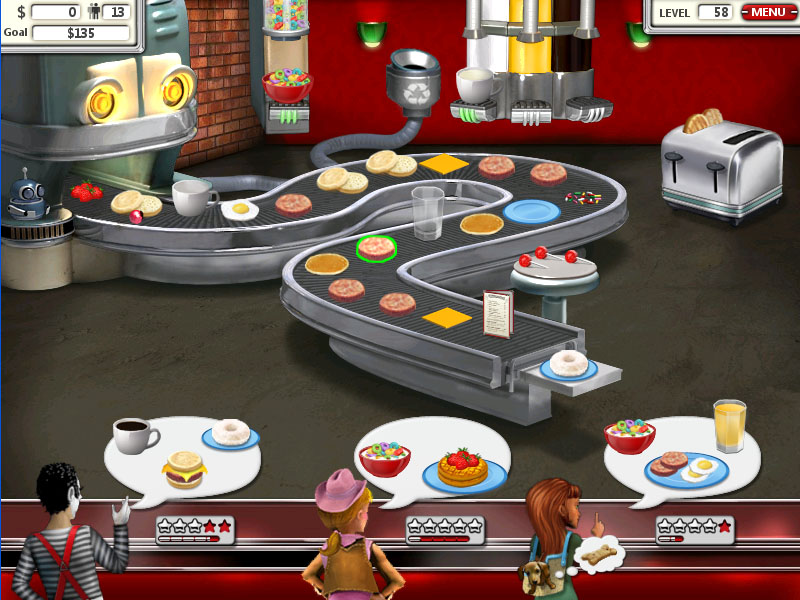
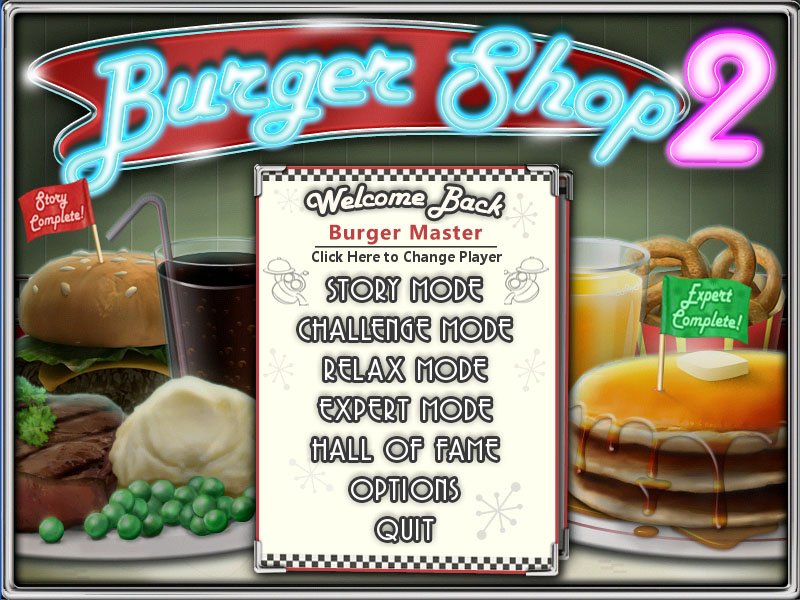
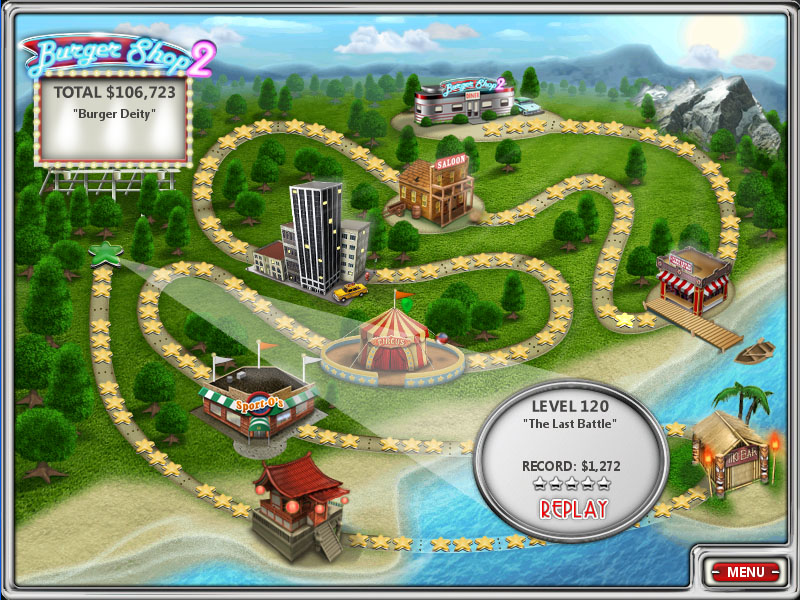
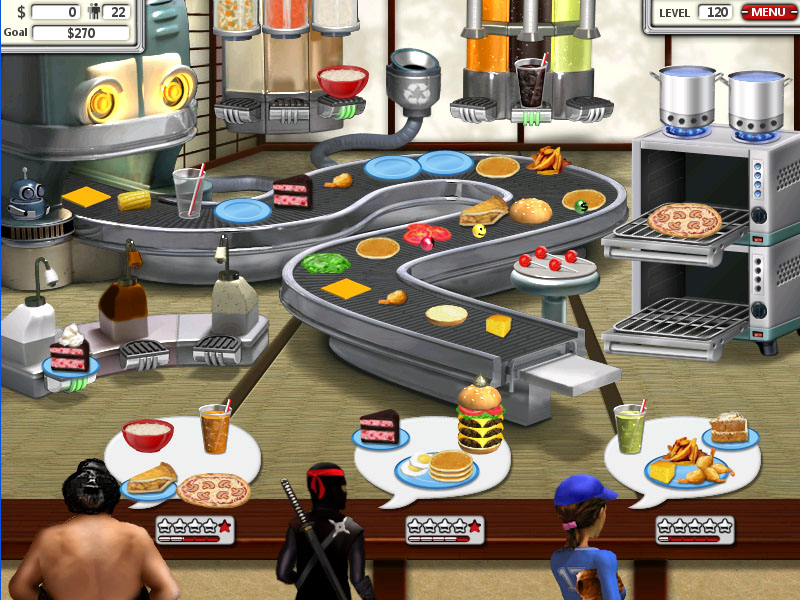
Burger Shop 2 continues the tale of a fallen restaurateur who must rebuild a restaurant empire from scratch. Players create menu items using the BurgerTron2000 and serve hungry customers in a fast‑paced food‑making experience. The game offers 120 levels of Story Mode, an Expert Story Mode, plus unlimited play through Challenge and Relax modes, all while chasing over 100 trophies. It is a single‑player title available on Windows and macOS with Steam Cloud support.
01 / THE GUIDE
Story Mode
Story Mode spans 120 levels where players progress through the narrative of rebuilding the restaurant chain. Each level presents new twists to the menu that must be crafted for customers.
The mode blends action, casual, and simulation elements, letting players experiment with ingredients from the BurgerTron2000 while advancing the storyline.
- Observe how menu variations affect customer flow across early levels.
- Compare the difficulty curve of early and later levels to gauge pacing.
02 / THE GUIDE
Expert Story Mode
Expert Story Mode mirrors the main storyline but with heightened challenges across its 120 levels. It presents a tougher test of your food-making skills.
This mode offers a tougher experience for players seeking to test their mastery of the BurgerTron2000 mechanics.
- Practice core recipes in standard Story Mode before tackling Expert.
- Note any patterns in level design that repeat in Expert stages.
03 / THE GUIDE
Challenge Mode
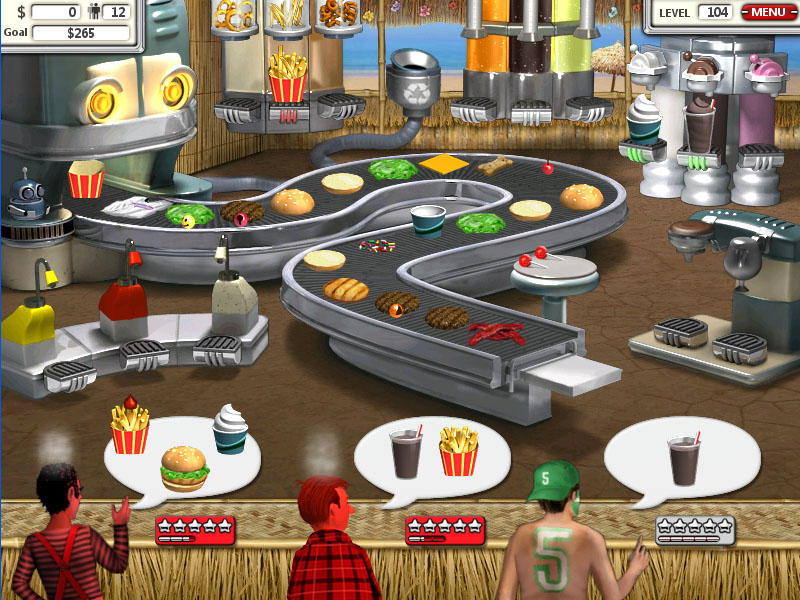
Challenge Mode provides unlimited play, allowing players to create and serve food without a set storyline. It offers a different way to play outside the storyline.
The mode encourages experimentation with menu items to see how long you can keep customers satisfied.
- Try different ingredient combos to discover high‑scoring dishes.
- Track your longest runs to identify effective strategies.
04 / THE GUIDE
Relax Mode
Relax Mode also offers unlimited play but with a more laid‑back pace, offering a more laid-back way to keep serving customers.
It serves as a low‑stress environment for players to explore menu creativity without the urgency of other modes.
- Use Relax Mode to test new recipes before applying them in Story modes.
- Observe customer reactions to gauge popularity of items.
05 / THE GUIDE
Trophies
The game features over 100 trophies for players to collect, rewarding various achievements throughout the game.
Trophies provide goals that encourage exploring different aspects of the game, from completing levels to mastering menu creation.
- Check which trophies are tied to specific modes to plan your playtime.
- Aim for a mix of easy and hard trophies to maintain progress.
COMMUNITY
Player discussion