 GameWiki
GET YOUR BEARINGS
About Burger Shift: Team Rush
Burger Shift: Team Rush lets you run a hectic fast‑food kitchen either solo or with a crew of up to eight players. You can host a session or join one through the in‑game lobby, using built‑in voice and text chat to stay connected as you take on the rush.
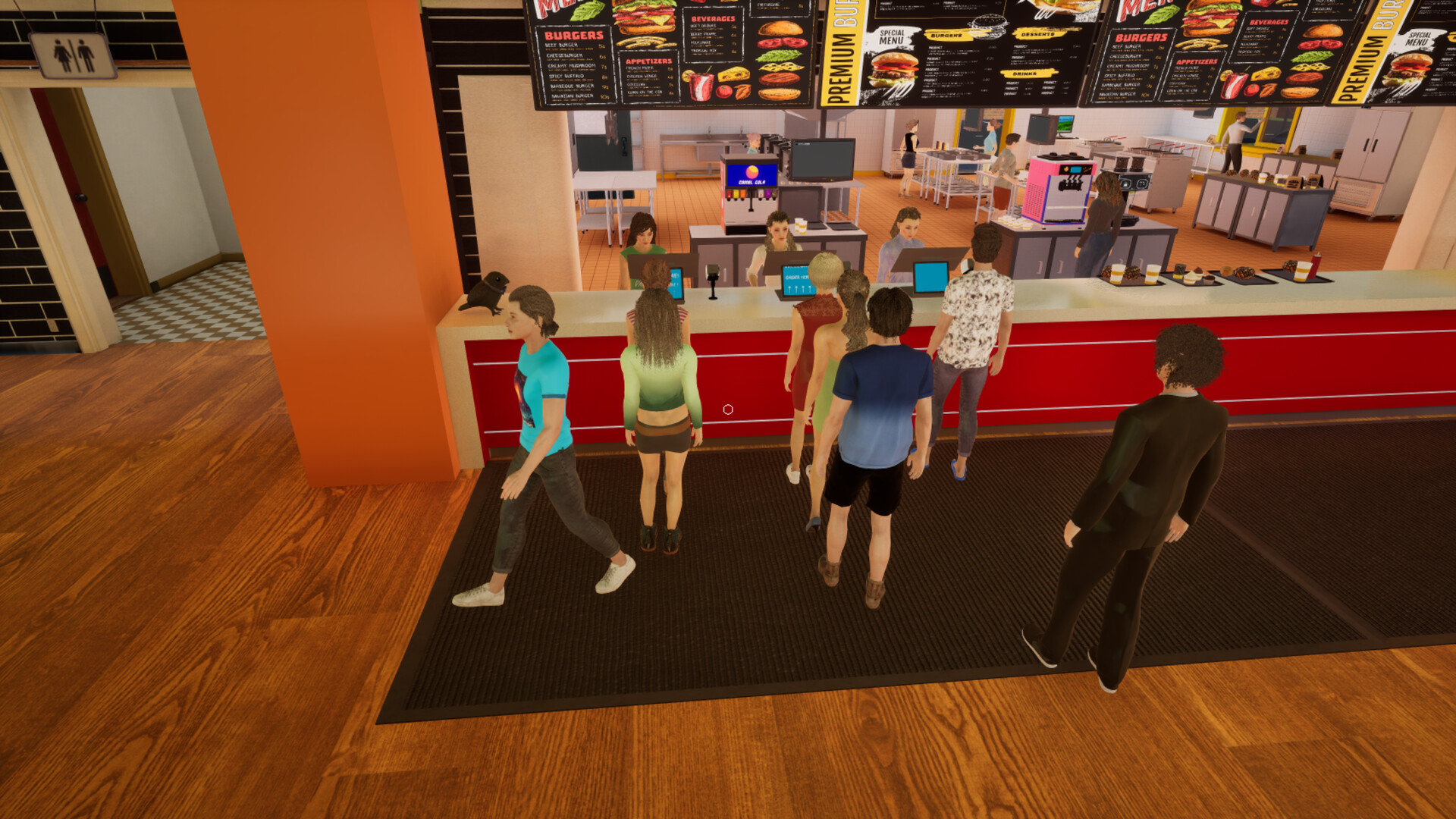
Every station—from fryers and soda fountains to the grill—requires attention, and random events, odd customers, and surprise challenges keep the pace frantic. Success hinges on clear communication, role assignment, and tight time management to keep orders flowing and customers satisfied.
01 / THE GUIDE
Co‑op Session Setup
The game supports both online and LAN co‑op, allowing you to create a lobby for up to eight participants. Hosts can invite friends or let others join through the in-game lobby, and the lobby itself provides built‑in voice and text chat.
Because communication tools are integrated, players can discuss strategy without leaving the game. This makes it easy to coordinate station duties during the rush and react to sudden events.
- Test your microphone before the first rush to avoid missed cues.
- Assign a dedicated “call‑out” player to announce incoming orders.
02 / THE GUIDE
Station Management
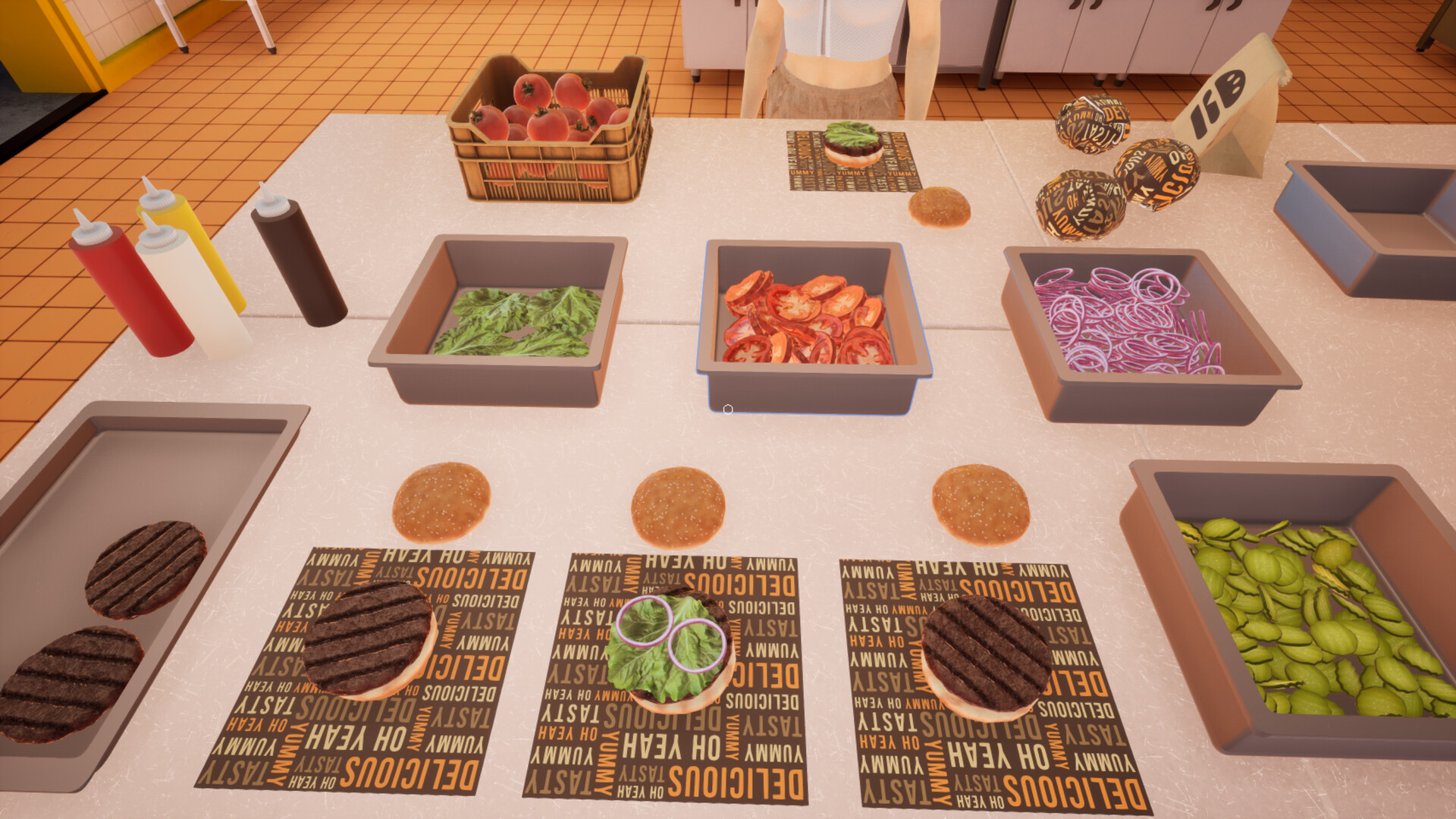
Each kitchen station—fryers, soda fountains, grill—operates independently, requiring players to learn its specific controls and timing. Mastery of a station improves overall kitchen flow.
Switching stations mid‑round is possible, but frequent changes can disrupt timing. Teams that keep players at consistent stations tend to handle chaotic events more smoothly.
- Practice each station in solo mode to understand its rhythm.
- Rotate roles only when a teammate is ready to take over.
03 / THE GUIDE
Chaotic Events
Unexpected events—such as sudden surges of customers or strange orders—appear without warning. These moments test a team’s ability to adapt quickly.
When an event triggers, prioritize the most time‑sensitive orders and use the lobby chat to reassign duties on the fly. Teams that stay calm and communicate tend to recover faster.
- Keep a spare player ready to jump in on any station.
- Use short, clear commands like “grill now” during spikes.
04 / THE GUIDE
Adjustable Difficulty
The game includes an adjustable difficulty setting, letting groups tailor the challenge to their preference. The exact effects of each difficulty level are not detailed in the official description.
Players can lower difficulty for a more relaxed experience or raise it to sharpen teamwork. Difficulty can be adjusted to suit your group's preferred challenge level.
- Start at a moderate level to gauge team coordination.
- Increase difficulty after a successful round to add challenge.
05 / THE GUIDE
Accessibility Features
Camera Comfort, Color Alternatives, and Custom Volume Controls are built in, allowing players to modify visual and audio settings for comfort. These options let players modify visual and audio settings for comfort.
The game also supports Playable without Timed Input, an accessibility option for players who prefer not to rely on timed actions. These features help accommodate a range of player preferences and needs.
- Enable Color Alternatives if you find the default palette hard to read.
- Turn on Camera Comfort for smoother camera movement during fast action.

COMMUNITY
Player discussion