 GameWiki
GET YOUR BEARINGS
About Bunhouse
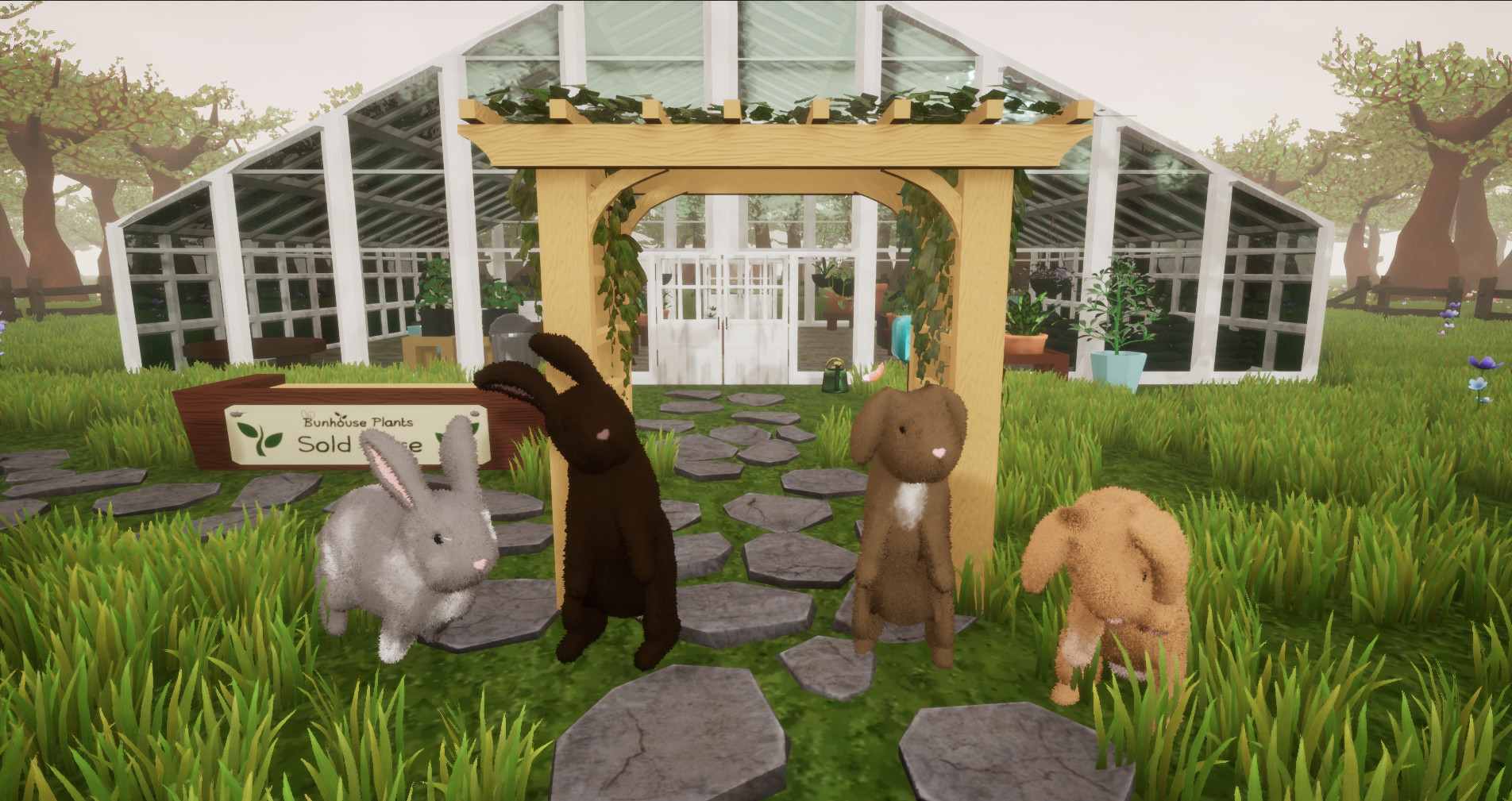
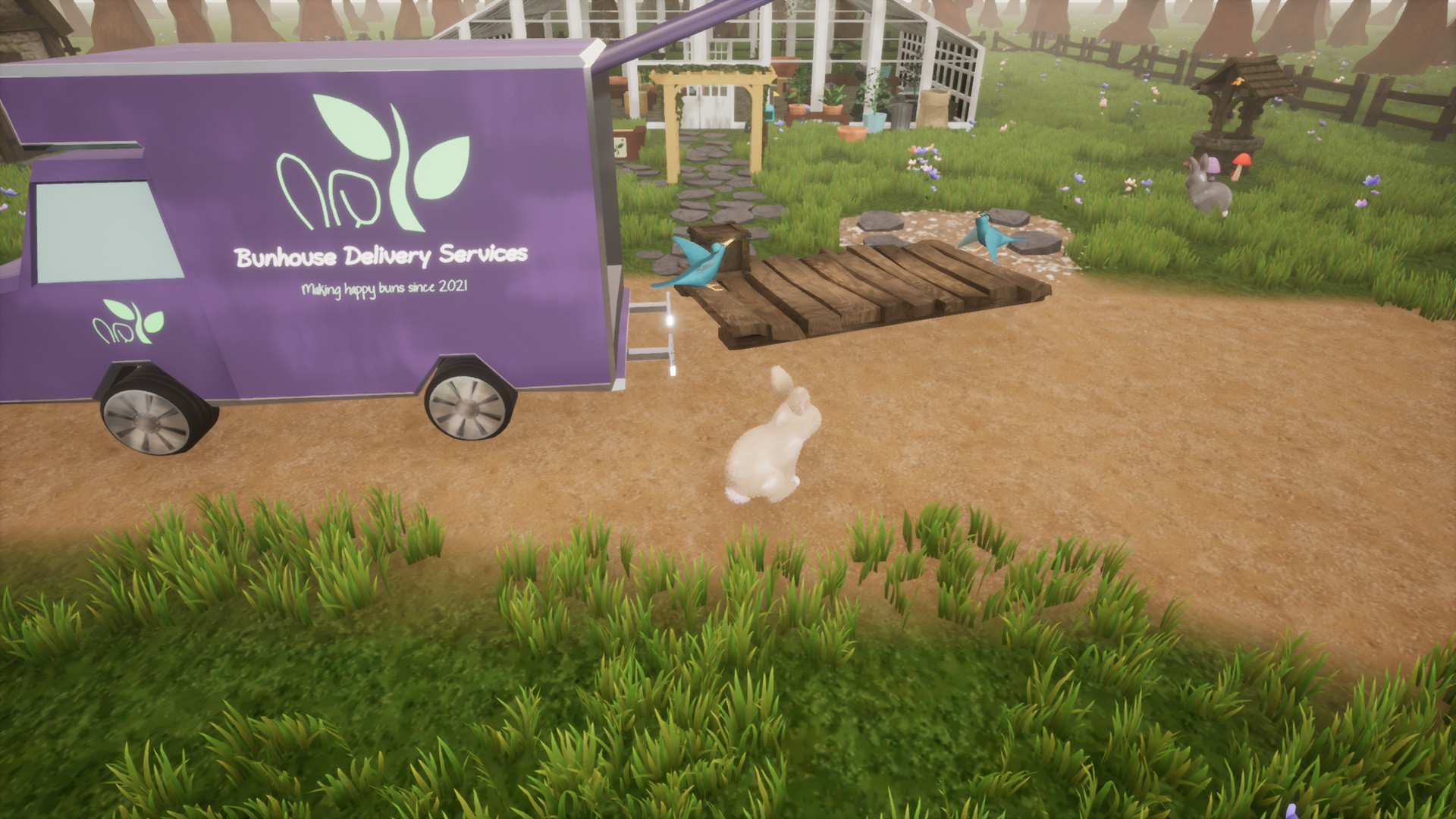
Bunhouse is a cute couch co‑hop game where players grow plants and manage a shared greenhouse. The experience is framed as a relaxed, wholesome space with no combat, quests, or pressure beyond tending to the garden. The title supports solo play or up to four players locally, and can be extended online via Steam’s Remote Play Together. It runs on Windows and includes features such as Steam Achievements, full controller support, and Steam Cloud.
01 / THE GUIDE
Core Gameplay
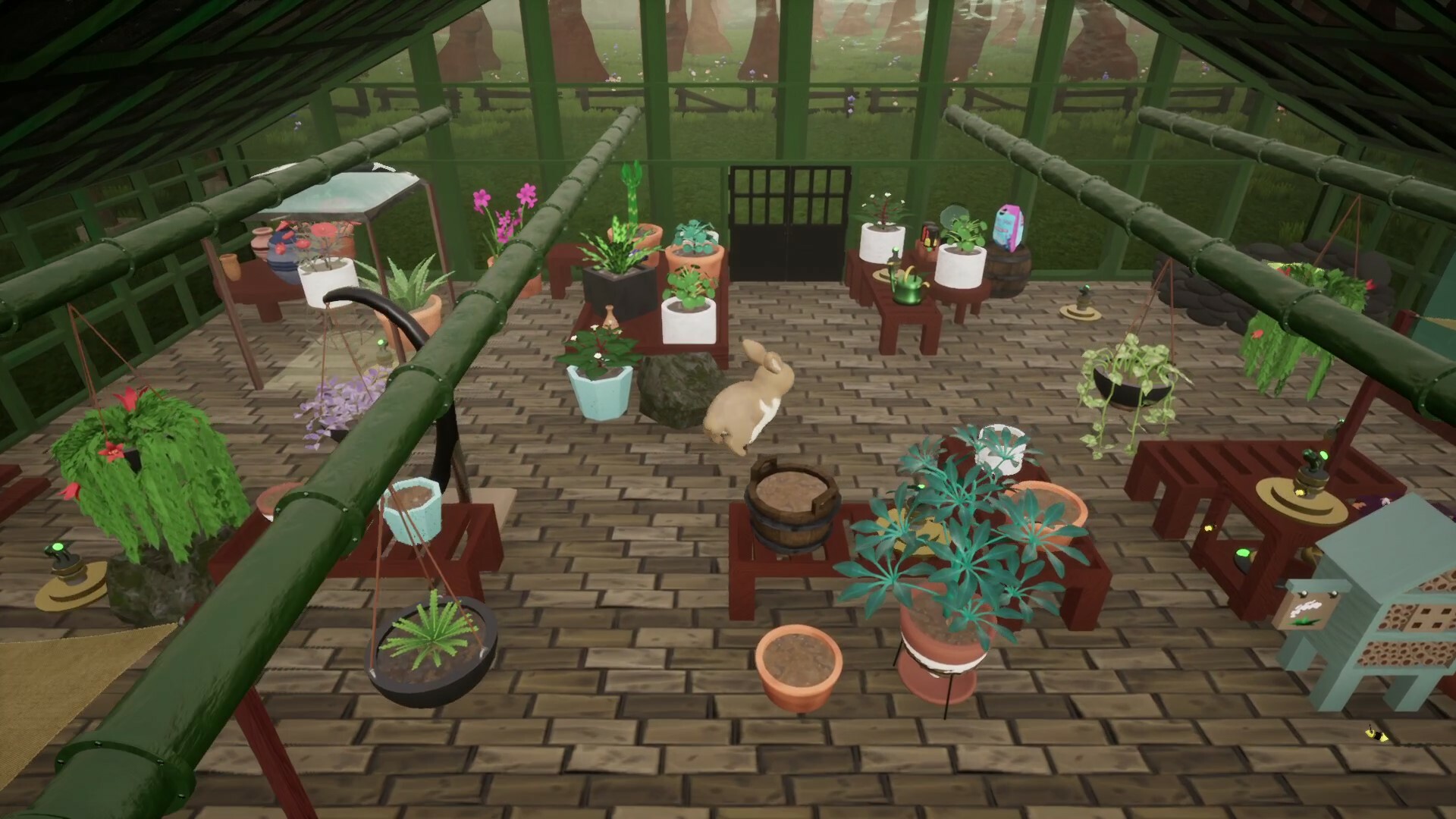
Players tend to a greenhouse by watering plants and arranging seedlings. The focus is on simple, calming tasks rather than competition or combat, offering a gentle way to unwind.
The game presents a single, shared environment where all participants can interact with the same plants, encouraging cooperative management and shared progress.
- Take a moment to observe plant growth patterns before adding new seedlings.
- Coordinate with your fellow players as you tend the greenhouse together.
02 / THE GUIDE
Local Co‑op
Up to four friends can play together on the same computer. The game requires at least one fewer controller than the number of participants, allowing mixed keyboard‑controller setups.
Local co‑op is split‑screen, with each player contributing to plant care in the greenhouse.
- If you have three players, you can use two controllers and a keyboard to meet the requirement.
- Arrange seating so each player has a clear view of the shared screen.
03 / THE GUIDE
Remote Play Together
Steam’s Remote Play Together lets a host stream the game to remote friends. The host may use keyboard or controllers, but each remote participant must have a controller.
This feature works despite the game lacking native online multiplayer, leveraging Unreal Engine’s local‑play handling.
- Confirm each remote player has a compatible controller before starting a session.
- Test the connection with a short trial run to ensure smooth streaming.
04 / THE GUIDE
Steam Features
Bunhouse integrates Steam Achievements, Steam Cloud, and Family Sharing, with Family Sharing letting family members access the game.
Full controller support is listed, meaning the game can be played entirely with a gamepad.
- Steam Cloud is listed as a feature, so you can enable it in the Steam client settings.
- Check the Achievements list for optional goals that reflect your gardening milestones.
05 / THE GUIDE
Platform Availability
The game is released for Windows; macOS and Linux are not listed as supported platforms.
No other operating systems are mentioned, so Windows users are the primary audience.
- Verify your Windows version meets the minimum system requirements before purchase.
- Consider using a compatible controller model for the best experience.
COMMUNITY
Player discussion