 GameWiki
GET YOUR BEARINGS
About Builder Simulator
Builder Simulator lets you turn a blank sheet of paper into a full‑scale house. You begin by sketching a design on a drawing board, then gather bricks and cement to construct the structure step by step. A tutorial guides the early stages, and tasks become more demanding as you gain experience.
After the core is built, you can polish the exterior, add flooring, and paint walls, giving the house its final look. Completed projects can be shared through the Community Builder, where you can view and rebuild designs from players worldwide.
01 / THE GUIDE
Design Phase
Every project starts on a drawing board where you lay out lines, curves, and squares to shape your house. The description says the only limit is your imagination, and you may also choose from pre‑made projects if you need inspiration.
The layout you create becomes the blueprint for later work, shaping where walls, windows, and doors will go, before you move on to gathering bricks and cement.
- Experiment with different outline shapes to see how they affect later wall placement.
- Save a favorite pre‑made project for quick reference when you need a fresh idea.
02 / THE GUIDE
Construction Basics
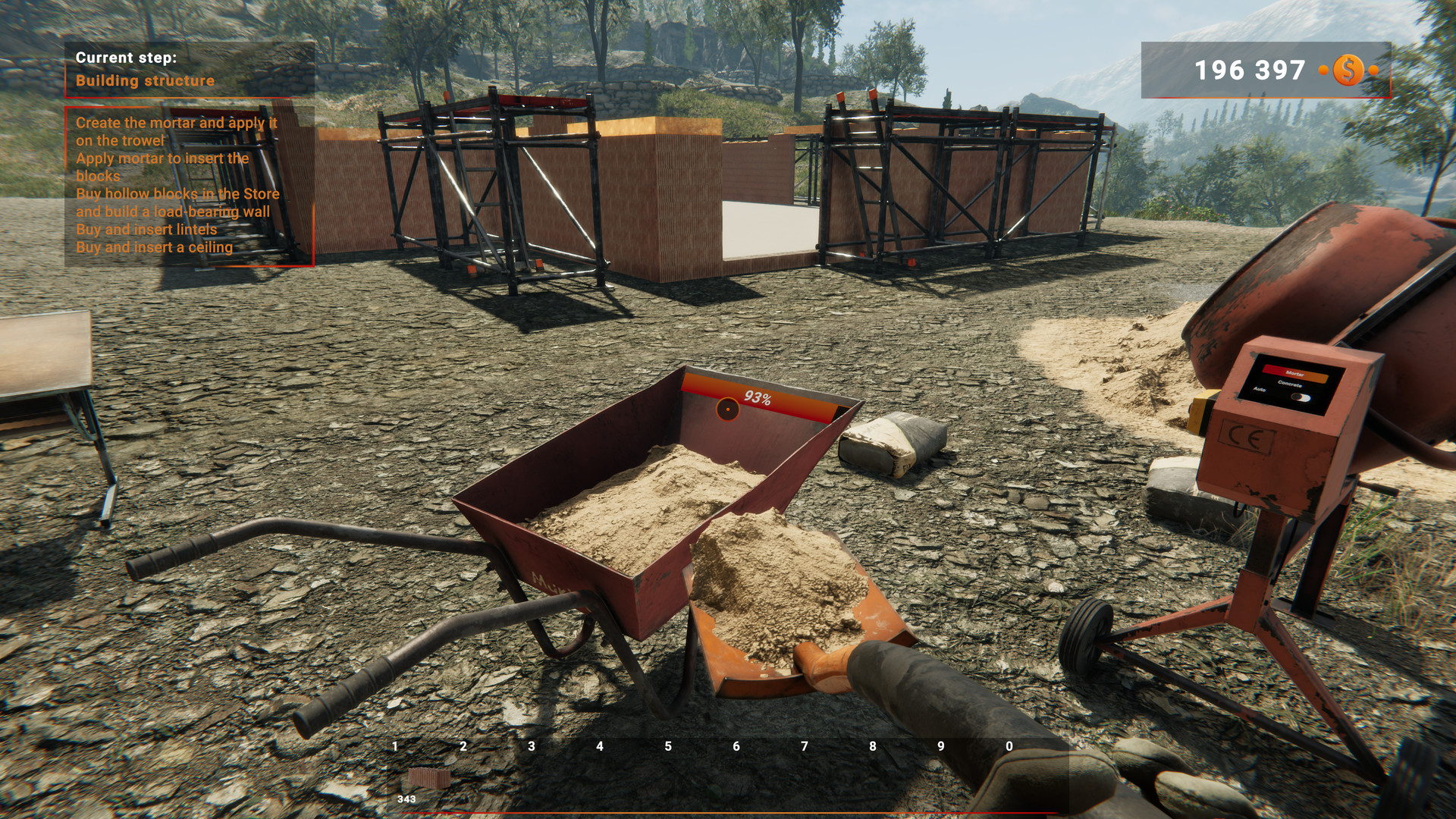
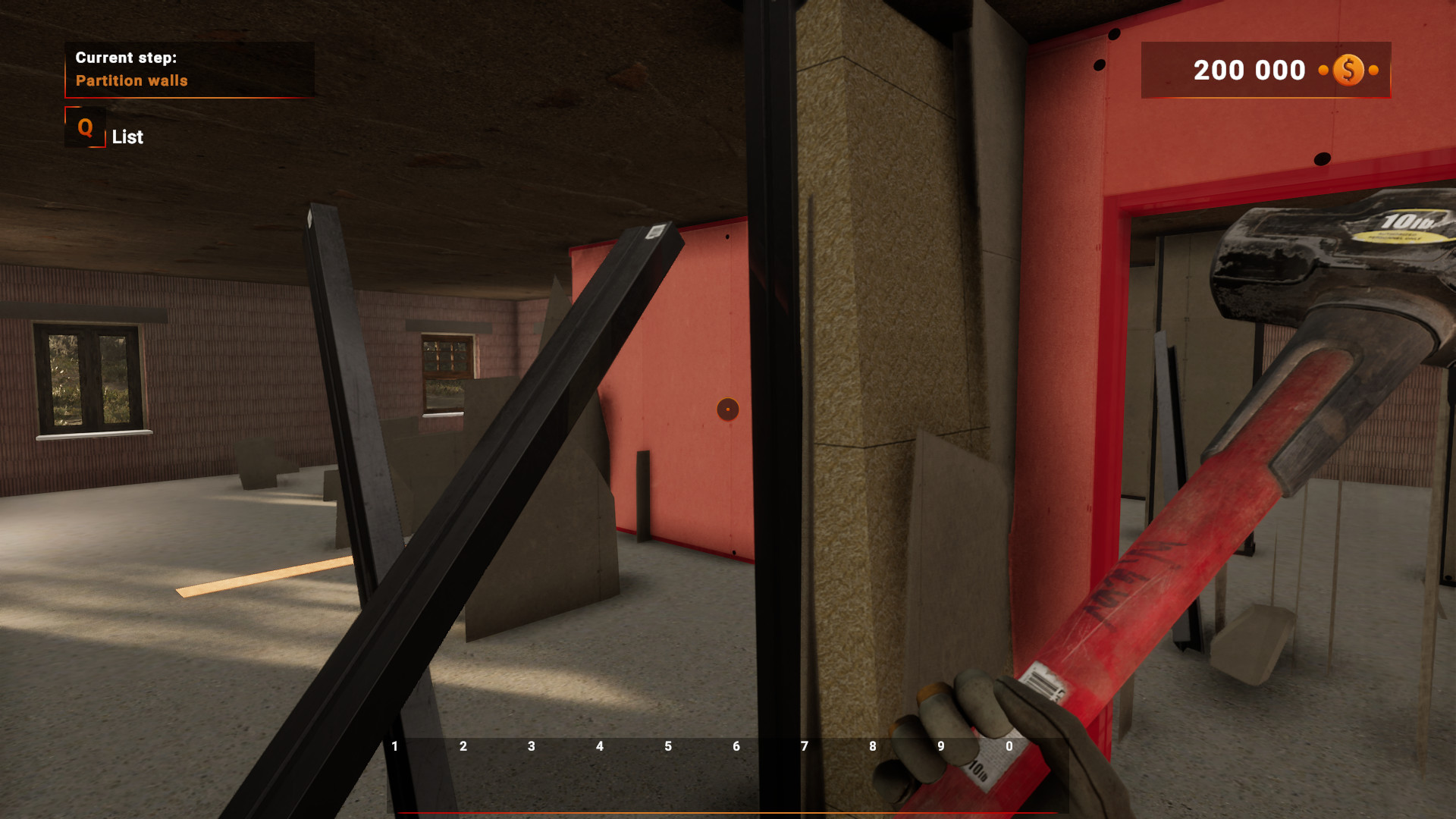
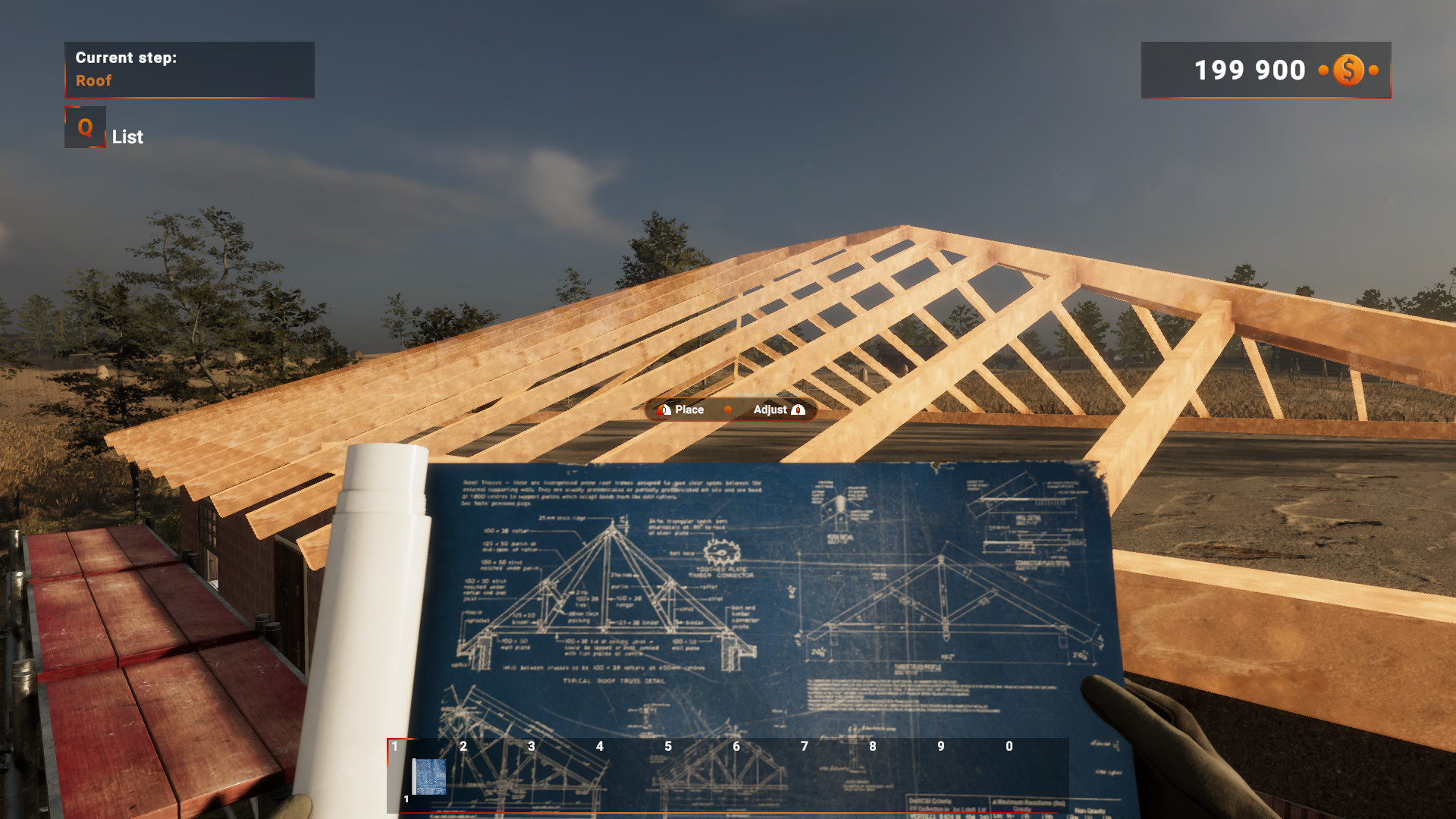
After the plan is set, you gather bricks and cement, then begin building the foundation, walls, and roof. The tutorial walks you through each step, ensuring you understand how to place each element correctly.
As you progress, the challenges become more demanding, requiring careful placement of each component to keep the structure sound. The game emphasizes that the work grows harder the more experience you gain.
- Follow the tutorial prompts closely the first few times to avoid mis‑placing bricks.
- Take short breaks between large sections to keep a clear view of the overall shape.
03 / THE GUIDE
Finishing Touches
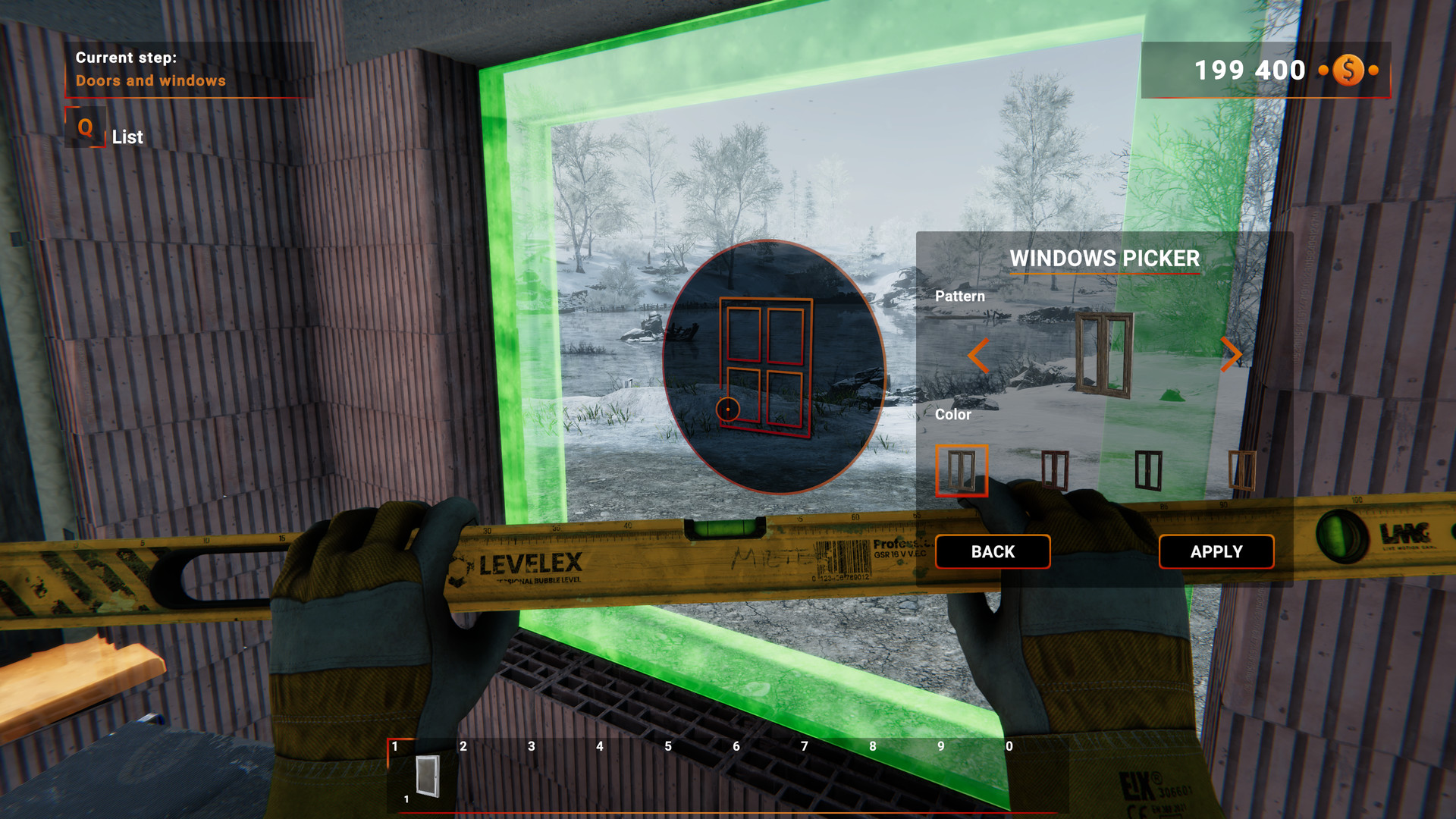
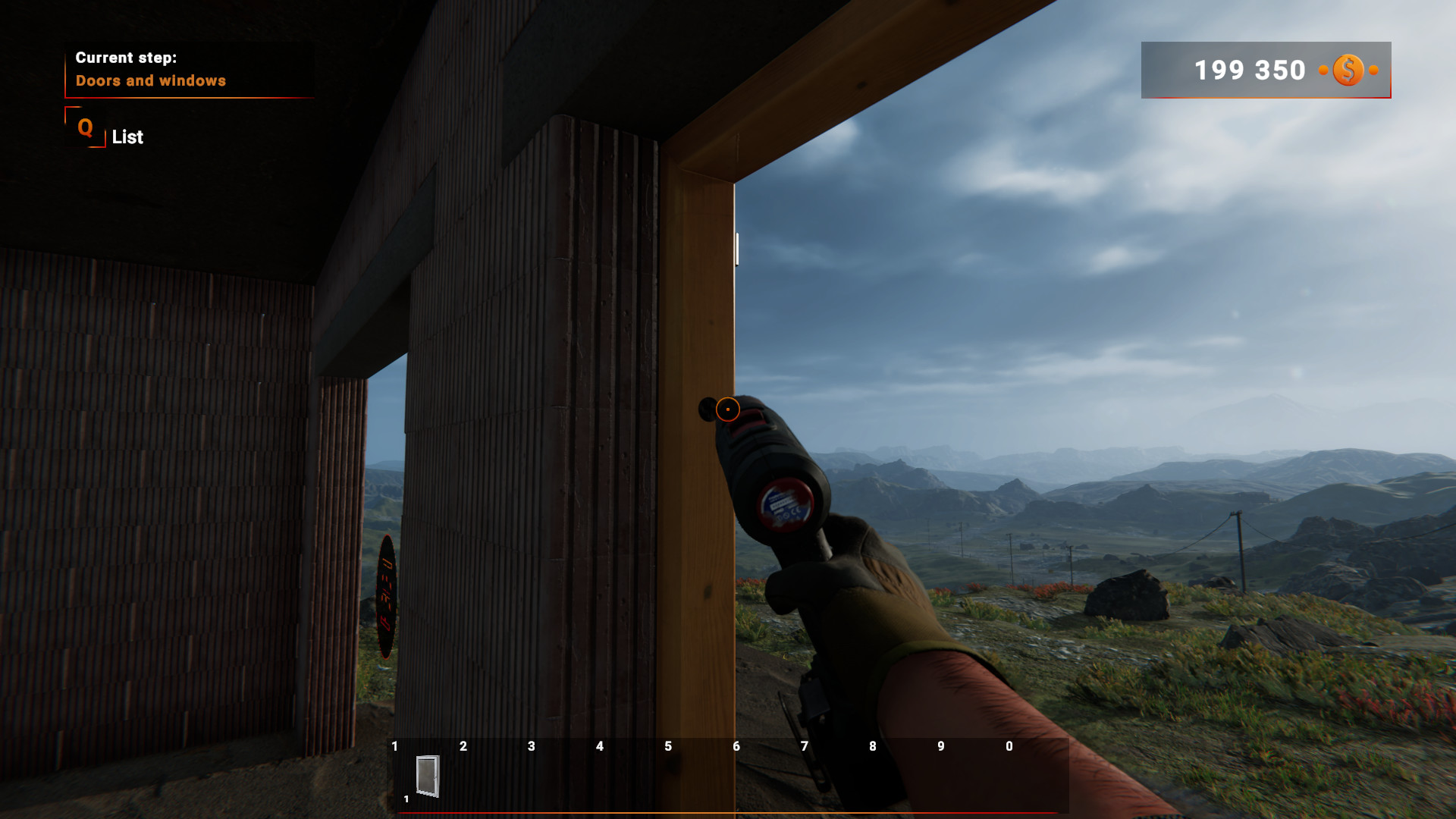
Once the core structure stands, you can polish the exterior, add flooring, and paint walls. The description likens this to putting makeup on a perfectly sculpted face, indicating it adds the final personality to the house.
These finishing actions complete the building process and improve the house’s appearance. The game presents them as the last step before the project is considered finished.
- Test a few color schemes on a single wall before applying them to the whole house.
- Check the elevation tools to ensure the roof aligns neatly with the walls.
04 / THE GUIDE
Community Builder
The Community Builder is an online hub where you can upload your own projects and browse creations from players worldwide. It encourages sharing and inspiration across the player base.
You may also rebuild a house based on another’s design, allowing you to learn different techniques and styles while contributing your own variations.
- Browse popular projects for ideas on efficient layouts.
- Leave constructive feedback on others’ builds to foster a supportive community.
05 / THE GUIDE
Controller Support
Builder Simulator lists DualSense and DualShock controller compatibility and notes Partial Controller Support. This indicates that some game functions can be accessed with a supported controller, though the exact scope is not detailed.
The game also integrates with Steam Achievements and the Steam Workshop, providing additional ways to track progress and share content.
- Check which actions respond to controller input during a short test session.
- Compare the DualSense and DualShock layouts to see which feels more natural for tool selection.
COMMUNITY
Player discussion