 GameWiki
GET YOUR BEARINGS
About BubbleBeast DigiDungeon
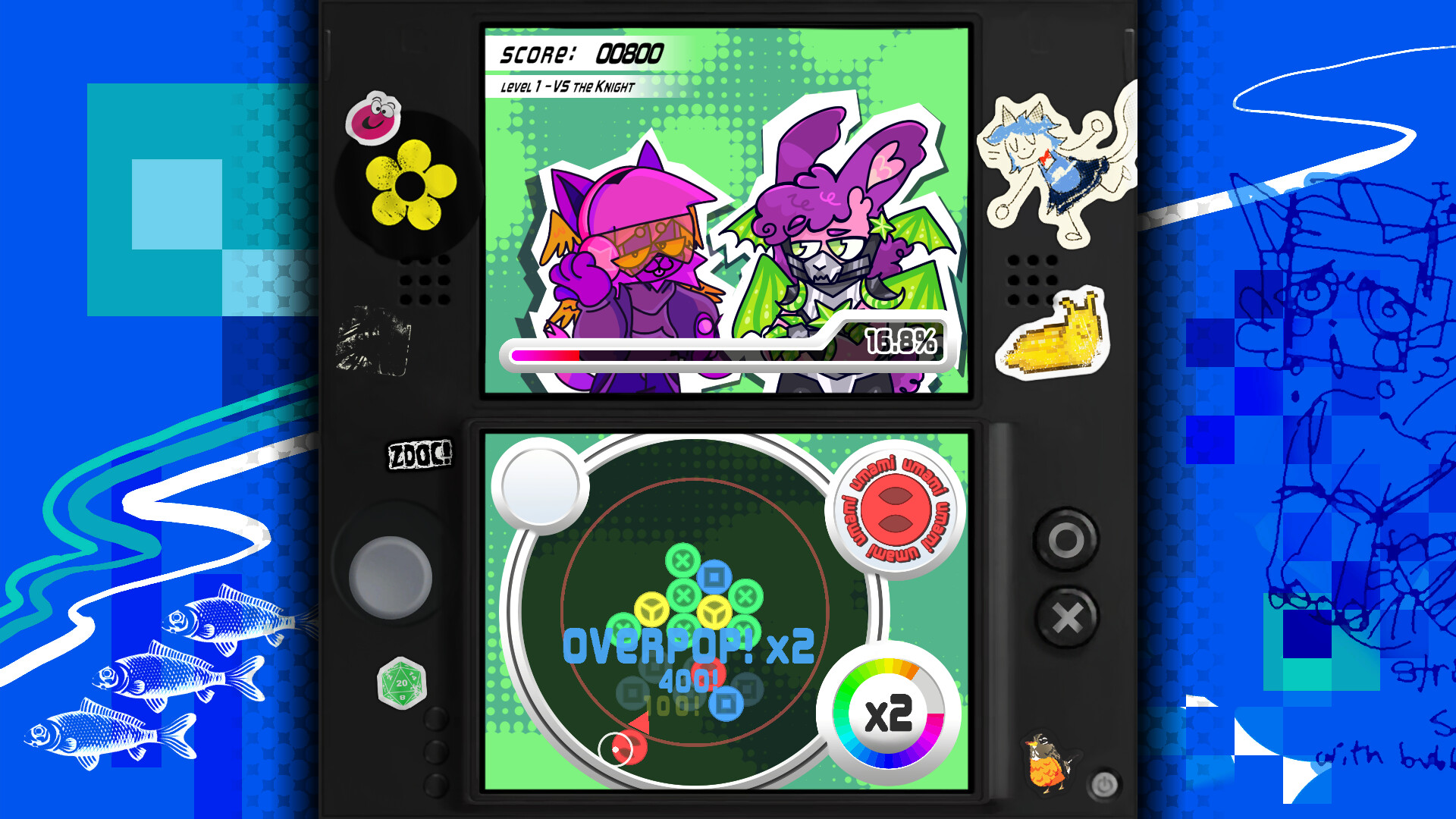
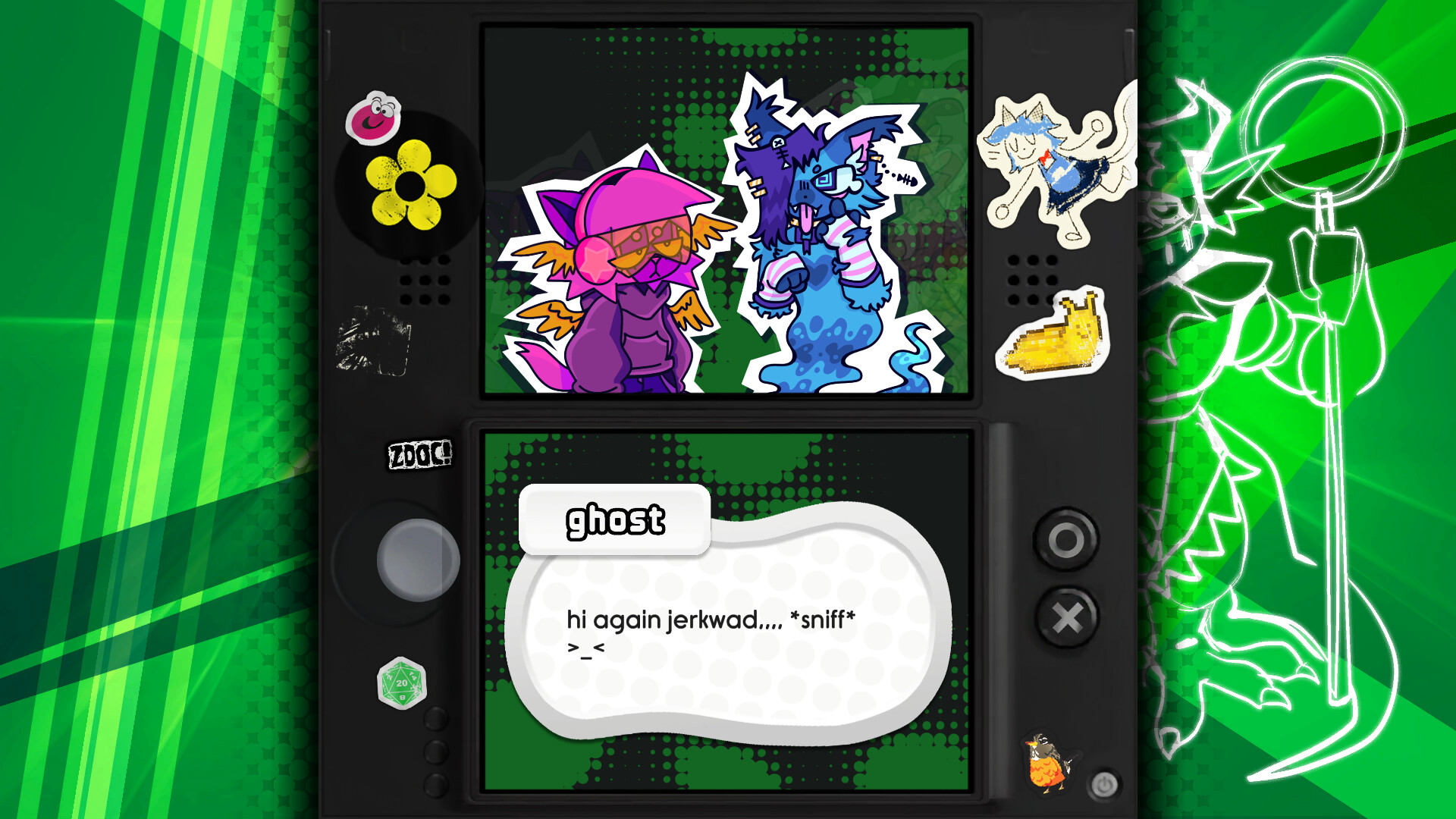
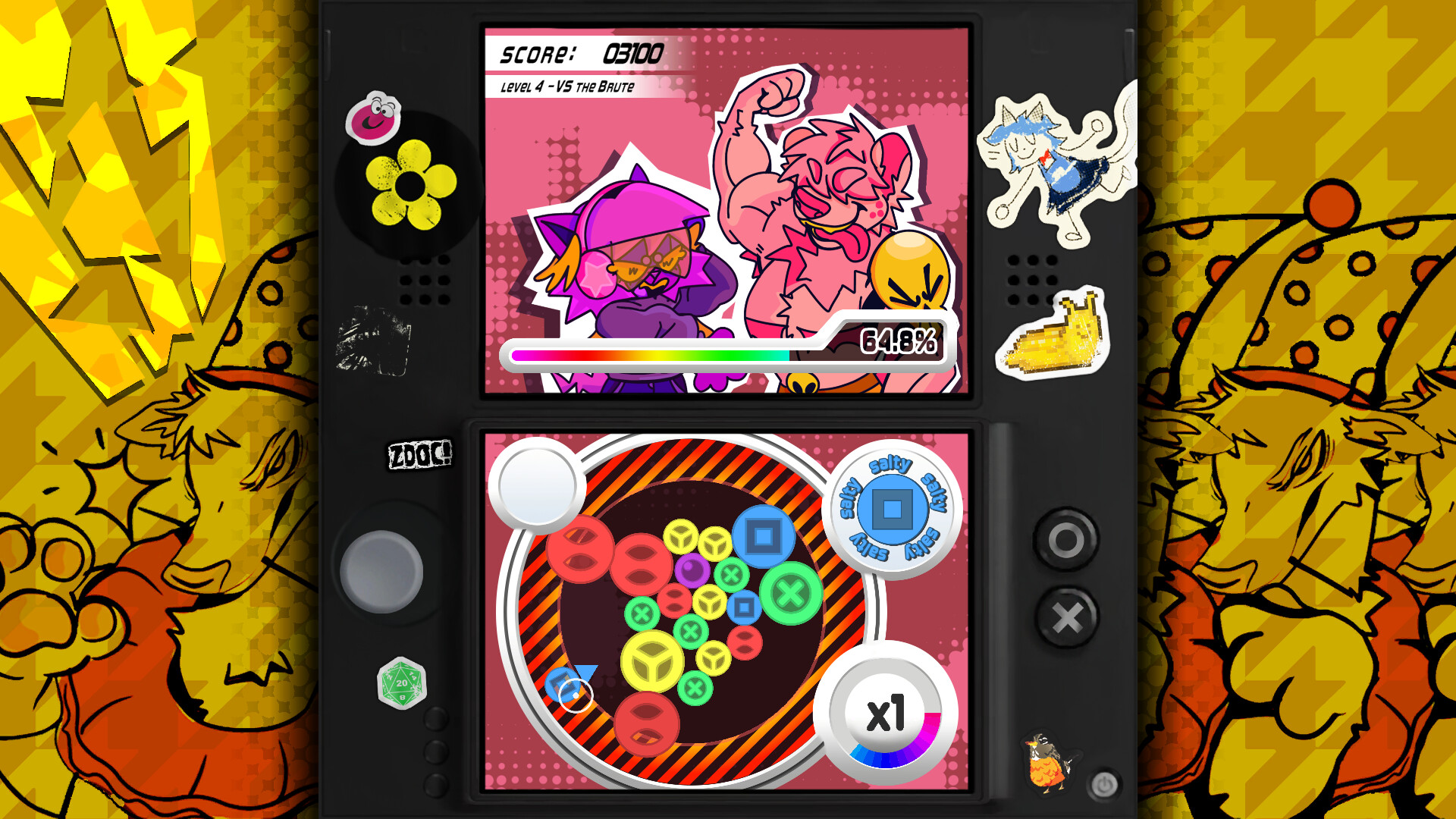
BubbleBeast DigiDungeon blends a tabletop role‑playing premise with a handheld‑style rhythm puzzle. Players match colored bubbles to the beat across five hand‑crafted levels, defusing Beast attacks while keeping a combo meter active. The game’s aesthetic pays homage to early‑2000s handheld and mobile titles, featuring vivid characters and a breakbeat‑inspired soundtrack.
The title is a free‑to‑play, single‑player experience for Windows. It lists full controller support, Steam Cloud saving, and family sharing as platform features, offering a casual yet focused rhythm‑puzzle challenge that emphasizes timing and visual clarity.
01 / THE GUIDE
Puzzle Rhythm Mechanics
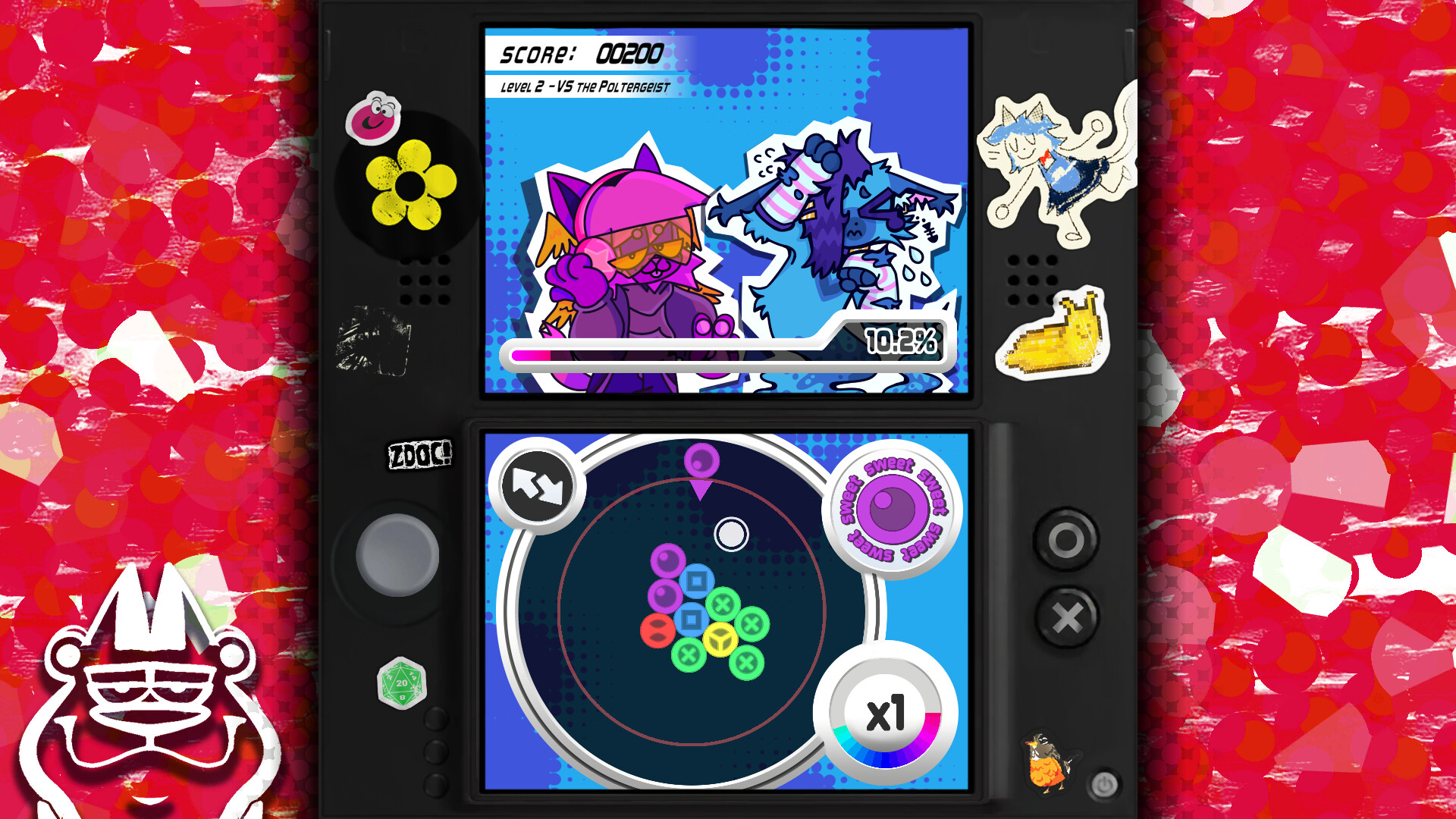
Each level presents a grid of colored bubbles that must be matched in time with the music. Matching bubbles on beat defuses the Beasts’ attacks and sustains the combo meter, which the player must avoid breaking.
The rhythm is driven by a bouncy soundtrack that mixes breakbeat, classic RPG motifs, and 2000s pop. Visual cues on the bubbles align with the audio, encouraging precise timing and pattern recognition.
- Listen to the introductory bars of a track; they often indicate the first optimal match window.
- Observe the combo meter for immediate feedback on missed beats.
02 / THE GUIDE
Level Structure
The game includes five distinct levels described as vibrant and hand‑crafted. Each level retains the core bubble‑matching challenge while introducing new visual themes.
Each level offers fresh visual environments while retaining the same core mechanics, though the source does not specify how progression between levels works.
- Treat each new level as a visual reset; patterns may shift with the art style.
- Focus on mastering the rhythm before adapting to new visual elements.
03 / THE GUIDE
Audio‑Visual Style
BubbleBeast DigiDungeon is presented as a love letter to early‑2000s handheld games, featuring vivid, hand‑crafted characters and a soundtrack that blends breakbeat, classic RPG tones, and 2000s pop influences.
Bright colors and animated bubble effects sync with the music, providing clear visual cues that reinforce the rhythm‑based gameplay.
- Adjust display brightness to make bubble colors stand out against backgrounds.
- Use headphones to hear the sync between music and bubble animations more clearly.
04 / THE GUIDE
Controller Support
Full controller support is listed for Windows, allowing players to use a gamepad for bubble selection and rhythm input. No other input methods are detailed in the source.
The presence of controller support aligns with the handheld‑inspired design, enabling a gamepad‑centric experience without specifying exclusive input.
- Test the controller layout in an early level to confirm button placement feels natural.
- If a button feels cramped, adjust your grip for smoother timing.
05 / THE GUIDE
Steam Cloud Saving
Steam Cloud is listed as a feature, indicating that game data can be stored online for Windows users. The source does not detail which specific data is synchronized.
Cloud saving works alongside single‑player mode, with Steam Cloud listed as the synchronization feature for Windows users.
- Ensure Steam Cloud is enabled in the client before beginning a session.
- After completing a level, restart the game to allow any pending sync to occur.
COMMUNITY
Player discussion