 GameWiki
GET YOUR BEARINGS
About Britannic: Patroness of the Mediterranean
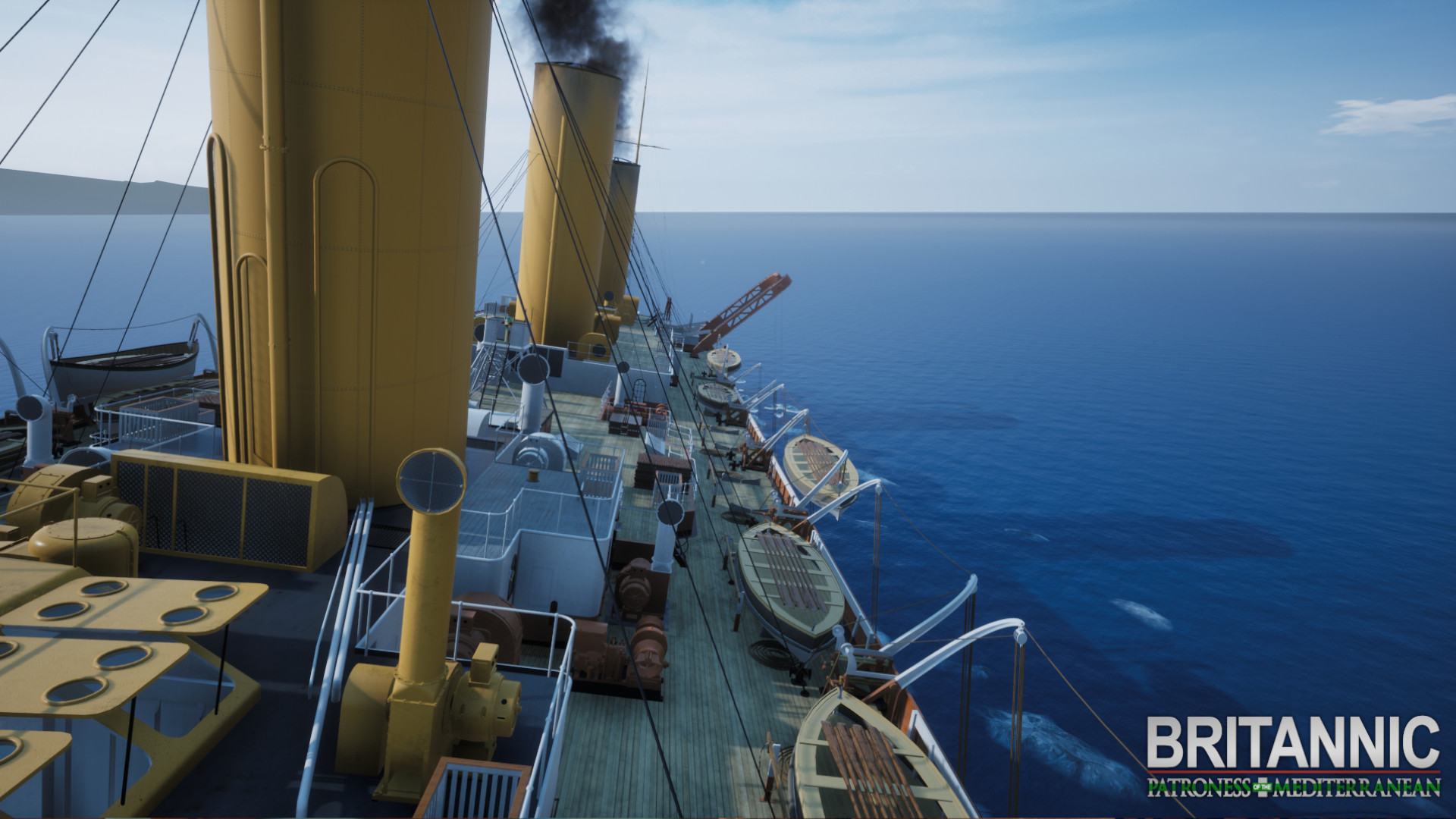
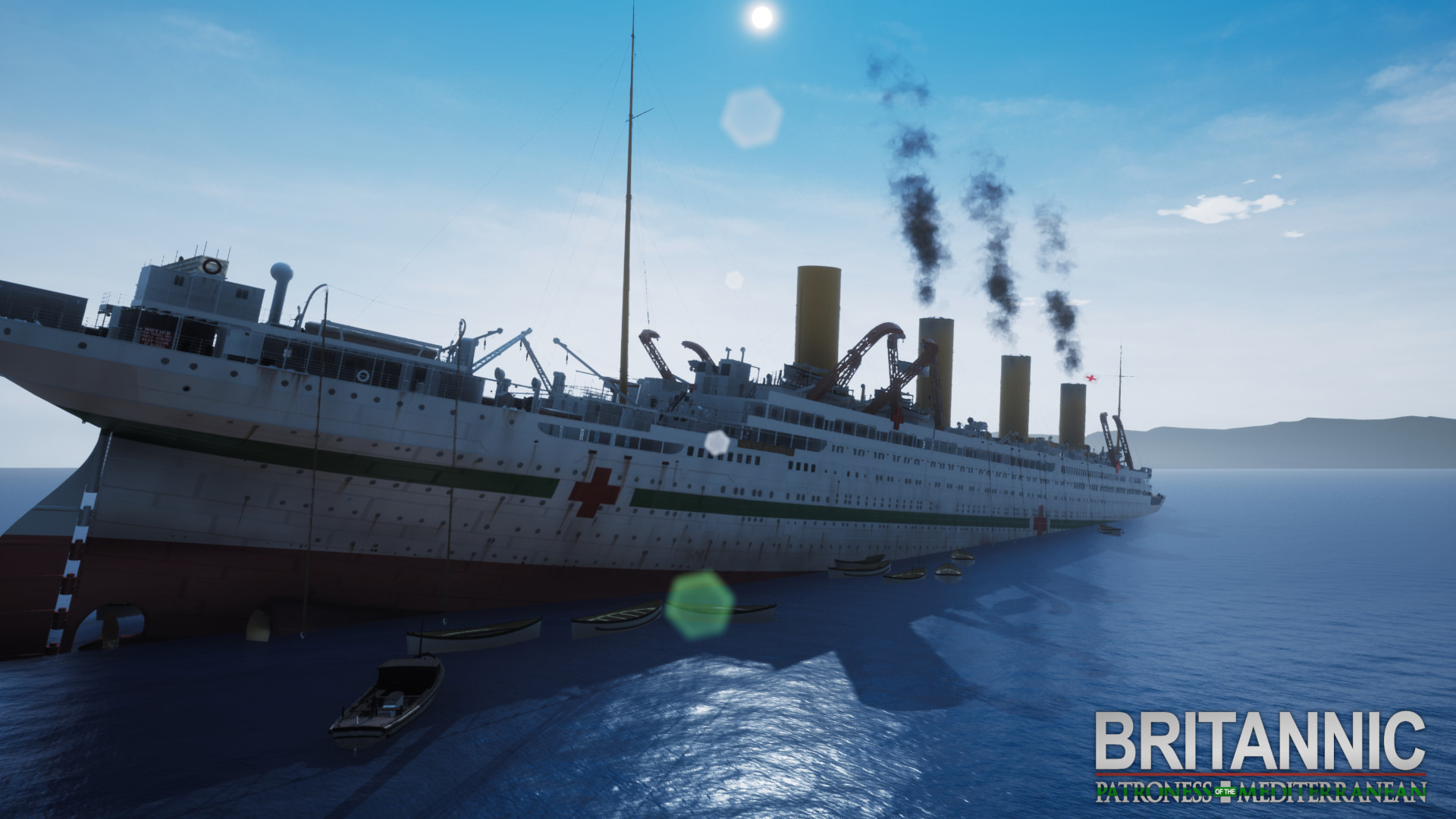
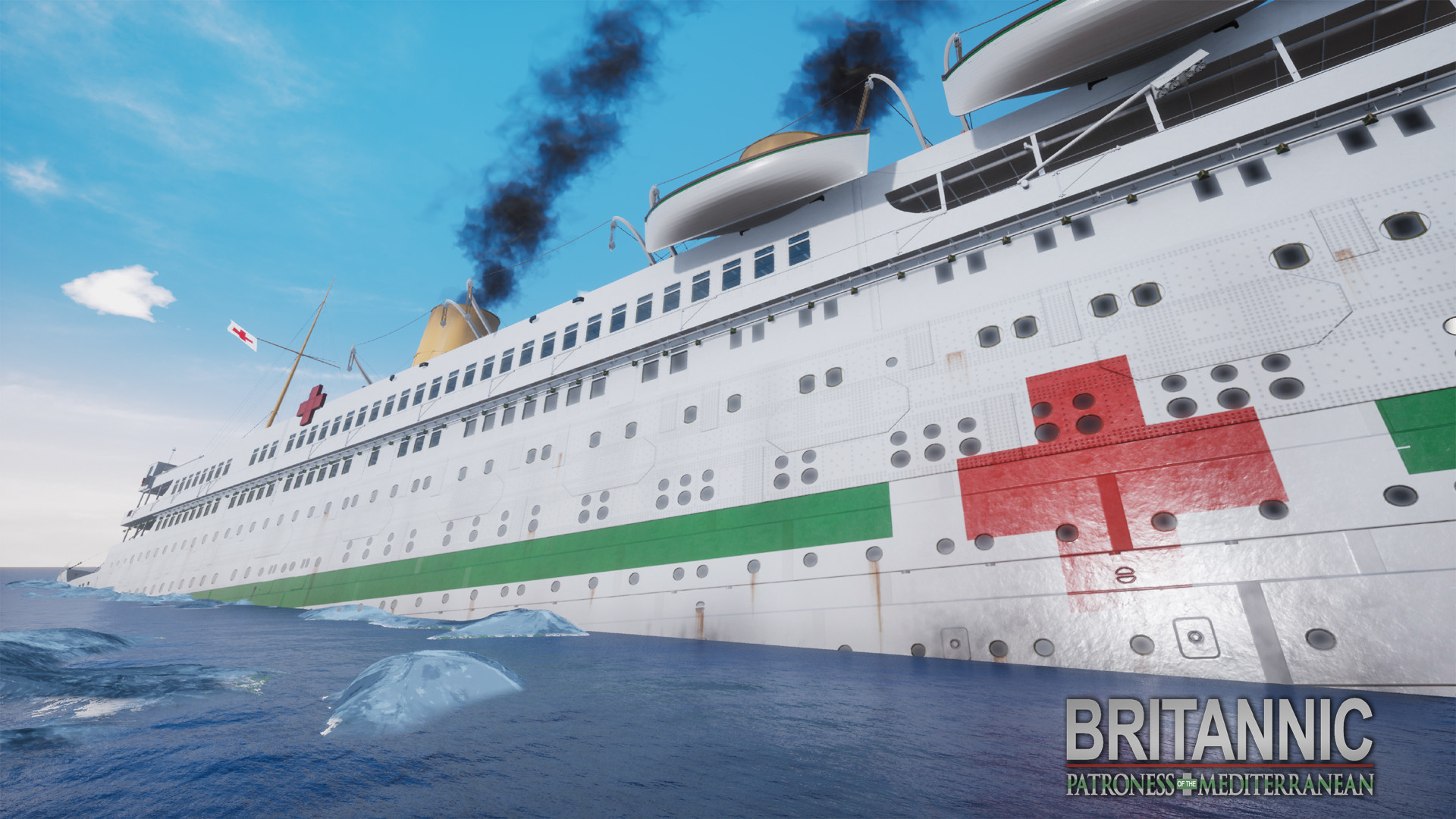
Britannic: Patroness of the Mediterranean lets you board the historic HMHS Britannic, the third Olympic‑class ship, and explore it as a virtual museum. The experience draws on extensive research by the developers and leading Britannic historians, presenting architecture, wartime service, and Mediterranean voyages in detail.
The title is a single‑player, casual simulation available for Windows and macOS. It supports VR headsets, tracked controllers, and partial controller input, and includes family‑sharing so multiple users on the same device can experience the same historical presentation.
01 / THE GUIDE
Historical Context
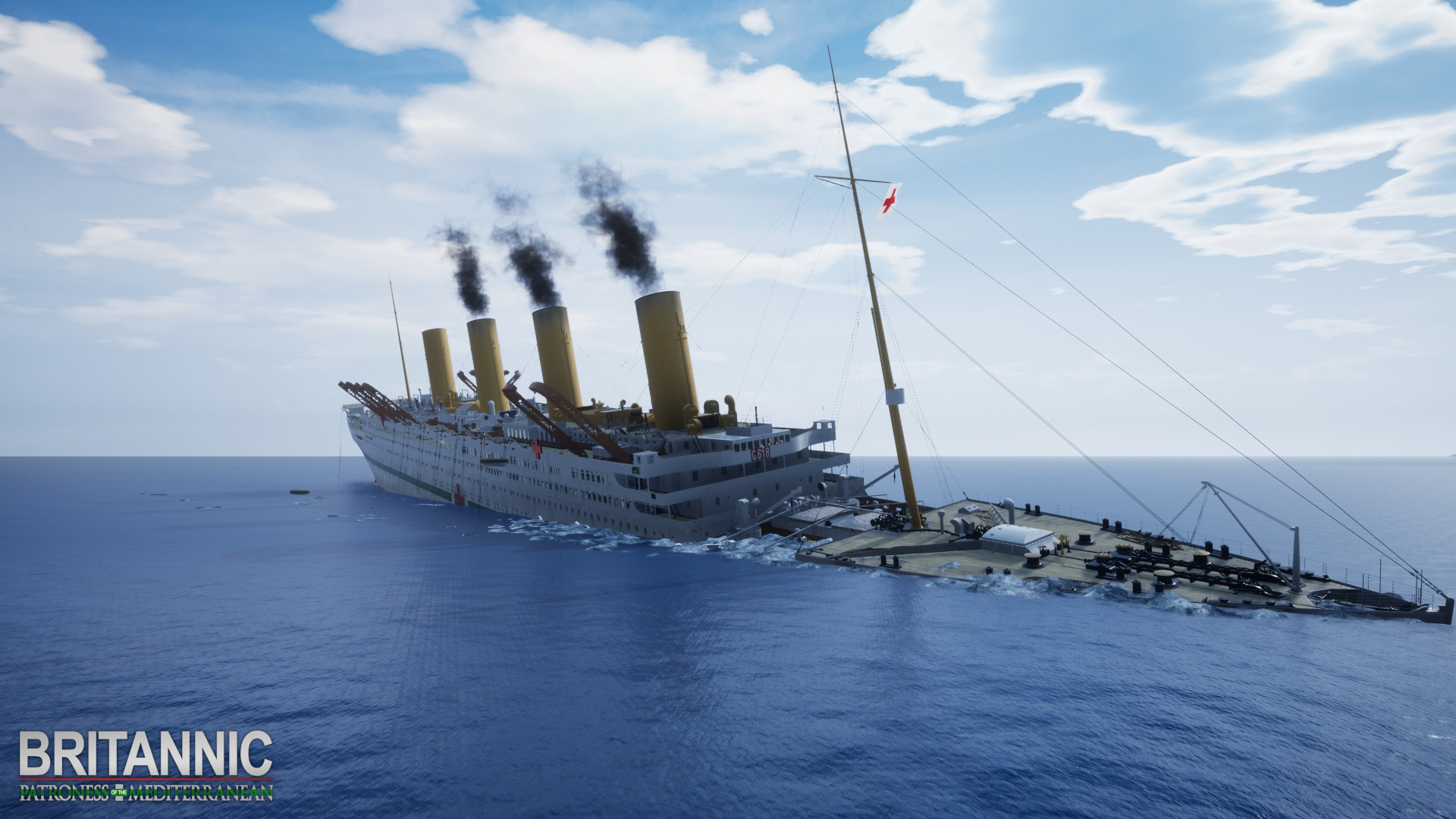
The experience situates the Britannic during its First World War service as a hospital ship, describing its construction, role in the Mediterranean, and eventual sinking. All narrative points are drawn from the research team and recognized Britannic historians, ensuring factual accuracy.
No fictional characters or speculative events appear; the focus remains on documented history. Players encounter concise text panels that explain the ship’s place within the Olympic class trio and its contribution to wartime medical efforts.
- Read each information panel fully before moving on.
- Cross‑reference displayed facts with external historical sources for deeper study.
02 / THE GUIDE
Exploration Mode
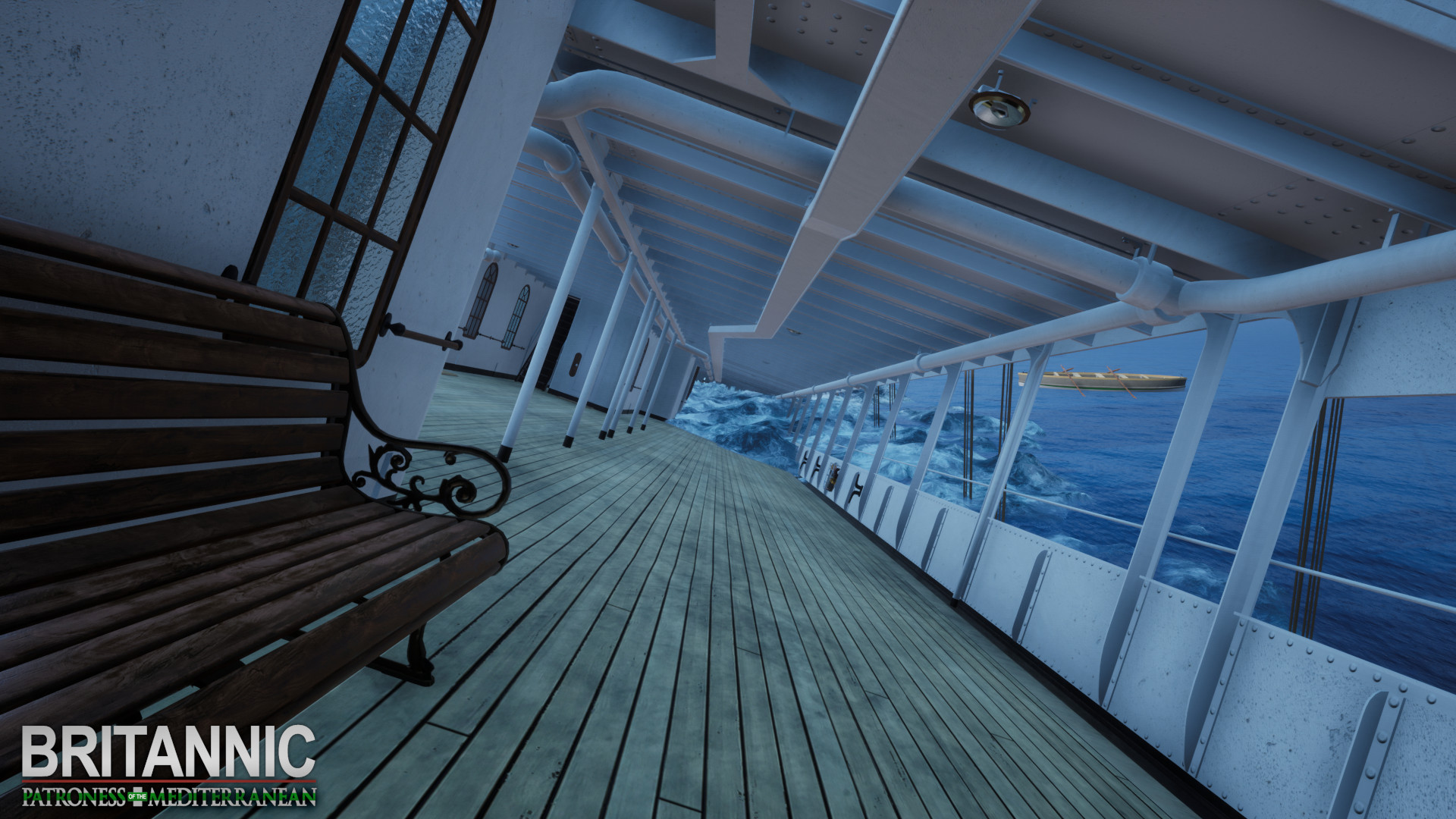
Players navigate the ship at their own speed, moving through decks, cabins, and public spaces without timed objectives. The environment is presented as a museum‑like space, encouraging curiosity and self‑directed learning.
The mode contains no combat, resource, or progression systems; interaction consists of moving, looking around, and reading the informational displays that appear in each area.
- Pause in each room to read all displayed details.
- Use the in‑game map (if present) to orient yourself within the ship.
03 / THE GUIDE
VR Support
The title supports virtual‑reality headsets, placing the player directly inside the ship’s corridors and cabins. This perspective emphasizes scale and the tactile feel of historic spaces.
VR operation runs alongside a standard desktop view, allowing users to choose whichever presentation matches their hardware and comfort level without affecting the informational content.
- Adjust headset fit before long sessions to avoid fatigue.
- Switch between VR and desktop to notice how perspective changes spatial perception.
04 / THE GUIDE
Controller Options
Both tracked controller support and partial controller support are listed, meaning motion‑based devices or standard gamepads can be used for navigation. The game does not require a specific controller type, and input schemes coexist with the default controls.
These options give flexibility for players who prefer handheld motion input or traditional button‑based navigation, without altering the educational content or exploration mechanics.
- Test each controller type briefly to see which feels smoother for turning and moving.
- Ensure batteries are charged if using wireless controllers for extended sessions.
05 / THE GUIDE
Family Sharing
Family Sharing allows multiple accounts on the same device to launch the experience, supporting collaborative learning among relatives or friends. Each user accesses the same historical presentation without separate purchases.
The feature does not modify content; it simply enables different players to experience the museum‑like environment on a shared system, making it suitable for group discussion after play.
- Log in with each family member’s account before starting so everyone can launch the experience under their own profile.
- Discuss discoveries together after each session to reinforce learning.
COMMUNITY
Player discussion