 GameWiki
GET YOUR BEARINGS
About BRINK Traveler
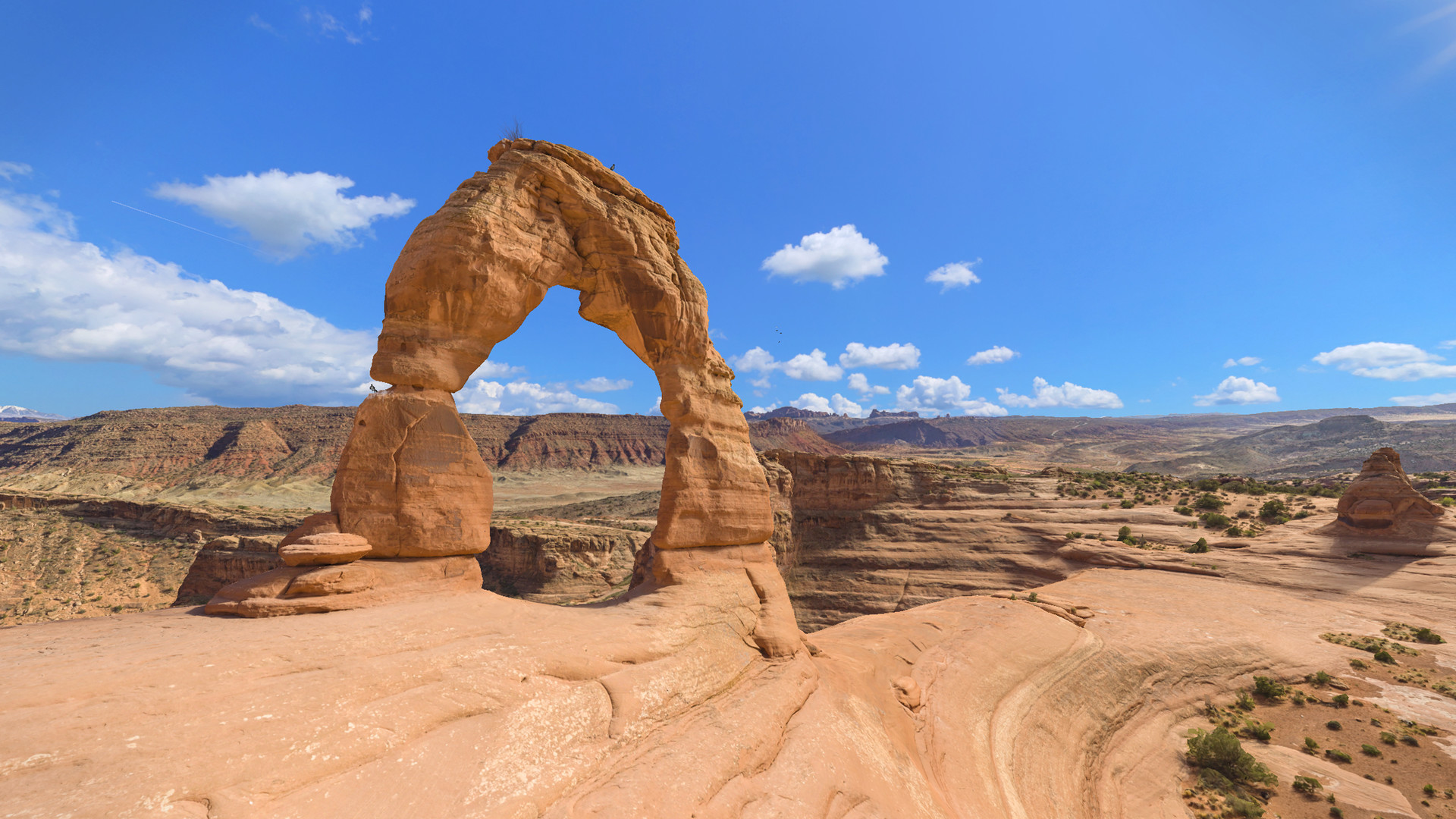
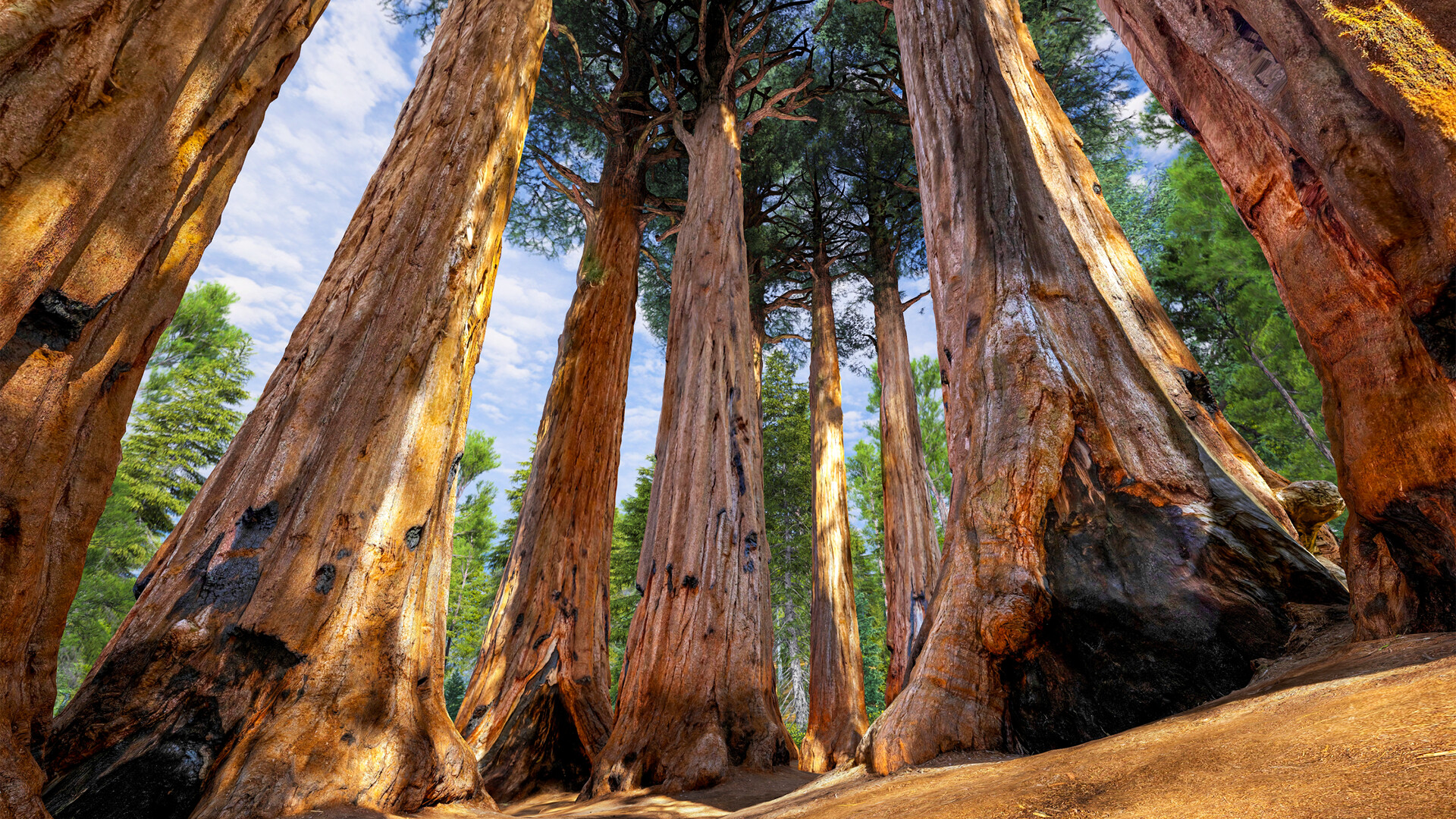
BRINK Traveler places you inside fully 3D‑captured natural wonders on Windows‑only VR headsets. Each of the 58 locations offers a few meters of room‑scale walkable space, letting you look around and feel present in places like the Dolomites or Arches National Park.
You can explore alone or invite friends and family to the same virtual space, use the built‑in virtual guide and AI assistant for information, and take in‑game photos to keep or share after each visit.
01 / THE GUIDE
Immersive Environments
The experience includes 58 distinct 3D environments that have been captured to showcase iconic sites such as Pulpit Rock, Navagio Beach, and Death Valley. Each environment is rendered in full three‑dimensional detail for VR headsets.
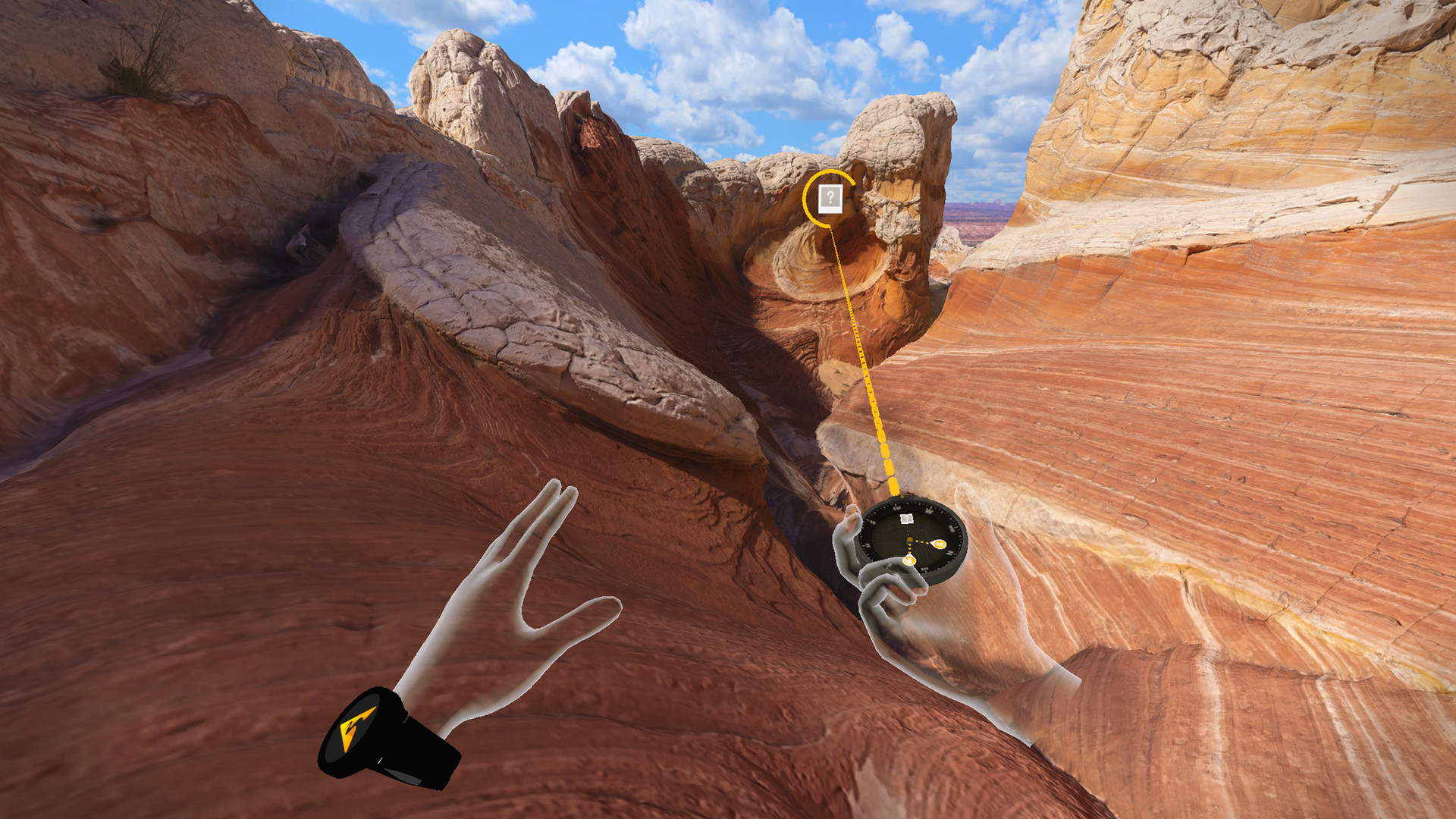
Within every location you have a few meters of room‑scale walkable area, allowing you to move naturally and view the scenery from multiple angles without leaving the play space.
- Move slowly to notice subtle details in the scenery.
- Turn your head fully to explore the entire room‑scale area.
02 / THE GUIDE
Multiplayer Visit
BRINK Traveler supports both single‑player and multiplayer modes, so you can travel solo or join friends and family in the same virtual location. The multiplayer experience works across Windows platforms.
Cross‑platform multiplayer lets participants using different Windows PCs share the same environment at the same time, requiring only the tracked controllers that the game lists as supported.
- Agree on a meeting point before entering the environment.
- Check that all participants have tracked controller support.
03 / THE GUIDE
Virtual Guide & AI Assistant
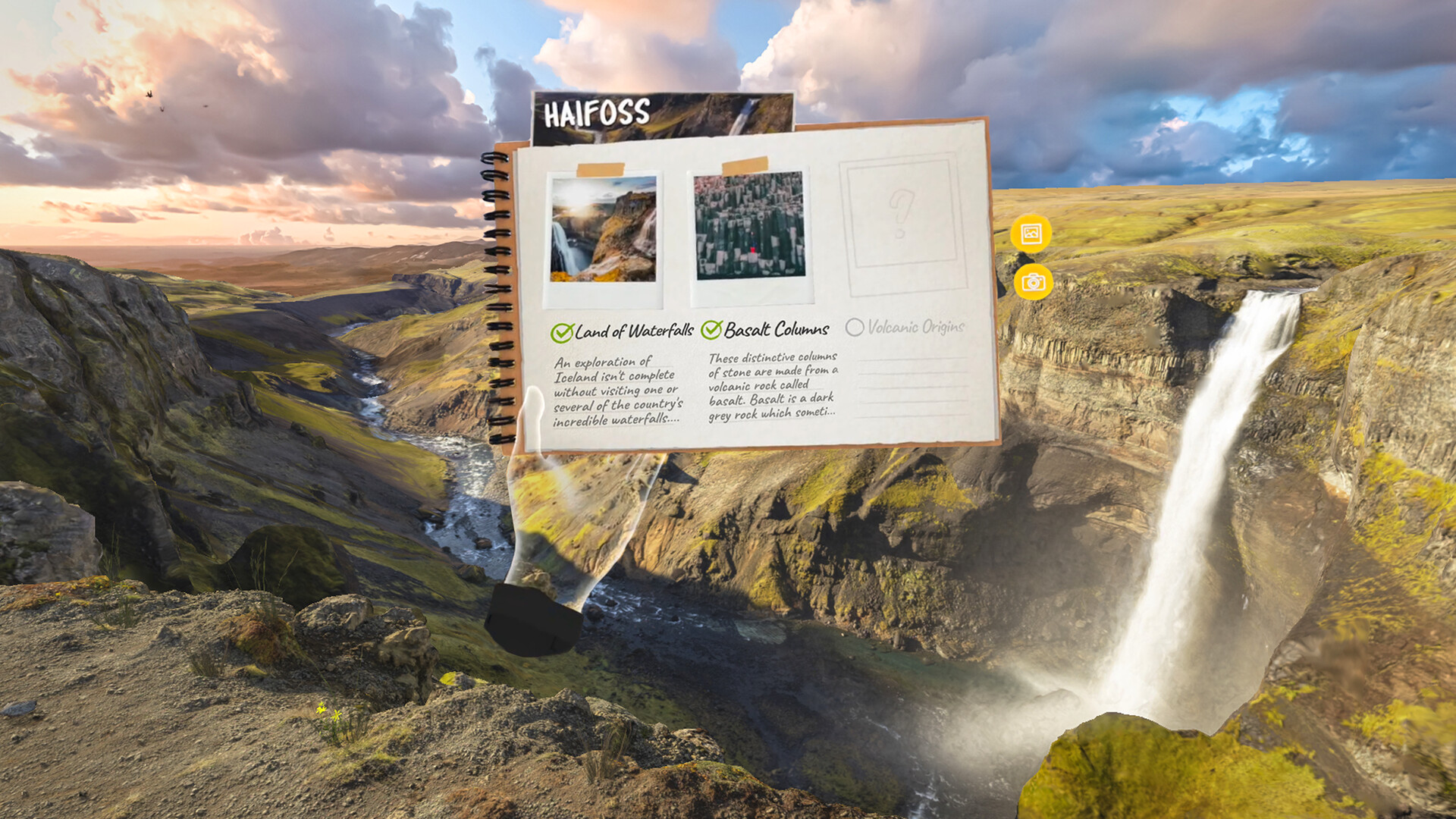
A built‑in virtual guide and AI travel assistant provide contextual information about each location, offering facts and explanations as you explore the environment.
The AI can answer questions you pose during the visit, highlighting points of interest and adding educational value to the visual experience.
- Ask the AI about geological features you see.
- Listen for the guide’s commentary while moving to keep context.
04 / THE GUIDE
Photo Capture
While exploring, you can shoot photos of the scenery. Captured images are saved locally, allowing you to review them after the session.
Saved photos can be shared with friends, giving a way to showcase the virtual travel experience outside the application.
- Frame well‑known landmarks for recognizable shots.
- Review photos after each visit to decide if you want to revisit a spot.
05 / THE GUIDE
Content Management
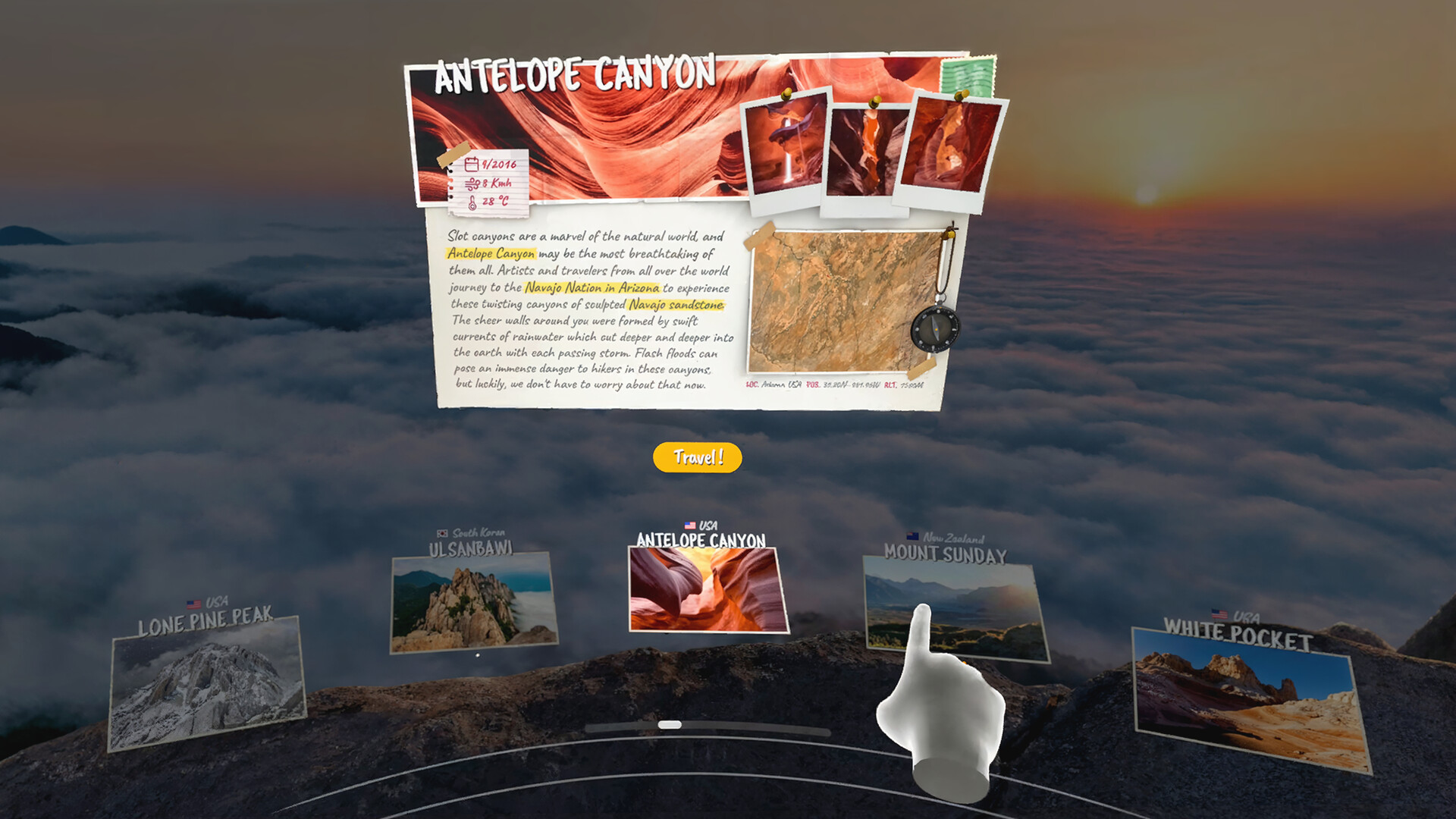
Each location occupies roughly 500 MB of storage, and the app lets you download or delete environments at will, giving you direct control over disk usage.
New locations and features are added regularly, expanding the catalog beyond the initial set of 58 sites.
- Delete locations you no longer need to free space.
- Check available storage before downloading a new site.
COMMUNITY
Player discussion