 GameWiki
GET YOUR BEARINGS
About Breeze
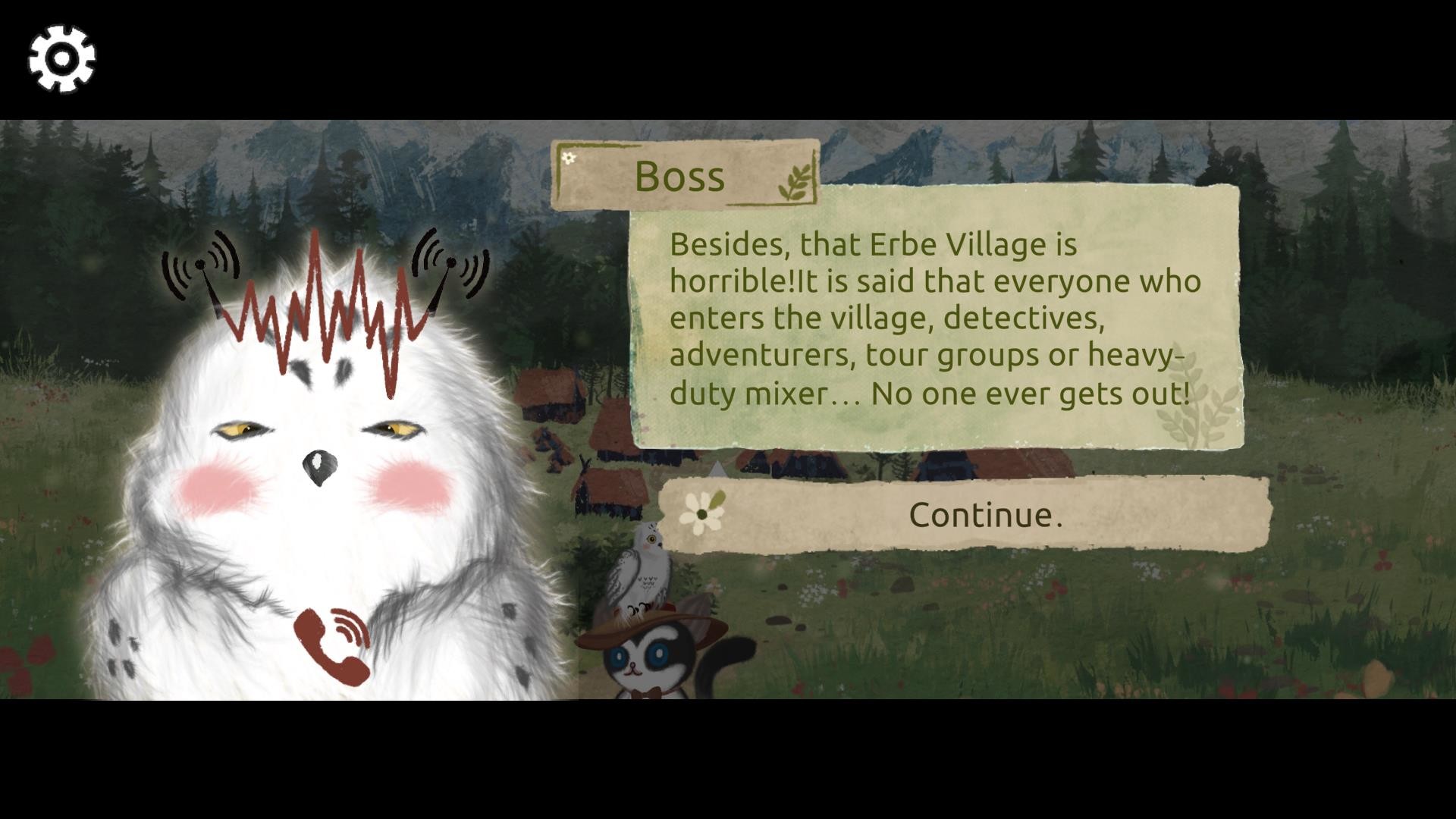
Breeze follows a sugar‑glider detective who ventures alone into Ereb Village, a settlement at the foot of snowy mountains. A rumor claims the village “devours everything, there is no return,” setting a mysterious tone as she seeks clues from the sleeping residents.
The game is a Windows‑only indie RPG that uses point‑and‑click interaction. Players explore the environment, combine items, and examine objects with a magic magnifying glass, all within a single‑player experience that supports family sharing.
01 / THE GUIDE
Story Premise
The narrative centers on a lone sugar‑glider detective who ignores warnings and enters Ereb Village. The village’s rumor of devouring everything creates a foreboding atmosphere while she searches for clues among the villagers.
As villagers awaken, the detective’s fragmented memories begin to surface, intertwining her personal history with the village’s hidden secrets and gradually revealing why the villagers fell asleep.
- Pay attention to dialogue that mentions the villagers’ sleep.
- Note environmental details that echo the opening rumor.
02 / THE GUIDE
Interactive Cursor
When the mouse cursor changes from an arrow to a paw, it signals that the pointed area is interactive. Clicking while the cursor shows a paw lets you pick up items, talk to characters, or obtain environmental information.
This visual cue is the primary method for navigating the game world, ensuring players can identify interactable objects without additional UI prompts.
- Hover over objects patiently to see if the cursor changes.
- Confirm the paw cursor before clicking to avoid unintended actions.

03 / THE GUIDE
Inventory Combination
The inventory includes a “combination” function that lets you merge items with the environment, other items, or characters. This mechanic is used to solve puzzles and advance the story.
Combining items with the environment, other items, or characters is a core way to experiment, making the inventory a central hub for puzzle solving.
- Try pairing items that share visual or thematic cues.
- Experiment with combining items directly with characters.
04 / THE GUIDE
Magic Magnifying Glass
Each inventory item displays a magic magnifying glass in its lower‑right corner. Clicking this icon provides additional details about the selected item, and some items contain puzzles you can interact with on the detail page.
The magnifying glass acts as a secondary information layer, allowing players to explore an item’s purpose without leaving the inventory screen.
- Inspect every item with the magnifying glass to avoid missing hidden hints.
- Use the extra details to decide which items to combine.
05 / THE GUIDE
Platform and Features
Breeze is released for Windows and is categorized as a free‑to‑play indie RPG. It supports single‑player gameplay and family sharing, allowing multiple accounts to access the same purchase.
The store data lists no support for macOS or Linux, indicating the game’s development and support focus on the Windows operating system.
- Verify your Windows system meets the game’s requirements before installing.
- Use family sharing if you have multiple Steam accounts.


COMMUNITY
Player discussion