 GameWiki
GET YOUR BEARINGS
About Breath of Fire IV
Breath of Fire IV follows the aftermath of a war between the Fou Empire and the Eastern Alliance. After an armistice, Princess Elina disappears, prompting her sister Nina to set out alone in search of her sibling.
The re‑release runs on Windows with a modern DirectX renderer, restored audio, and full keyboard‑only support while keeping the classic turn‑based RPG story and its cast of six playable characters.
01 / THE GUIDE
Story Setup
Two floating continents have been isolated for ages until first contact sparks a costly war. An armistice ends the fighting, but a year later Princess Elina vanishes while traveling near the front line.
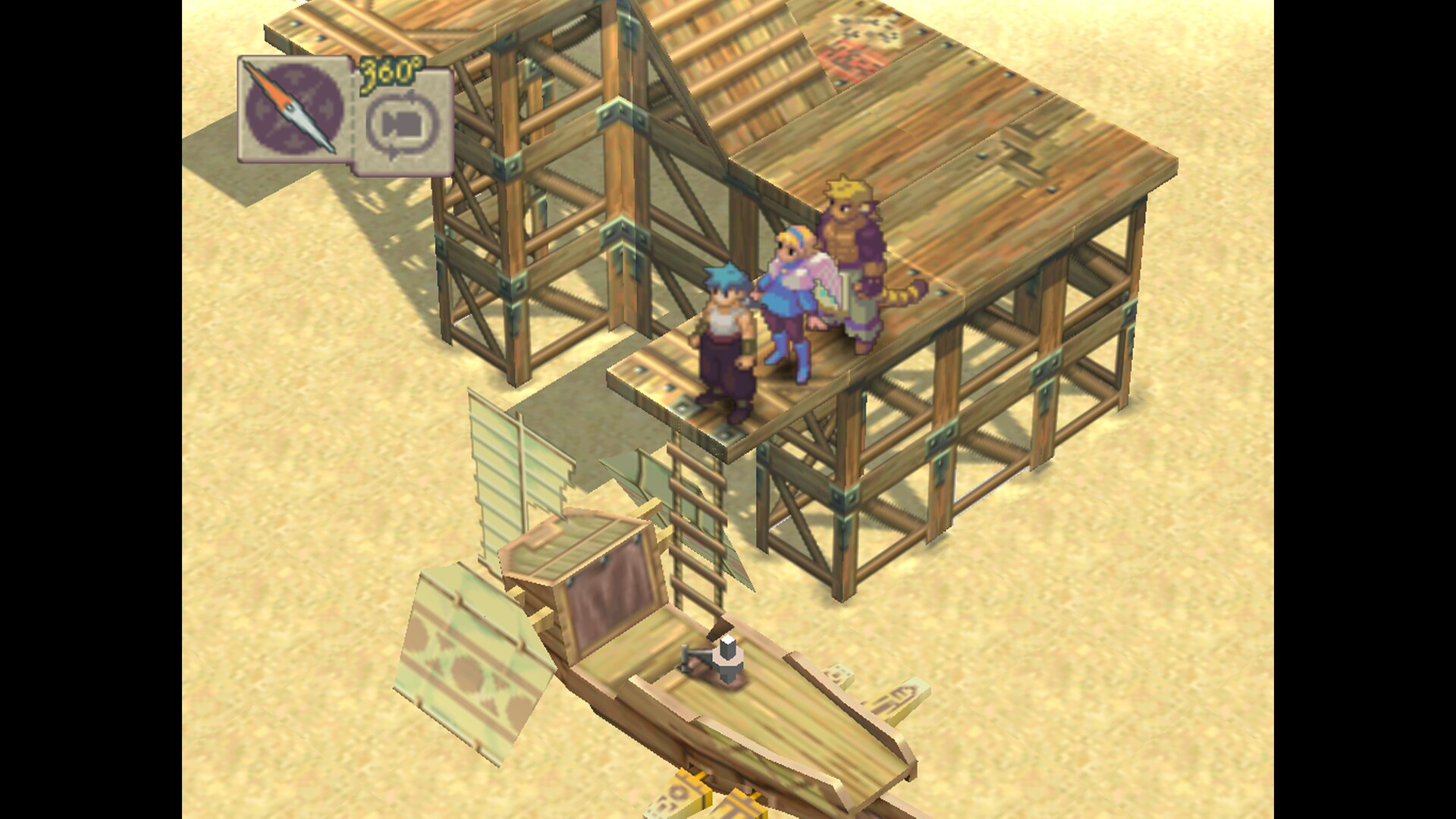
Princess Nina decides to search for Elina herself. She meets the unconscious Ryu in a desert town, and together they begin gathering allies to pursue the missing princess across the continents.
- Follow each new character’s introduction to keep track of the party’s growth.
- Note the locations where the party meets, as they often hint at upcoming plot points.
02 / THE GUIDE
Character Roster
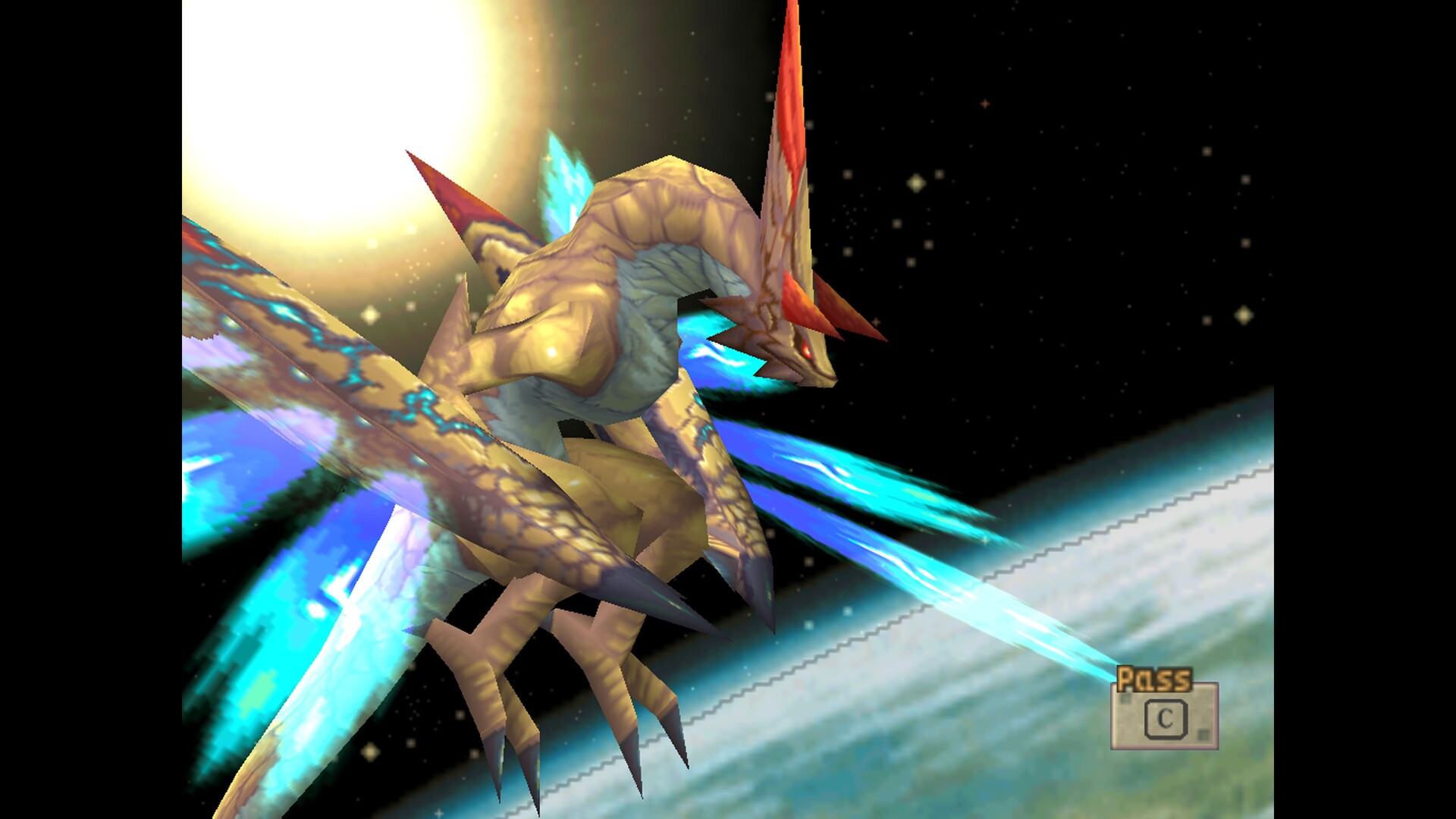
Ryu wields a Dragon’s Eye that lets him transform into a dragon and summon dragons. Nina, a princess of the Fae tribe, is skilled in healing magic. Scias, a mercenary, can perform a powerful double sword attack.
Cray leads the Woren tribe and offers strong offensive and defensive abilities. Ershin wears sealed armor that hides her face and background. Ursula, a middle‑class leader of the Fou Empire, attacks with both magic and weapons.
- Match characters’ described abilities to the challenges you face.
- Remember each character’s unique trait—dragon transformation, healing, double attack—for varied tactics.
03 / THE GUIDE
Battle System
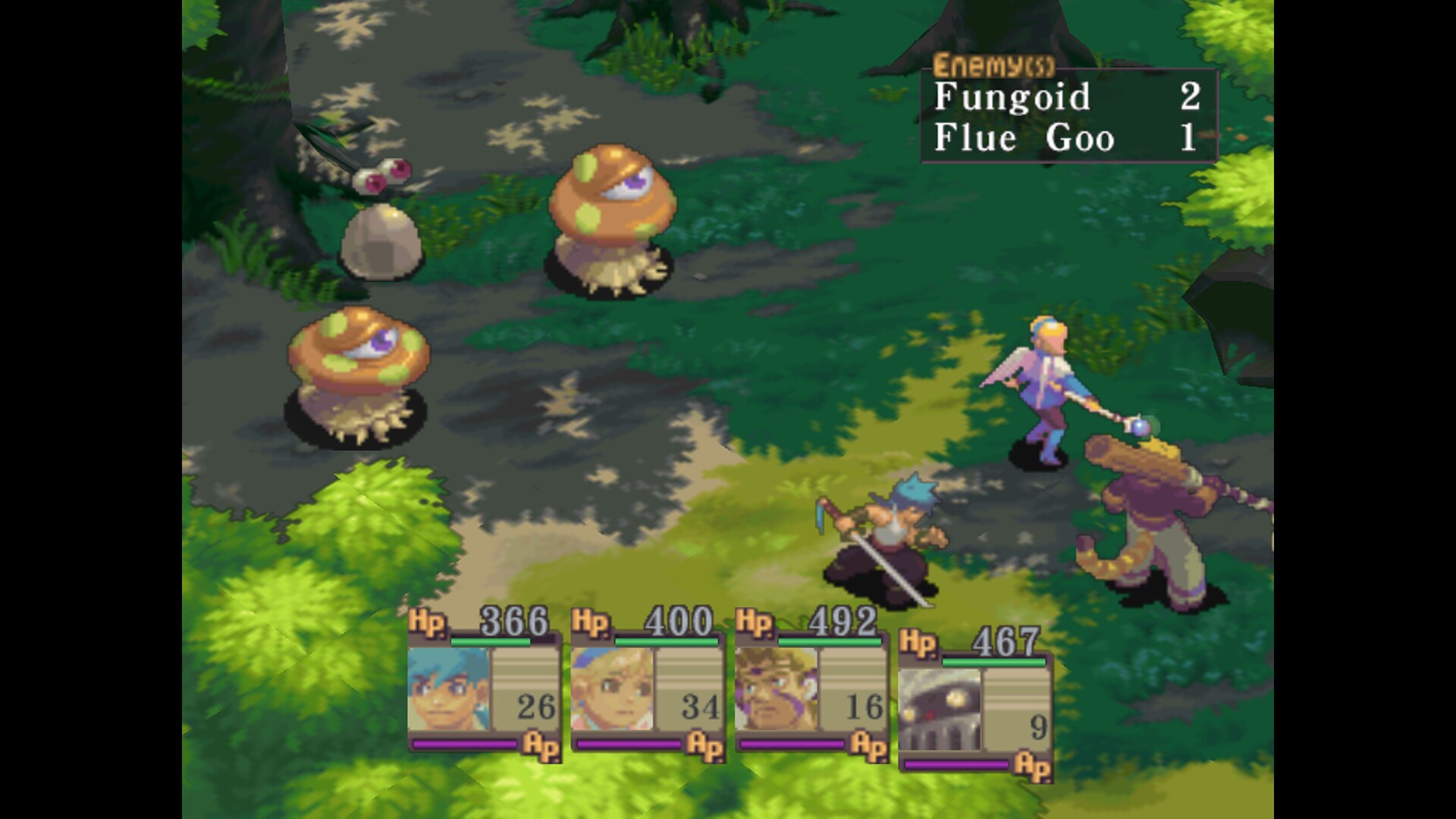
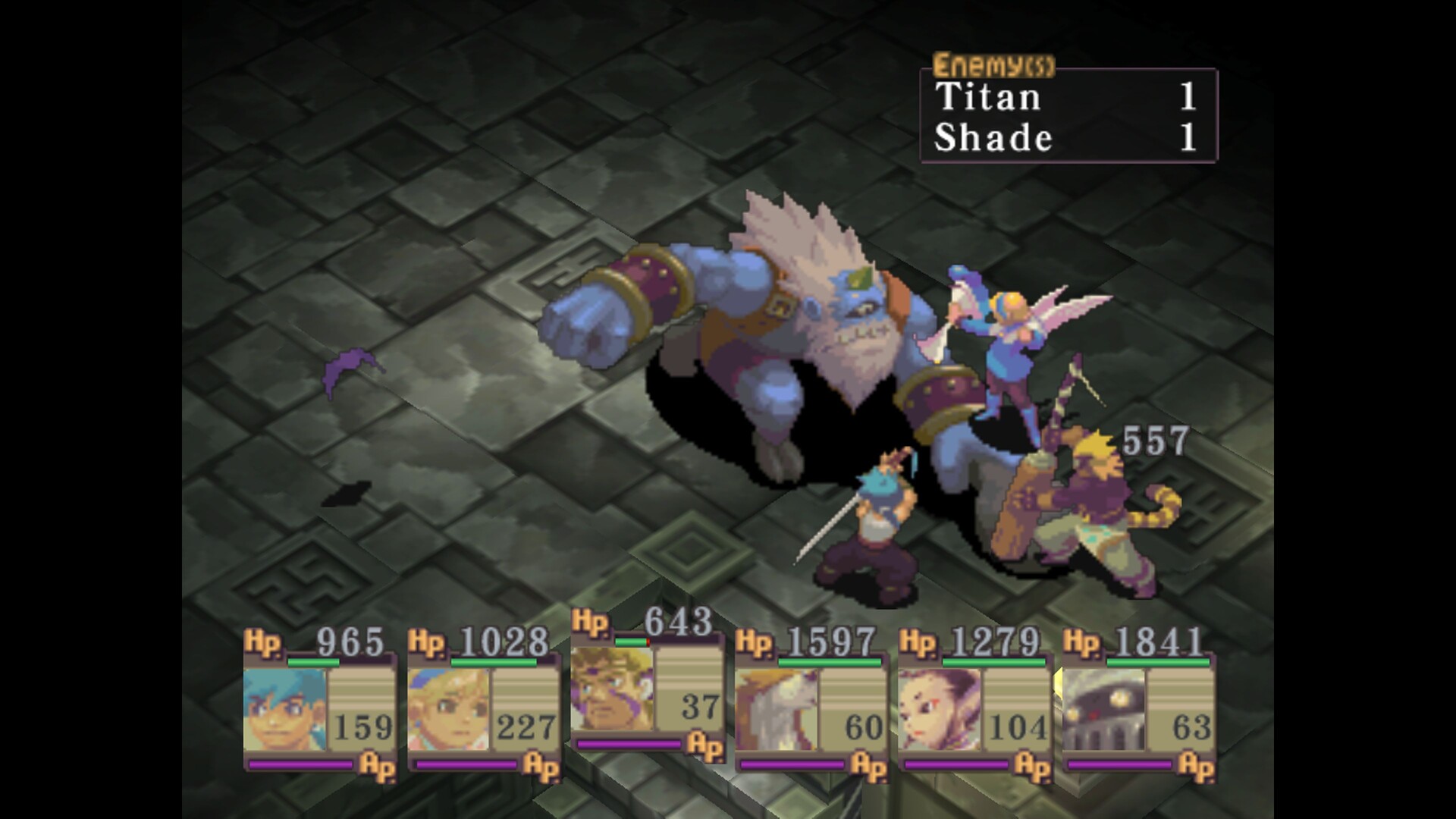
Combat uses an issue‑free battle and combo system that has been fixed to prevent crashes. Players can trigger dragon transformations and execute combo actions against unique enemies.
The system accepts keyboard‑only input and partial controller support, allowing players to choose their preferred control method during fights.
- Try a dragon transformation early to gauge its damage potential.
- Chain combo actions to maximize damage without relying on external guides.
04 / THE GUIDE
Technical Enhancements
The re‑release adds a DirectX renderer with options such as windowed mode, vertical synchronization, gamma correction, integer scaling, anti‑aliasing, and anisotropic filtering. Audio has been restored, including missing environmental sounds.
Graphic settings let players adjust display mode, presentation (fullscreen or windowed), aspect‑ratio correction, scaling method, V‑sync, gamma, anisotropic filtering, and anti‑aliasing to suit their hardware.
- Increase gamma if the scene appears too dark on your monitor.
- Enable anti‑aliasing only if your GPU can handle the extra load.
05 / THE GUIDE
Platform Features
Breath of Fire IV is available on Windows as a single‑player title. It includes custom volume controls, family sharing, and support for DualShock, DualSense, and partial controllers. Pressing F9 returns to the main menu or quits the game.
The game does not support macOS or Linux, and all listed features are built into the Windows client.
- Use the F9 shortcut for quick access to the main menu.
- Family sharing allows multiple accounts to play without repurchasing.

COMMUNITY
Player discussion