 GameWiki

GET YOUR BEARINGS
About BREAK ARTS III
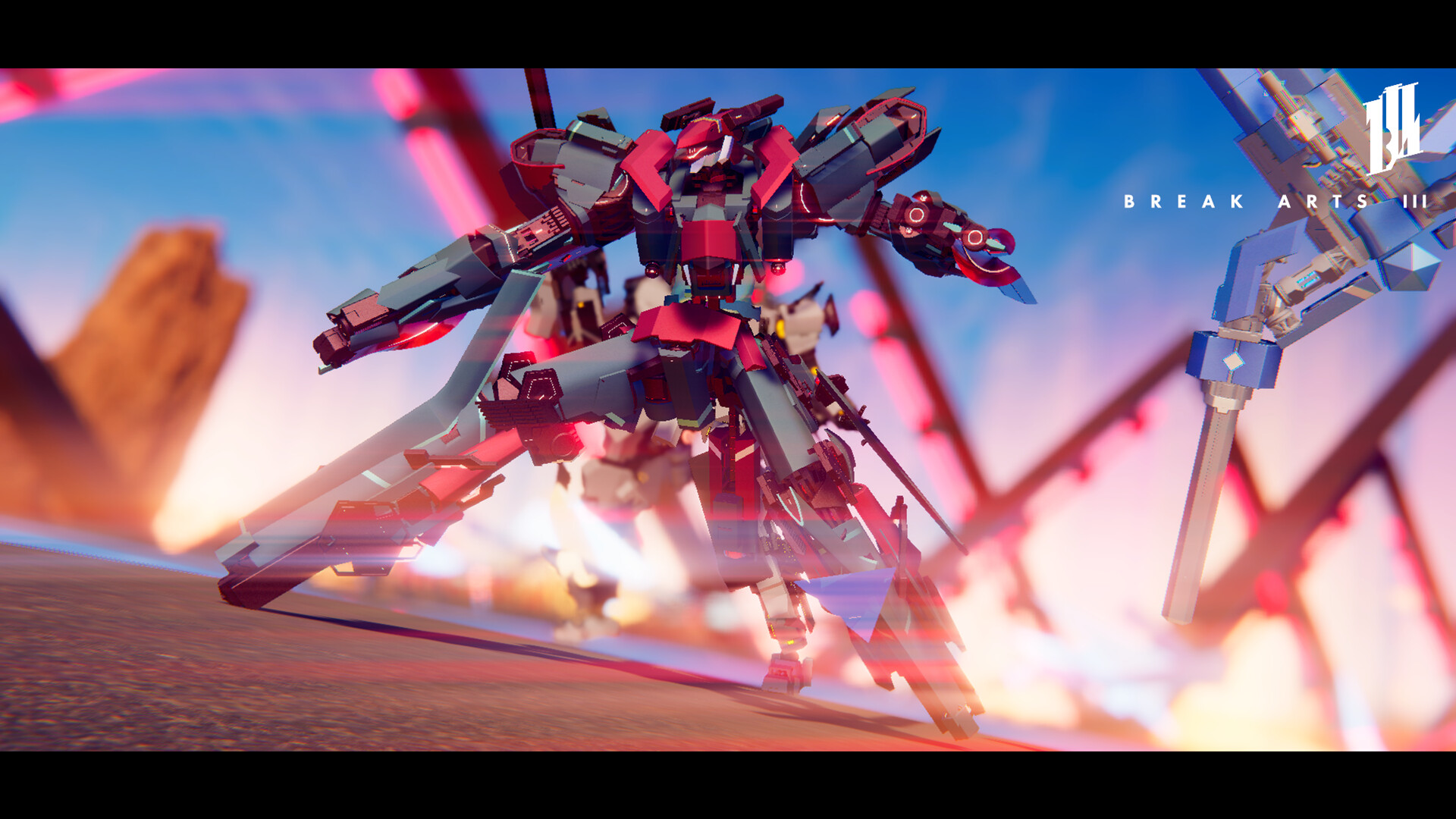
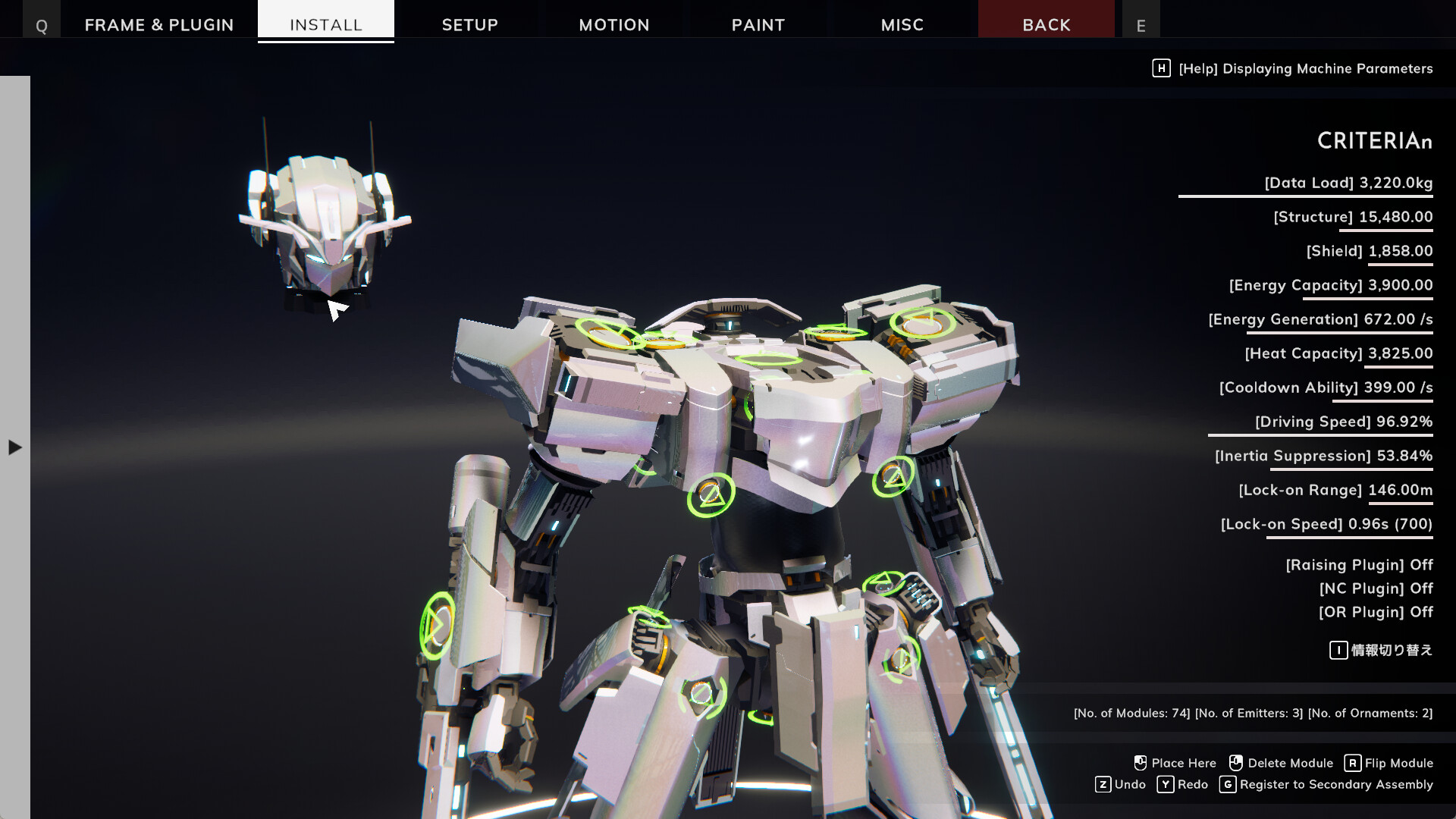
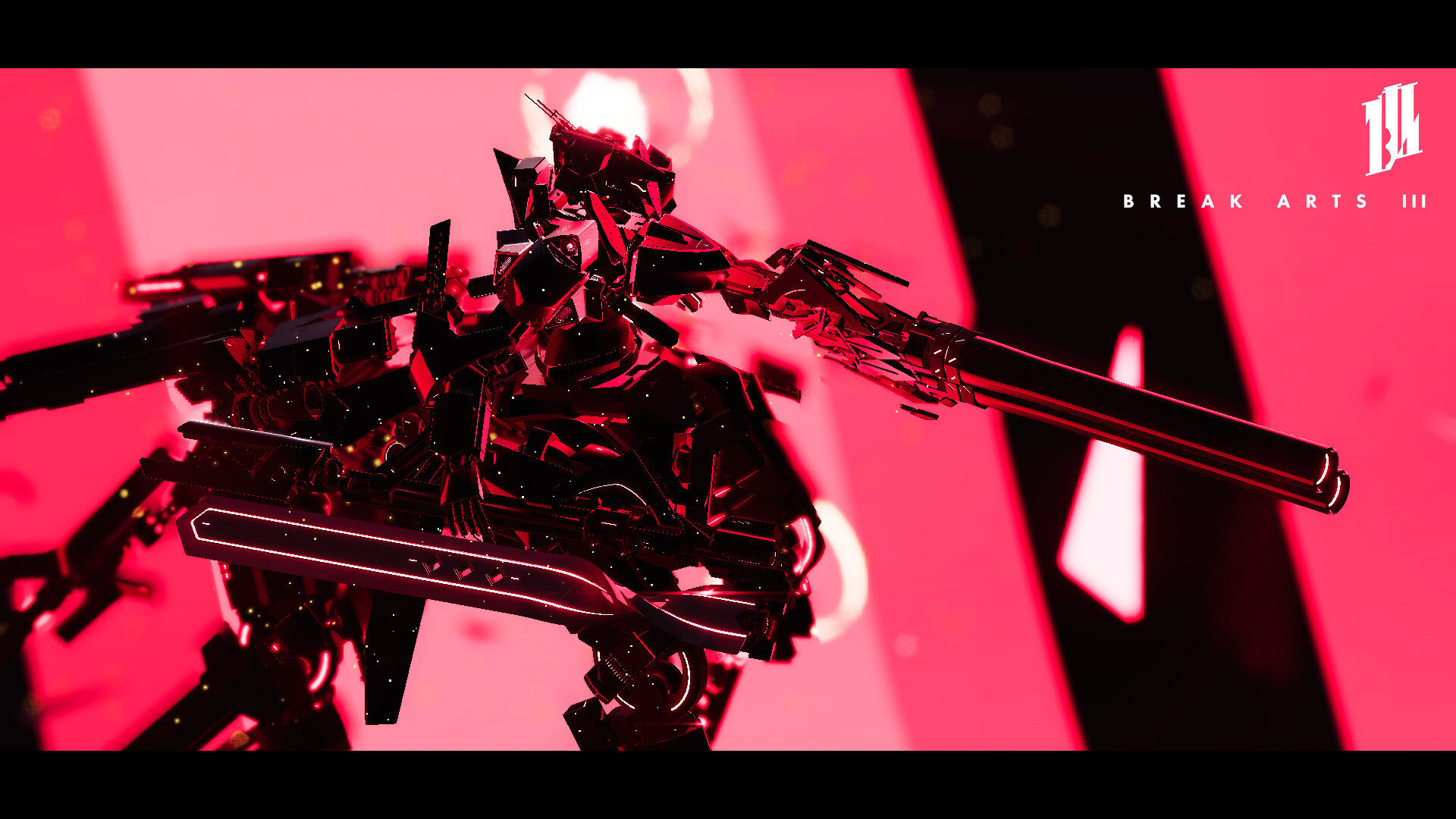
Break Arts III expands robot racing into a full‑scale competitive sport. Players can build highly detailed mechs using a large library of modules, plugins, and frames, customizing everything from thruster direction to weapon mount locations. The game offers three core match types—pure racing, free‑form battle, and a hybrid battle‑racing—plus online play with adjustable physics, a co‑op piloting mode, and a sandbox Diorama mode for unrestricted creativity and photo‑sharing.
01 / THE GUIDE
Race Mode
Race Mode is a combat‑free competition where the goal is to complete the circuit as quickly as possible. Players can equip any combination of thrusters and modules, and the chosen configuration directly influences acceleration and top speed on the track.
Because there is no combat, success depends on how well the mech’s build matches the circuit’s layout. Adjusting thruster direction and module placement lets you discover setups that maximize lap times without needing to consider offensive capabilities.
- Test different thruster angles to see which provide the fastest straight‑line acceleration.
- Swap non‑essential modules for additional thrusters to increase overall speed.
02 / THE GUIDE
Battle Mode
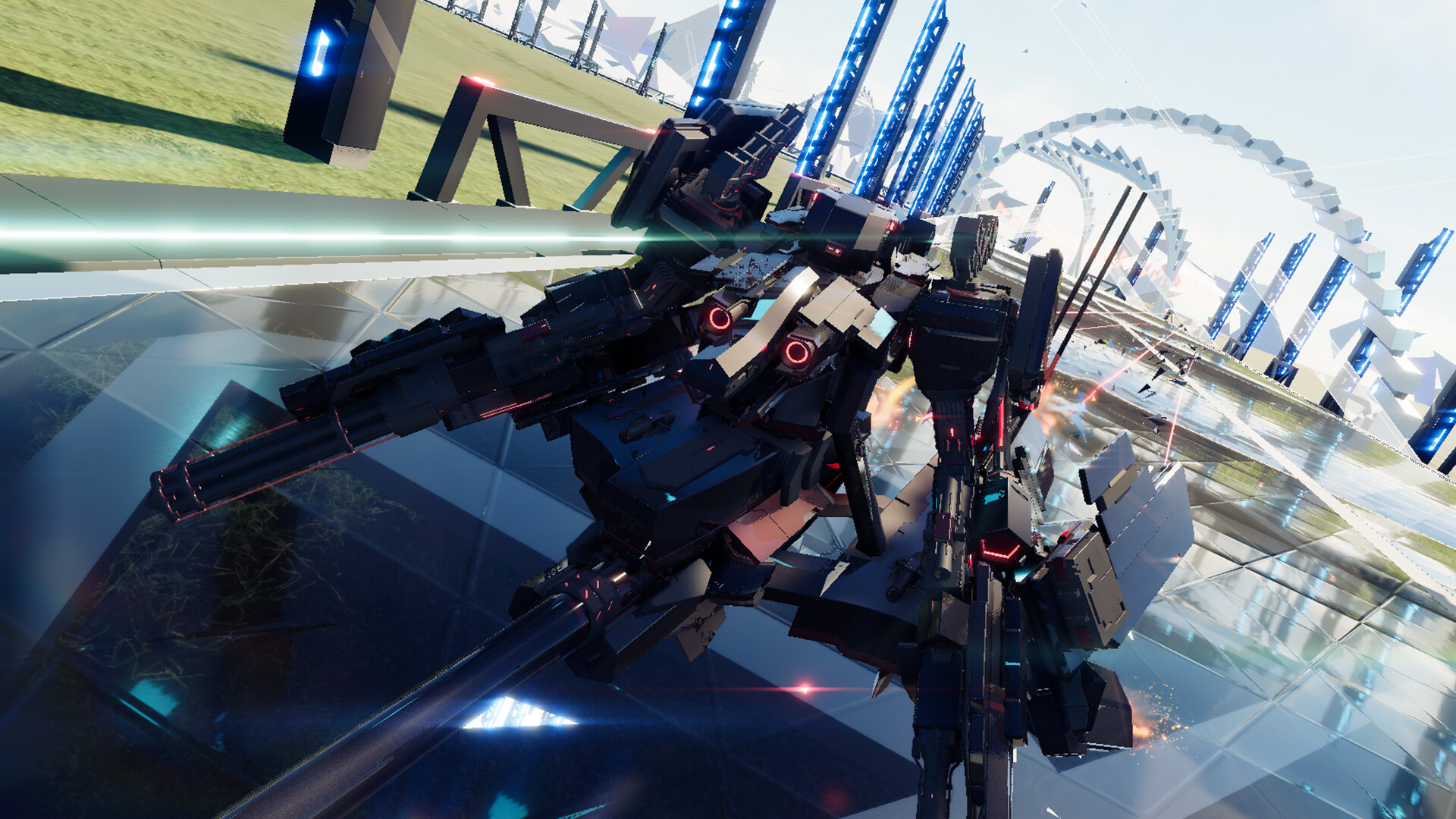
Battle Mode removes a fixed track, giving players free movement across an open field where the goal is to eliminate rivals while avoiding being knocked out. Points are deducted when your mech is eliminated, so staying in the fight is essential.
Customization choices such as weapon mount location and module selection affect how quickly you can strike opponents and how easily you can evade attacks. Placing weapons on shoulders, backs, or other connectors changes attack angles and tactical options.
- Place weapons on multiple connectors to cover different attack directions.
- Use mobility‑enhancing modules to help dodge enemy fire.
03 / THE GUIDE
Battle Racing Mode
Battle Racing blends racing position with combat performance. Final rankings consider three factors: race placement, the number of opponents you eliminate, and the number of times you are eliminated.
Players must decide how much of their build to devote to speed‑boosting thrusters versus offensive weaponry. A balanced approach that yields consistent race positions while still scoring elimination points often proves most effective.
- Combine moderate thrusters with a reliable weapon to stay competitive in both speed and combat.
- Target opponents early to secure elimination points before they can retaliate.
04 / THE GUIDE
Online Mode & Co‑op
Online Mode lets you adjust environmental variables such as gravity, energy recovery amount, and temperature before facing opponents worldwide. Rankings reset each month, encouraging continual refinement of builds and tactics.
A co‑op feature allows 2‑6 players to share control of a single mech, assigning roles for navigation, weapon operation, or other functions. This creates a unique team‑based experience within the same customization framework.
- Experiment with lower gravity to see how thruster performance changes.
- Assign one player to weapon control and another to movement for smoother co‑op coordination.
05 / THE GUIDE
Diorama Mode
Diorama Mode unlocks every part from the start, removing performance limits so you can build any design you imagine. The mode is intended for creative experimentation rather than competitive scoring.
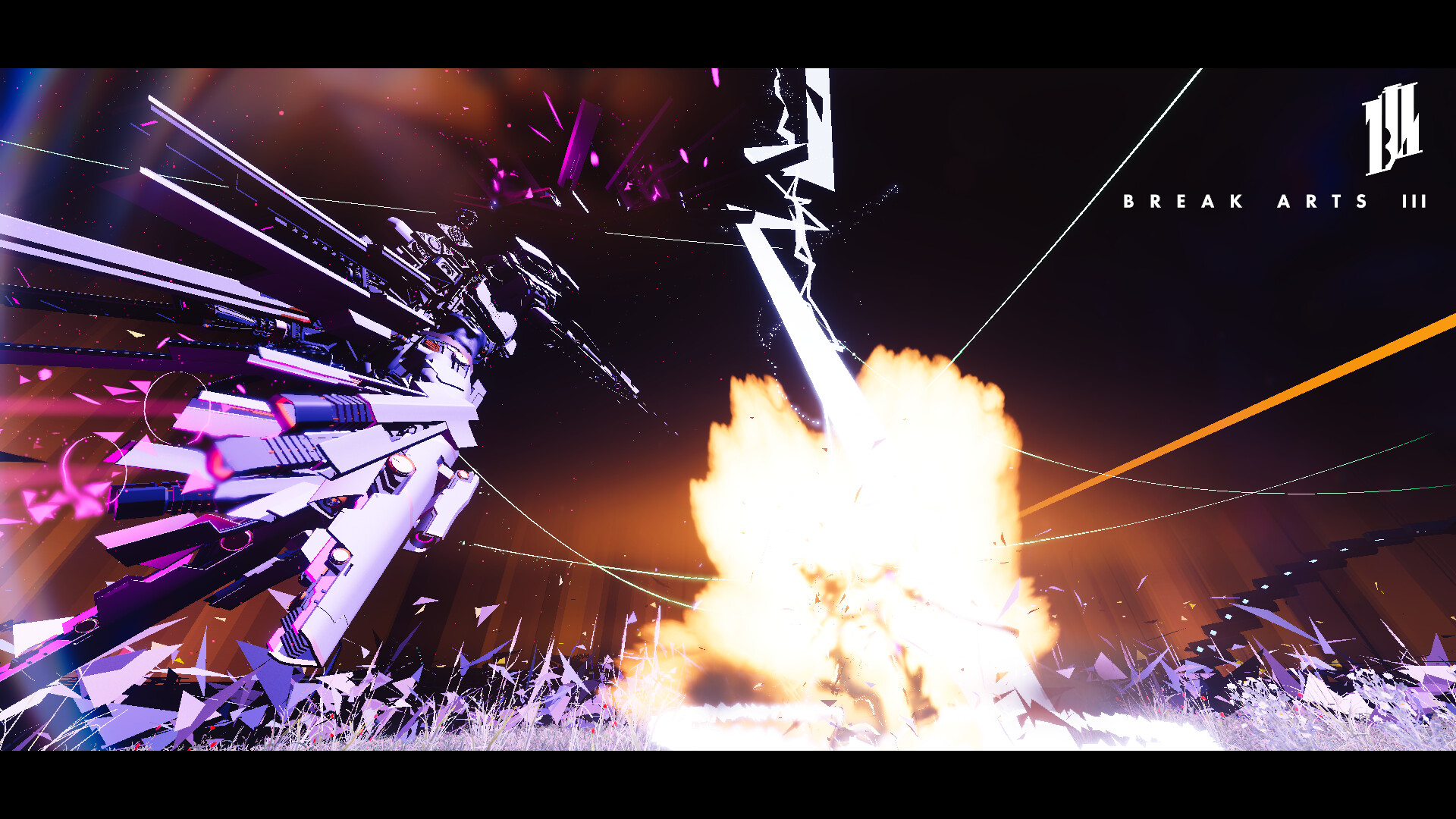
Completed builds can be captured in Photo Mode, which offers a range of functions for sharing your creations on social media, showcasing visual customizations like colors, bullet types, and animation settings.
- Use the unrestricted parts to test extreme weapon configurations before applying them in competitive modes.
- Capture unique builds in Photo Mode to inspire future designs.
COMMUNITY
Player discussion