 GameWiki
GET YOUR BEARINGS
About Brave × Junction
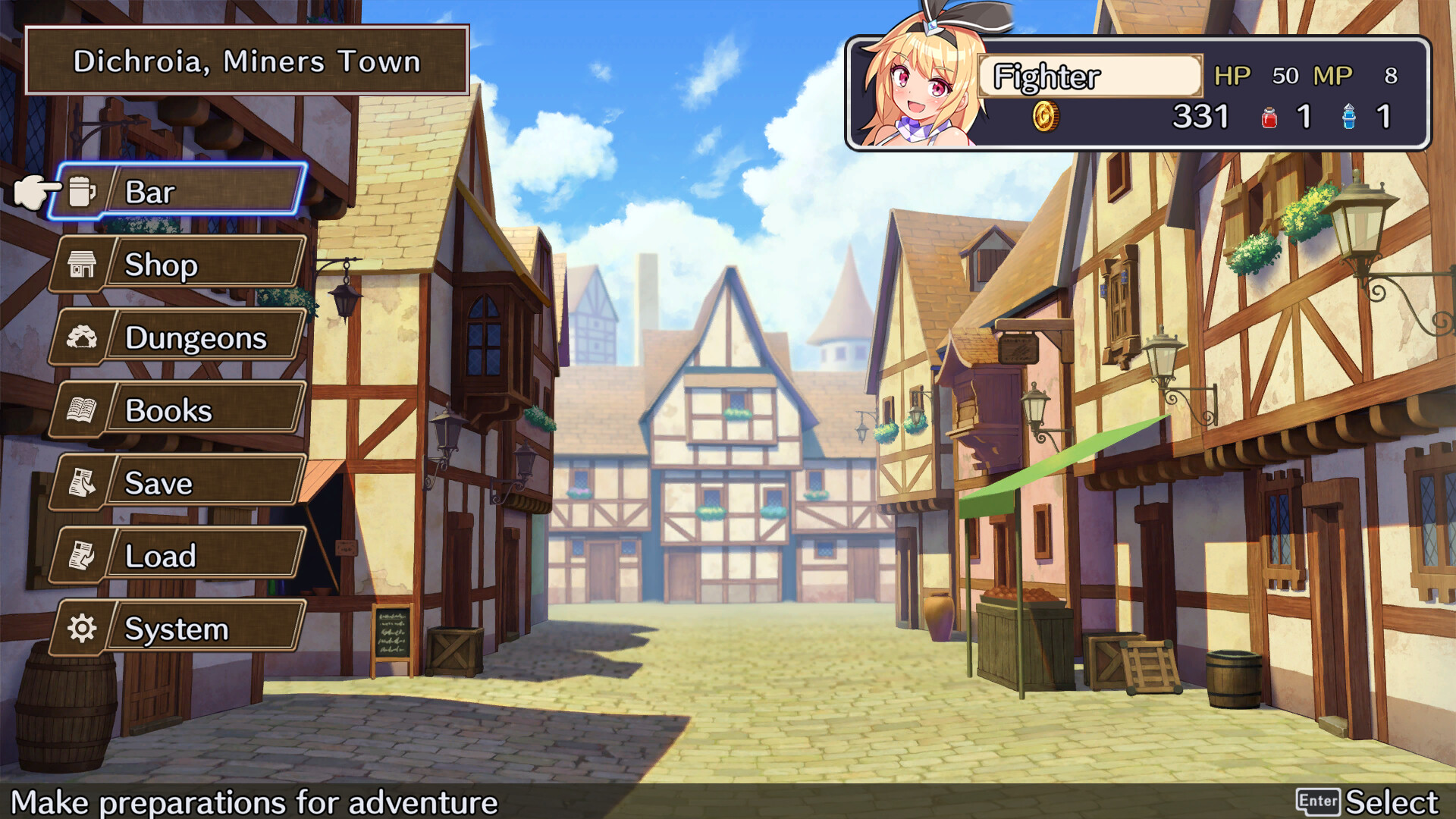
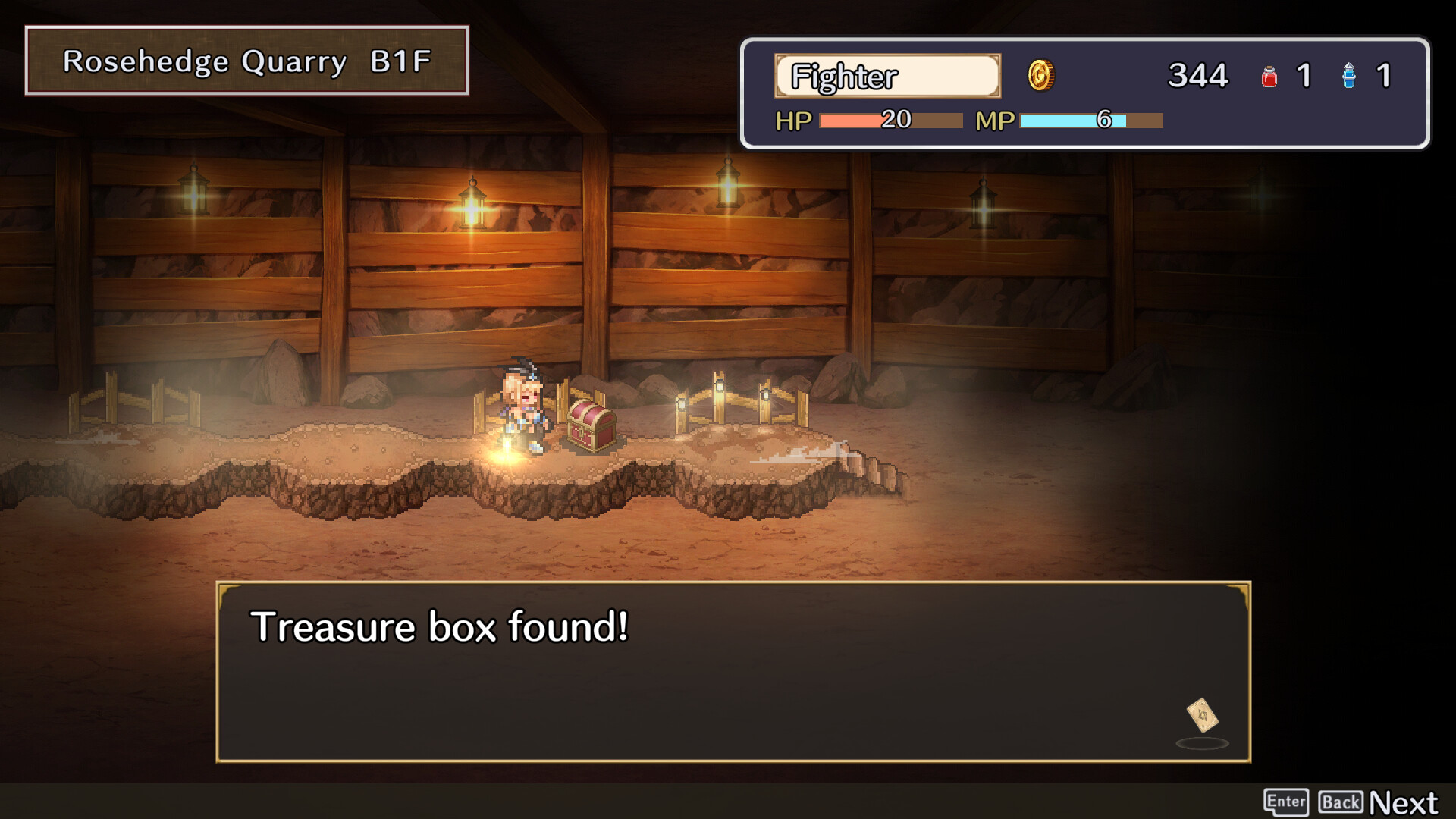
Brave × Junction blends classic RPG adventure with a blackjack‑style turn‑based combat system. Players explore dungeons, face a lineup of fantasy monsters, and aim to hit the number closest to 21 to land attacks. The game offers three distinct heroes, a variety of boost cards, and a town armory where weapons and accessories can be synthesized. Full controller support and Steam Cloud keep the experience smooth on Windows PCs.
01 / THE GUIDE
Blackjack Turn‑Based Battles
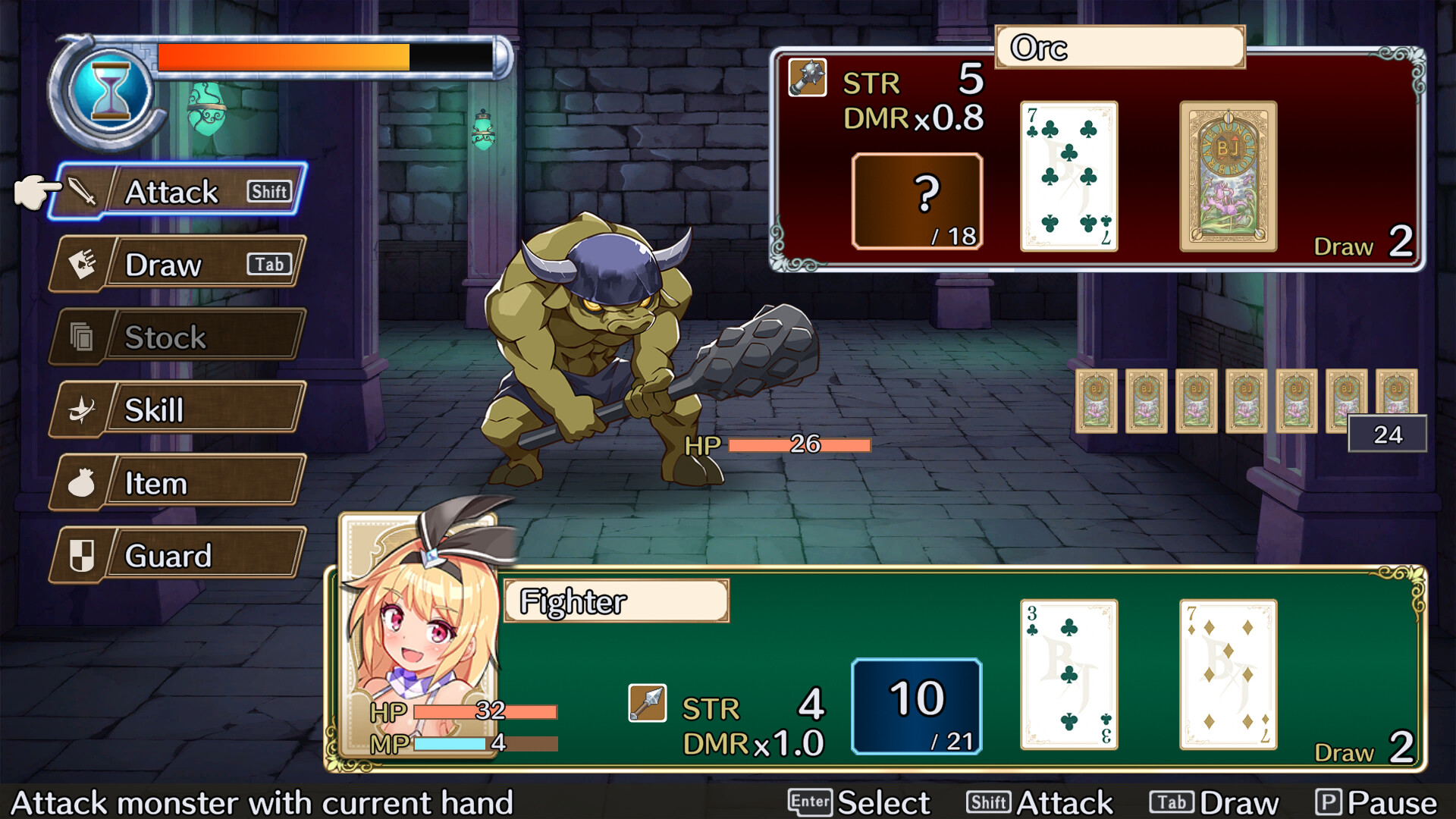
Combat is a one‑on‑one turn‑based duel where each side builds a hand of cards. The side whose total is nearest to 21 without exceeding it delivers an attack to the opponent.
The system encourages both luck and strategy, letting players decide whether to chase a high total or trap the enemy with lower values. Victory hinges on the hand’s proximity to 21 at the moment of resolution.
- Experiment with low‑risk hands early to gauge monster patterns.
- Consider saving high‑value boost cards for tougher foes where a larger total can secure a decisive strike.
02 / THE GUIDE
Three Distinct Heroes
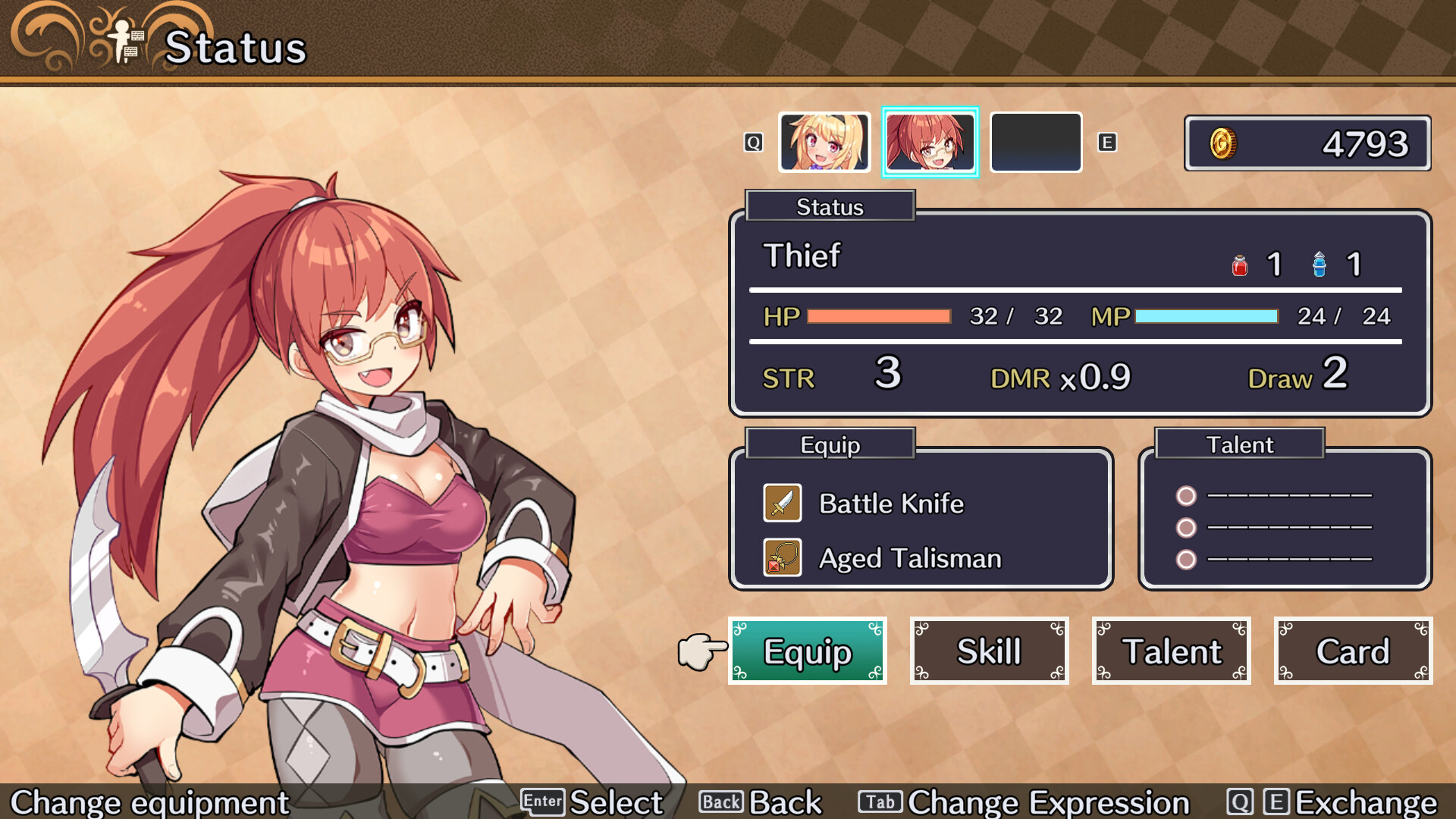
The Fighter follows a battle‑focused creed, the Thief excels at sensing danger, and the Magician relies on trickery. Each character brings a unique flavor to the blackjack battles.
Players can choose any of the three, allowing personal playstyle preferences such as aggressive attacks, defensive sensing, or deceptive card play.
- Try the Magician if you enjoy using trick cards to manipulate hand values.
- The Thief can be useful for navigating dungeons with hidden hazards.
03 / THE GUIDE
Diverse Monster Roster
Standard fantasy foes like slimes, orcs, and dragons appear alongside card‑themed enemies such as ghosts and trolls that exceed the 21 limit. Each monster carries its own set of skills.
Monsters from Rideon Japan’s “Adventure Bar Story” and “Mercenaries Saga” series also make cameo appearances, adding familiar faces for fans of those titles.
- Observe each monster’s skill set to anticipate whether they will aim for high or low totals.
- Use boost cards that counter specific monster abilities when possible.
04 / THE GUIDE
Boost Cards and Armory Synthesis
As you progress, boost cards become available to strengthen status and unlock new skills. Some weapons and accessories also grant abilities.
The town’s Armory & Forge lets you synthesize items, combining skills with abilities to create fresh tactical options.
- Collect a range of boost cards early to experiment with different ability combos.
- Visit the Armory regularly to test new syntheses before heading back into dungeons.
05 / THE GUIDE
Steam Integration and Controller Support
Brave × Junction runs on Windows via Steam, supporting Full Controller, DualShock, DualSense, and the Steam Input API. Achievements and Cloud saves are also integrated.
Family Sharing is enabled, allowing multiple Steam accounts to access the game from a single purchase.
- Enable Steam Cloud to keep progress across multiple Windows machines.
- Test both DualShock and DualSense controllers to find the feel that best matches your play style.

COMMUNITY
Player discussion