 GameWiki
GET YOUR BEARINGS
About Brass Brigade
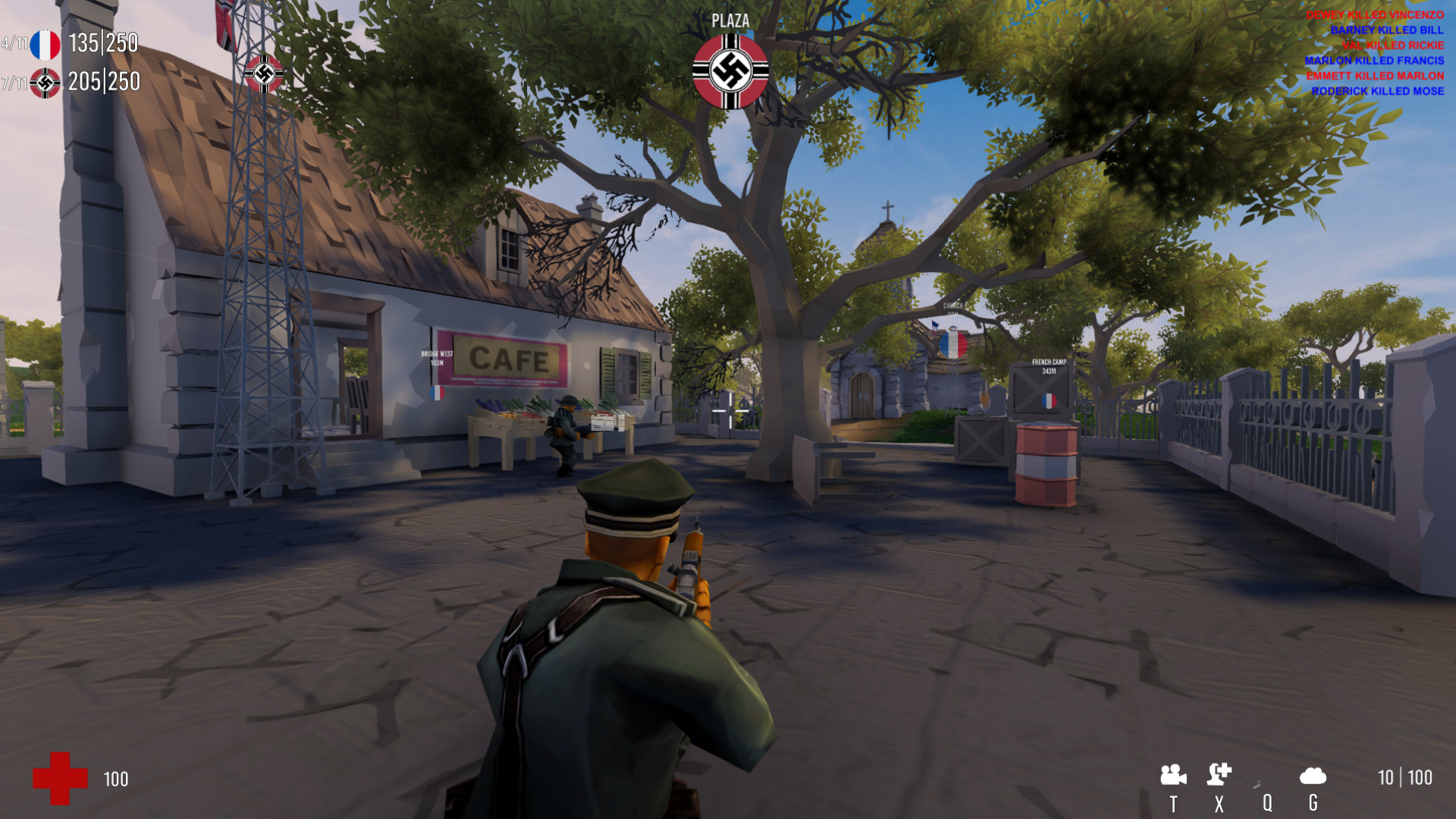
Brass Brigade is a single‑player, cartoon‑styled World War II shooter that lets you experience iconic battles from both the first‑ and third‑person perspectives. Inspired by early‑2000s titles, it mixes classic battlefield action with extensive customization, letting you tailor AI opponents, team composition, and battle scale.
Choose from six historical nations and twenty‑two famous battles across multiple fronts, then adjust bots, weapons, and even map destruction to craft the exact skirmish you want. The game runs on Windows and supports family sharing, offering a highly flexible solo experience.
01 / THE GUIDE
Historical Nations and Battles
Brass Brigade features six fully‑featured historical nations: United States, Great Britain, Soviet Union, France, Nazi Germany, and the Empire of Japan. These nations can be mixed on any of the twenty‑two iconic WWII battles spanning Eastern, Western, North‑African, and Pacific fronts.
The mix‑and‑match system lets you create Allied versus Axis engagements or any combination, providing dozens of possible battle setups. Each map retains its historical flavor while allowing player‑driven team choices.
- Experiment with unconventional nation pairings to discover new tactical dynamics.
- Use the variety of battles to test different weapon and vehicle combos.
02 / THE GUIDE
First‑ and Third‑Person Camera Options
Players can play from both first‑person and third‑person perspectives, offering flexibility in how you view combat. Both camera modes are available for viewing the action.
Both views benefit from adjustable field of view settings, allowing you to fine‑tune visual comfort on ultrawide monitors or standard displays.
- Try third‑person for better situational awareness in vehicle combat.
- Use first‑person for precise aiming with rifles and pistols.

03 / THE GUIDE
Customizable Bot AI and Numbers
You can set the number of AI allies and enemies, scaling bot counts to match your PC’s performance. Bot behavior is adjustable: aggression, intelligence, shooting accuracy, and sight range can all be tuned.
This flexibility lets you craft anything from a small skirmish with a handful of bots to an all‑out war with large AI forces, all within a single‑player environment.
- Lower bot aggression for a more relaxed practice session.
- Increase bot sight range to simulate a more challenging opponent.
04 / THE GUIDE
Driveable Vehicles and Air Support
The game includes drivable tanks, other vehicles, and callable air support units, as well as artillery. These assets can be used to destroy micro‑destructible obstacles like fences, sandbags, and low walls.
Explosives and vehicle firepower interact with the environment, creating dynamic battlefield changes that affect both AI and player tactics.
- Use tanks to breach fortified positions quickly.
- Call air support after softening enemy lines with artillery.
05 / THE GUIDE
Graphics Options and Micro‑Destruction
Brass Brigade offers extensive graphical settings, including support for ultrawide (21:9) monitors and widely adjustable field of view. Visual fidelity can be tailored to your hardware.
Micro‑destruction allows fences, sandbags, and low walls to be destroyed by tanks and explosives, and active ragdoll effects add dramatic physics when enemies are hit by rockets or other blasts.
- Enable ultrawide mode for a broader battlefield view.
- Adjust FOV to reduce motion sickness during fast vehicle sequences.



COMMUNITY
Player discussion