 GameWiki
GET YOUR BEARINGS
About BOXROOM
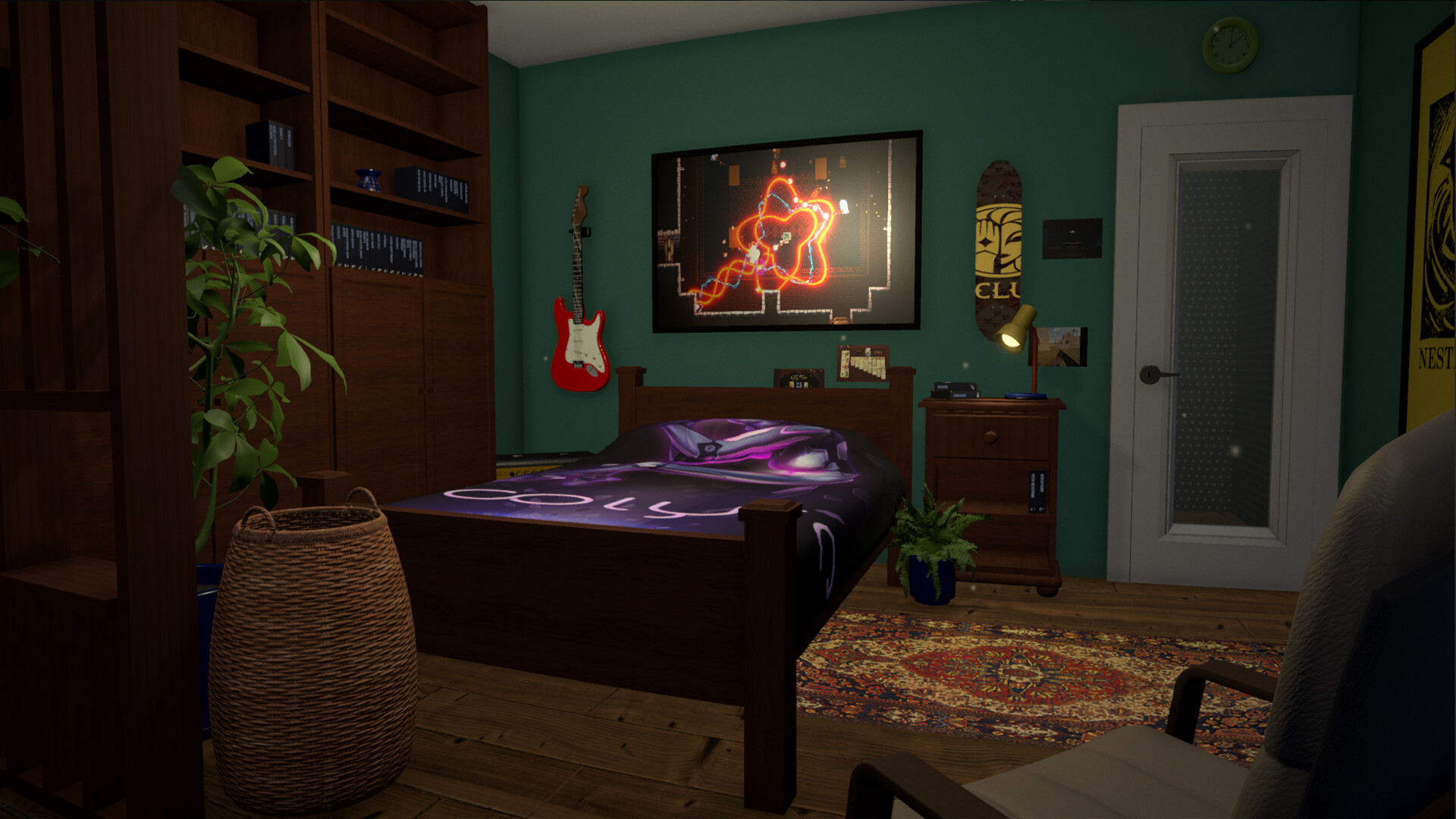
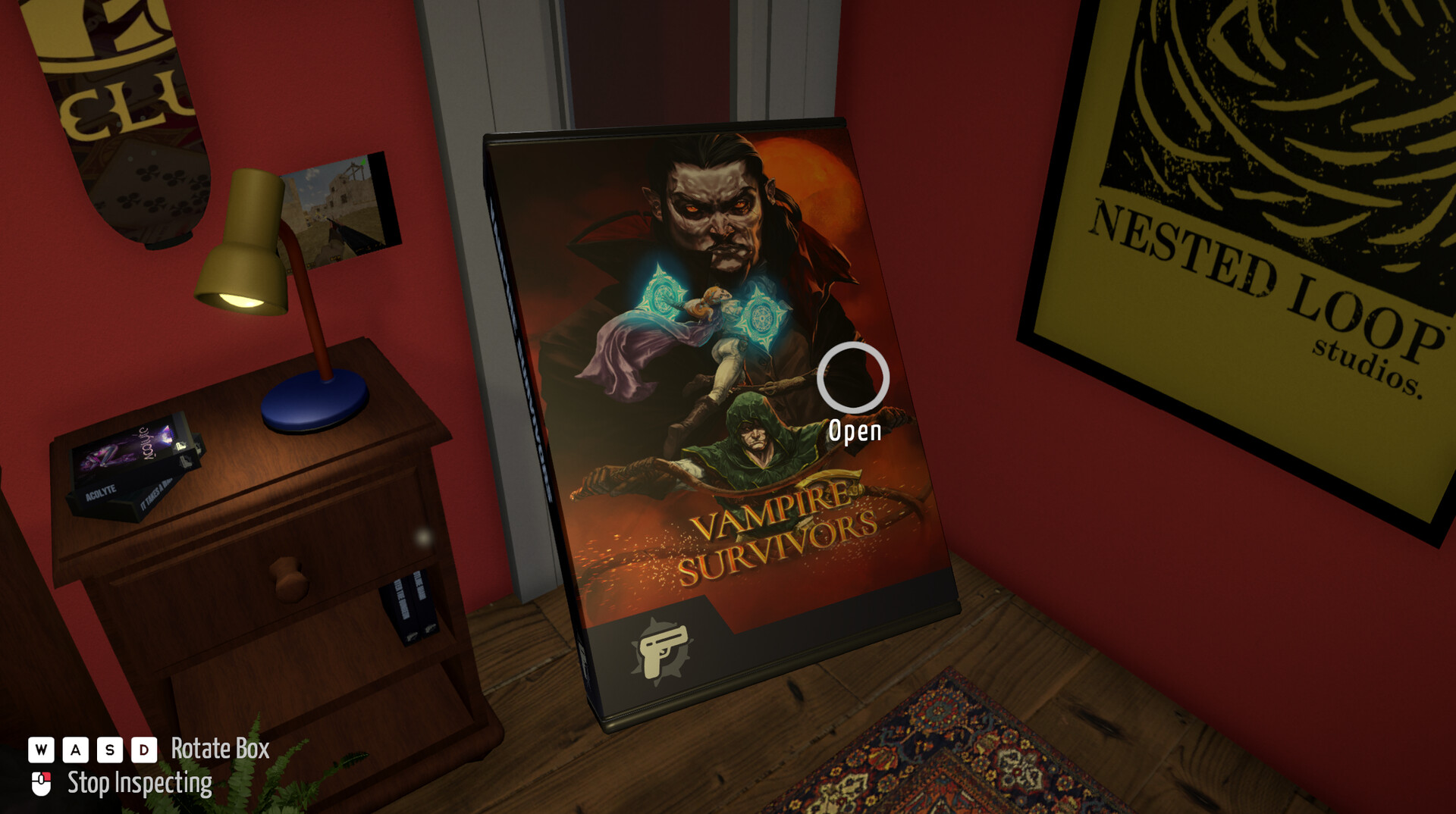
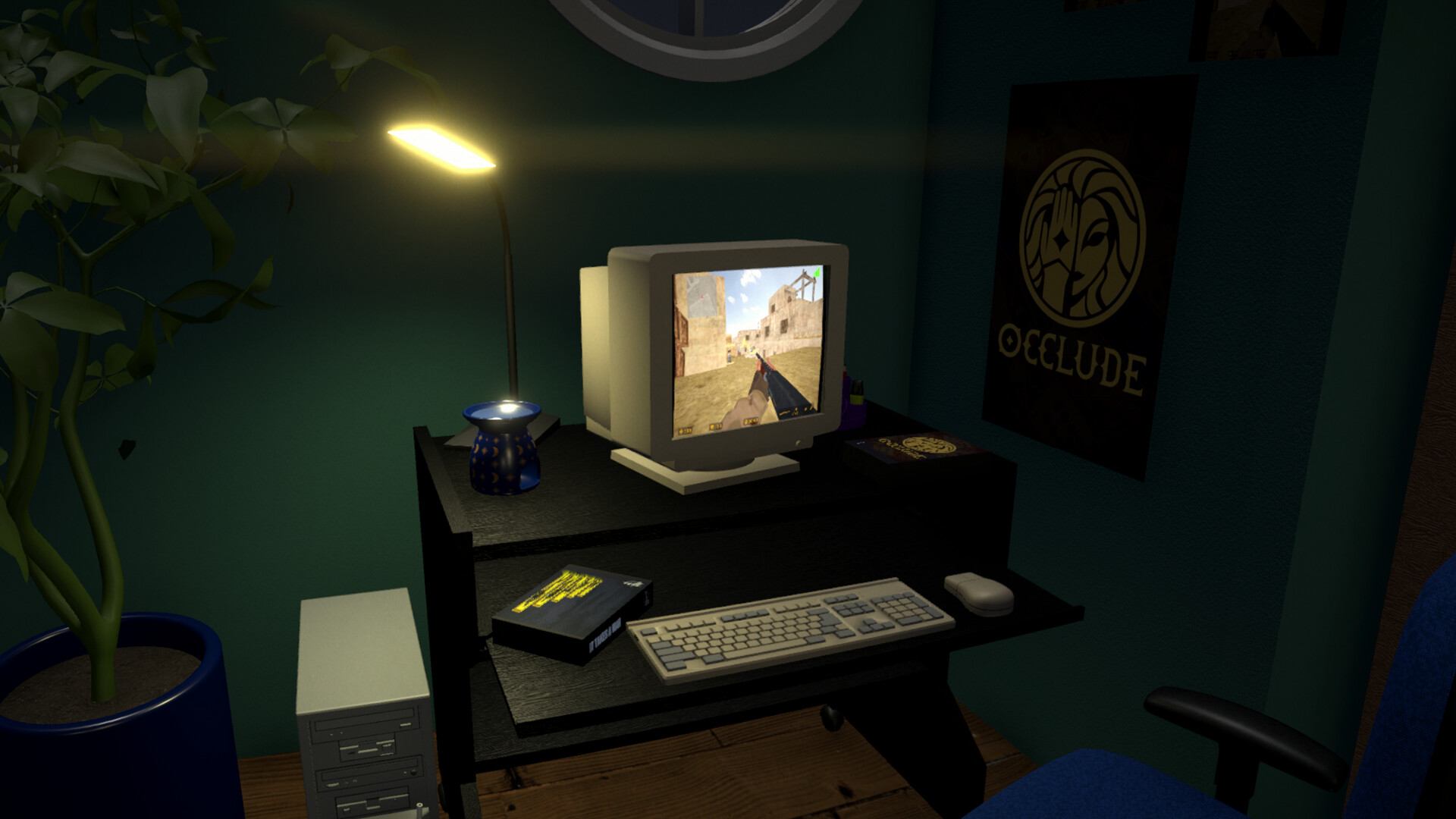
BOXROOM lets you turn your Steam library into a virtual game room, complete with shelves, cabinets, posters and figurines. It mimics the feeling of handling real game boxes, letting you arrange and explore your collection in a personal space.
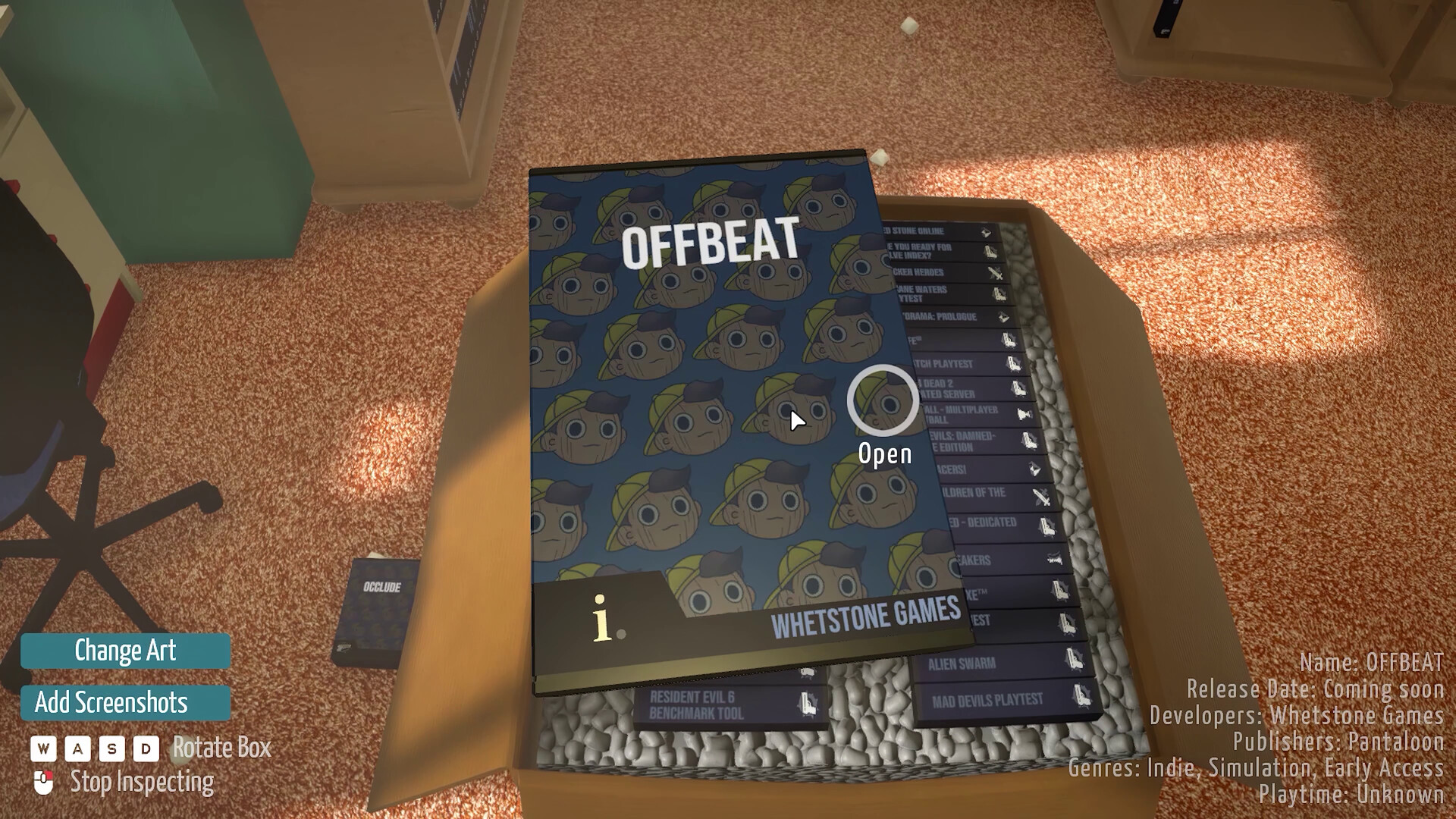
After you set up the room’s layout, the game pulls the titles from your Steam account and displays them as virtual boxes. You can inspect, rearrange, and share the finished room with friends via Steam.
01 / THE GUIDE
Building Your Game Room
Begin by choosing a layout and placing shelves, cabinets and other furnishings from the BoxCo catalogue. The game provides a range of items that let you shape the room’s look and feel.
Once the basic structure is in place, you can fine‑tune each piece’s position, creating a space that reflects your personal taste while keeping room for your virtual game boxes.
- Try different shelf heights to accommodate larger box art.
- Use wall space for posters to add visual interest without crowding the floor.
02 / THE GUIDE
Shelving Your Steam Library
BOXROOM reads your actual Steam library and places each game as a virtual box on the shelves you created. The titles appear using publicly available Steam data and images.
You can move these virtual boxes around, grouping them by genre, series or any personal system you prefer, while the underlying data remains linked to your Steam account.
- Group games by developer for a tidy, themed display.
- Leave empty slots for future purchases to keep the layout balanced.
03 / THE GUIDE
Searching the BoxCo Catalogue
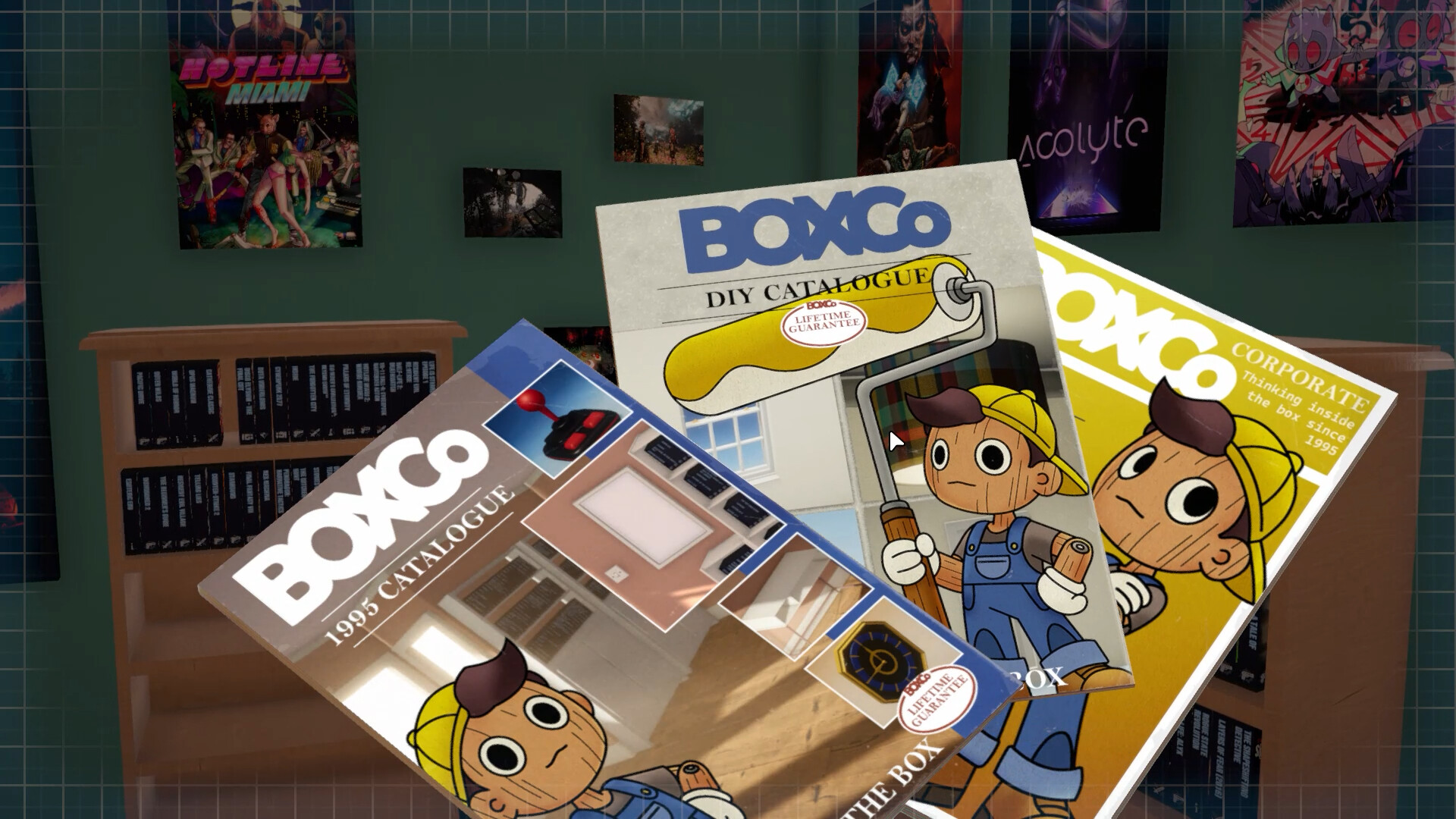
The BoxCo Catalogue offers a variety of furniture and decorative items. Use the in‑game search to find specific pieces that match your aesthetic or functional needs.
Selected items are added to your inventory and can be placed in the room, allowing you to customize the environment further without leaving the game.
- Search by keyword (e.g., "retro" or "glass") to narrow results quickly.
- Save favorite items for later placement to streamline decorating sessions.
04 / THE GUIDE
Sharing Your Room
After arranging your collection, you can share the finished room with friends or anyone on Steam. The shared view lets others see your curated display as a visual snapshot.
Sharing does not alter your own room; it simply provides a way for others to admire or compare layouts without affecting your setup.
- Invite a friend to compare room layouts and exchange decorating ideas.
- Use the share feature after a major redesign to showcase your work.
05 / THE GUIDE
Steam Workshop Integration
BOXROOM supports Steam Workshop, letting you import custom items and textures created by the community. These can replace or augment the default furnishings.
Workshop items appear alongside the BoxCo Catalogue, expanding the range of decorative possibilities while still using the same placement tools.
- Browse the Workshop for themed sets that match specific game franchises.
- Test imported textures on a single shelf before applying them broadly.
COMMUNITY
Player discussion