 GameWiki
GET YOUR BEARINGS
About Bowling Alley Simulator
Bowling Alley Simulator puts you in charge of every detail of a bowling venue, from lane pricing to snack preparation. You begin with a modest alley, make daily operational decisions, and watch the business grow into a bustling entertainment hub.
The simulation blends short‑term tasks with long‑term expansion, letting you hire staff, upgrade equipment, and balance customer happiness against profit. Success depends on keeping lanes running, food flowing, and reputation high.
01 / THE GUIDE
Lane Management
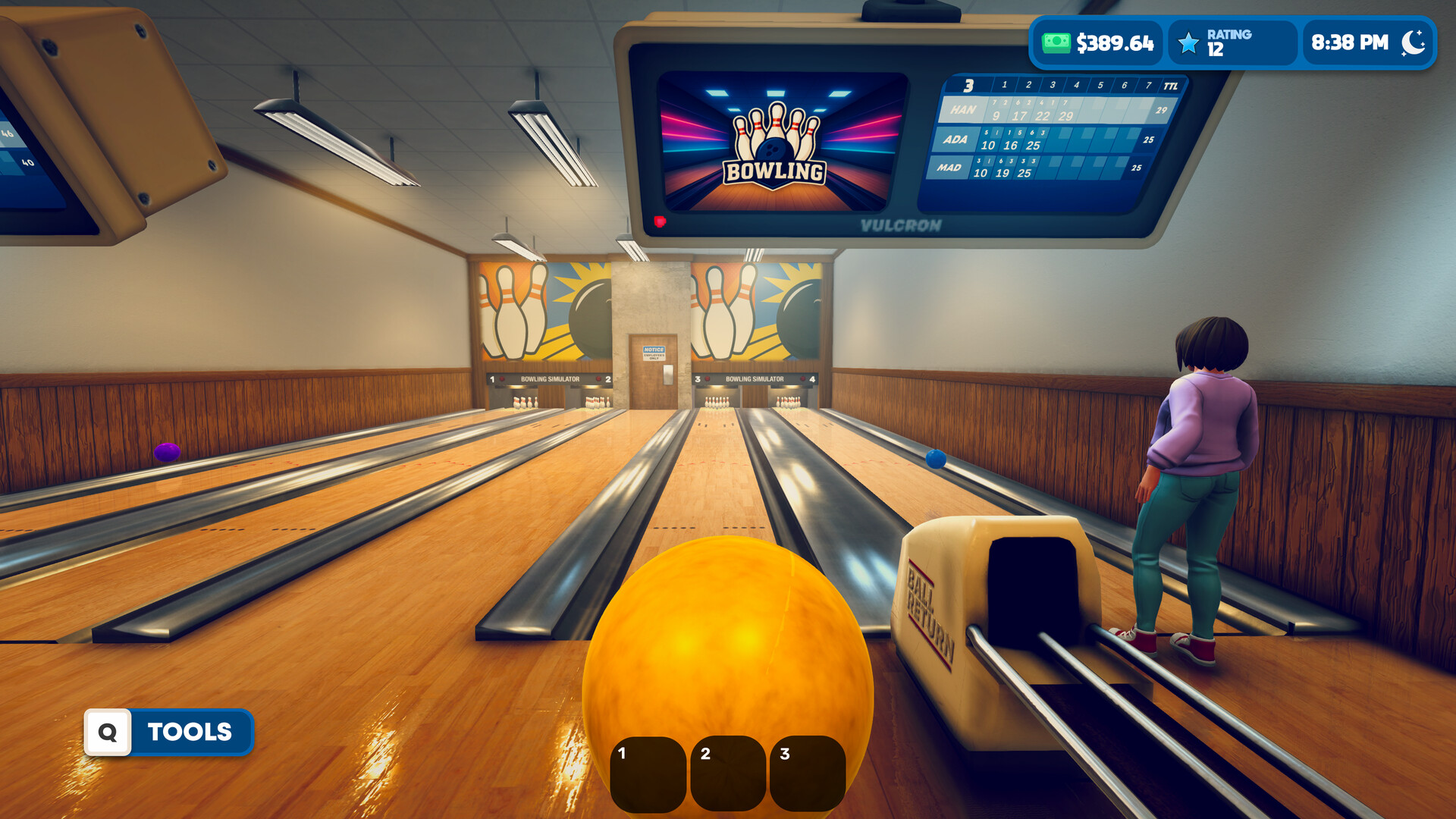
You set lane prices, schedule usage, and keep equipment in top shape. Adjusting these factors during busy periods helps avoid long waits and keeps bowlers satisfied.
Every pricing or scheduling decision influences both customer satisfaction and earnings, so careful planning is essential for steady growth.
- Observe peak‑hour traffic and tweak prices to balance demand.
- Check equipment status regularly to prevent unexpected downtime.
02 / THE GUIDE
Food Service
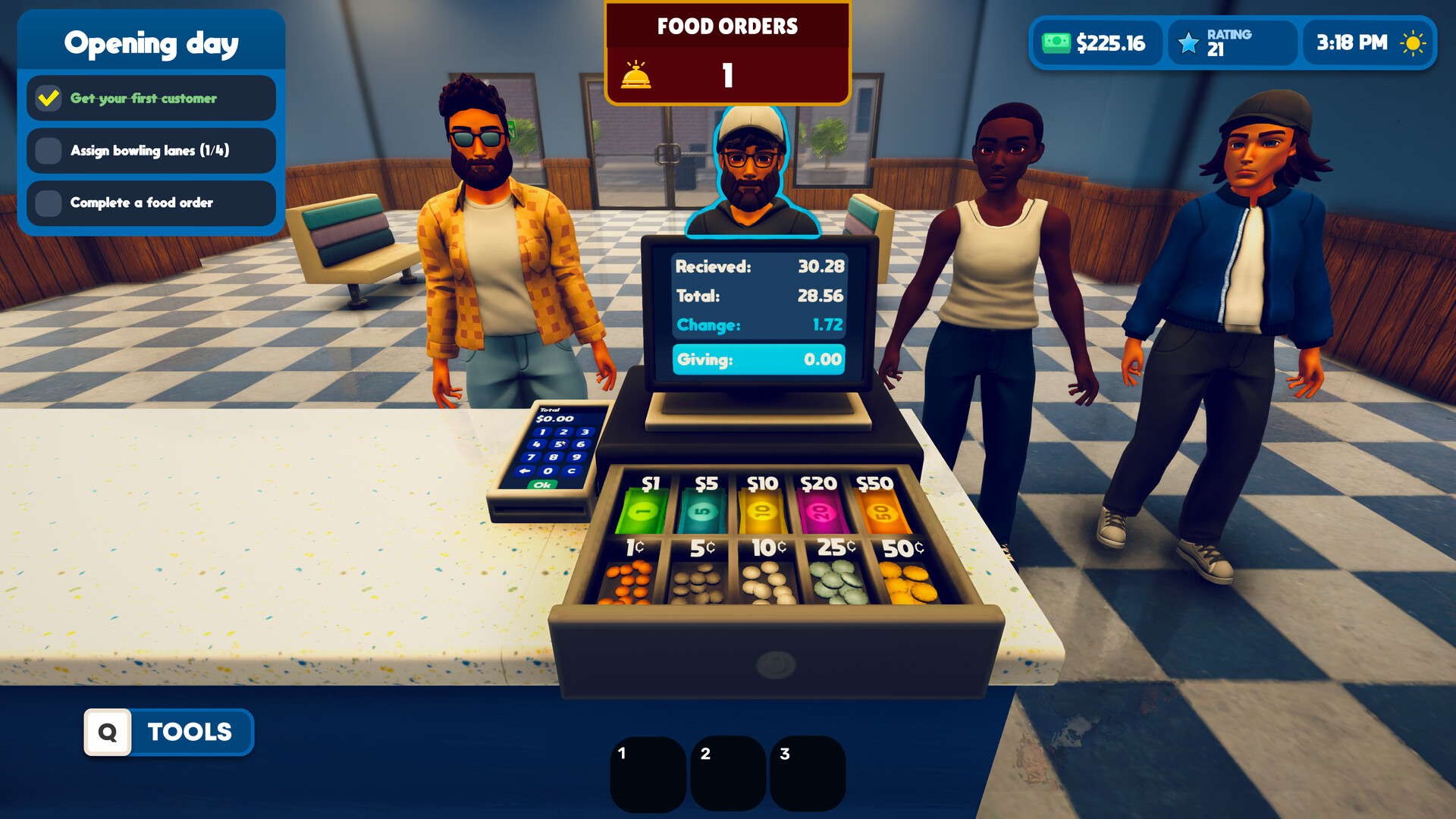
Classic bowling‑alley snacks and drinks are prepared in‑game, and fast order handling is crucial during busy periods. A well‑stocked menu keeps bowlers fed and happy.
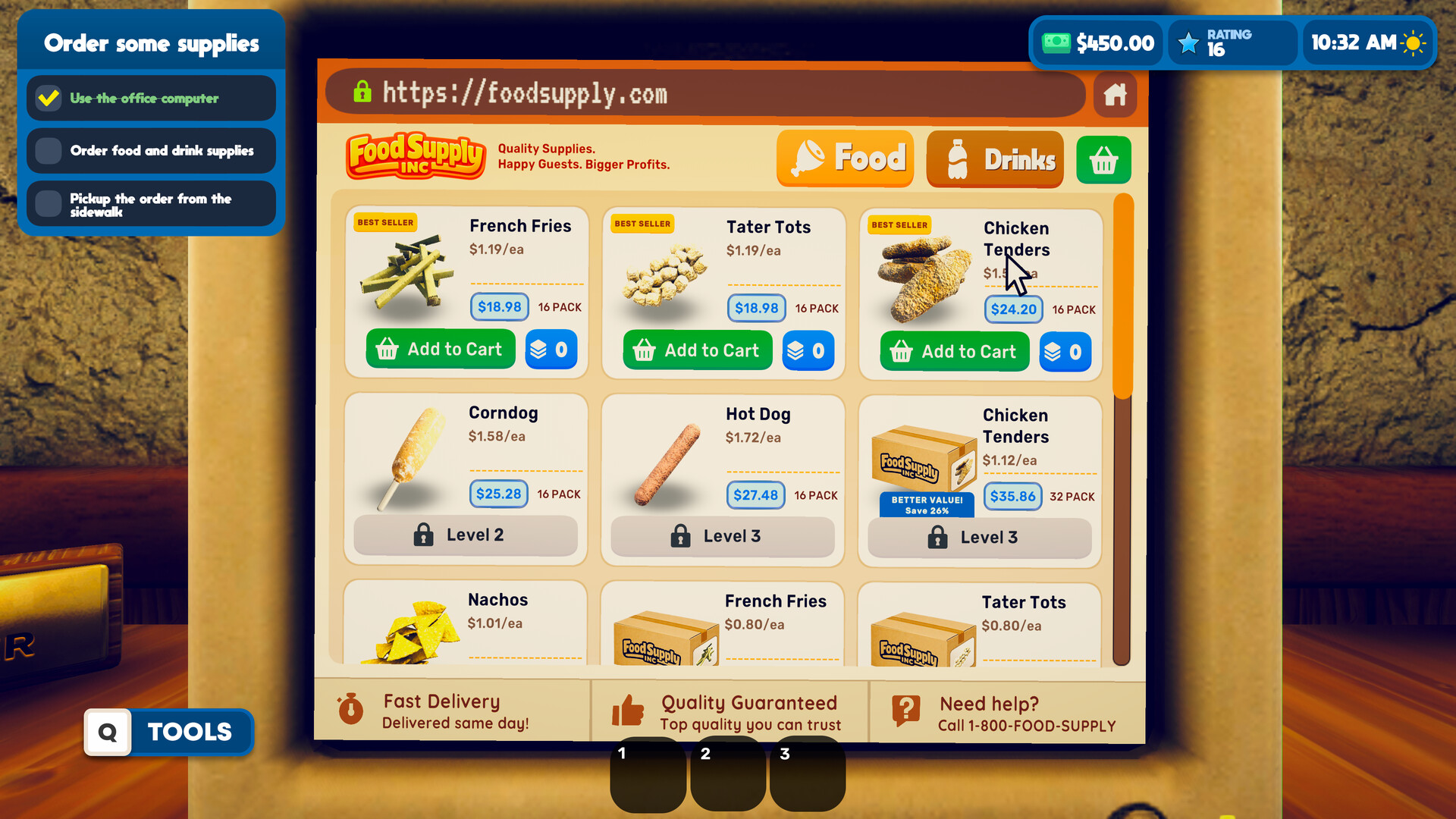
New menu items become available as you level up and can be purchased from the office computer, expanding your culinary options.
- Prioritize quick service during rushes to maintain satisfaction.
- Add menu items gradually to match growing foot traffic.
03 / THE GUIDE
Staffing
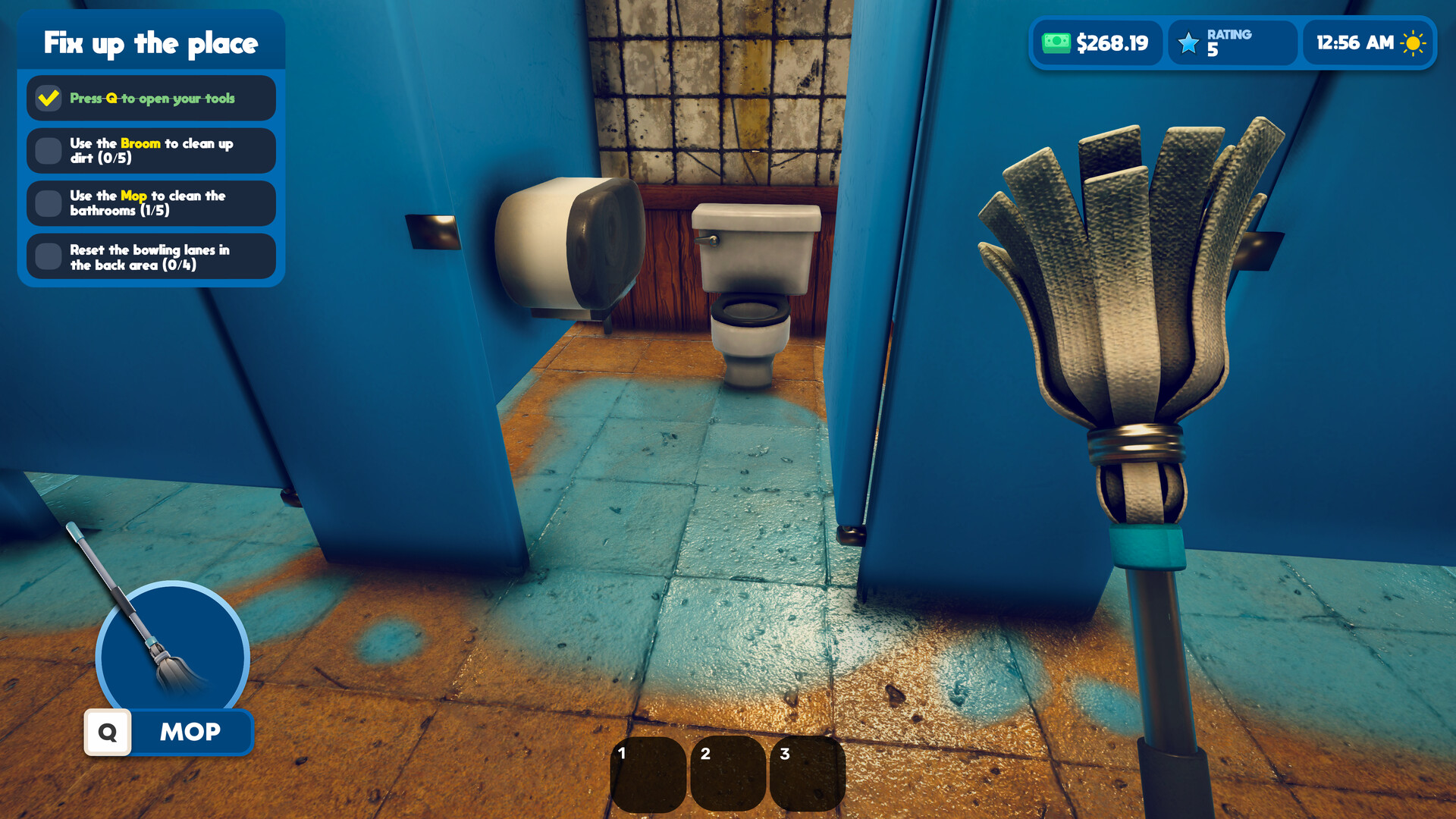
Hiring staff lets you assign lane duties, cooking, and cleaning, spreading the workload as the alley expands. Proper role distribution improves overall efficiency.
Managing workloads and adjusting staff numbers as business grows helps keep operations smooth without over‑staffing.
- Match staff roles to current needs rather than hiring excess.
- Observe performance and reassign duties when bottlenecks appear.
04 / THE GUIDE
Expansion & Upgrades
Start with a few lanes and seating areas, then add more bowling lanes, décor, and facilities. Upgrading machines and the environment transforms the venue into a full‑scale destination.
Growth is paced by your decisions, allowing you to dream bigger while keeping finances in check.
- Upgrade equipment that directly reduces downtime first.
- Expand seating after confirming steady lane traffic.
05 / THE GUIDE
Reputation & Profitability
Customer satisfaction and profitability are linked; happy bowlers boost your reputation, which in turn attracts more business. Balancing price points with service quality is key.
Unexpected challenges like breakdowns test your ability to maintain both reputation and profit margins.
- Track reputation trends to anticipate needed improvements.
- Adjust pricing modestly to retain satisfaction during tough periods.

COMMUNITY
Player discussion