 GameWiki
GET YOUR BEARINGS
About Bookshop Simulator
Bookshop Simulator lets you run a virtual bookshop, handling inventory, sales, and décor. You buy books, comics, board games and other items, sell them at the cash register, and use the revenue to expand and personalize your shop.
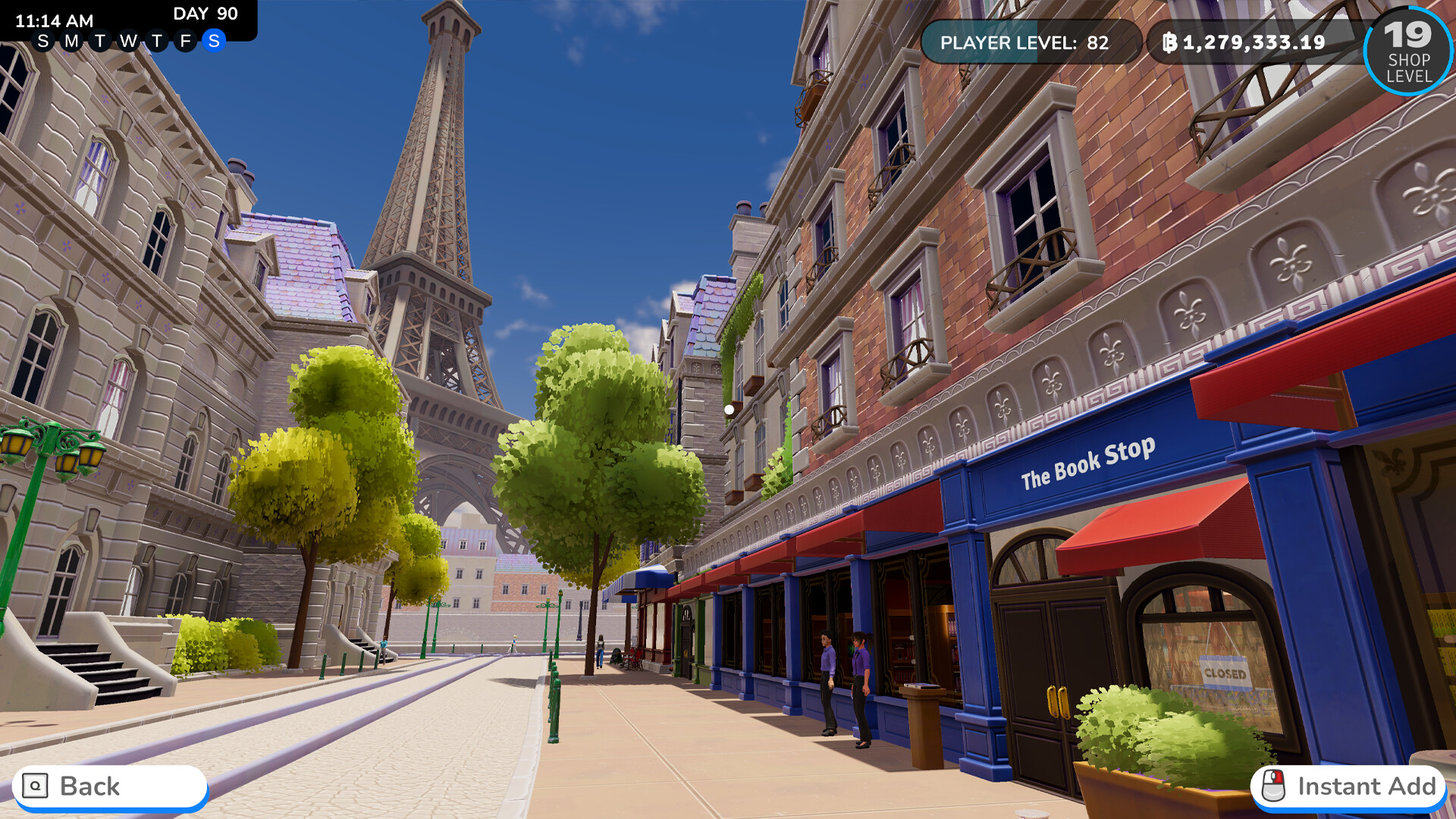
Early‑access launches with France and Japan locations. The game supports single‑player, online co‑op, full controller use, Steam Achievements, Steam Workshop, Steam Cloud and Family Sharing on Windows.
01 / THE GUIDE
Core Gameplay
You purchase inventory such as books, comics, and board games, then place them on bookshelves. Selling items through the cash register generates profit that can be reinvested in more stock or shop upgrades.
Boxes of used books may contain rare mythical books, which provide powerful abilities that improve profits and capabilities.
- Rotate stock regularly to keep the shelves filled.
- Open used‑book boxes promptly to discover rare items.
02 / THE GUIDE
Shop Expansion
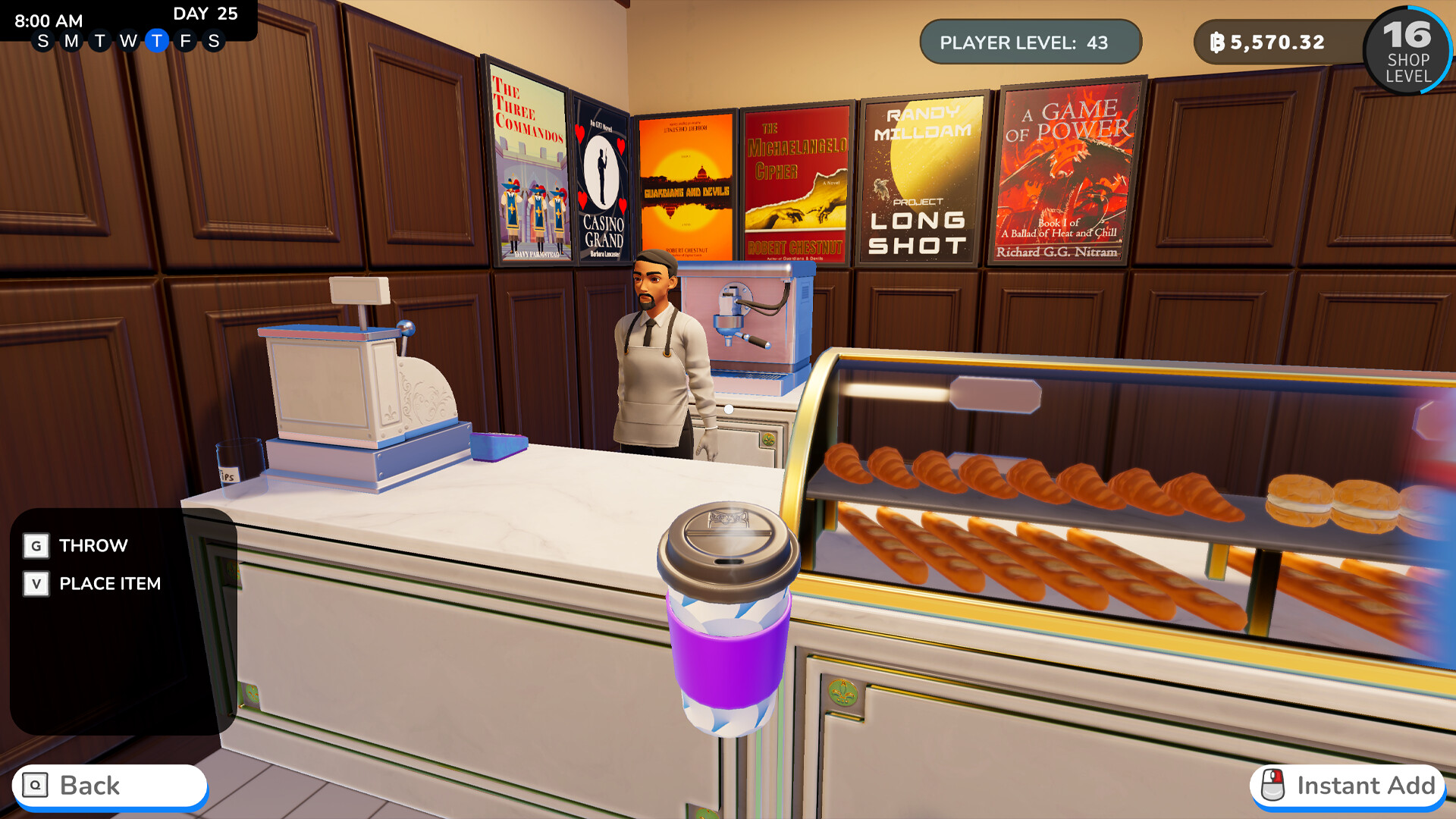
As profits grow you can hire employees to act as cashiers and stockers, allowing you to focus on opening new locations. New shops become available around the world and can be traveled to for management.
Income from established shops can be used to fund the setup of additional shops, extending your retail empire beyond the initial France and Japan sites.
- Hire staff after you have a steady cash flow.
- Allocate earnings from one shop to seed the next.
03 / THE GUIDE
Store Customisation
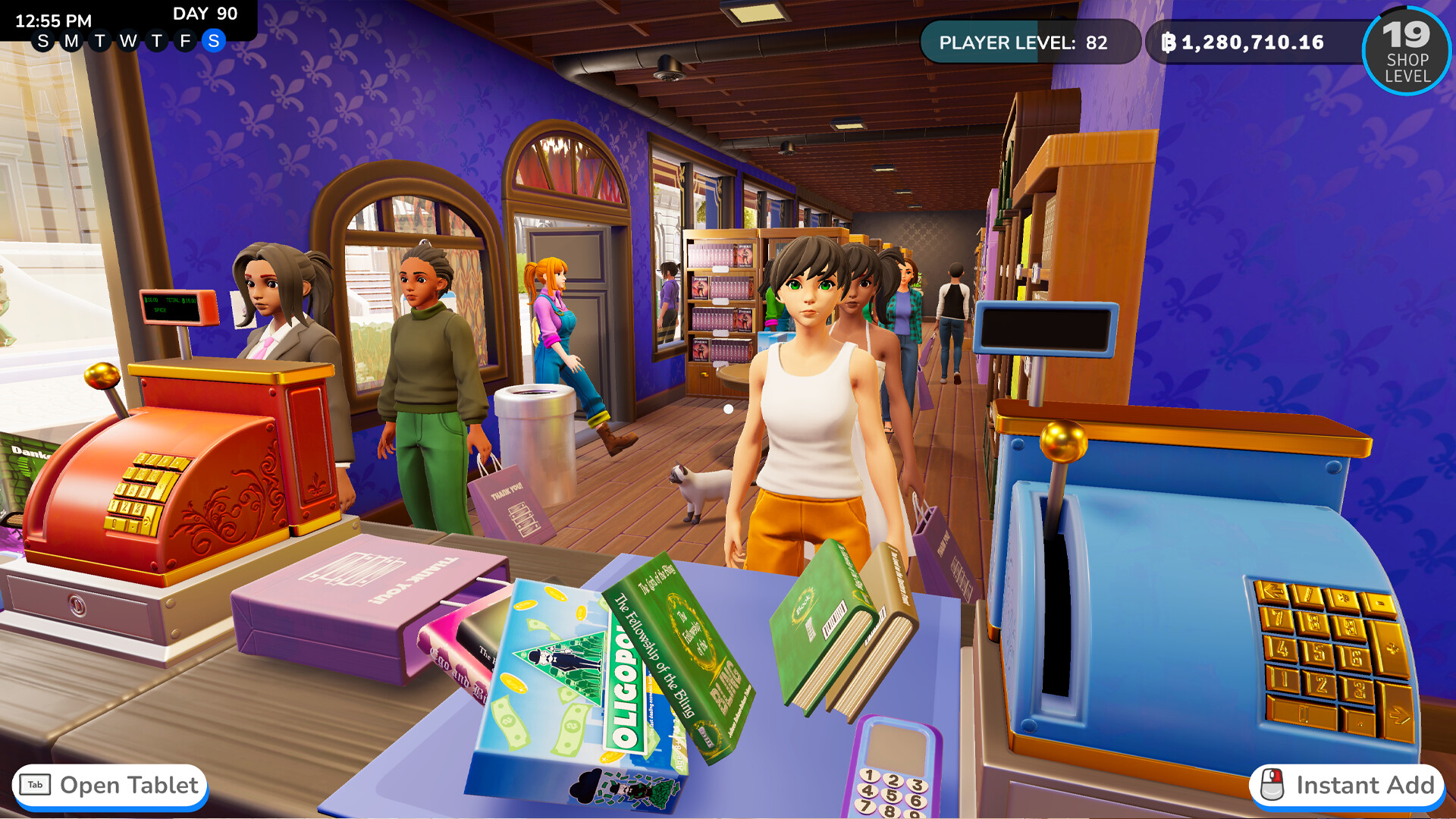
Profits let you customize each shop’s appearance. You can choose walls, floors, rugs, plants, wall art, and other décor items to create a unique atmosphere.
A cat can be adopted to keep you and customers company. You can buy food, a bed, and other items to keep the cat active and happy in the store.
- Create genre‑specific sections to attract niche shoppers.
- Keep the cat well‑fed to maintain a pleasant environment.
04 / THE GUIDE
Multiplayer Features
The game offers both single‑player and online co‑op modes, allowing friends to manage shops together. Multiplayer can be combined with the other listed Steam features.
Full controller support enables gamepad play, while Steam Workshop lets the community add content, and Steam Cloud syncs saved data across devices.
- Coordinate roles with a co‑op partner for smoother operation.
- Browse Workshop items for fresh décor ideas.
05 / THE GUIDE
Platform Availability
Bookshop Simulator is released for Windows; macOS and Linux versions are not listed. The game runs through Steam and includes Steam Cloud for saved‑game syncing.
Developed by Blep Games, the title also supports Family Sharing, allowing another Steam account to play the same purchase.
- Enable Steam Cloud in settings to keep progress safe.
- Check the Windows store page for any update notes.


COMMUNITY
Player discussion