 GameWiki
GET YOUR BEARINGS
About Bone's Cafe
Bone's Cafe casts you as Bones the necromancer, tasked with running a bustling café while harvesting ingredients from unsuspecting patrons. The game mixes rapid service, menu experimentation, and dark humor as you uncover over 90 recipes and grow an undead workforce.
You can shape the café’s floor plan, automate chores with summoned minions, and enjoy the experience solo or with up to three friends via local couch co‑op or Steam Remote Play. Progress is tracked through story milestones and a Skull Ranking that unlocks larger spaces.
01 / THE GUIDE
Customizable Café Layout
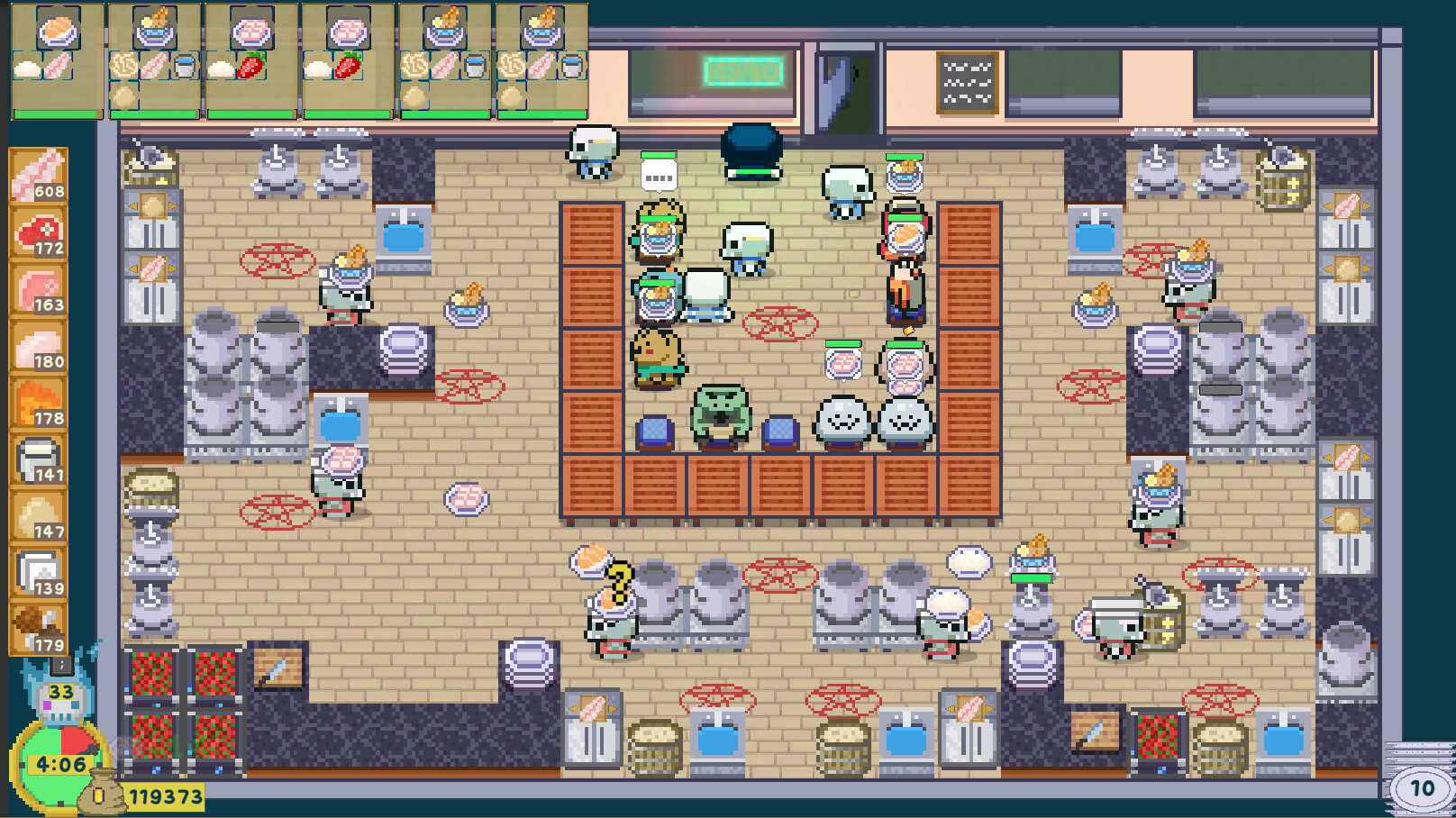
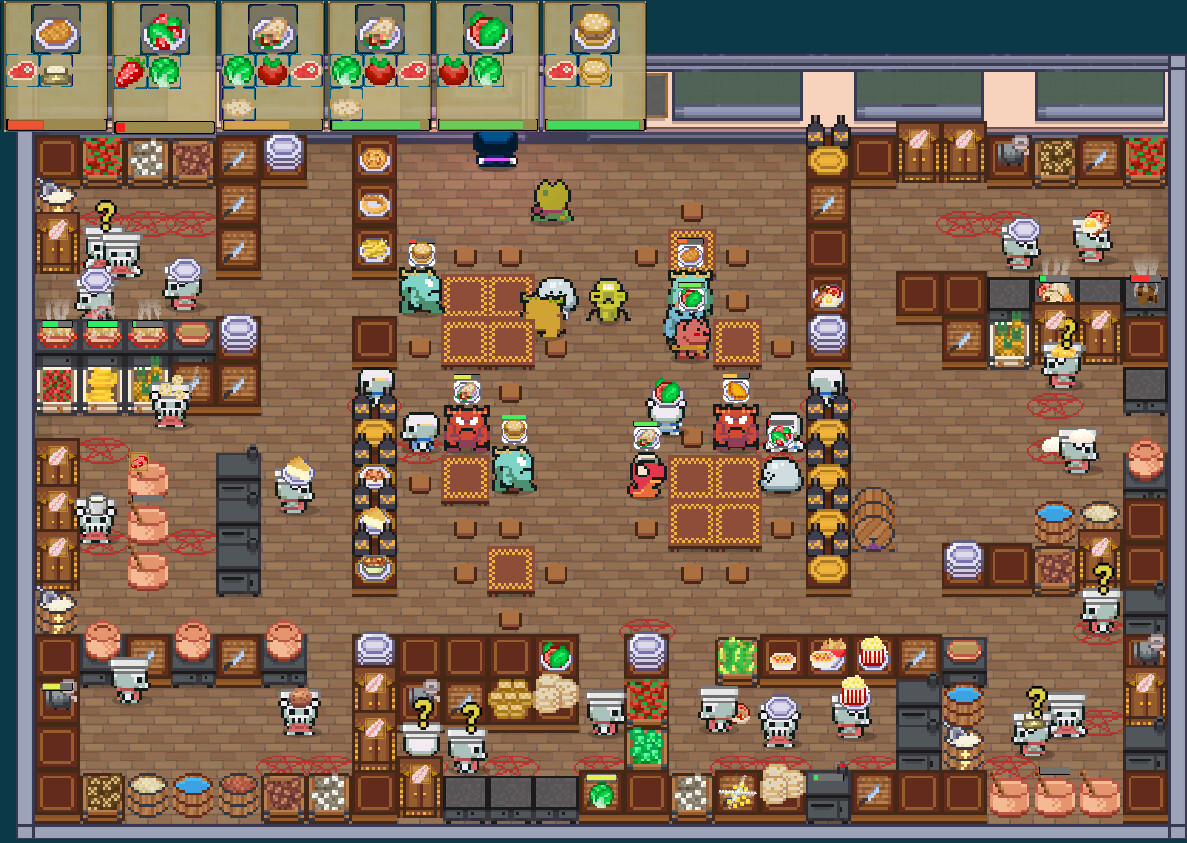
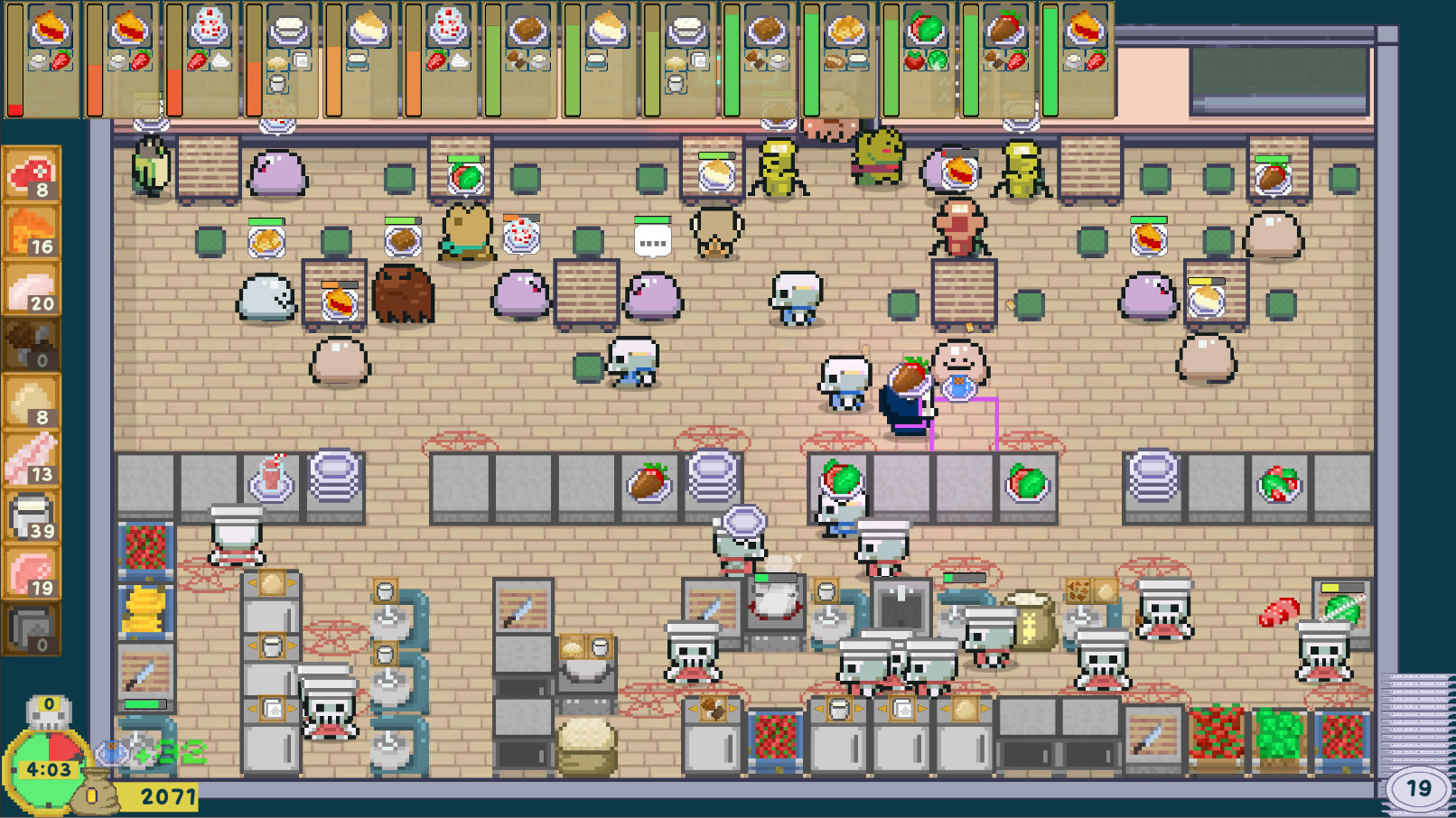
The interior of the café can be arranged by placing stations, tools, and décor to suit your workflow. As you advance through the story, the space expands, allowing more elaborate configurations.
Money earned from serving customers lets you purchase items from the shop, letting you refine the layout for maximum cooking efficiency. The placement of stations directly influences how quickly orders can be completed.
- Cluster cooking stations near the serving area to shorten travel distance.
- Leave clear pathways so summoned minions can move without obstruction.
02 / THE GUIDE
Menu Discovery and Recipes
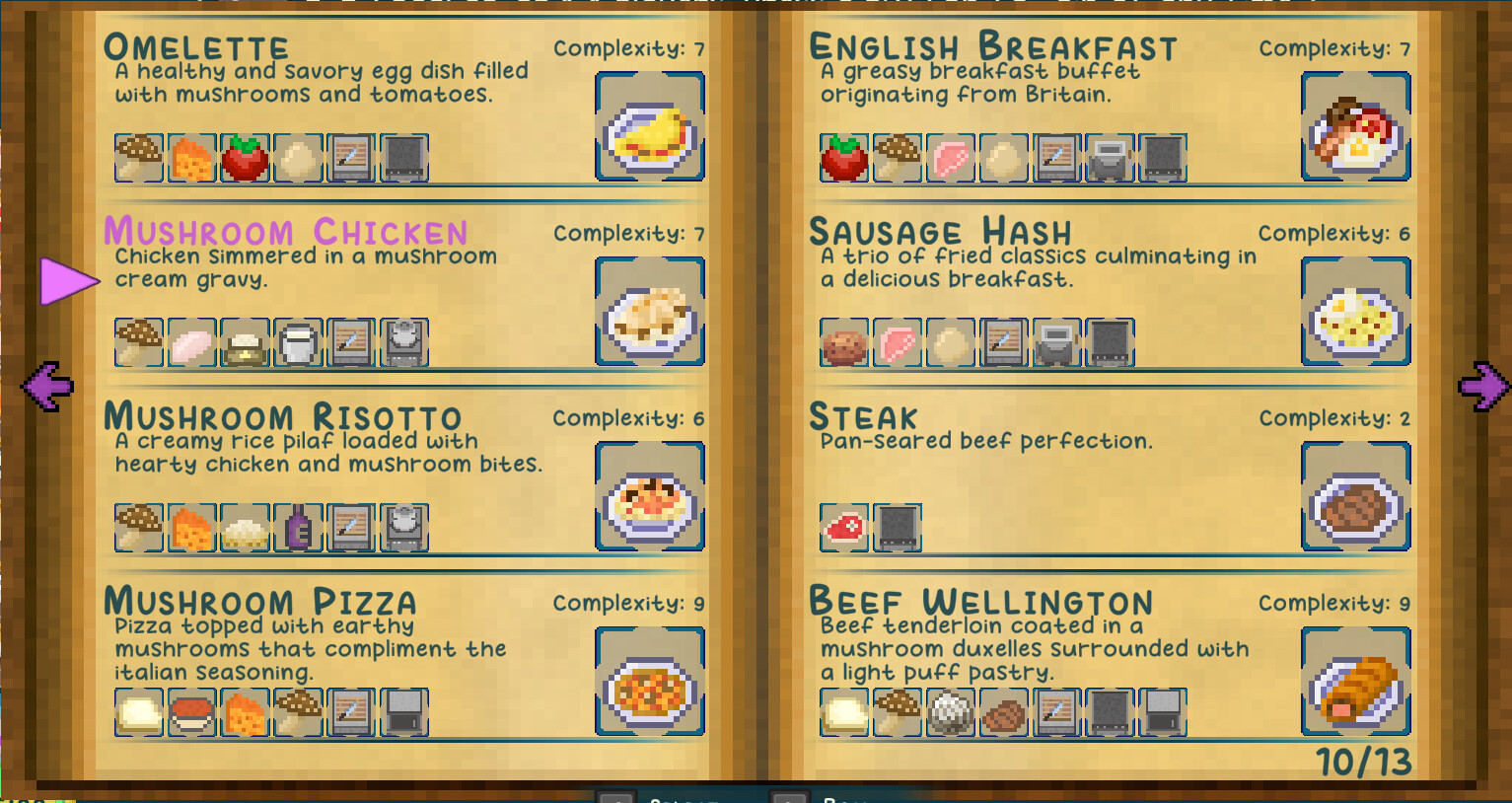
Experimenting with ingredients in the kitchen lets you discover 97 recipes, each of which can be added to a fully customizable menu. The menu may follow any concept or taste you prefer.
The game encourages you to explore and unlock all 90+ recipes, giving you flexibility in how you serve customers and which ingredients you later harvest.
- Start with familiar ingredient pairings to learn basic combos before trying exotic mixes.
- Note which recipes unlock new ingredients, as this can guide future experiments.
03 / THE GUIDE
Stealth Harvesting
Using stealth, you can harvest exotic ingredients directly from café customers, linking the necromancy theme to the service gameplay. Harvested items become fresh resources for your kitchen.
Collected souls may be used to raise an undead army, adding a strategic layer that coexists with the usual café‑management tasks.
- Watch customer movement patterns and choose low‑traffic moments for stealth actions.
- Balance harvesting with service speed to keep overall customer satisfaction high.
04 / THE GUIDE
Minion Automation
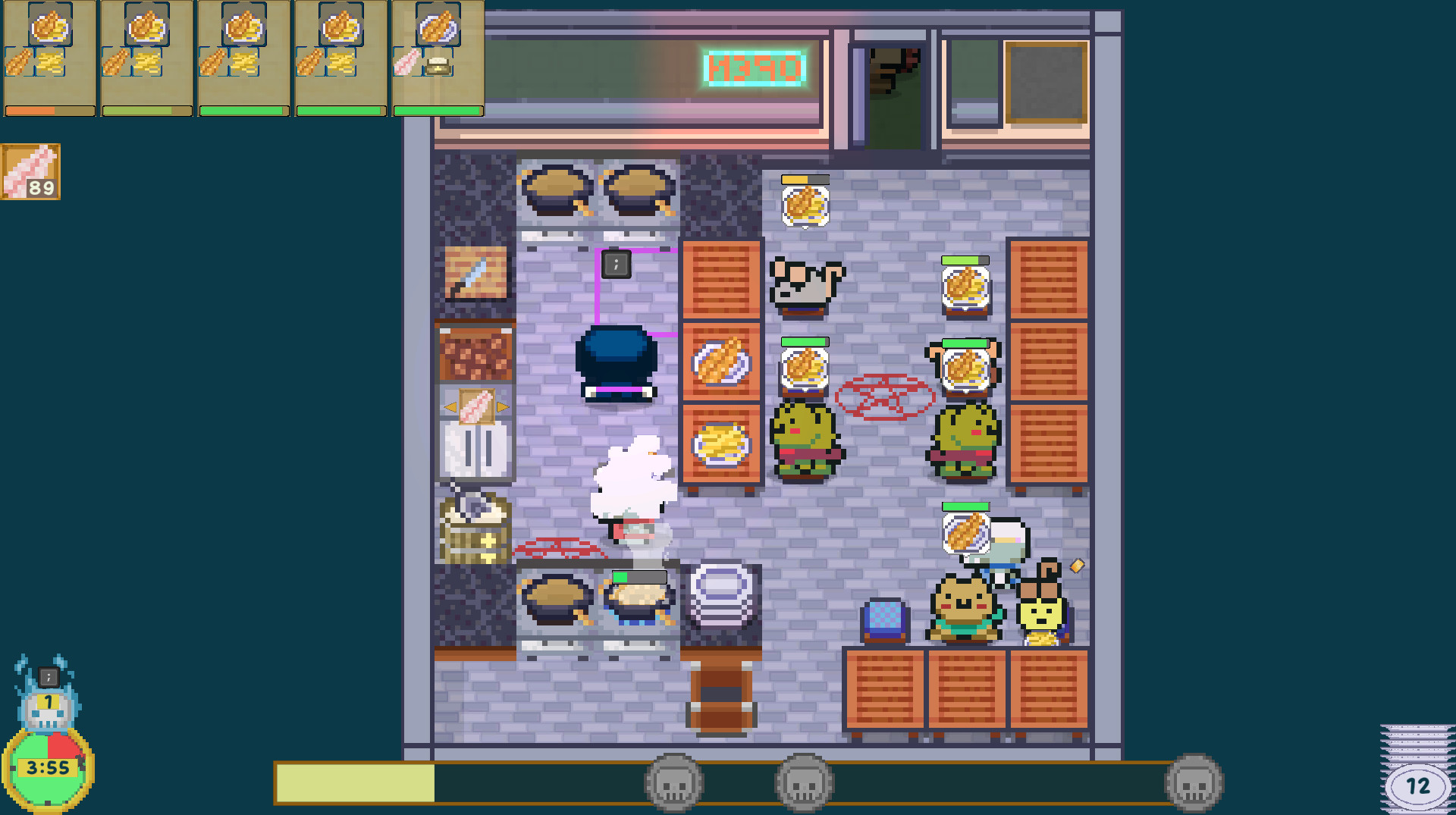
When the workload grows, you can summon undead minions to perform simple tasks, easing the burden on Bones. Assigning tasks to minions helps maintain efficiency as the café expands.
As your Skull Ranking rises and larger spaces unlock, minions become increasingly valuable, allowing you to focus on strategic decisions rather than repetitive chores.
- Assign minions to repetitive duties like ingredient prep to free your own time.
- Increase the number of active minions as you progress to match larger menus.
05 / THE GUIDE
Multiplayer Co‑op
Bone's Cafe supports local couch co‑op for up to four players and Steam Remote Play for online friends. You may invite up to three friends to share the café experience.
Each participant contributes to cooking, serving, and harvesting, making the session more social while retaining the same gameplay systems.
- Divide responsibilities—one player handles cooking, another serves, a third manages harvesting.
- Use Remote Play Together for online sessions without needing extra configuration.
COMMUNITY
Player discussion