 GameWiki

GET YOUR BEARINGS
About Bodycam
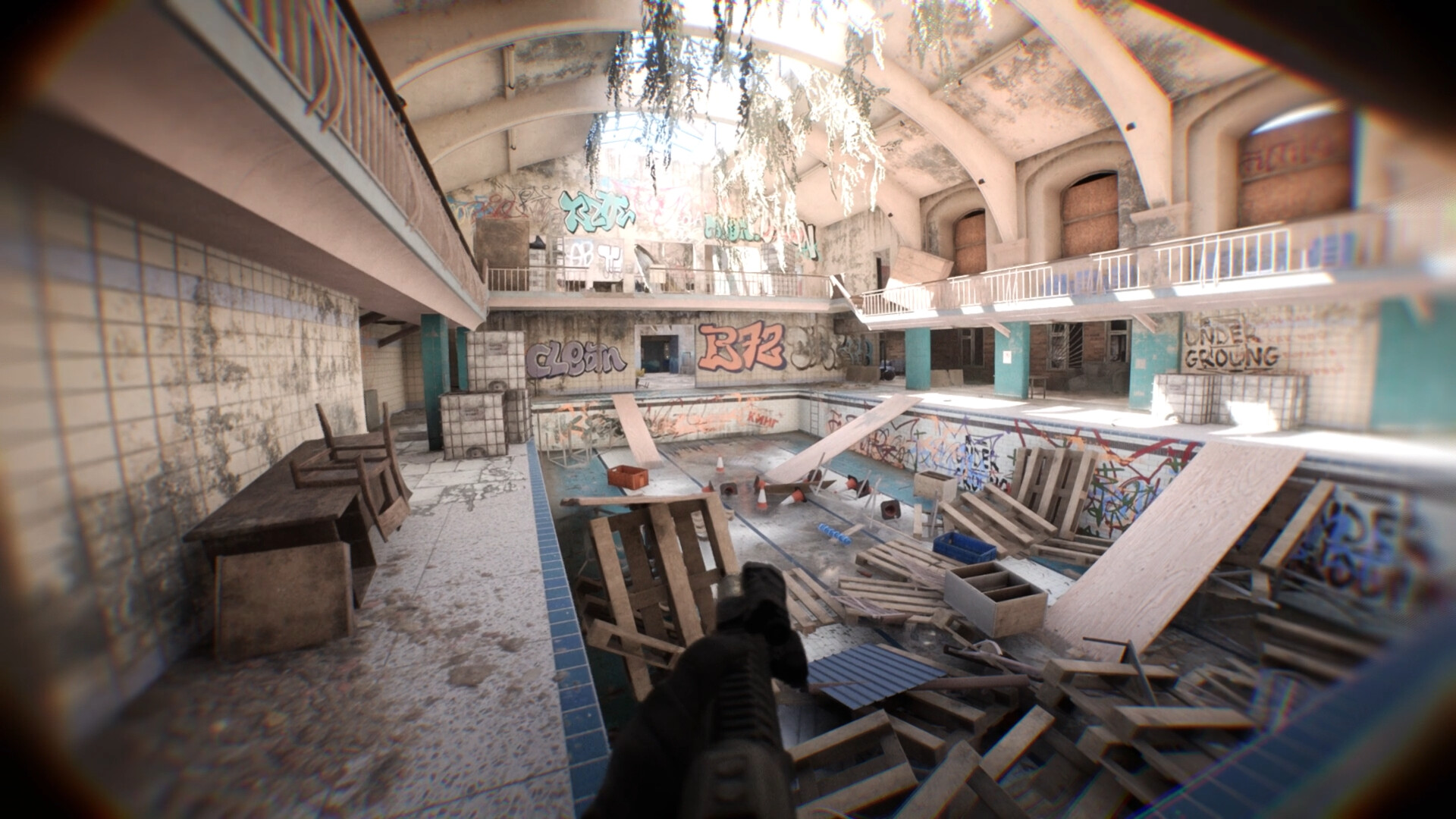
Bodycam delivers an ultra‑realistic multiplayer FPS that puts players directly behind a body‑camera lens. The game removes traditional HUD elements, forcing you to rely on sight, sound and instinct as every angle and decision can change the fight.\nBuilt on procedural physics and a dynamic animation system, Bodycam emphasizes authentic movement, weapon handling and modern combat tools, offering both competitive 2v2 and 5v5 modes as well as cooperative zombie survival. The experience is continuously expanded through early‑access updates.
01 / THE GUIDE
True First‑Person Feel
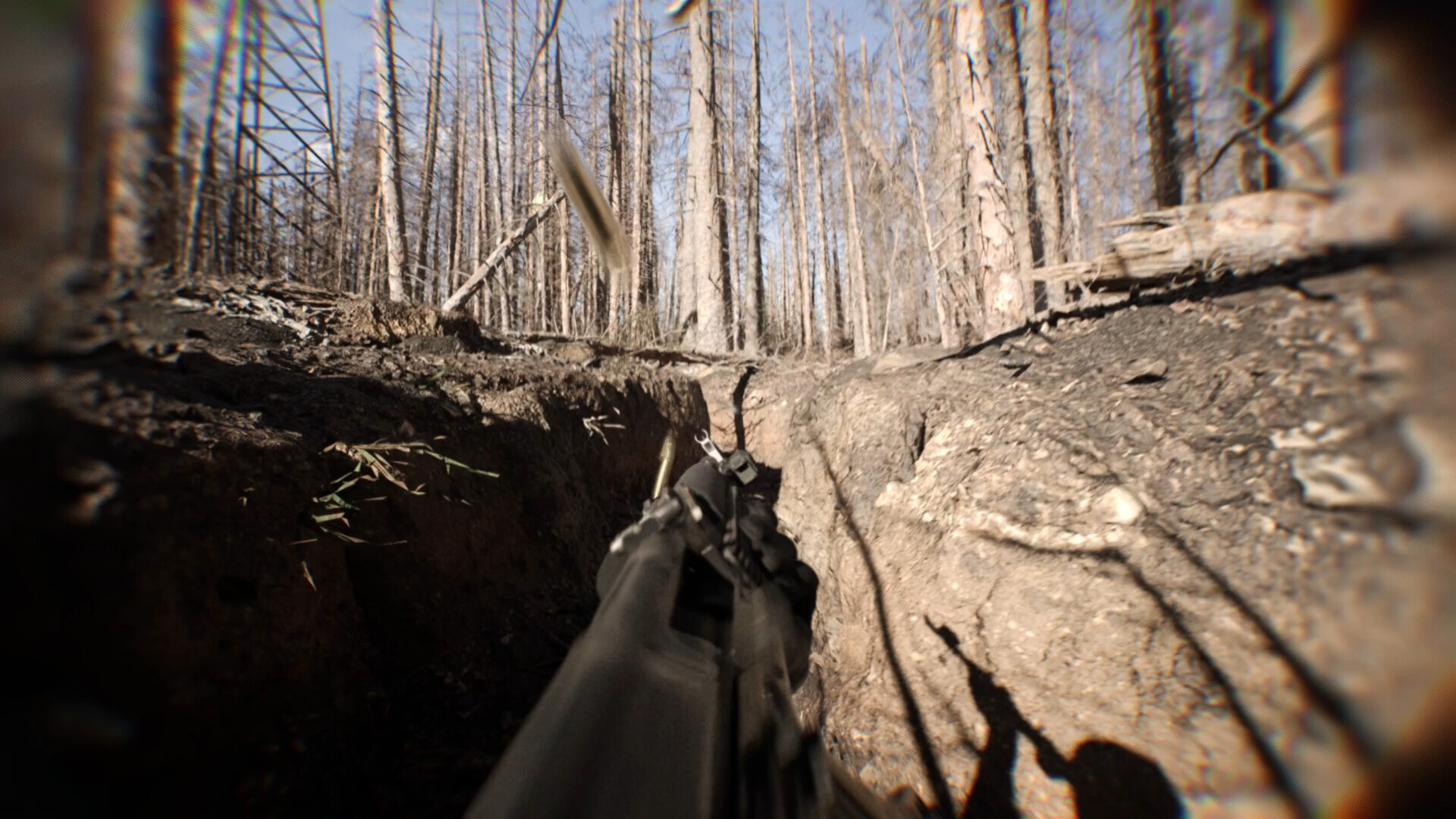
Bodycam connects your arms, torso, legs and weapon physically, unlike games where the camera alone drives the view. This “True Body” technology makes movement smoother and more instinctive, letting the weapon become an extension of you after a short adaptation period.
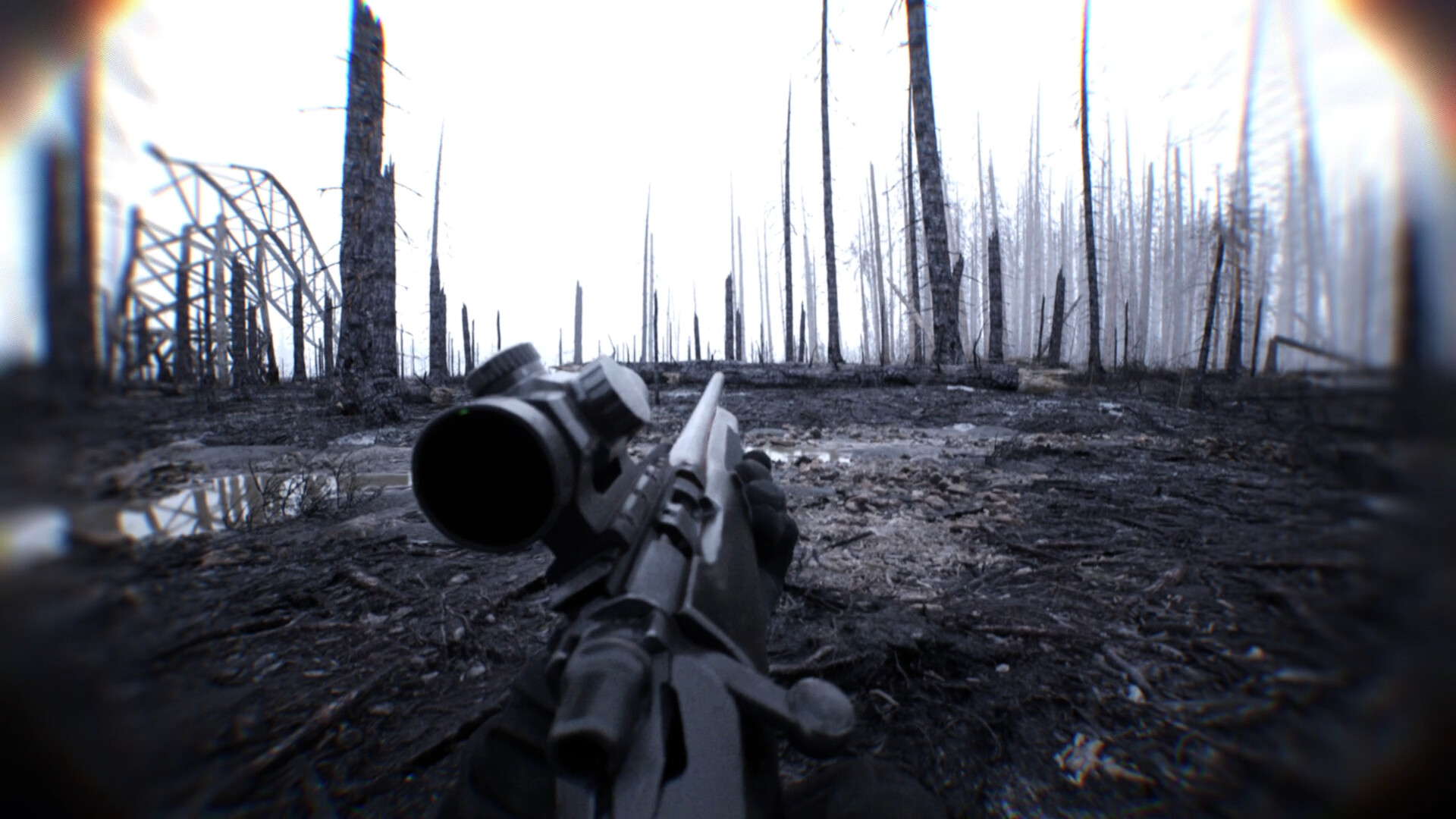
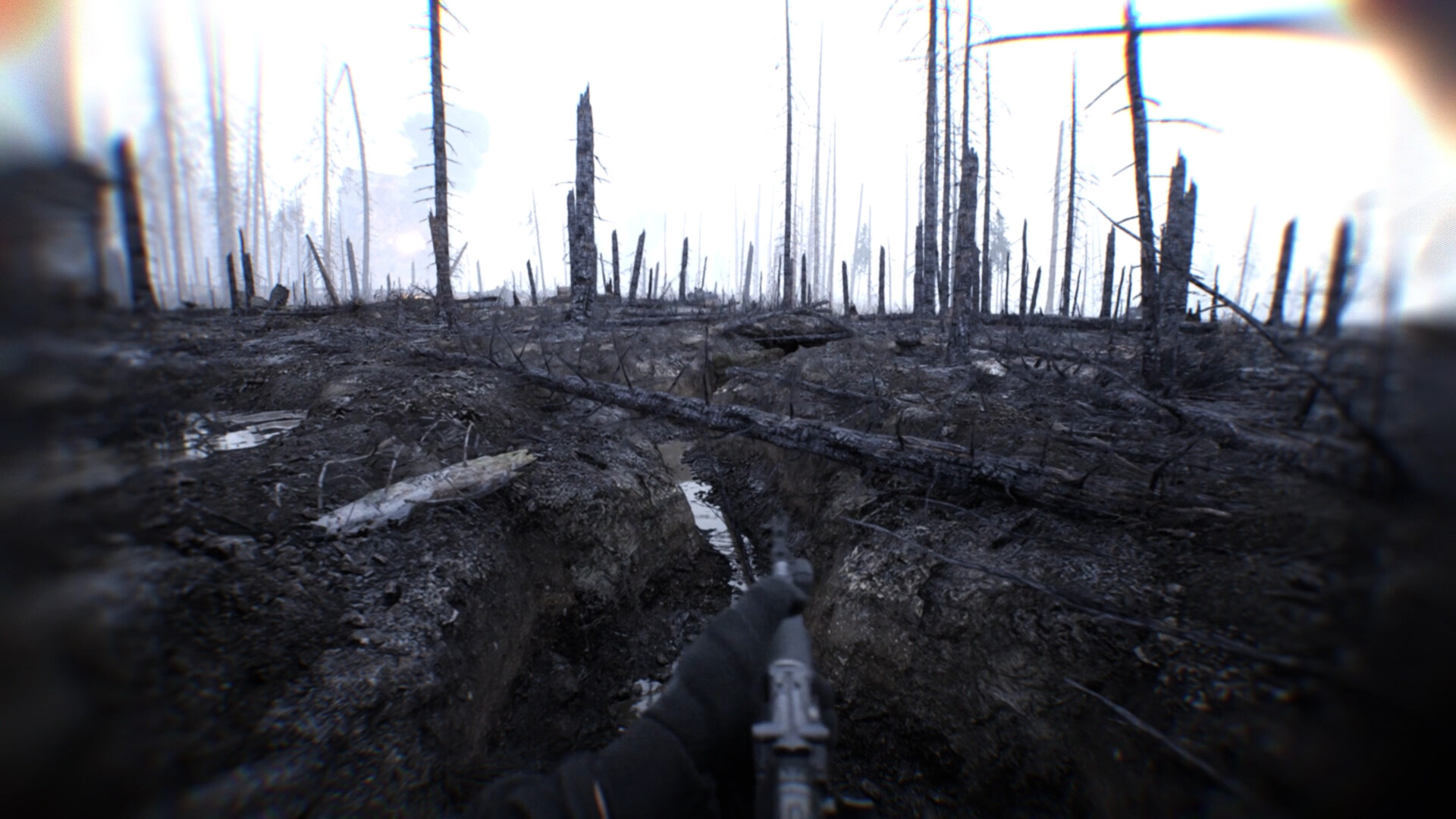
The lack of a crosshair, ammo counter and HUD means you must rely on visual cues and sound, mirroring real combat where every motion is felt through the body rather than a floating interface.
- Spend time in the Shooting Range HUB to get comfortable with the body‑linked controls before jumping into matches.
- Use the in‑game audio cues to gauge enemy distance and direction, compensating for the missing HUD.
02 / THE GUIDE
Weapon Customization & Reload
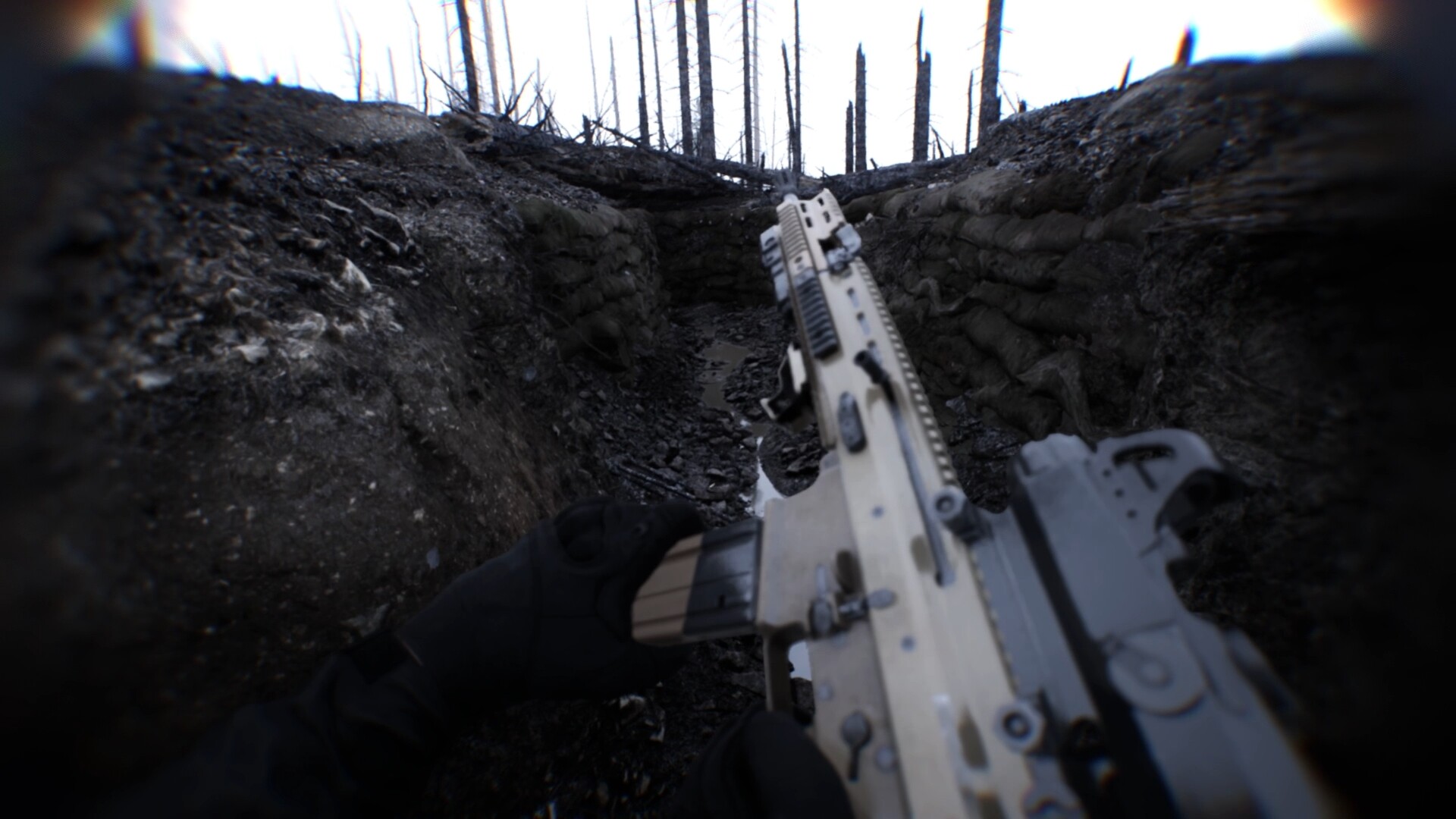
Every firearm can be built from the ground up with hundreds of attachments, creating billions of possible configurations. Attachments affect speed, stability and precision, letting you tailor a compact CQB rifle or a long‑range precision platform.
Reloads use a dynamic animation system with calm and stressed states. Under pressure, characters can make realistic mistakes, rush movements and produce varied reload animations, ensuring each reload feels unique.
- Test different attachment combos in the Shooting Range HUB to find a balance that matches your playstyle.
- Practice reloads under stress in a match to become familiar with the possible mistake animations.
03 / THE GUIDE
FPV Drone & RC Car
Bodycam includes authentic FPV piloting with realistic flight physics, offering Stabilized and Full Manual (Acro) modes plus tuning options such as rates, throttle curves and flight profiles. Drones and RC vehicles can scout, gather intel, strike targets and support squads.
These tools are deployed from the tactical tablet, allowing you to switch between combat and reconnaissance without leaving the in‑game environment.
- Start with Stabilized mode to learn basic controls before moving to Full Manual for advanced maneuvers.
- Use the drone’s camera to locate enemy positions before committing to an assault.
04 / THE GUIDE
Ragdoll Stumbling Physics
Combat is powered by procedural physics that drive a Ragdoll Stumbling system. Operators can lose balance, stumble, recover and react to the environment in a natural way, making each encounter dynamic and unpredictable.
This physics‑driven approach replaces static movement, ensuring that terrain, impacts and momentum all influence how you move and fight.
- Maintain a low profile on uneven terrain to reduce the chance of stumbling during firefights.
- Use the environment—walls, cover, and obstacles—to regain balance after a hit.
05 / THE GUIDE
Game Modes
Competitive play centers on 2v2 Wingman, a Search & Destroy mode where communication, positioning and precision decide each round. No hero abilities, killstreaks or movement exploits are present.
Casual options include 5v5 Body Bomb, Team Deathmatch, Deathmatch, Hardpoint, Gun Game and a co‑op Zombies mode where players manage ammo, explore maps and survive wave after wave of infected.
- In Wingman, coordinate with your teammate on angles and timing to maximize clutch potential.
- During Zombies, conserve ammunition early to ensure you can handle later, tougher waves.
COMMUNITY
Player discussion