 GameWiki
GET YOUR BEARINGS
About Blue Archive
Blue Archive invites players into Kivotos, an anime‑styled academy where you act as a teacher guiding a diverse group of students on adventures. Players recruit girls through a gacha system, build squads, and engage in strategic battles while uncovering personal stories. The game blends tactical RPG combat, deep character relationships, and vibrant 2D/3D cinematics, all supported by customizable audio and mouse‑only controls on Windows.
01 / THE GUIDE
Story & Setting
Blue Archive places players in the school city of Kivotos, where they assume the role of a teacher guiding students.
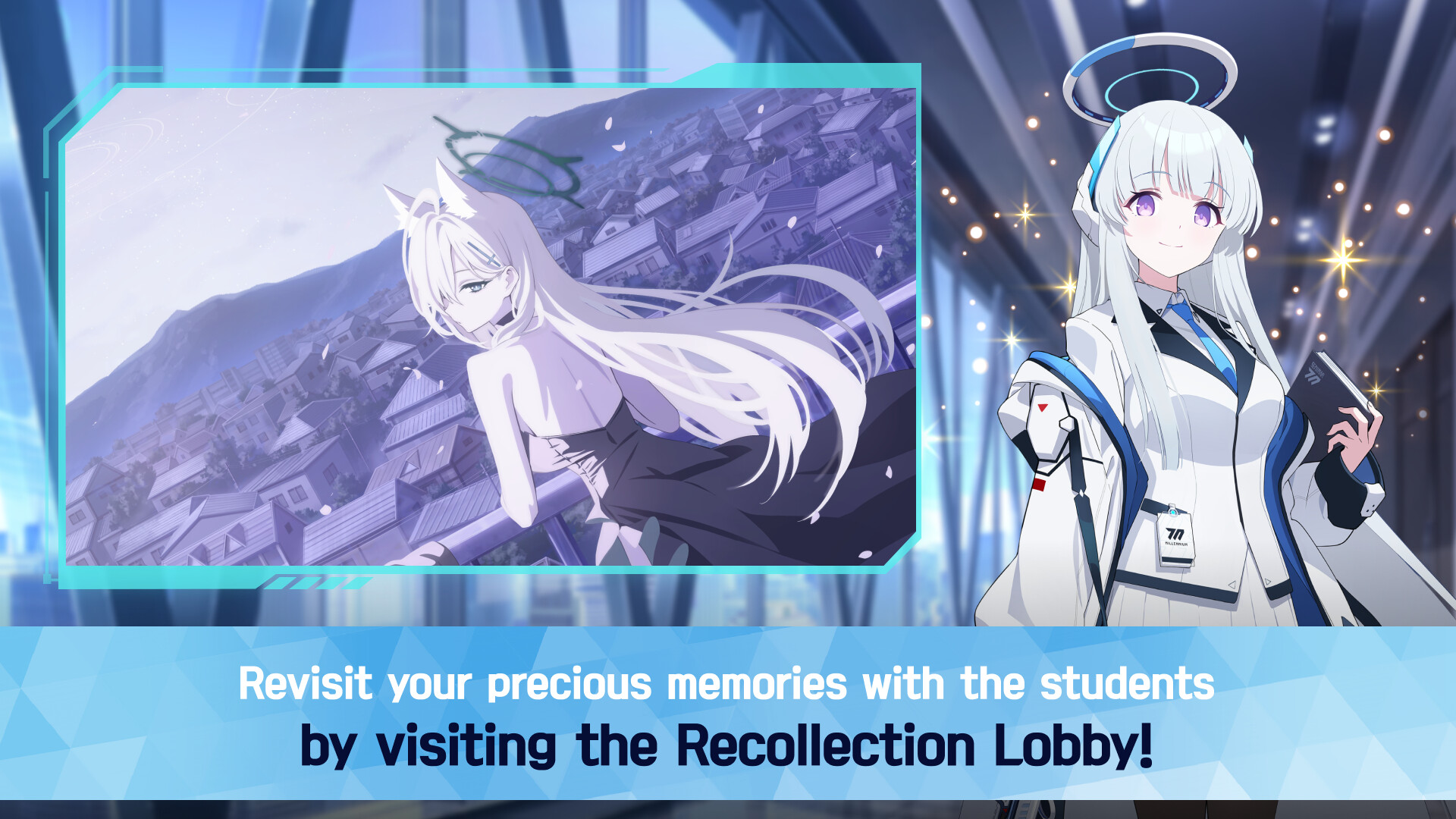
The narrative weaves love, friendship, and heartbreak through cinematic 2D and 3D scenes, creating an emotionally resonant adventure.
- Observe each character’s dialogue to understand their motivations.
- Watch the cinematics to catch story hints.
02 / THE GUIDE
Combat System
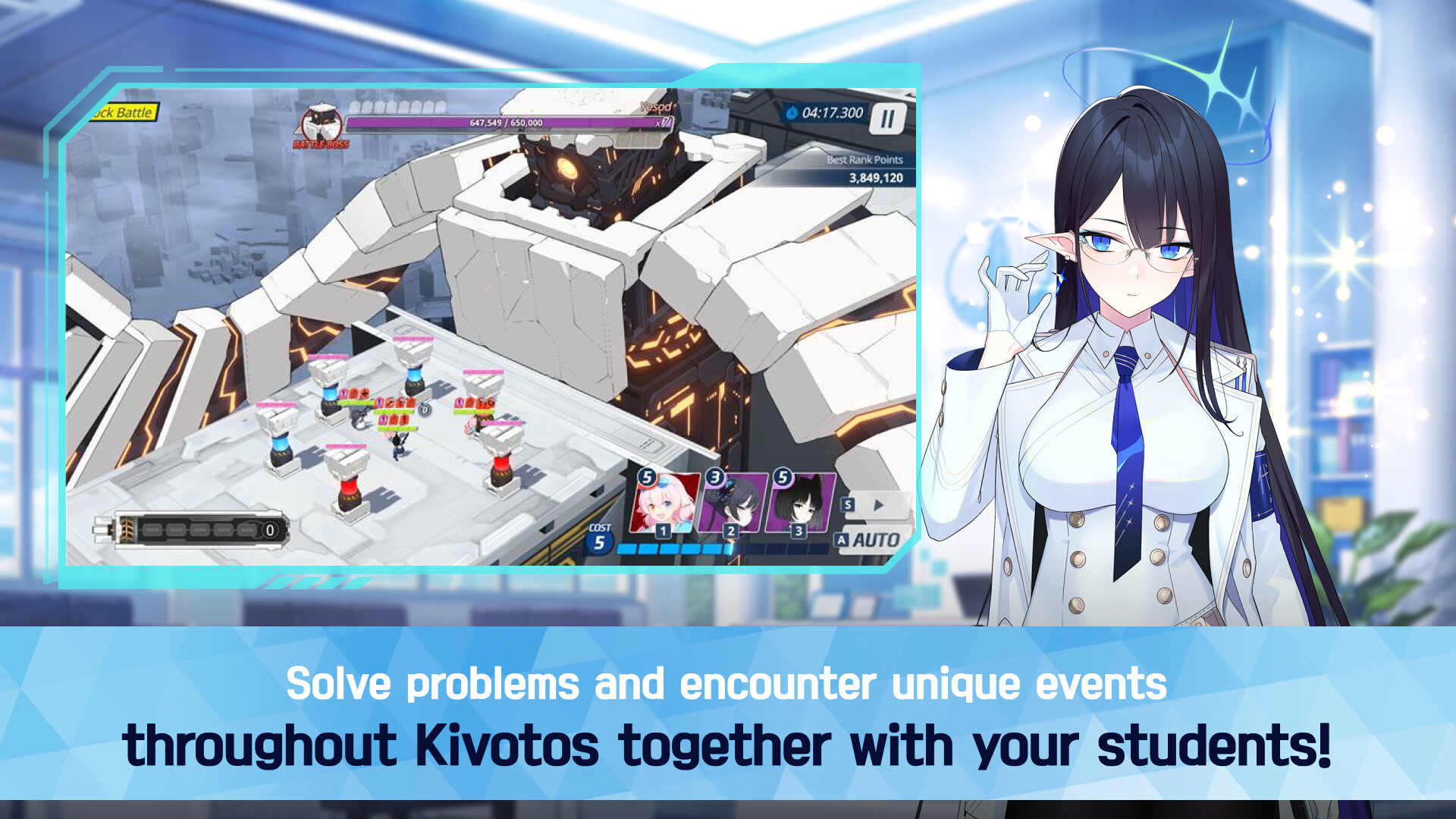
Combat is tactical, requiring players to carefully assemble squads of girls, each offering distinct combat elements.
Strategic adjustments during battles, such as positioning, timing, and skill use, influence victory outcomes and unlock further story moments.
- Experiment with different squad compositions to see how elements combine.
- Pay attention to enemy patterns to time your skills effectively.

03 / THE GUIDE
Relationship & Dialogue
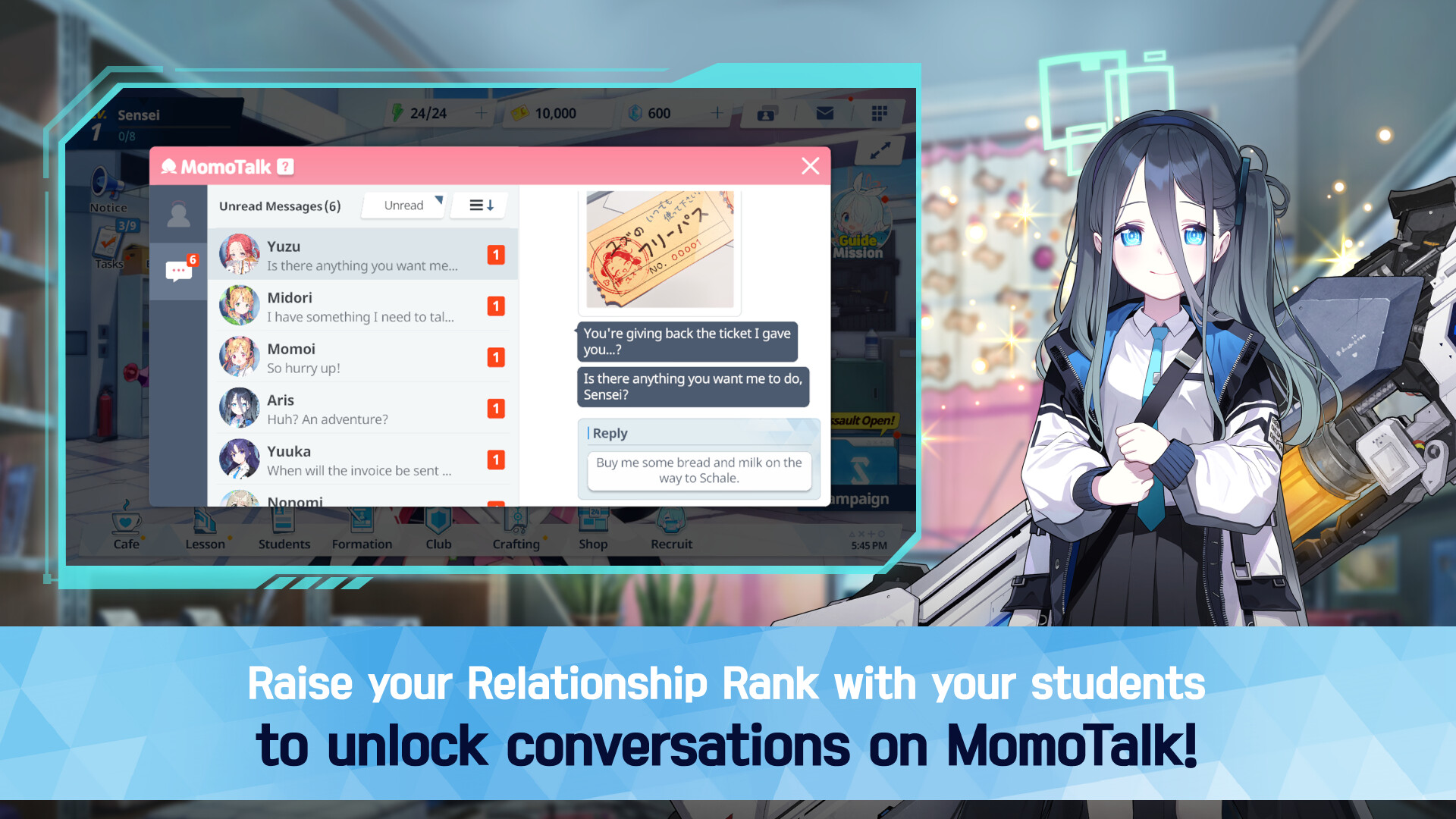
Each student features a personal story revealed through unique relationship episodes, MomoTalk, and private chats, deepening player insight.
Building strong bonds unlocks new dialogue options, reveals hidden memories, and deepens the overall narrative experience for the player.
- Take time to read each dialogue segment for hidden character traits.
- Engage in MomoTalk regularly to discover additional story layers.
04 / THE GUIDE
Gacha Recruitment
Players acquire new students via a gacha system, adding fresh stories, unique abilities, and combat elements to their squad.
Each recruited girl enhances synergy, allowing varied formations, strategic depth, and new narrative episodes across battles.
- Consider the elemental strengths of new recruits when forming your team.
- Balance veteran and newly recruited girls to maintain consistent performance.
05 / THE GUIDE
Audio & Accessibility
Blue Archive offers customizable volume controls, stereo sound, and subtitle options to suit player preferences.
A mouse-only option ensures the game can be played without additional peripherals on Windows PCs, enhancing accessibility for various setups.
- Adjust subtitle size for clearer reading during dialogue scenes.
- Use custom volume sliders to balance music and sound effects to personal taste.
COMMUNITY
Player discussion